How to Create Autoresponder In GetResponse
- George Apostolov
How to Create Autoresponder In GetResponse: step-by-step guide
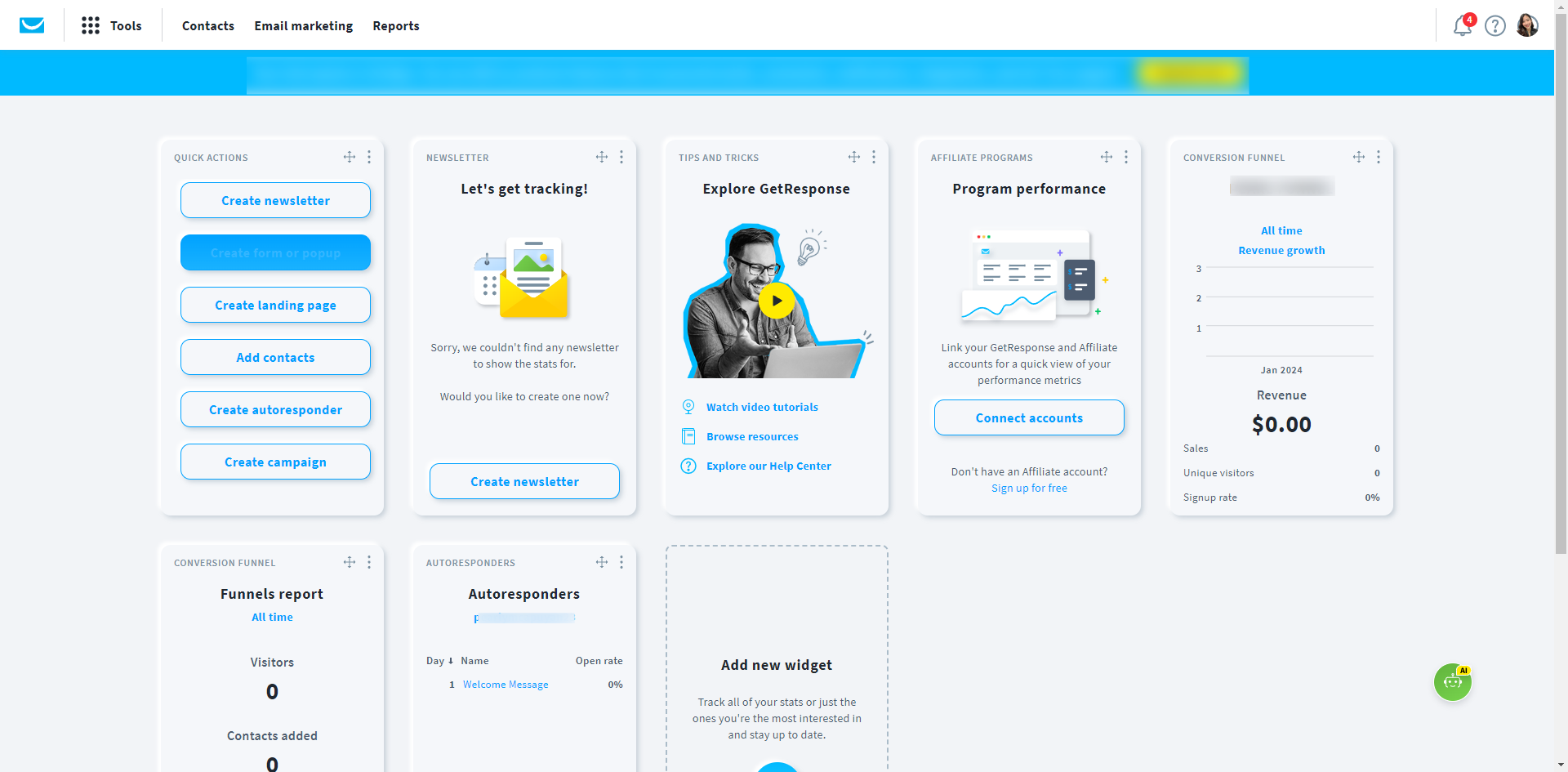
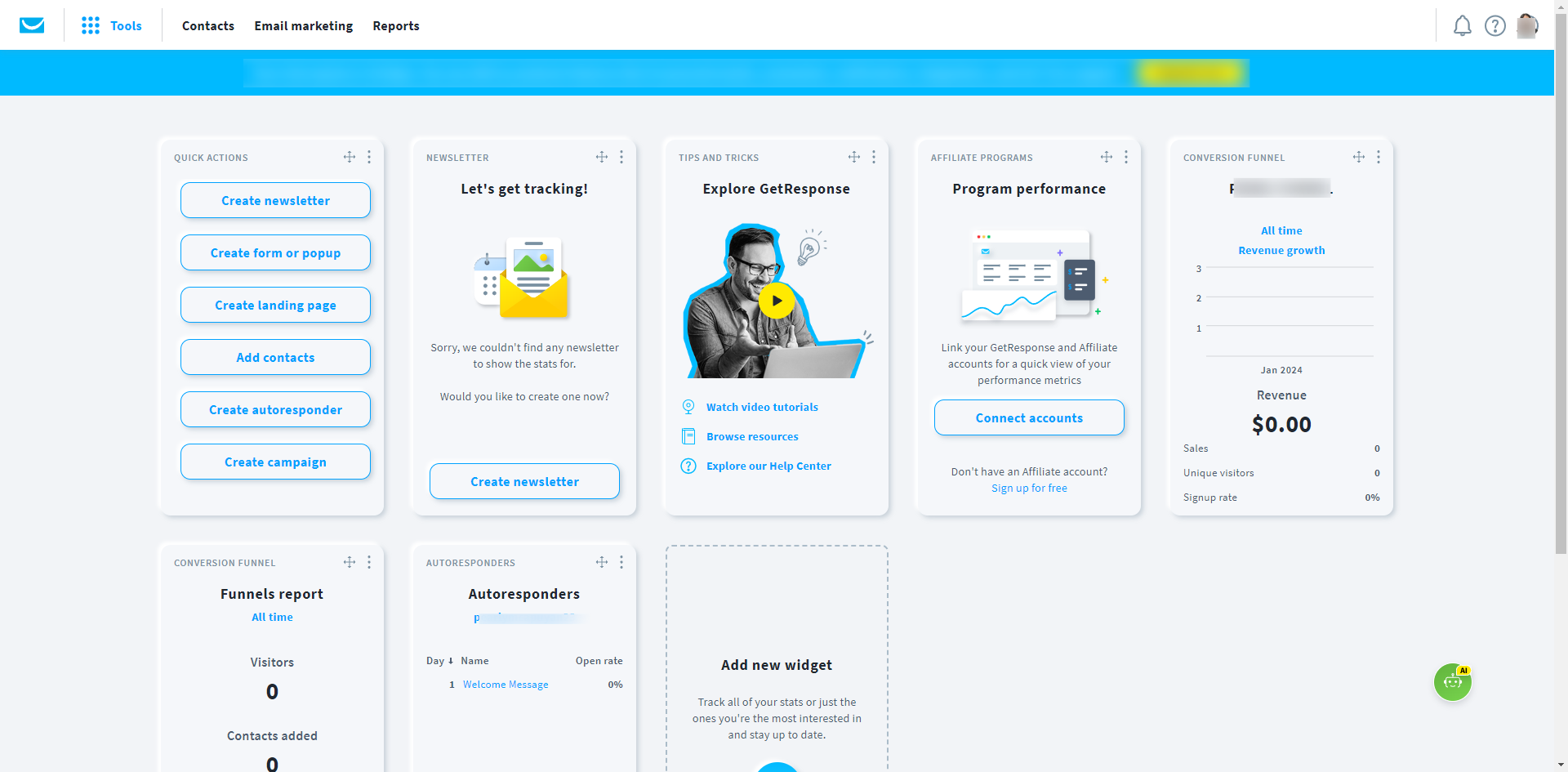
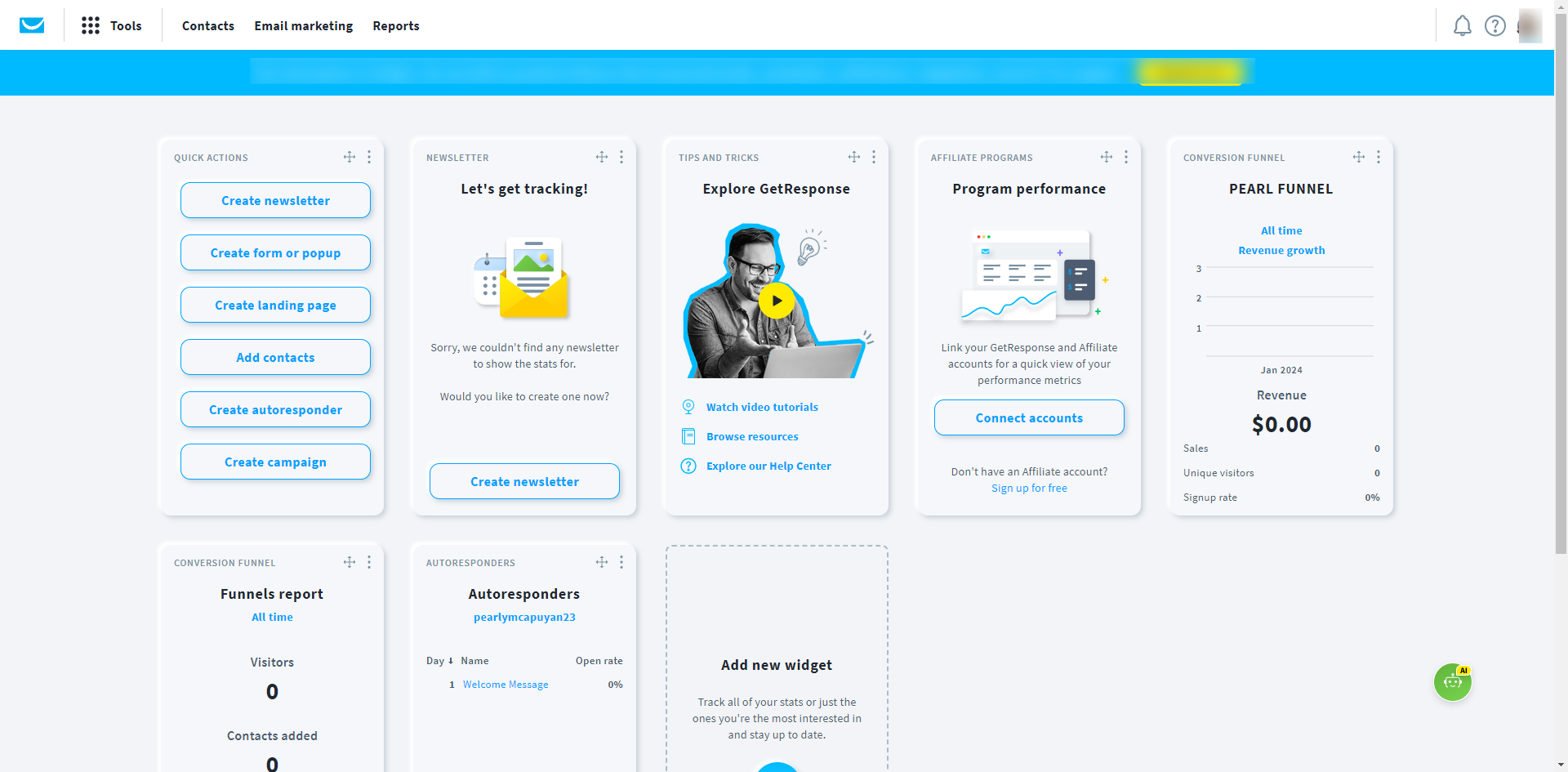
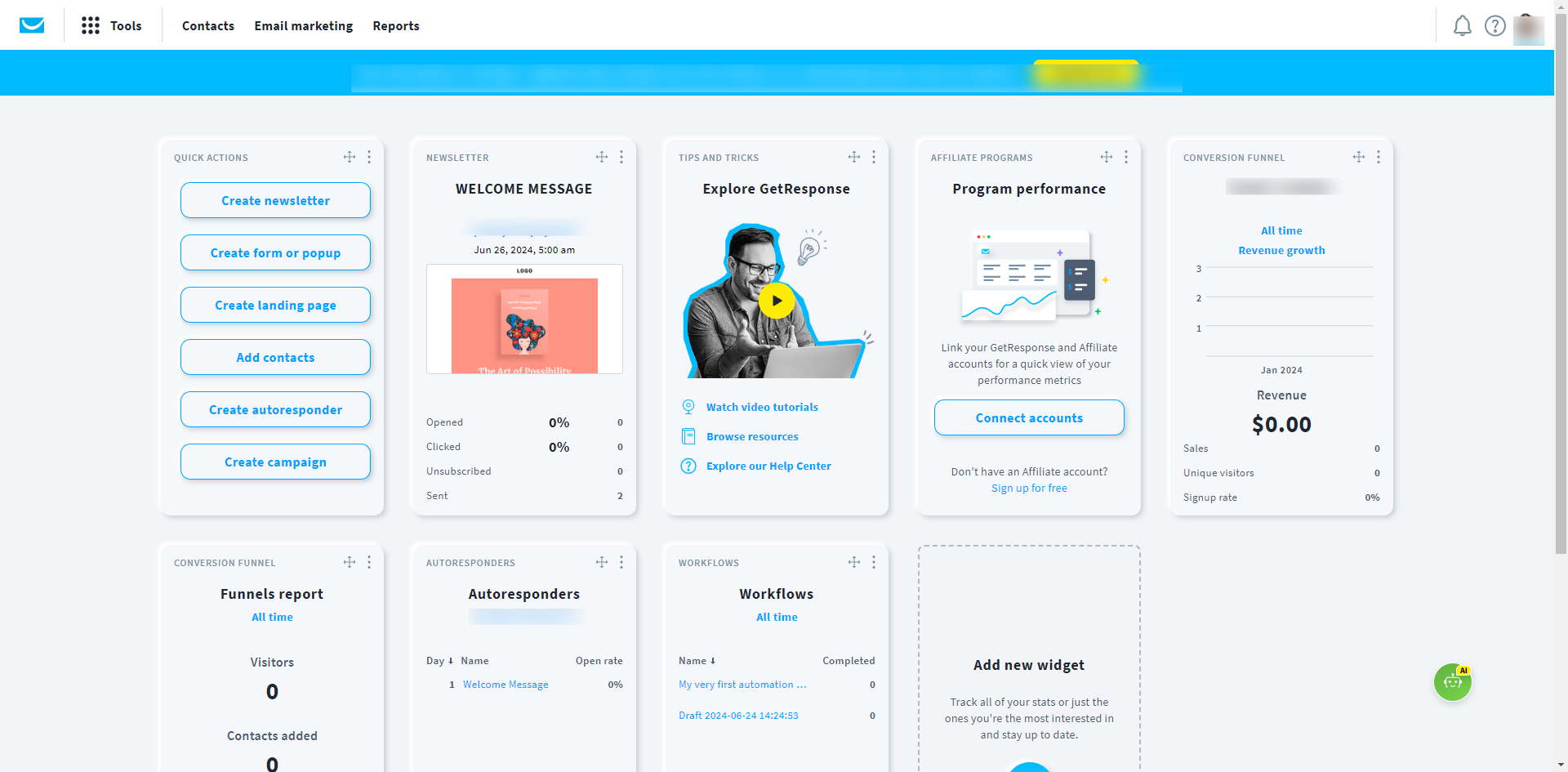
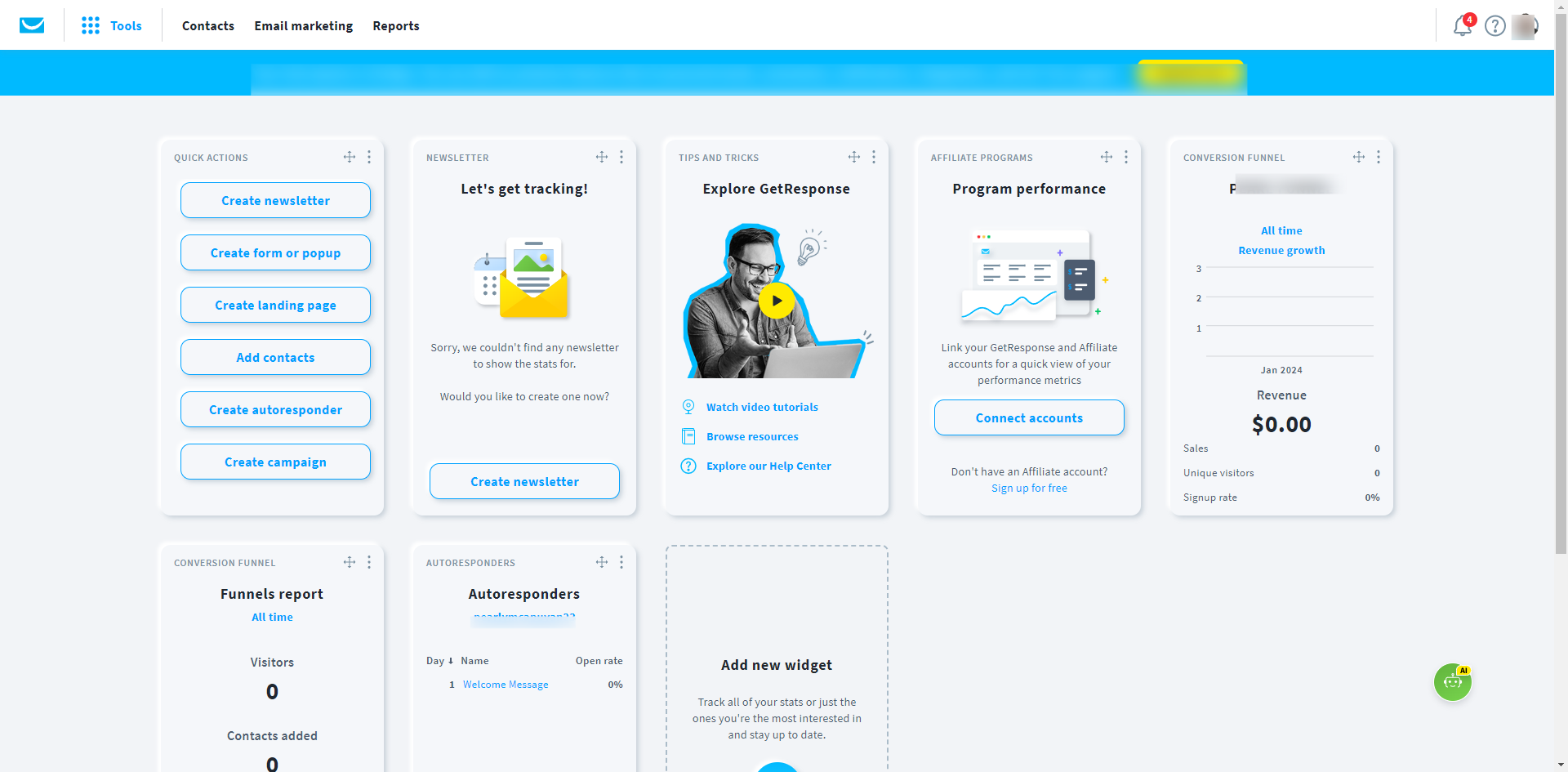
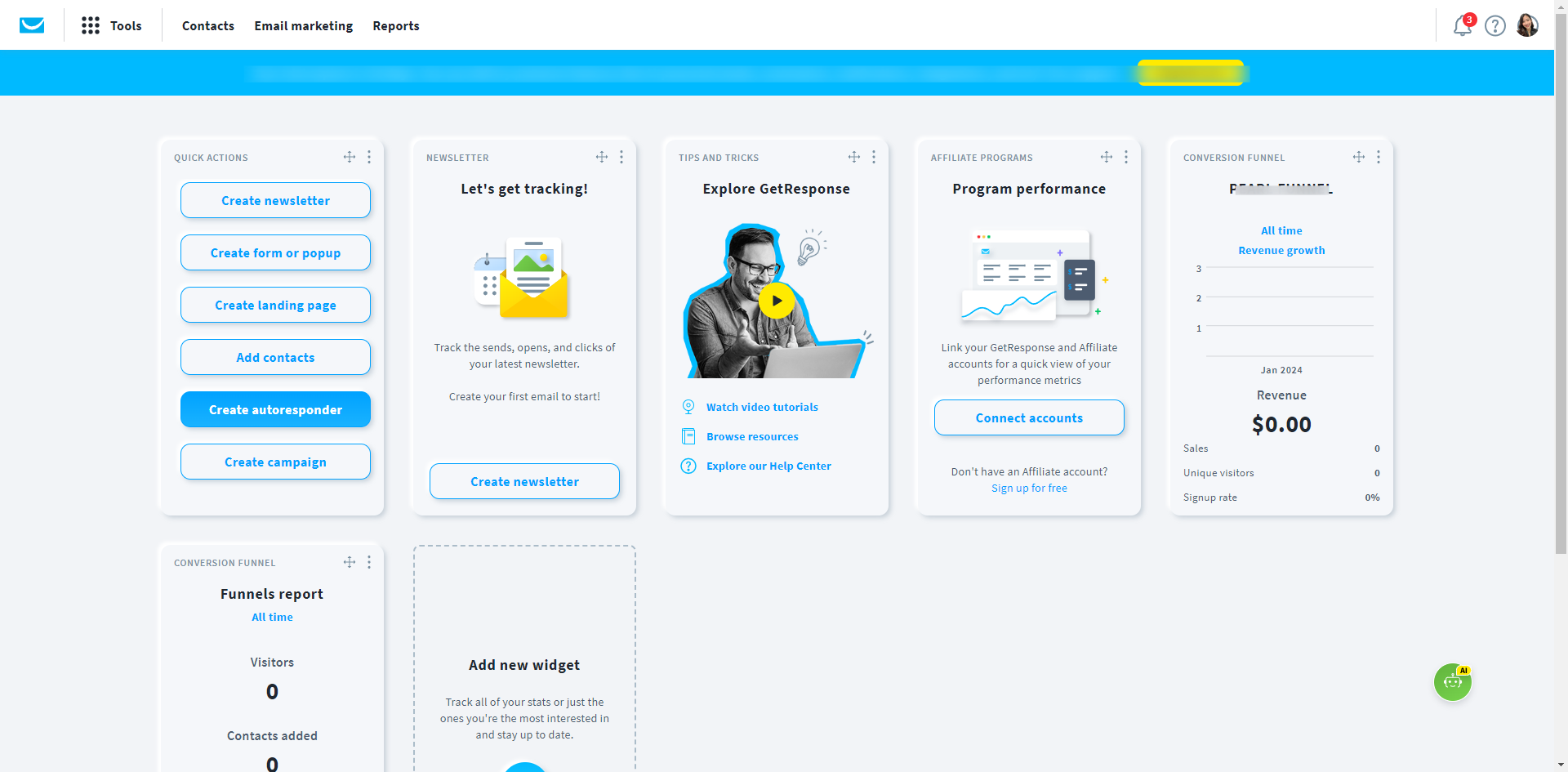
Go to the 'Quick Actions' menu, select 'Create autoresponder'.
Click use an 'AI email creator' or 'By myself' in the popup window.
Give your message an internal name.
Choose the list linked to the autoresponder. This is the list your contacts subscribe to.
Assign the autoresponder to a specific day in a cycle.
Select if you want to send the message on 'Same time signed up', 'With a delay of', or 'Exactly at' a specific time.
Choose the days of the week you’d like for the message to go out on.
Select the 'From and Reply-to' addresses.
Add your message subject line.
Next, click 'Design message' to design how your message should look like.
Choose and select from 'Predesigned templates'. Click 'Use template'.
Click 'Save' or 'Save and publish' if you want the message to go live right away.
A notification pops up once you have published your autoresponder.
By following these steps, you can effectively create and manage autoresponders in GetResponse.
Quick answer: To create an autoresponder in GetResponse, go to Quick Actions and select create autoresponder. Choose an AI or manual creation method, name the message, link a contact list, assign a cycle day, and set timing options. Select sender addresses, add a subject line, design the message using templates, and save or publish.
About this GetResponse tutorial
Set up automated emails easily in GetResponse by configuring your list, schedule, sender details, and message design to publish your autoresponder. This guide shows how to create Autoresponder In GetResponse in 14 steps, starting with "Go to the 'Quick Actions' menu, select 'Create autoresponder'" and finishing with "By following these steps, you can effectively create and manage autoresponders in GetRe...". The interactive demo above is a click-through copy of the real GetResponse interface, so you can rehearse each step before doing it in your own account.
Frequently asked questions
How many steps does it take to create Autoresponder In GetResponse?
14 steps. Each one is listed in order above, and the demo highlights exactly where to click.
Can I try it without changing my own account?
Yes. Clicking through the demo doesn't touch your GetResponse data or settings. Once you know the flow, repeat it in your own workspace.
This tutorial is filed under GetResponse. Related guides: How to Create Form Page on GetResponse, How to Delete Contacts in GetResponse and How to Export Contacts in GetResponse. Last reviewed 05 Oct 2026.

Create your first interactive demo in minutes
No credit card required • Start building today