Ahrefs - How to create reports in Ahrefs
- George Apostolov
Ahrefs - How to create reports in Ahrefs: step-by-step guide
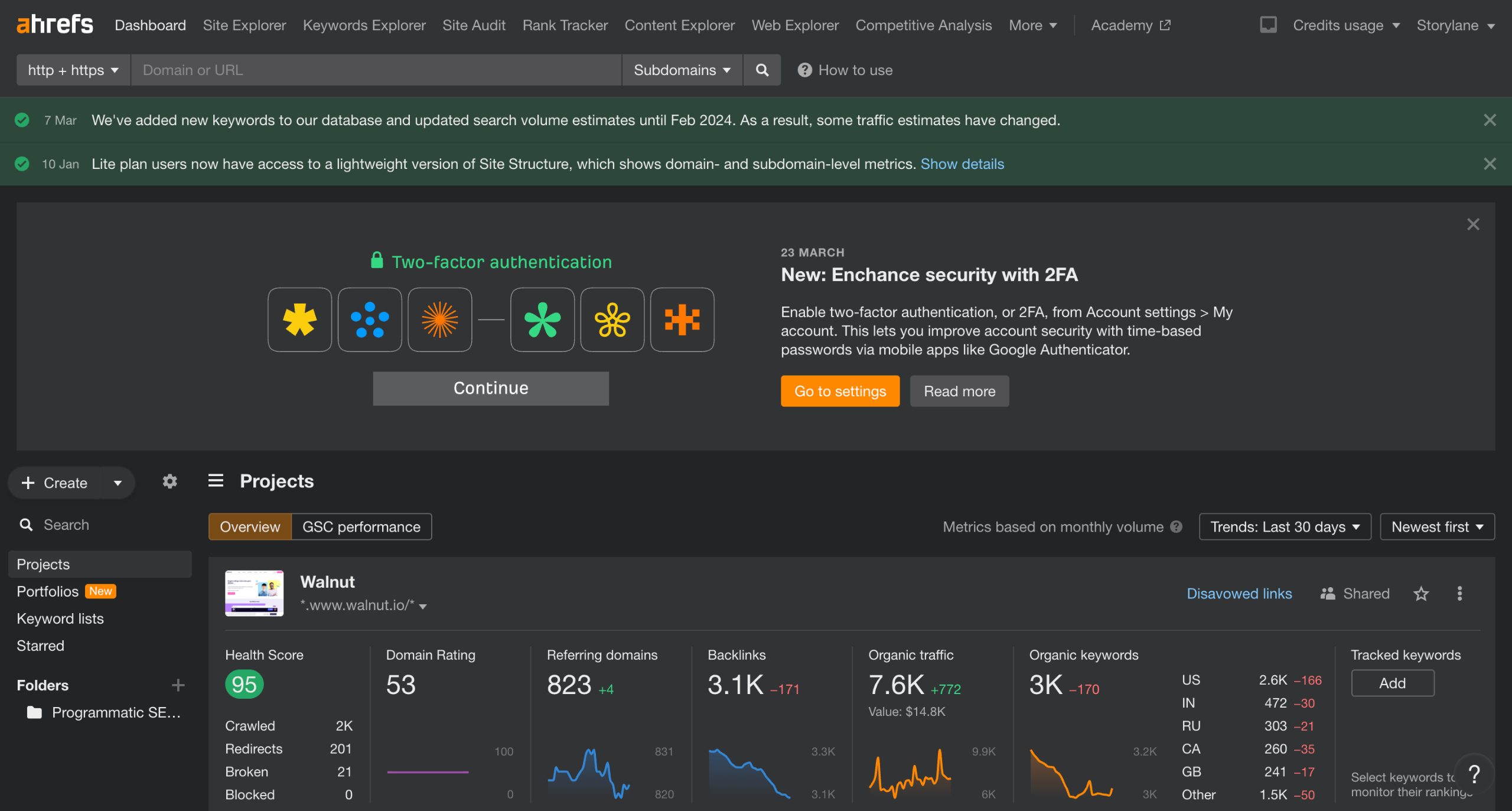
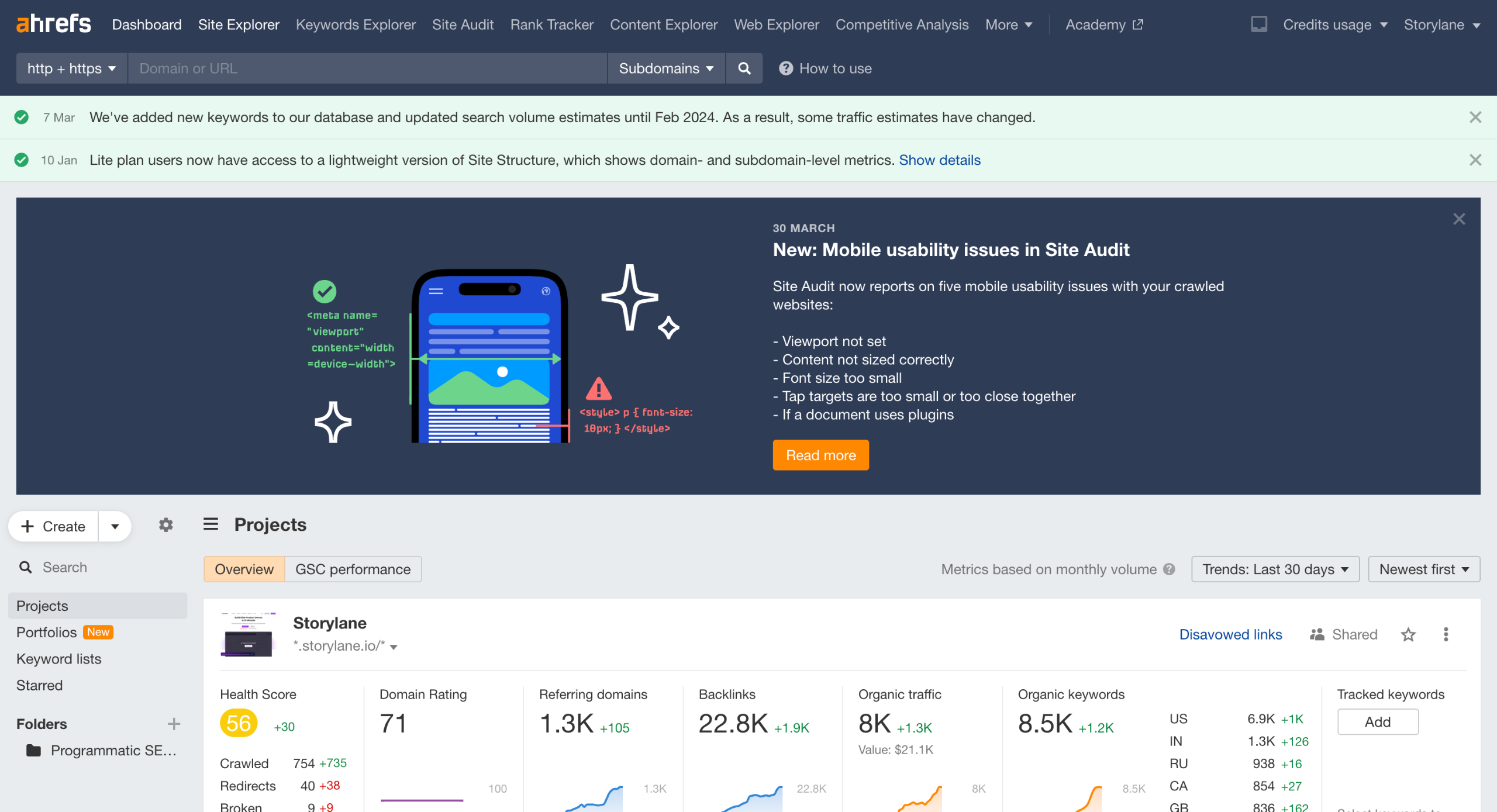
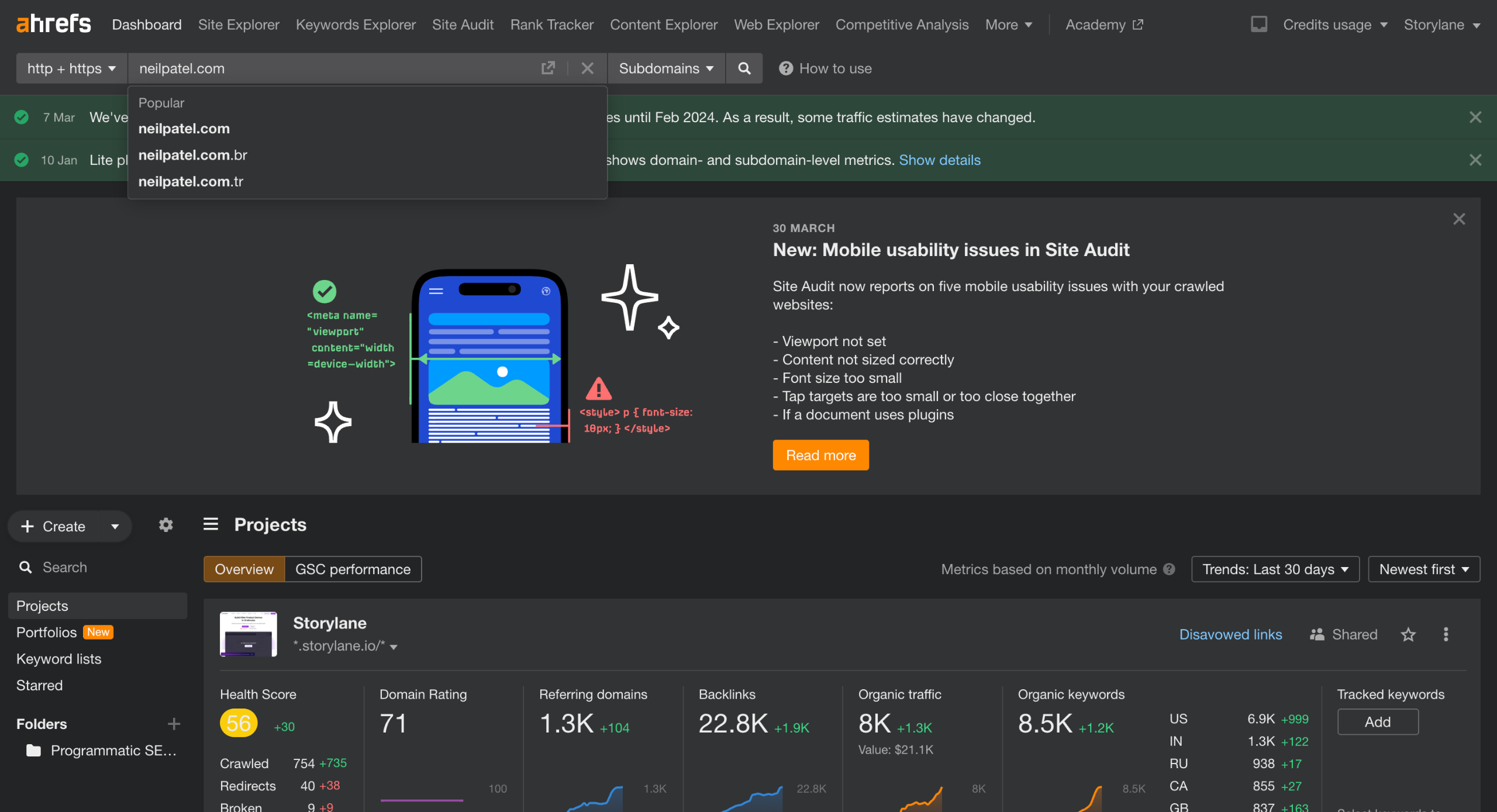
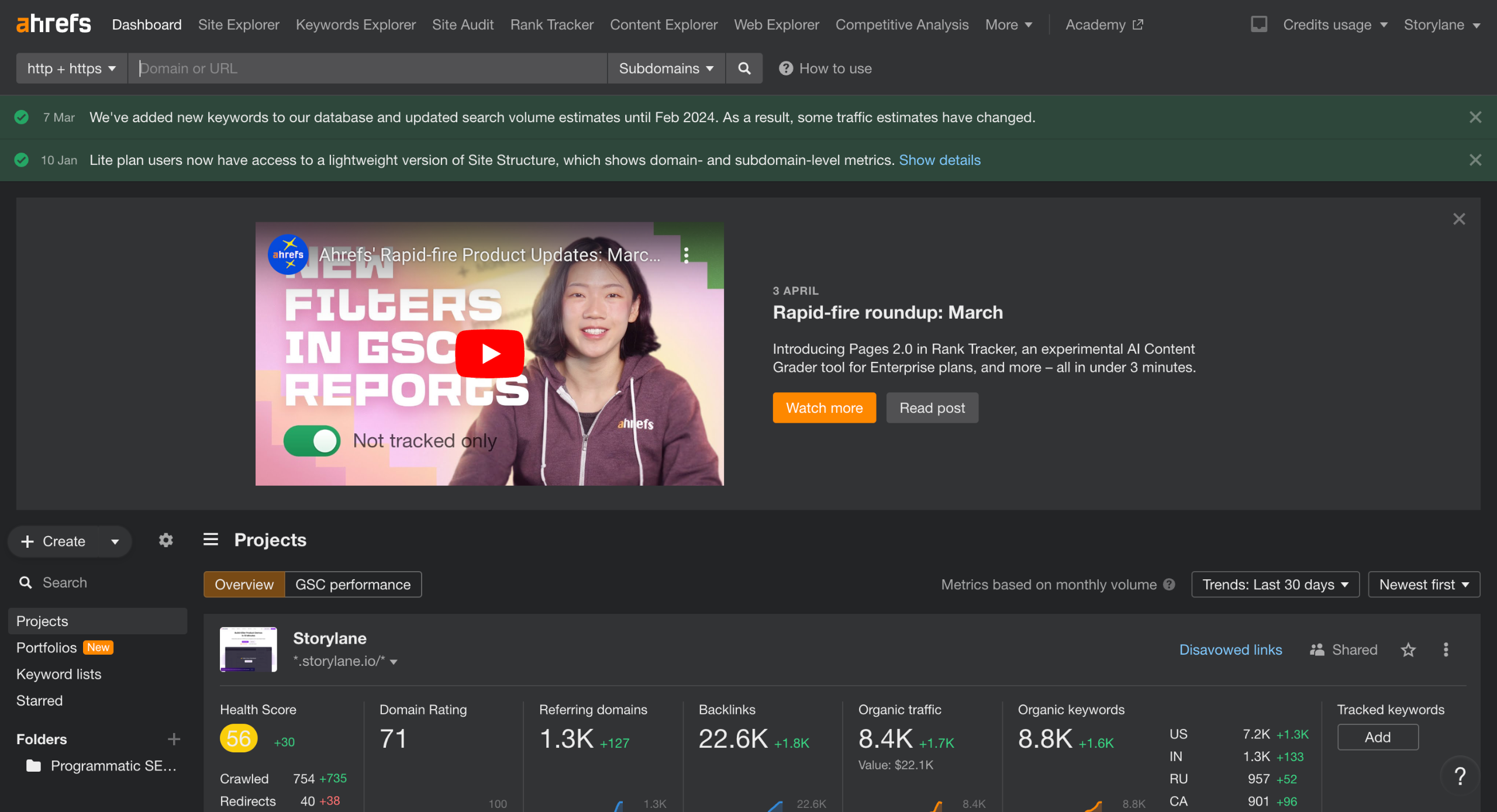
Ahrefs offers several tools and reports.
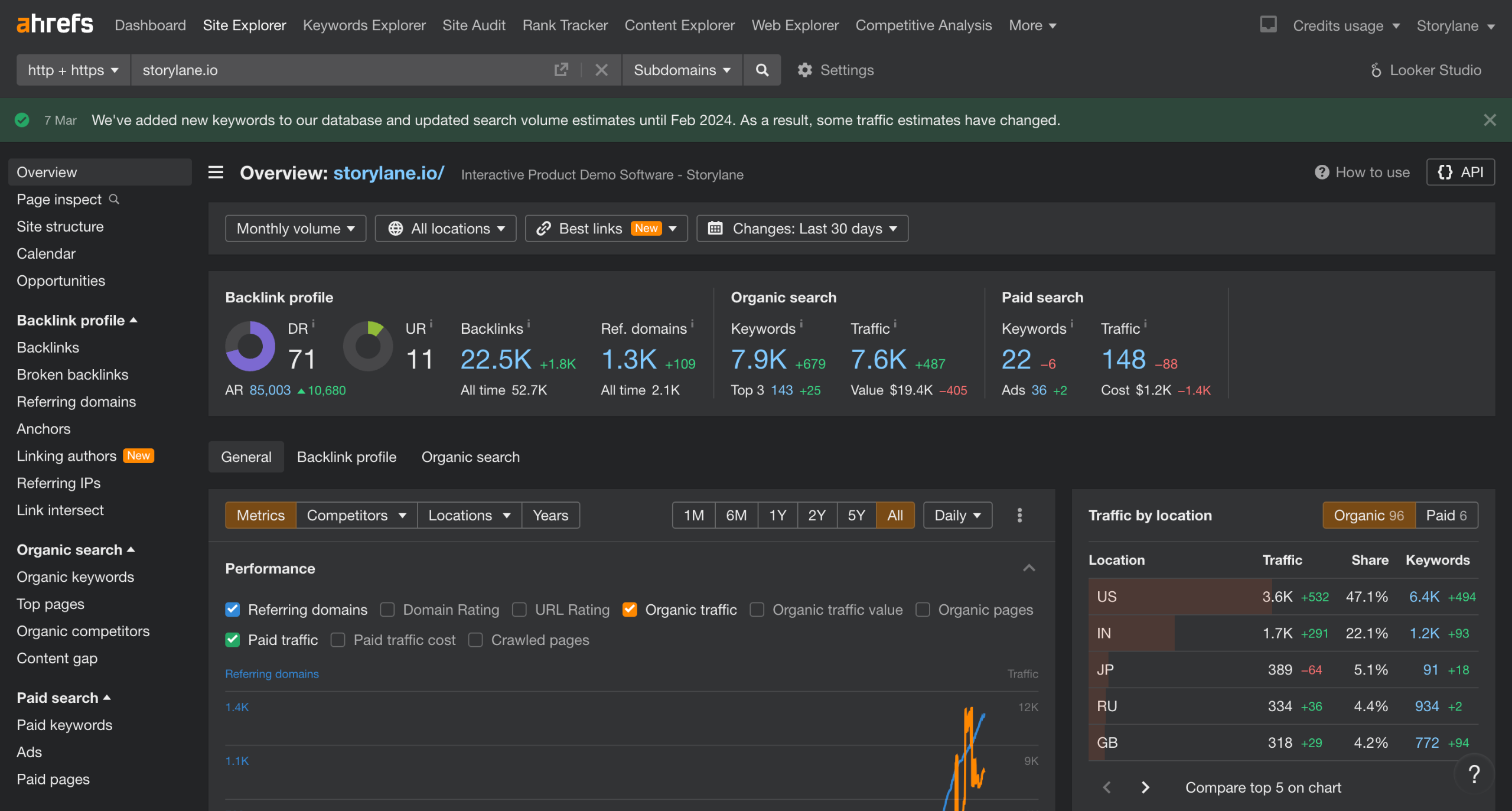
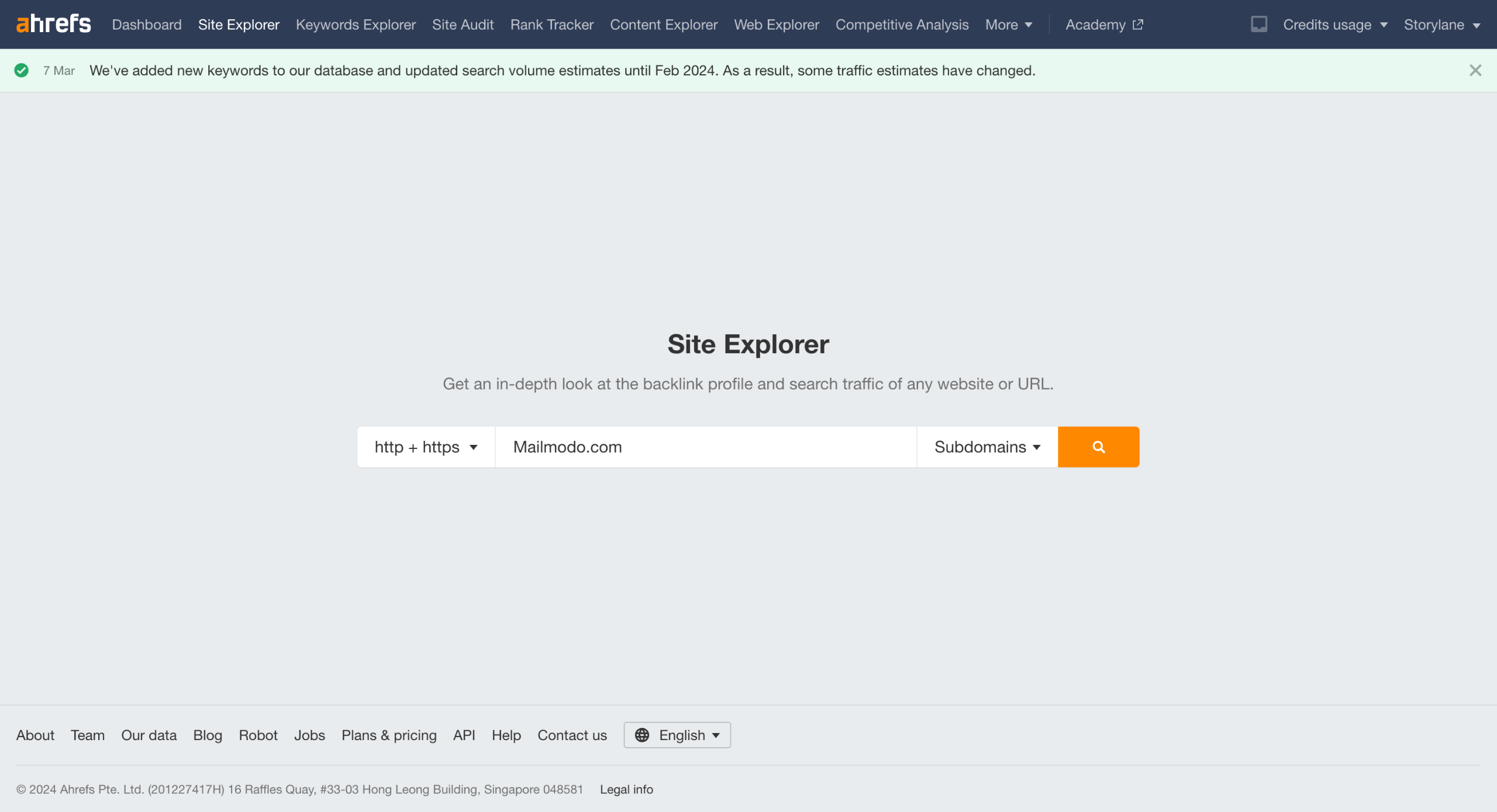
Such as Site Explorer,
Keyword Explorer,
Site Audit,
Rank Tracker and more.
Depending on the tool, you may need to input your website URL or specific keywords you want to analyze.
Customize your report. E.g. In Site Explorer, you can edit Location, Position, and Search Volume, among other parameters.
You can customize your reports further by dialling in your filters.
Review the data presented to you. This could include backlinks, keyword rankings, site health issues, etc.
You could either take screenshots of the dashboards to showcase on your presentation slides.
You can Export the data as a CSV file. CSV files allow you further customization.
You can organise the data and create charts using Excel, Google sheets etc and then move it to your presentation tools like Google Slides, Canva etc.
Quick answer: To create reports in Ahrefs, input your website URL or keywords into tools like Site Explorer, Keyword Explorer, Site Audit, or Rank Tracker. Customize your report parameters and filters, review the presented data, and then take screenshots or export the data as a CSV file for further organization.
About this Ahrefs tutorial
Generate custom SEO reports in Ahrefs by selecting tools, filtering data, and exporting insights as CSV files for presentations. This guide covers ahrefs - How to create reports in Ahrefs in 12 steps, starting with "Ahrefs offers several tools and reports" and finishing with "You can organise the data and create charts using Excel, Google sheets etc and then mov...". The interactive demo above is a click-through copy of the real Ahrefs interface, so you can rehearse each step before doing it in your own account.
Frequently asked questions
How many steps does ahrefs - How to create reports in Ahrefs take?
12 steps. Each one is listed in order above, and the demo highlights exactly where to click.
Can I try it without changing my own account?
Yes. Clicking through the demo doesn't touch your Ahrefs data or settings. Once you know the flow, repeat it in your own workspace.
This tutorial is filed under Ahrefs. Related guides: Ahrefs - Delete list, How To Disavow Backlinks in Ahrefs and Ahrefs - Download All Keywords. Last reviewed 05 Oct 2026.

Create your first interactive demo in minutes
No credit card required • Start building today