How to do competitor analysis in semrush
- George Apostolov
This guide is an interactive LiveDemo. Create interactive demos of your own product: Interactive demo software · Interactive customer onboarding guides · Start free
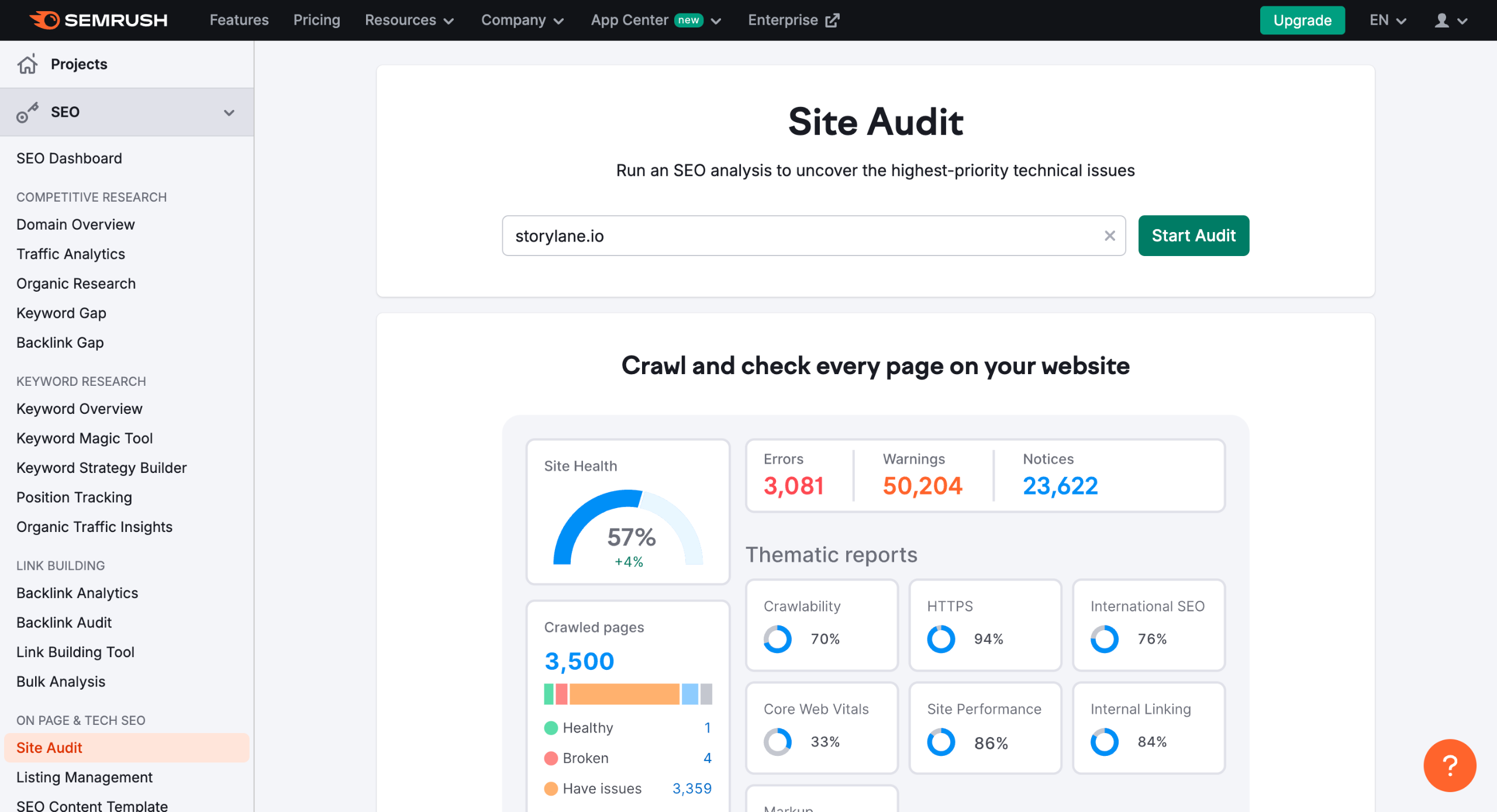
How to do competitor analysis in semrush: step-by-step guide
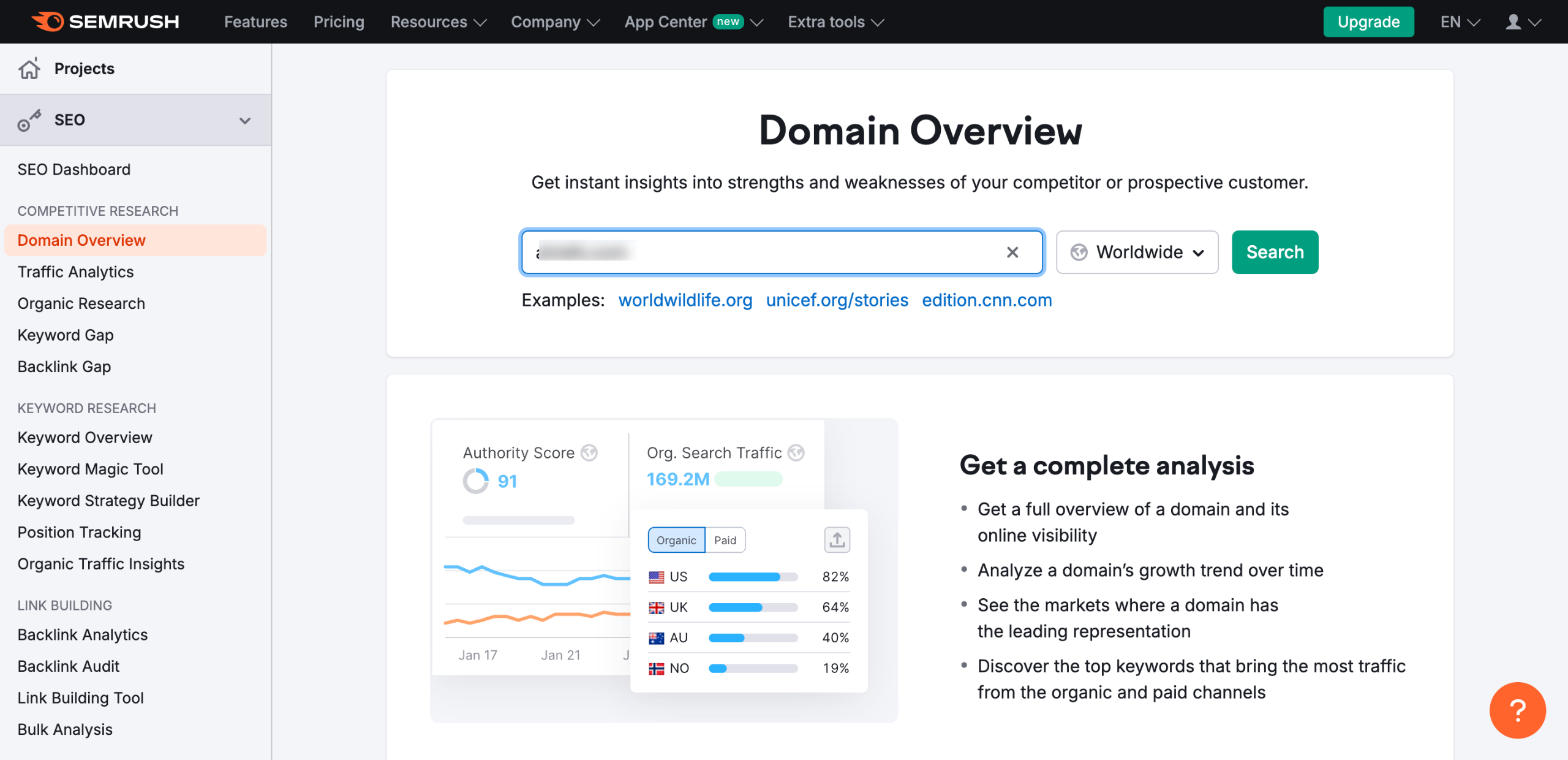
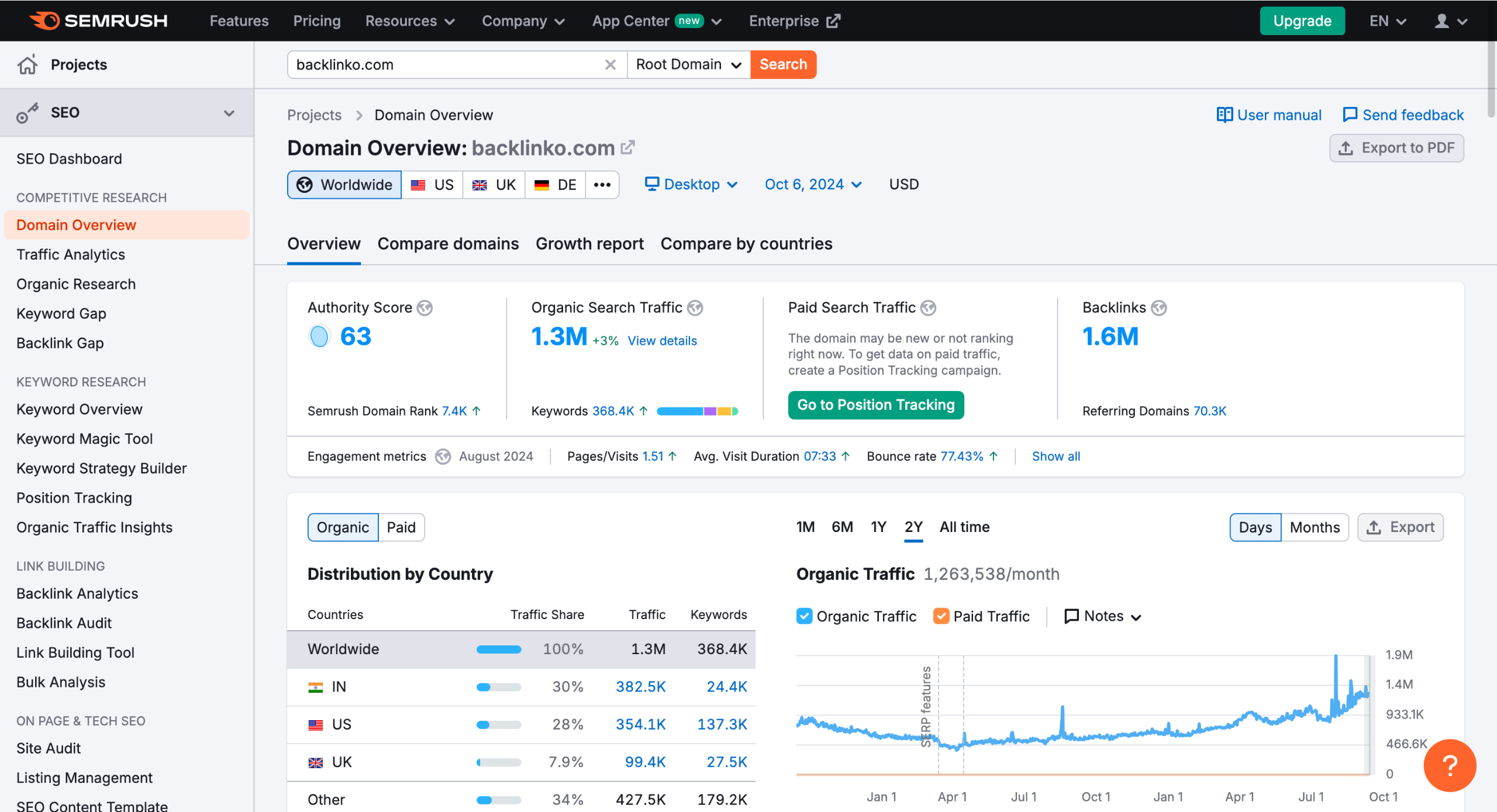
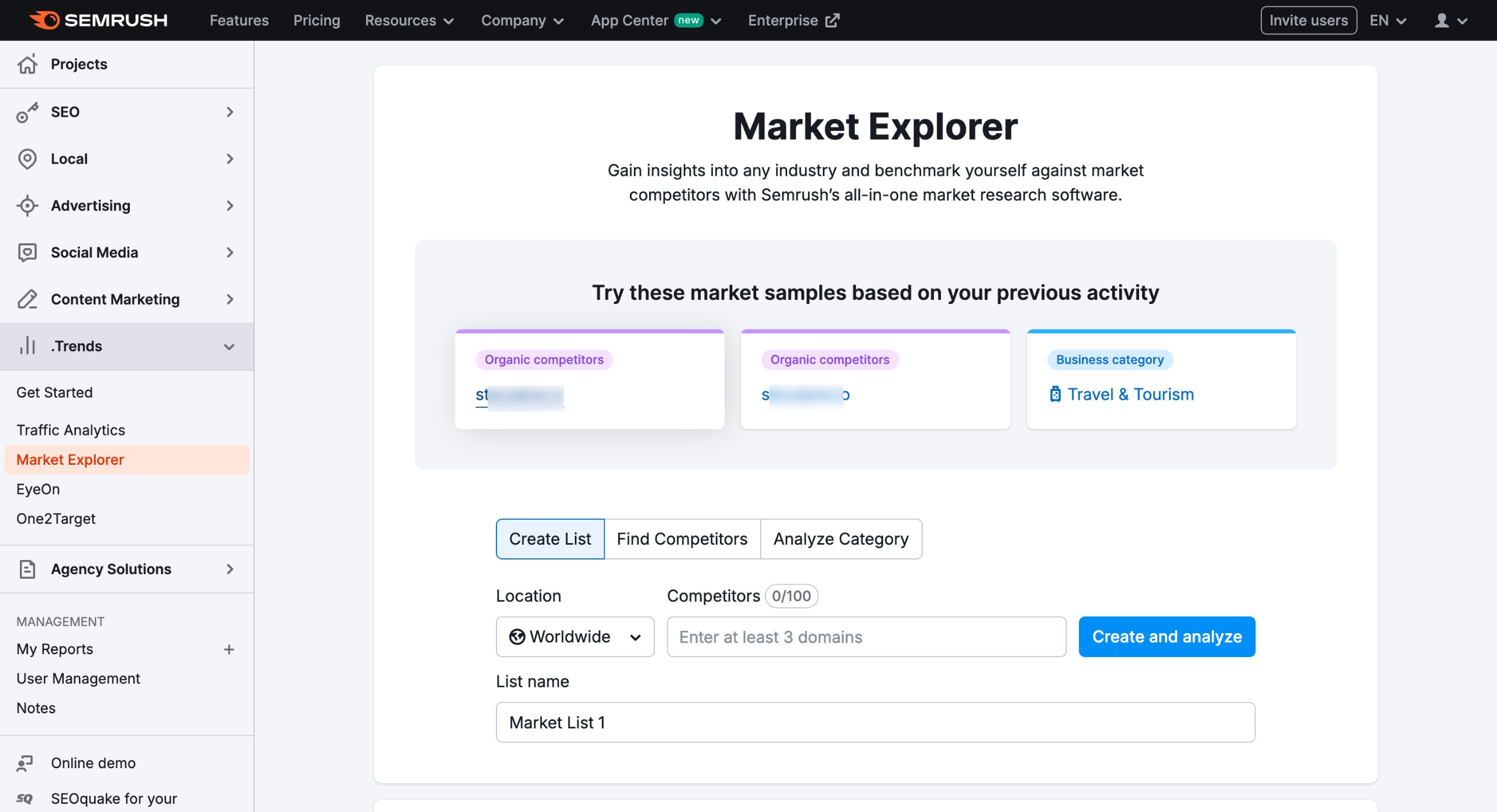
Identify competitors using Market Explorer and Organic Research Competitors tools.
Examine competitors' top-performing pages and keywords with Organic Research.
Analyze competitor traffic and audience data with Traffic Analytics.
Compare market share and growth using Market Explorer's Growth Quadrant.
Identify content gaps and opportunities using the Keyword Gap tool.
You will find the top opportunities over here.
And also comparitive keyword detail.
Analyze competitors' backlink profiles with Backlink Analytics.
Heads over to Advertising Research under Advertising.
Review competitors' PPC strategies using Advertising Research.
Lastly, head over to Semrush AppCenter and find Brand Monitoring to track competitors' brand mentions and PR activities.
Quick answer: To perform competitor analysis in Semrush, identify competitors, examine top pages and keywords, analyze traffic and audience data, compare market share, find content gaps, review backlink profiles and PPC strategies, and track brand mentions.
About this Semrush tutorial
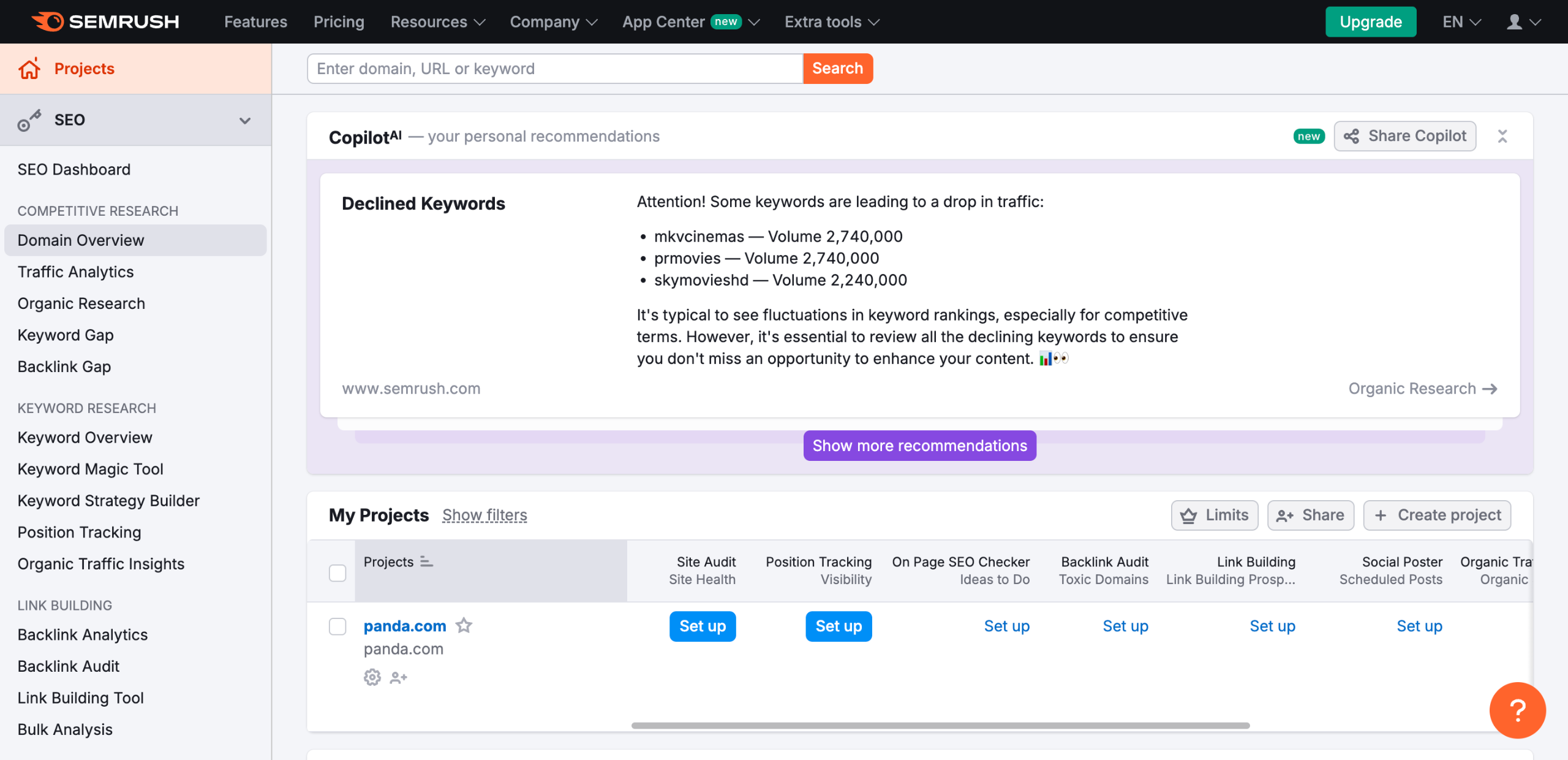
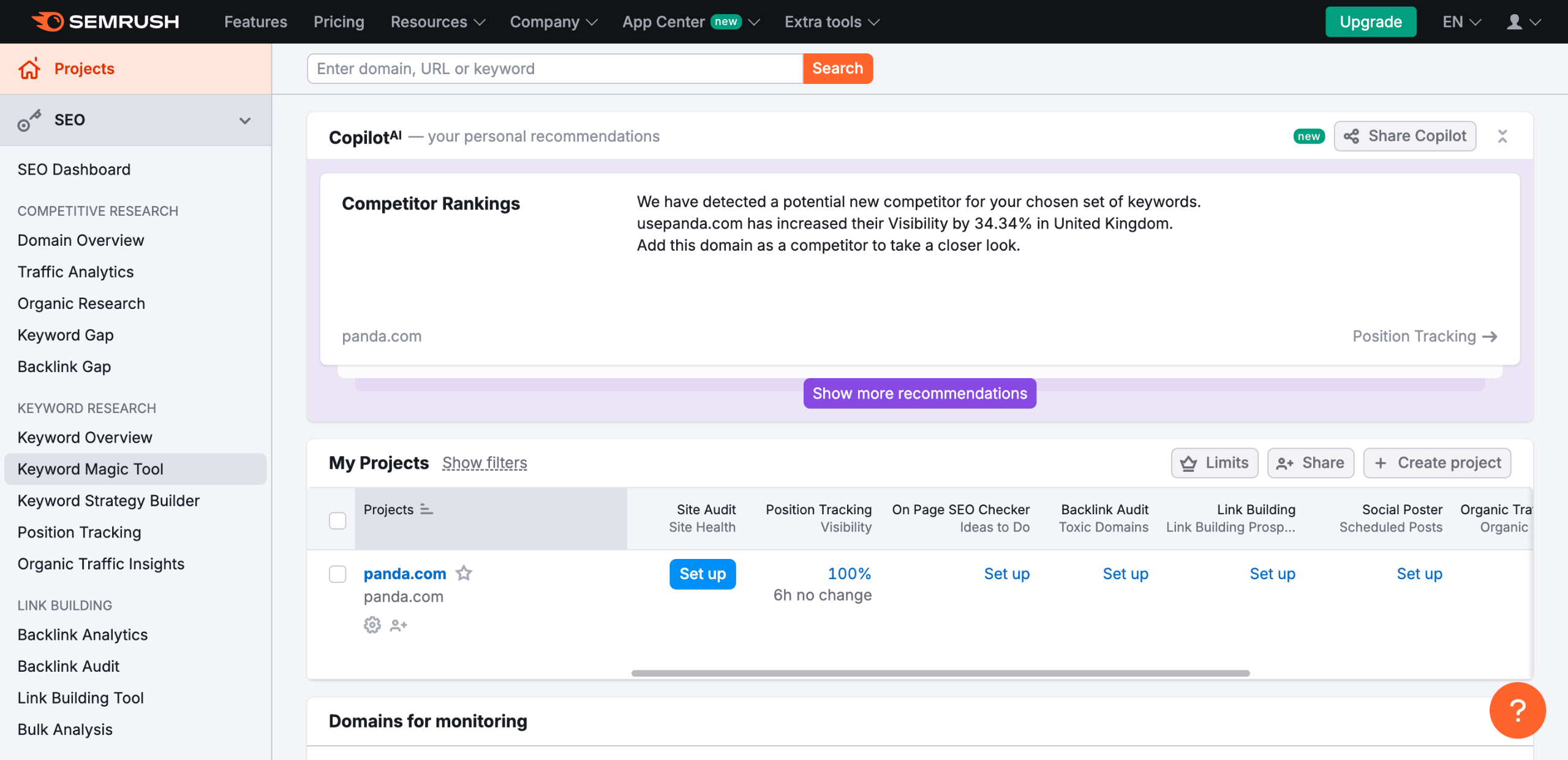
Analyze competitors in Semrush by reviewing traffic, keywords, market share, content gaps, backlinks, PPC strategies, and brand mentions. This guide shows how to do competitor analysis in semrush in 11 steps, starting with "Identify competitors using Market Explorer and Organic Research Competitors tools" and finishing with "Lastly, head over to Semrush AppCenter and find Brand Monitoring to track competitors'...". The interactive demo above is a click-through copy of the real Semrush interface, so you can rehearse each step before doing it in your own account.
Frequently asked questions
How many steps does it take to do competitor analysis in semrush?
11 steps. Each one is listed in order above, and the demo highlights exactly where to click.
Can I try it without changing my own account?
Yes. Clicking through the demo doesn't touch your Semrush data or settings. Once you know the flow, repeat it in your own workspace.
This tutorial is filed under Semrush. Related guides: How to find broken links with semrush, How to Find Competitors Keywords in Semrush and How to Find Domain Authority in Semrush. Last reviewed 05 Oct 2026.

Create your first interactive demo in minutes
No credit card required • Start building today