How to Import Contacts to Klaviyo
- George Apostolov
How to Import Contacts to Klaviyo: step-by-step guide
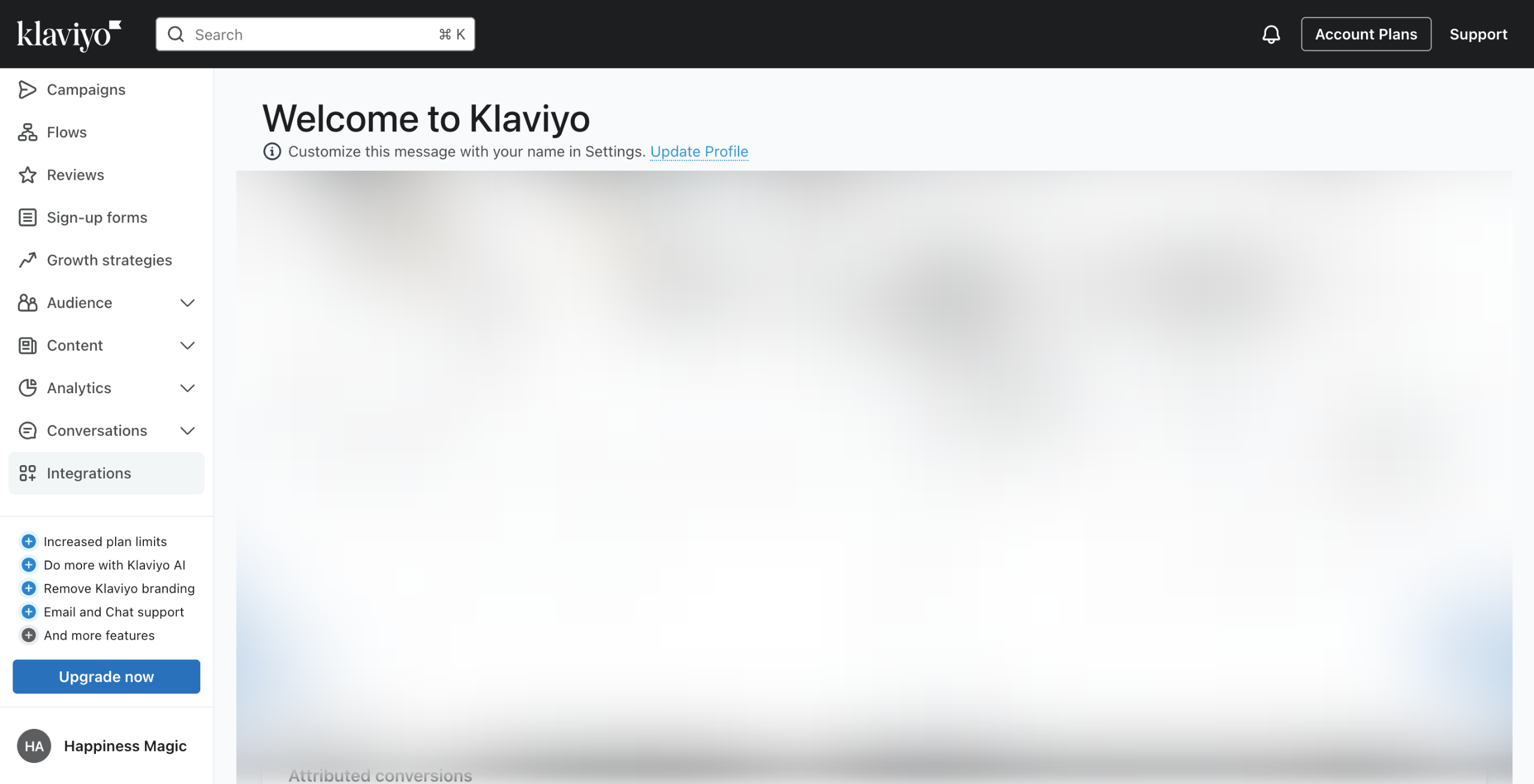
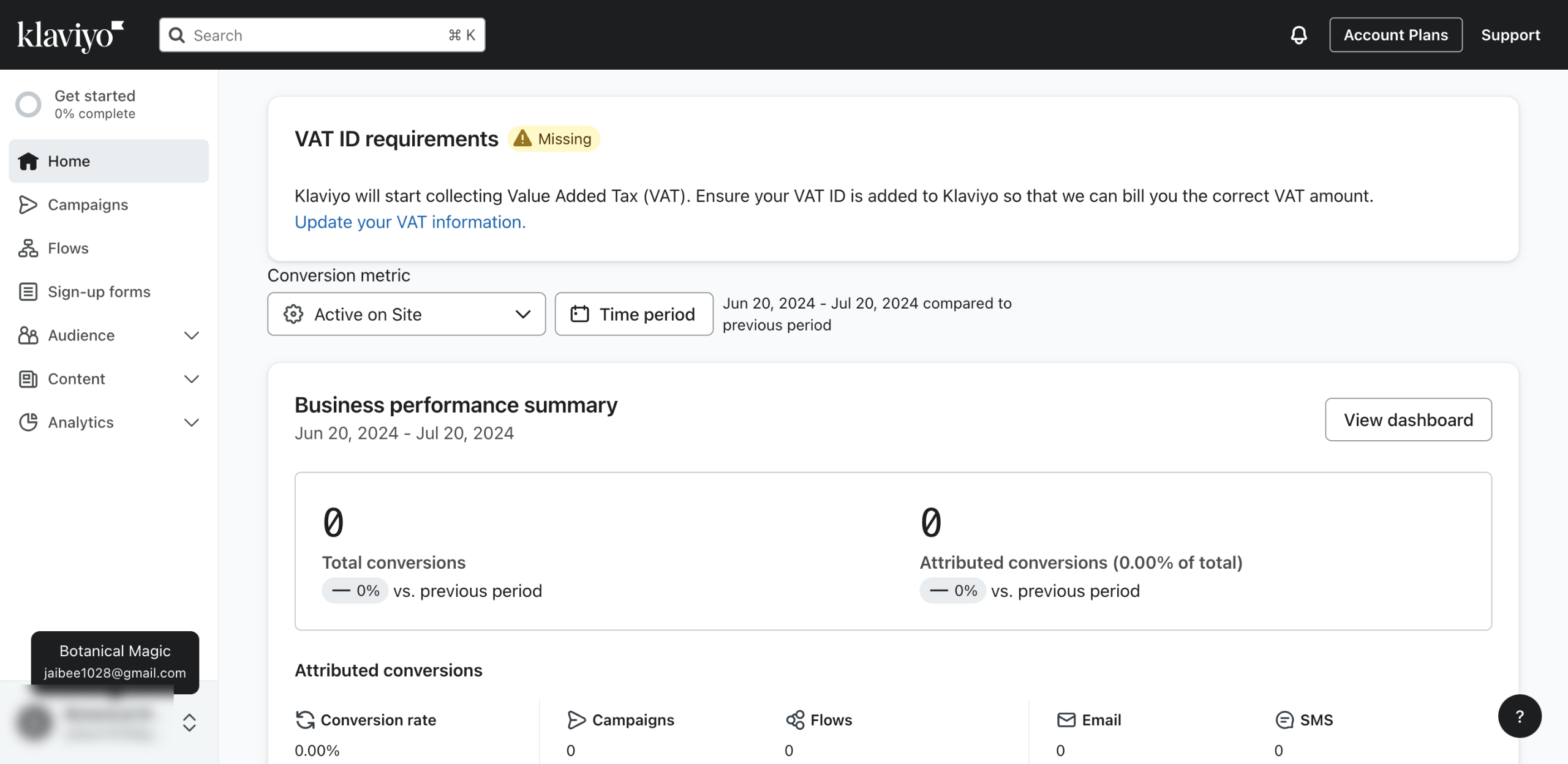
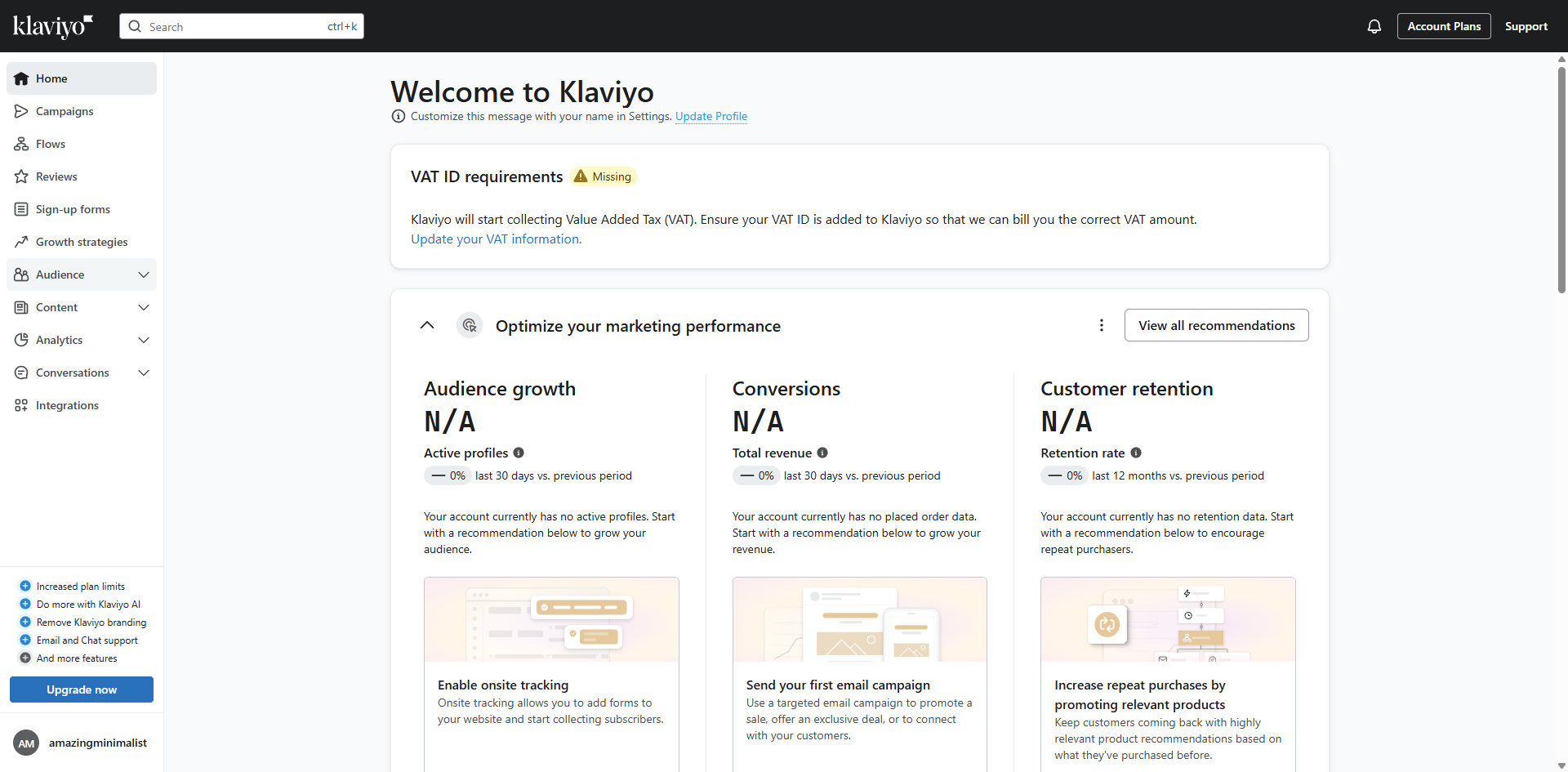
Start by exploring the 'Audience' section, where all your customer data lives.
Access 'Lists & Segments' to organize contacts for targeted marketing campaigns.
Initiate your audience building by creating a new list or segment.
Click 'Create list' to gather subscribers for your marketing campaigns.
Give your list a descriptive name that reflects its purpose or audience type.
Add tags to categorize your list for better organization and searchability.
Create a new tag to help identify this list's purpose or campaign association.
Finalize your list details with a name and relevant tags by clicking 'Create list'.
Expand your audience by clicking 'Upload contacts'.
Click 'Upload'.
Click 'Next' to continue to the next step of the import mapping process.
Confirm your choice to proceed with the configured import settings.
Enable email marketing for this audience to send them campaigns and flows.
Add SMS capabilities to engage with your audience through multiple channels.
Click 'Import' to add these contacts to your marketing list.
Quick answer: To import contacts to Klaviyo, navigate to the Audience and Lists & Segments sections, create and name a new list with relevant tags, upload contacts, and proceed through mapping settings. Finally, enable email and SMS marketing preferences and click Import to add the contacts to your marketing list.
About this Klaviyo tutorial
Seamlessly upload and manage your subscriber lists in Klaviyo by configuring import settings, adding tags, and enabling multi-channel marketing. This guide shows how to import Contacts to Klaviyo in 15 steps, starting with "Start by exploring the 'Audience' section, where all your customer data lives" and finishing with "Click 'Import' to add these contacts to your marketing list". The interactive demo above is a click-through copy of the real Klaviyo interface, so you can rehearse each step before doing it in your own account.
Frequently asked questions
How many steps does it take to import Contacts to Klaviyo?
15 steps. Each one is listed in order above, and the demo highlights exactly where to click.
Can I try it without changing my own account?
Yes. Clicking through the demo doesn't touch your Klaviyo data or settings. Once you know the flow, repeat it in your own workspace.
This tutorial is filed under Klaviyo. Related guides: How to Integrate Calendly with Klaviyo, How to Integrate Canva with Klaviyo and How to Integrate HubSpot with Klaviyo Using Zapier. Last reviewed 05 Oct 2026.

Create your first interactive demo in minutes
No credit card required • Start building today