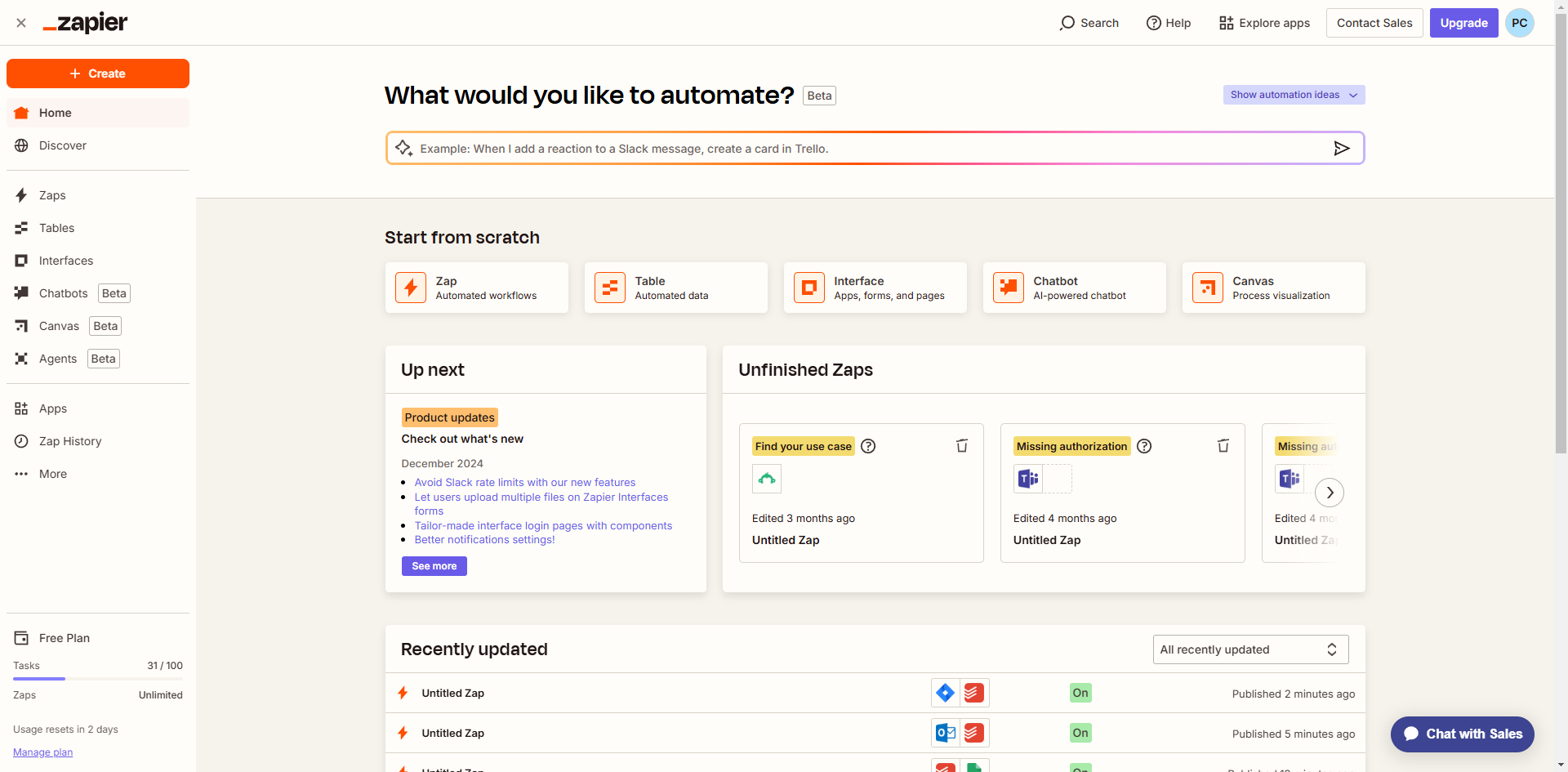
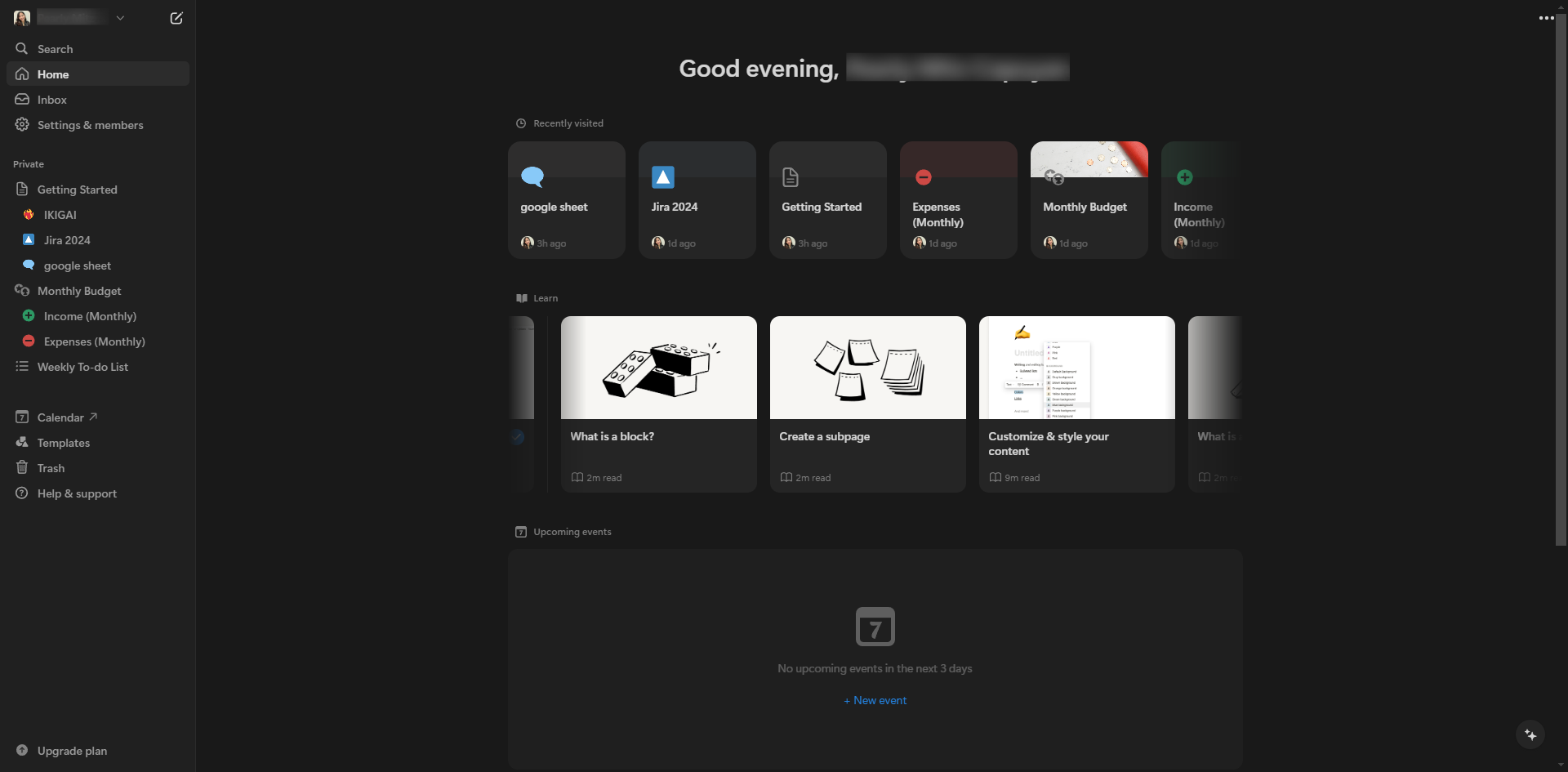
How to Integrate Notion with Zapier
How to Integrate Notion with Zapier: step-by-step guide
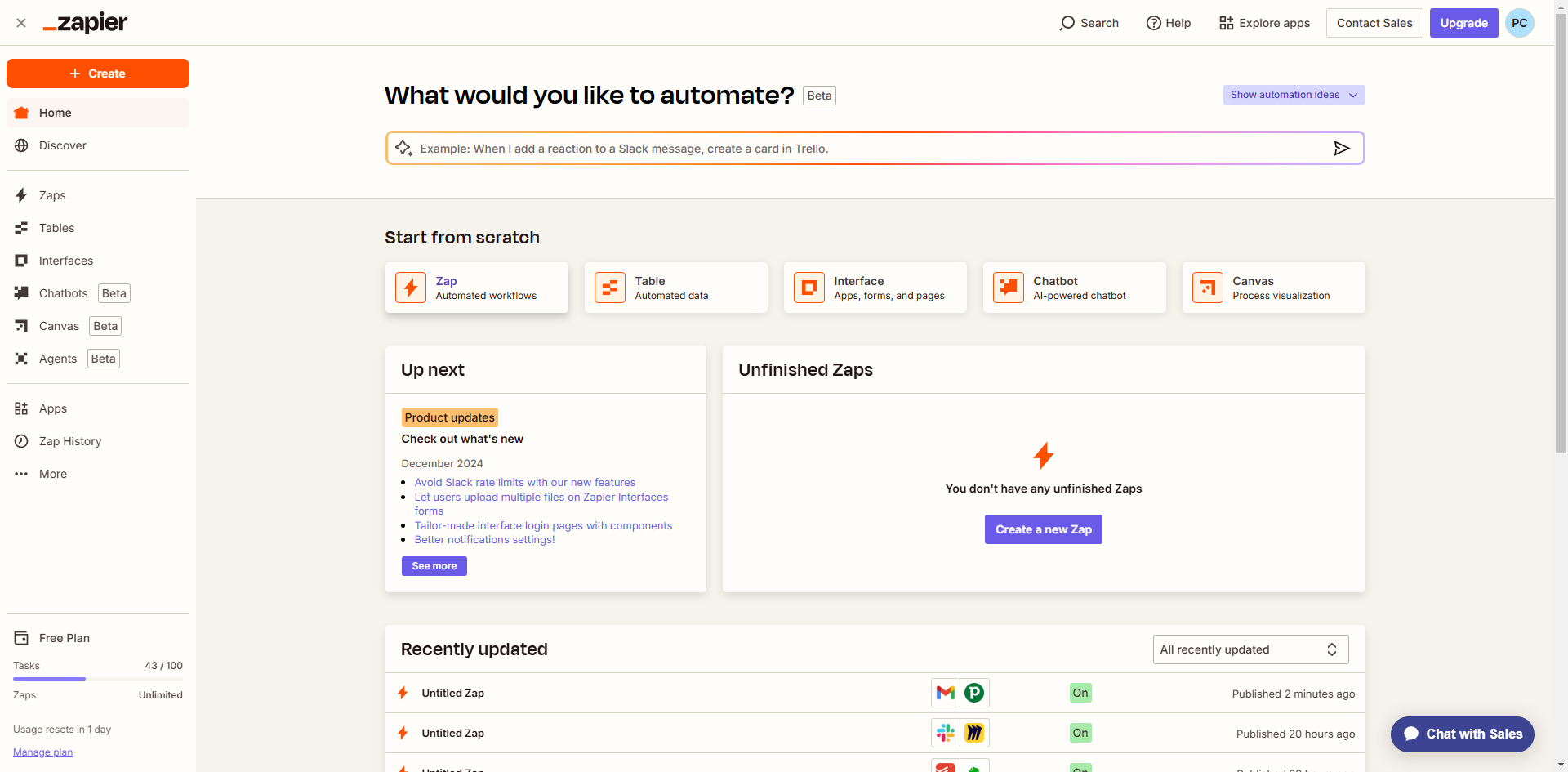
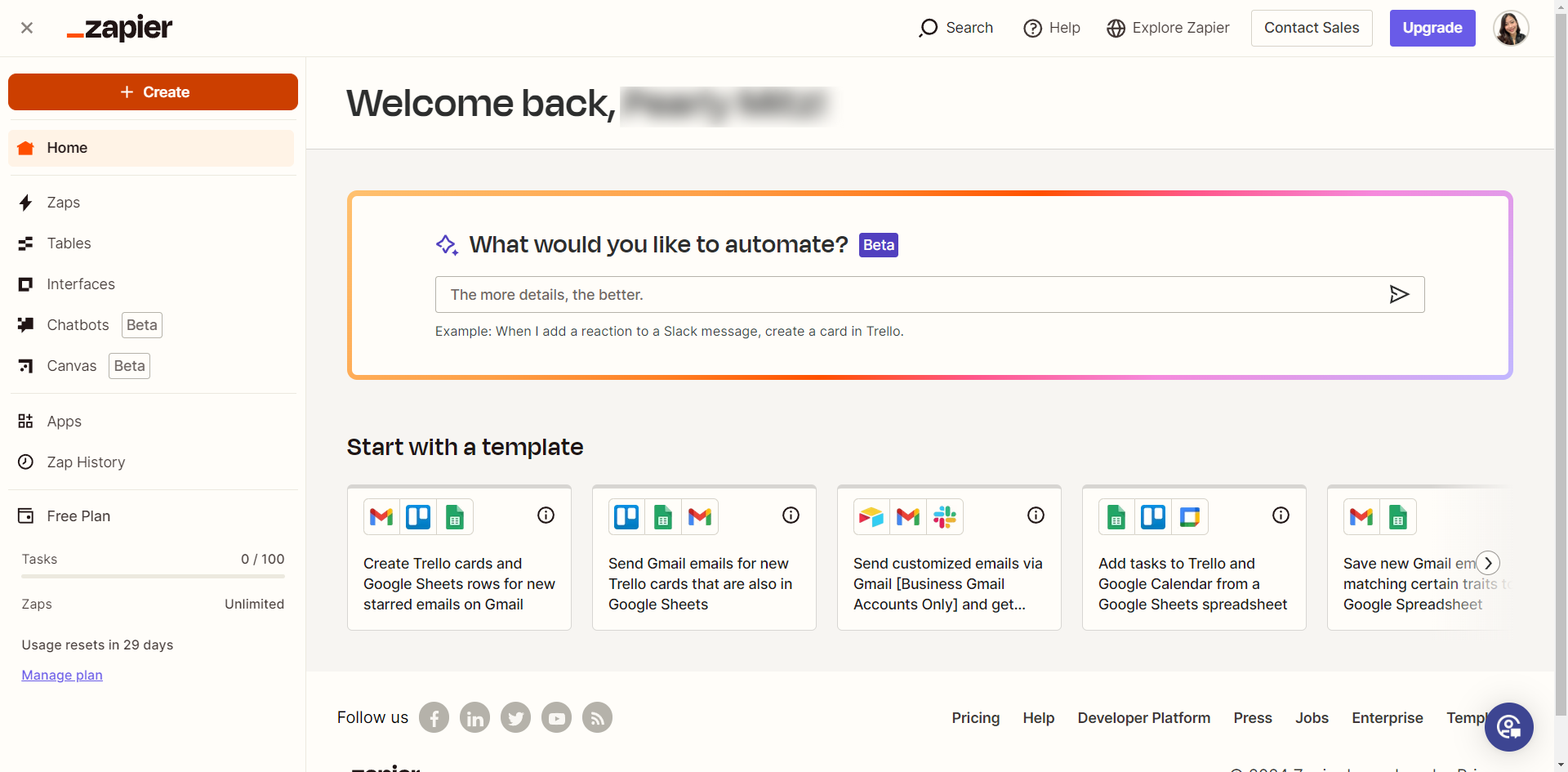
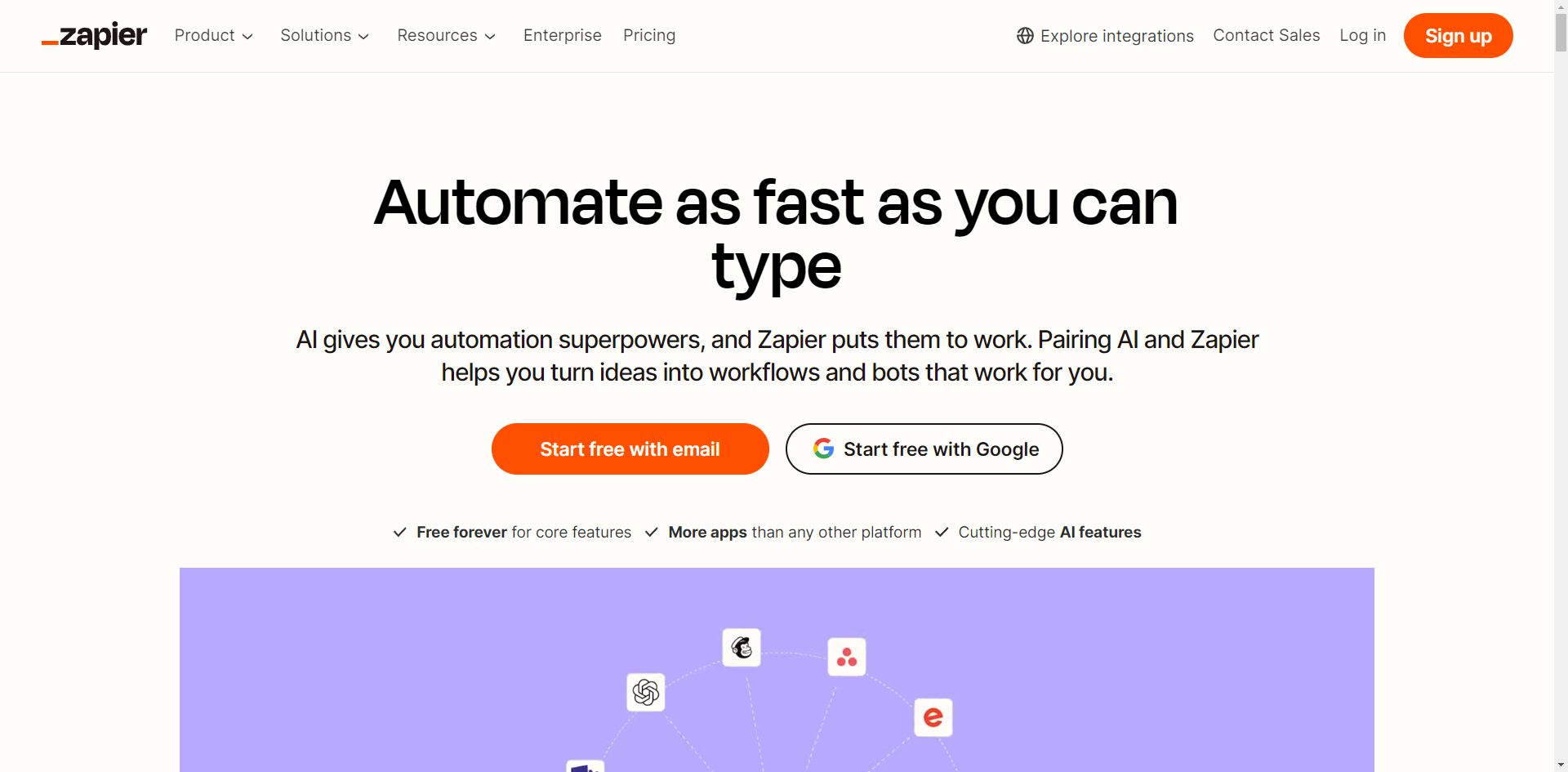
Go to the Zapier website and click 'Start free with Google'.
Choose and select the account you want to connect to Zapier.
Click 'Continue'.
Search for and select Notion as the trigger app.
Click 'Sign in'.
Click 'Select pages'.
Check the box of your desired page.
Select 'Allow Access'.
Provide your item data in the empty field and press 'Enter' to test your Zap.
Once the check mark appears, you have successfully integrated your Notion with Zapier.
Go back to your Notion account and click 'Settings & members'.
Select 'My connections'.
By following these steps, you can integrate Notion with Zapier enabling you to automate and streamline your workflows efficiently.
Quick answer: To connect Notion with Zapier, sign into Zapier with Google, select Notion as the trigger app, sign in, choose your pages, allow access, test your Zap with item data, and verify the connection in your Notion account settings.
About this Zapier tutorial
Automate your workflows by connecting Notion and Zapier. Follow these simple steps to link your accounts and test your integration successfully. This guide shows how to integrate Notion with Zapier in 13 steps, starting with "Go to the Zapier website and click 'Start free with Google'" and finishing with "By following these steps, you can integrate Notion with Zapier enabling you to automate...". The interactive demo above is a click-through copy of the real Zapier interface, so you can rehearse each step before doing it in your own account.
Frequently asked questions
How many steps does it take to integrate Notion with Zapier?
13 steps. Each one is listed in order above, and the demo highlights exactly where to click.
Can I try it without changing my own account?
Yes. Clicking through the demo doesn't touch your Zapier data or settings. Once you know the flow, repeat it in your own workspace.
This tutorial is filed under Zapier and Notion. Related guides: How to Integrate Pipedrive with Zoom for Sales Meetings via Zapier, How to Integrate Slack with Zapier and How to Integrate Squarespace Commerce with Zapier for Ecommerce. Last reviewed 05 Oct 2026.

Create your first interactive demo in minutes
No credit card required • Start building today