How to Move Rows Up and Down Microsoft Excel
- George Apostolov
How to Move Rows Up and Down Microsoft Excel: step-by-step guide
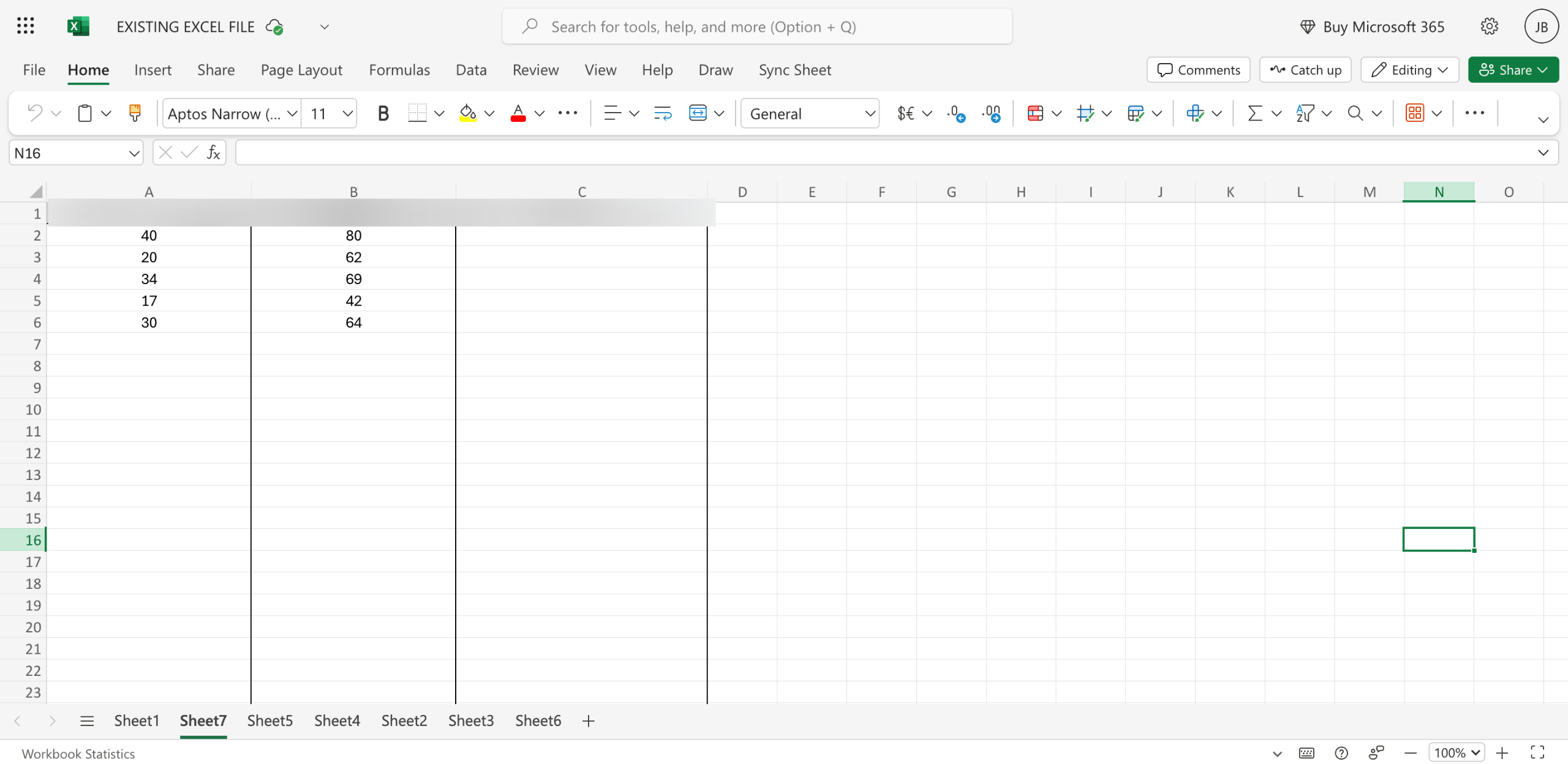
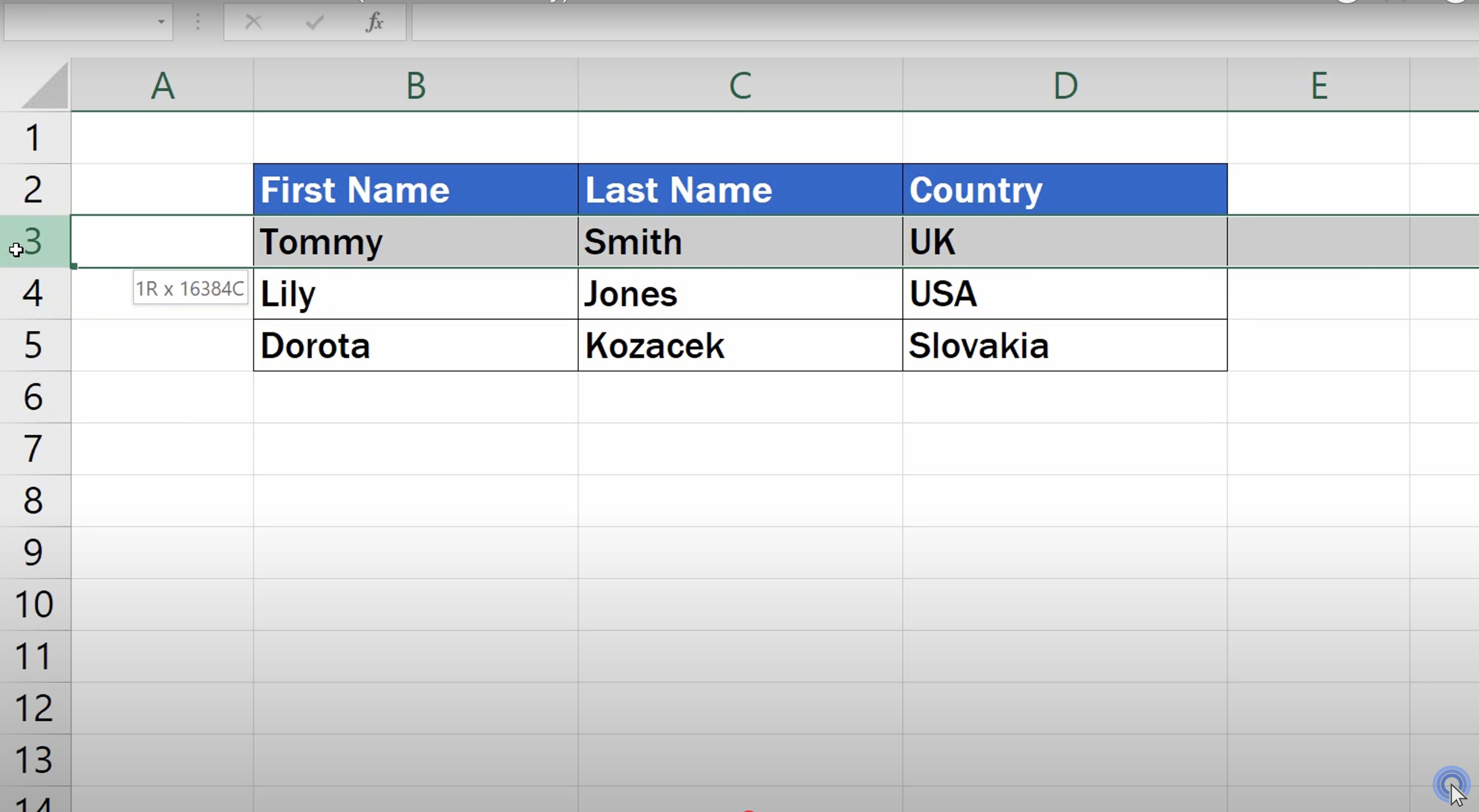
Click on the row number(s) on the left to highlight the entire row(s) you wish to move.
Hover your cursor over the border of the selected row(s) until it changes to a four-sided arrow icon.
Press and hold Shift, drag the row(s) to the desired position with the mouse, and release the mouse button before releasing Shift to drop them into place.
This method ensures that the moved row(s) are inserted into the new location without overwriting existing data.
Quick answer: To move rows up and down in Microsoft Excel, highlight the desired row numbers on the left, hover over the border until a four-sided arrow appears, press and hold Shift, drag the rows to the new position, and release the mouse before the Shift key to insert them without overwriting data.
About this Microsoft tutorial
Reorder Microsoft rows easily without overwriting data by highlighting, holding Shift, and dragging them to your desired position. This guide shows how to move Rows Up and Down Microsoft Excel in 4 steps, starting with "Click on the row number(s) on the left to highlight the entire row(s) you wish to move" and finishing with "This method ensures that the moved row(s) are inserted into the new location without ov...". The interactive demo above is a click-through copy of the real Microsoft interface, so you can rehearse each step before doing it in your own account.
Frequently asked questions
How many steps does it take to move Rows Up and Down Microsoft Excel?
4 steps. Each one is listed in order above, and the demo highlights exactly where to click.
Can I try it without changing my own account?
Yes. Clicking through the demo doesn't touch your Microsoft data or settings. Once you know the flow, repeat it in your own workspace.
This tutorial is filed under Microsoft and Excel. Related guides: How to multiply in microsoft excel, How to Multiply Two Columns in Microsoft Excel and How to Pin Microsoft Planner Plans to the Taskbar. Last reviewed 05 Oct 2026.

Create your first interactive demo in minutes
No credit card required • Start building today