How to Perform a Competitor Website Analysis
- George Apostolov
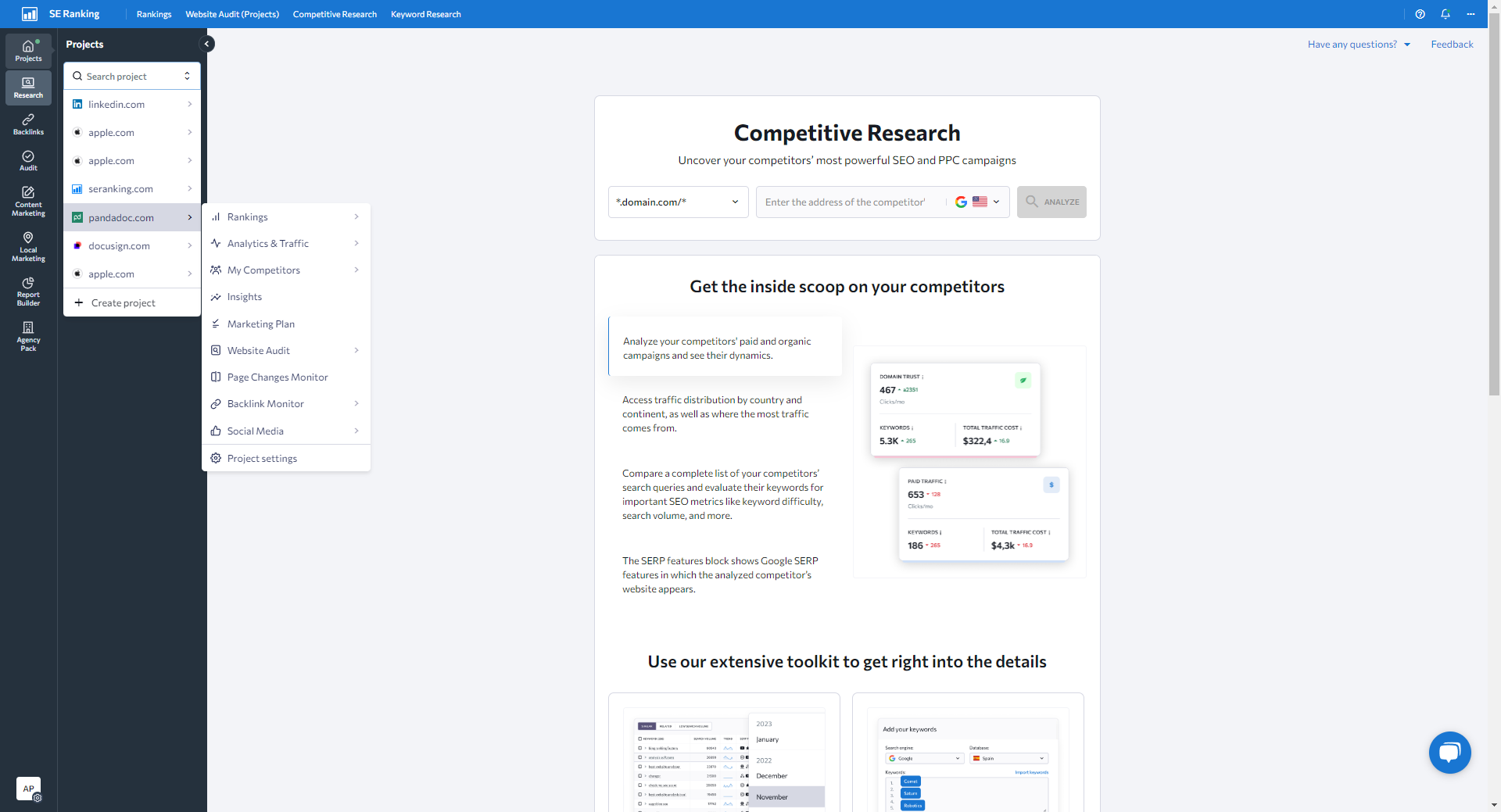
How to Perform a Competitor Website Analysis: step-by-step guide
Log in to SE Ranking and select your project.
Navigate to the Competitive Research tool.
Enter your website URL in the search bar, choose target location, and click Analyze.
Go to the Organic Traffic Research section.
Click on Competitors.
View and adjust the chart comparing your site with your main competitors.
Compare your website’s performance to chosen rivals over different time periods.
Scroll down to see a table of all organic search competitors with key metrics.
Click on a competitor's domain.
See a detailed overview of a competitor's domain.
Click on the number of keywords to access the Competitor Comparison section.
Identify common/missing/unique keywords and discover untapped keyword opportunities.
Switch to the Paid Traffic Research tab.
Click on Competitors to see your main paid search competitors along with their paid advertising data.
View the chart that shows: Paid traffic dynamics Keywords used for advertising Estimated traffic cost Backlink history
Check the Ads History section for cached copies of competitors' ads.
Quick answer: To conduct competitive research in SE Ranking, log in and open the Competitive Research tool. Enter your URL and location to analyze, navigate to Organic Traffic Research, and review competitor metrics and keywords. Finally, switch to Paid Traffic Research to examine advertising data, traffic dynamics, and ads history.
About this tutorial
Analyze rivals, organic traffic, and paid search strategies inside the app using the competitive research tool and key metrics. This guide shows how to perform a Competitor Website Analysis in 16 steps, starting with "Log in to SE Ranking and select your project " and finishing with "Check the Ads History section for cached copies of competitors' ads". The interactive demo above is a click-through copy of the real product interface, so you can rehearse each step before doing it in your own account.
Frequently asked questions
How many steps does it take to perform a Competitor Website Analysis?
16 steps. Each one is listed in order above, and the demo highlights exactly where to click.
Can I try it without changing my own account?
Yes. Clicking through the demo doesn't touch your data or settings. Once you know the flow, repeat it in your own workspace.

Create your first interactive demo in minutes
No credit card required • Start building today