How to Place an Order on Fiverr
- George Apostolov
How to Place an Order on Fiverr: step-by-step guide
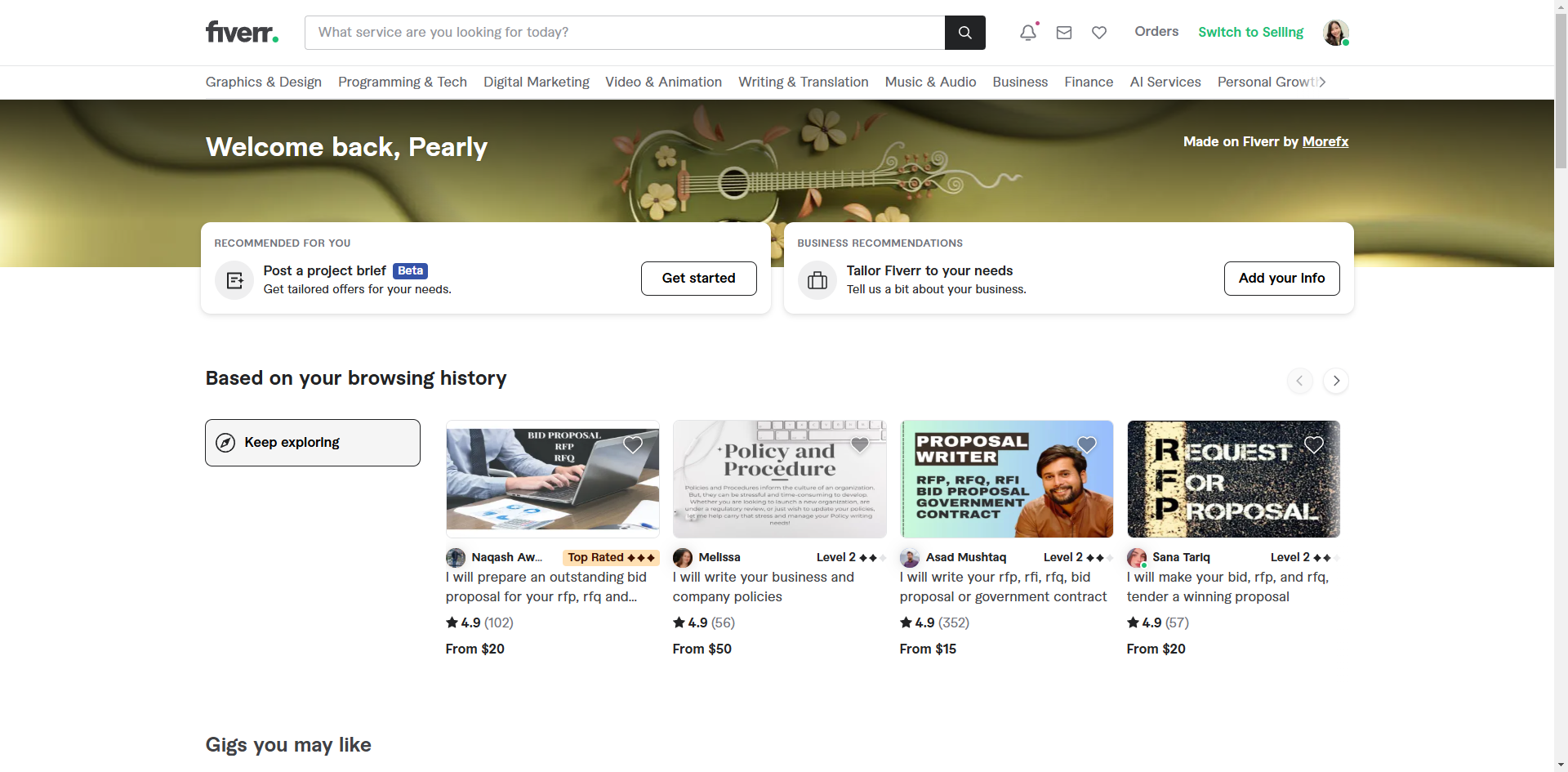
Navigate to the search bar and enter the services you're looking for.
Browse through the search results and click on the gig that matches what you're looking for.
Choose the package and click 'Continue'.
Once you've selected your package and filled out the necessary requirements, click the 'Continue' button.
Fiverr supports payment through credit cards, PayPal, and other methods. Enter your payment details and confirm the order.
Click 'Pay In PHP'.
After the payment is processed, go to the 'Submit Requirements' tab.
Add instructions or any required information that can be used for your order.
Attach files for reference.
Check the check box to confirm that the above information is accurate and complete.
Select 'Start Order' to complete the action.
Quick answer: To place an order on Fiverr, search for services, select a matching gig and package, and click Continue. Enter payment details, confirm the order, and click Pay In PHP. Finally, submit requirements with instructions, attached files, and confirmation, then select Start Order.
About this tutorial
Complete your purchases seamlessly on the app by selecting a gig, making a payment, and submitting your order requirements. This guide shows how to place an Order on Fiverr in 11 steps, starting with "Navigate to the search bar and enter the services you're looking for" and finishing with "Select 'Start Order' to complete the action". The interactive demo above is a click-through copy of the real product interface, so you can rehearse each step before doing it in your own account.
Frequently asked questions
How many steps does it take to place an Order on Fiverr?
11 steps. Each one is listed in order above, and the demo highlights exactly where to click.
Can I try it without changing my own account?
Yes. Clicking through the demo doesn't touch your data or settings. Once you know the flow, repeat it in your own workspace.

Create your first interactive demo in minutes
No credit card required • Start building today