How to Print Typeform Survey
- George Apostolov
This guide is an interactive LiveDemo. Create interactive demos of your own product: Interactive demo software · Interactive customer onboarding guides · Start free
How to Print Typeform Survey: step-by-step guide
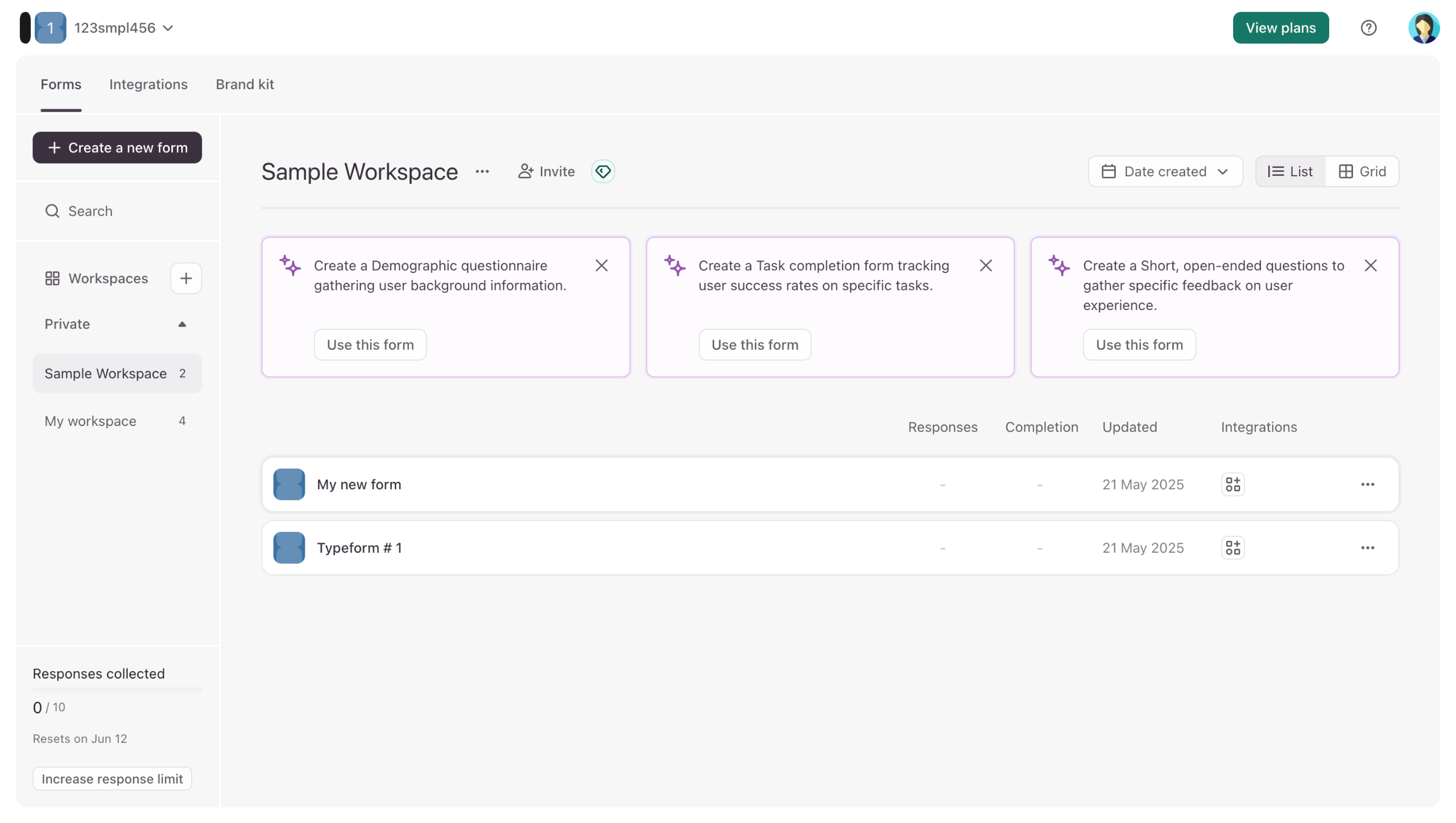
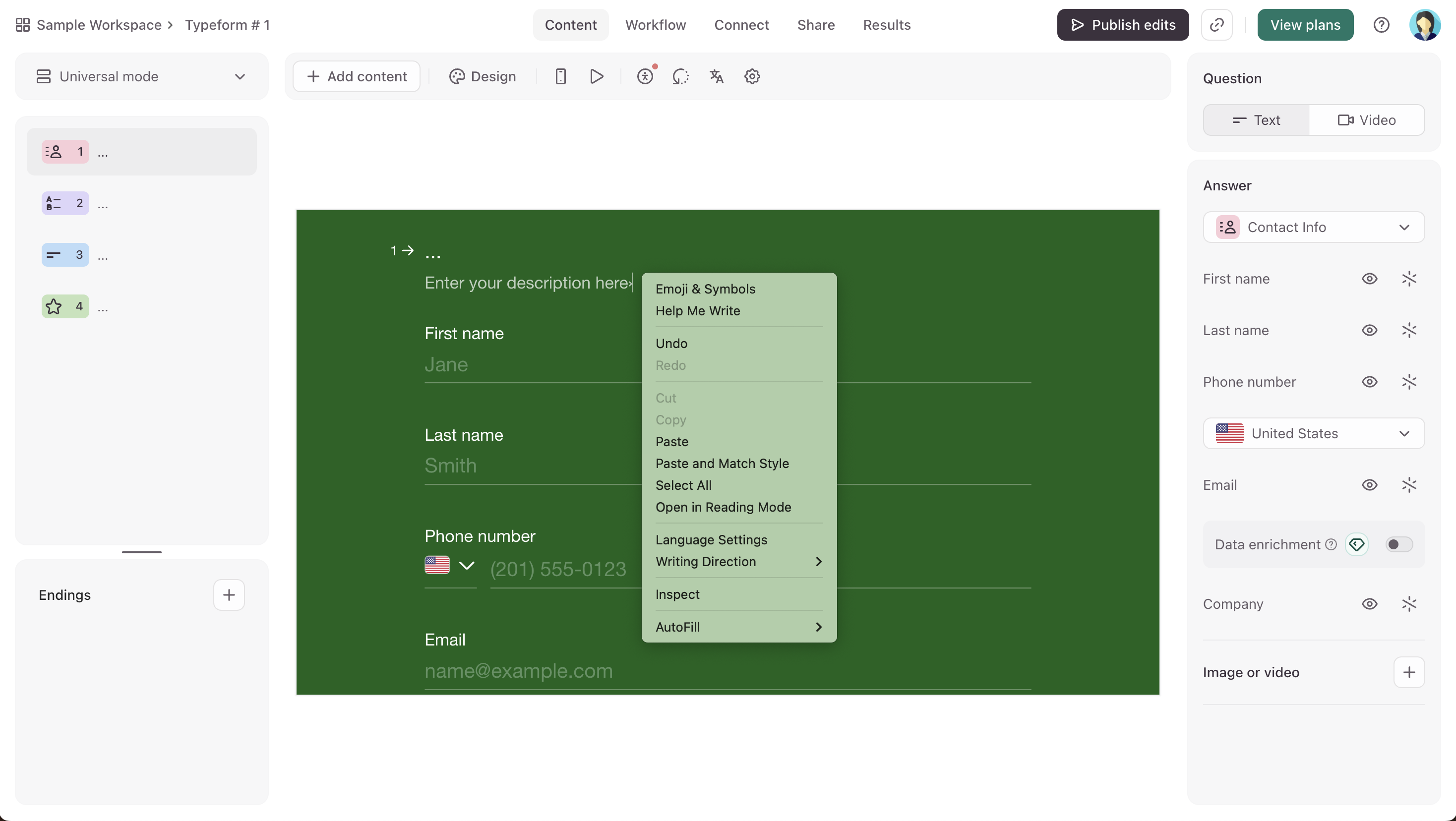
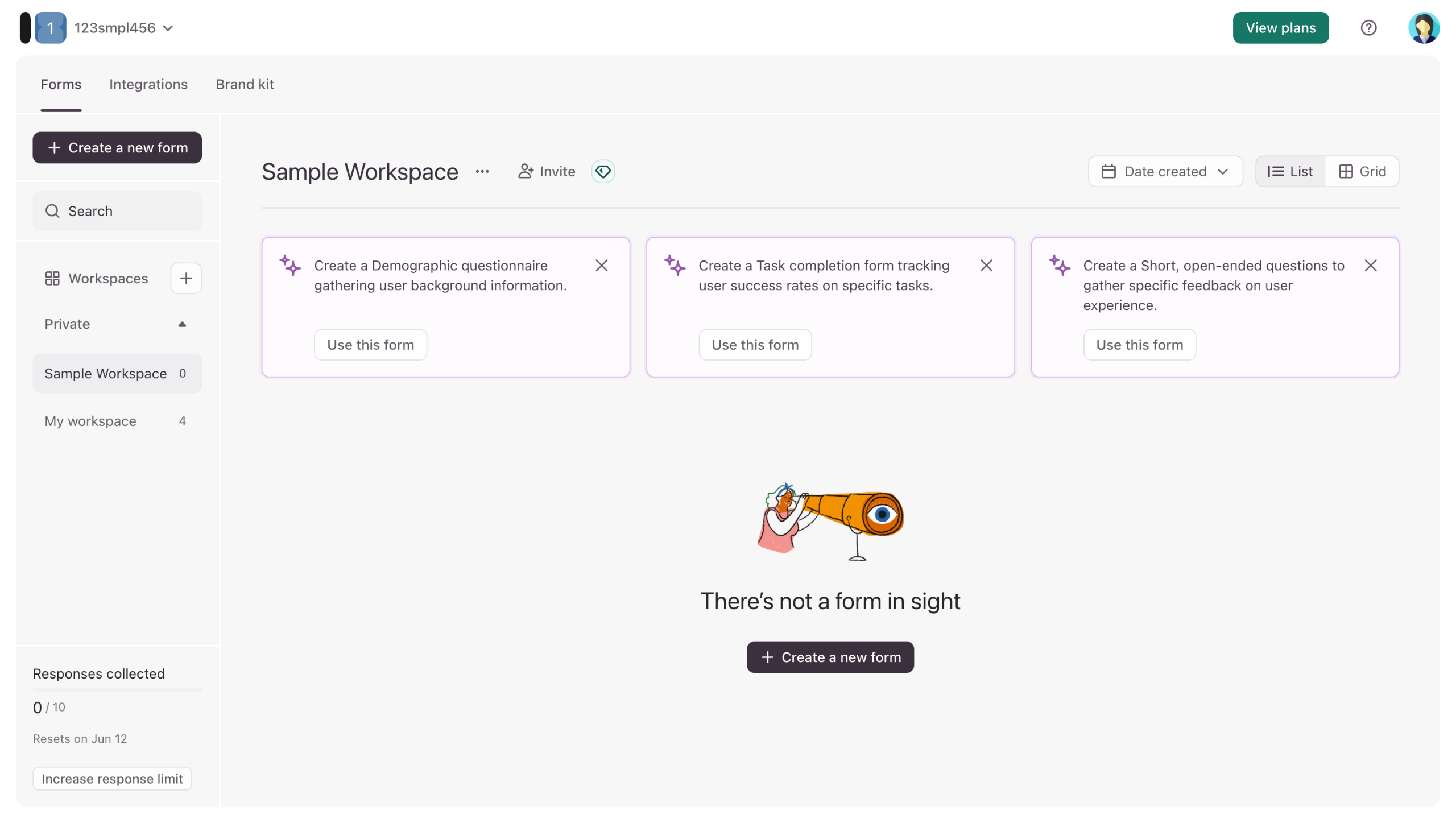
Log in to your Typeform account at typeform.com to access your survey.
Open your survey in the editor by selecting it from your workspace.
Click on the Preview button to see how your survey looks to respondents.
Press Ctrl+P (Windows) or Cmd+P (Mac) and select your printer or Save as PDF. Click "Save" to print.
Quick answer: To print your survey, log in to Typeform, open the survey from your workspace, and click the Preview button. Finally, press Ctrl+P on Windows or Cmd+P on Mac, select your printer or Save as PDF, and click Save.
About this Typeform tutorial
Export or print your Typeform survey quickly by opening the preview mode and using your browser print menu to save as a PDF or send to a printer. This guide shows how to print Typeform Survey in 4 steps, starting with "Log in to your Typeform account at typeform.com to access your survey" and finishing with "Press Ctrl+P (Windows) or Cmd+P (Mac) and select your printer or Save as PDF. Click 'Sa...". The interactive demo above is a click-through copy of the real Typeform interface, so you can rehearse each step before doing it in your own account.
Frequently asked questions
How many steps does it take to print Typeform Survey?
4 steps. Each one is listed in order above, and the demo highlights exactly where to click.
Can I try it without changing my own account?
Yes. Clicking through the demo doesn't touch your Typeform data or settings. Once you know the flow, repeat it in your own workspace.
This tutorial is filed under Typeform. Related guides: How to Push Typeform Analytics to Google Data Studio Through Zapier, How to Remove Powered by Typeform and How to Trigger Monday.com Status Changes from Typeform Submissions via Zapier. Last reviewed 05 Oct 2026.

Create your first interactive demo in minutes
No credit card required • Start building today