How to Push Instagram Mentions to Telegram Using Zapier
- George Apostolov
This guide is an interactive LiveDemo. Create interactive demos of your own product: Interactive demo software · Interactive customer onboarding guides · Start free
How to Push Instagram Mentions to Telegram Using Zapier: step-by-step guide
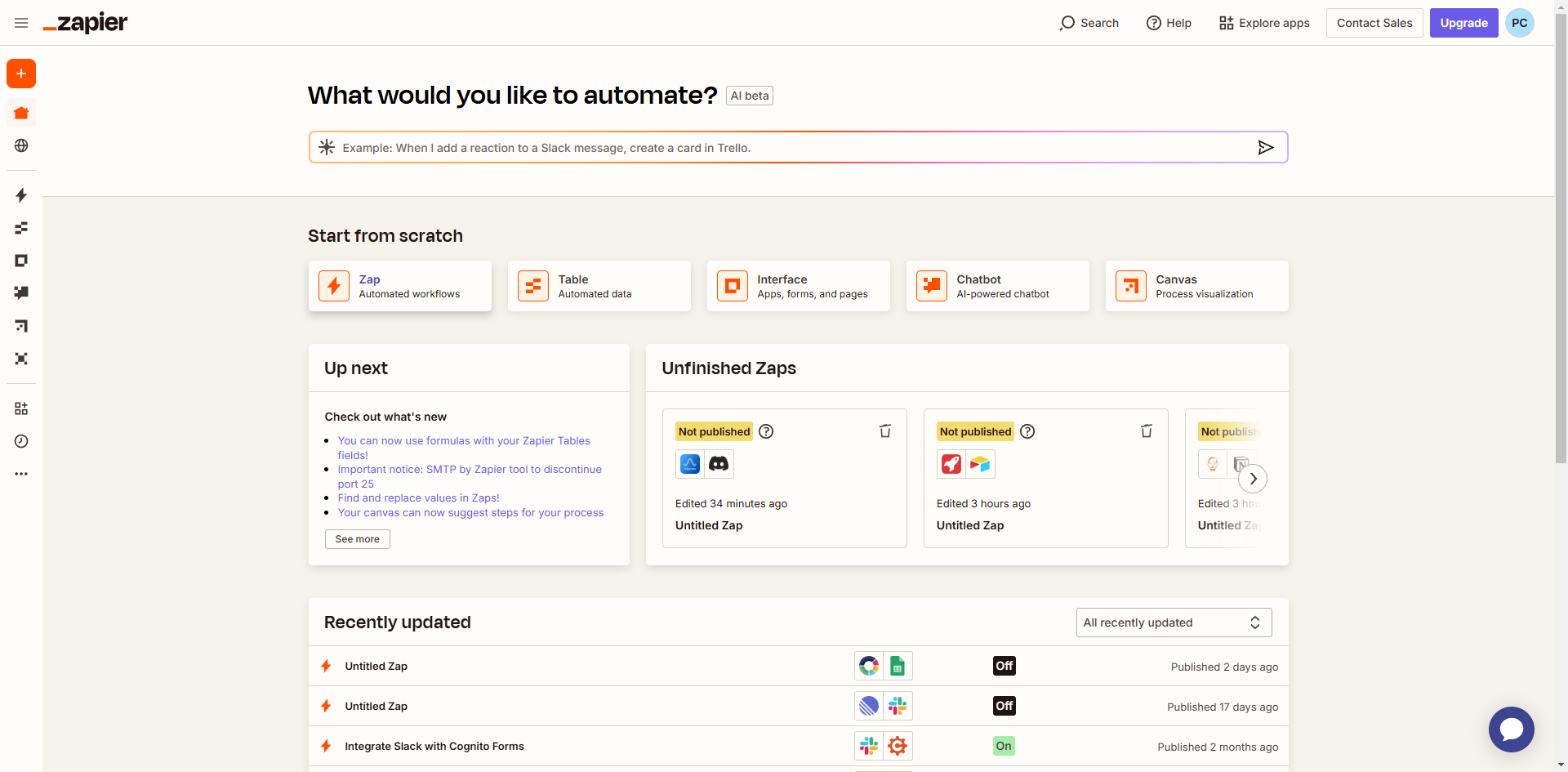
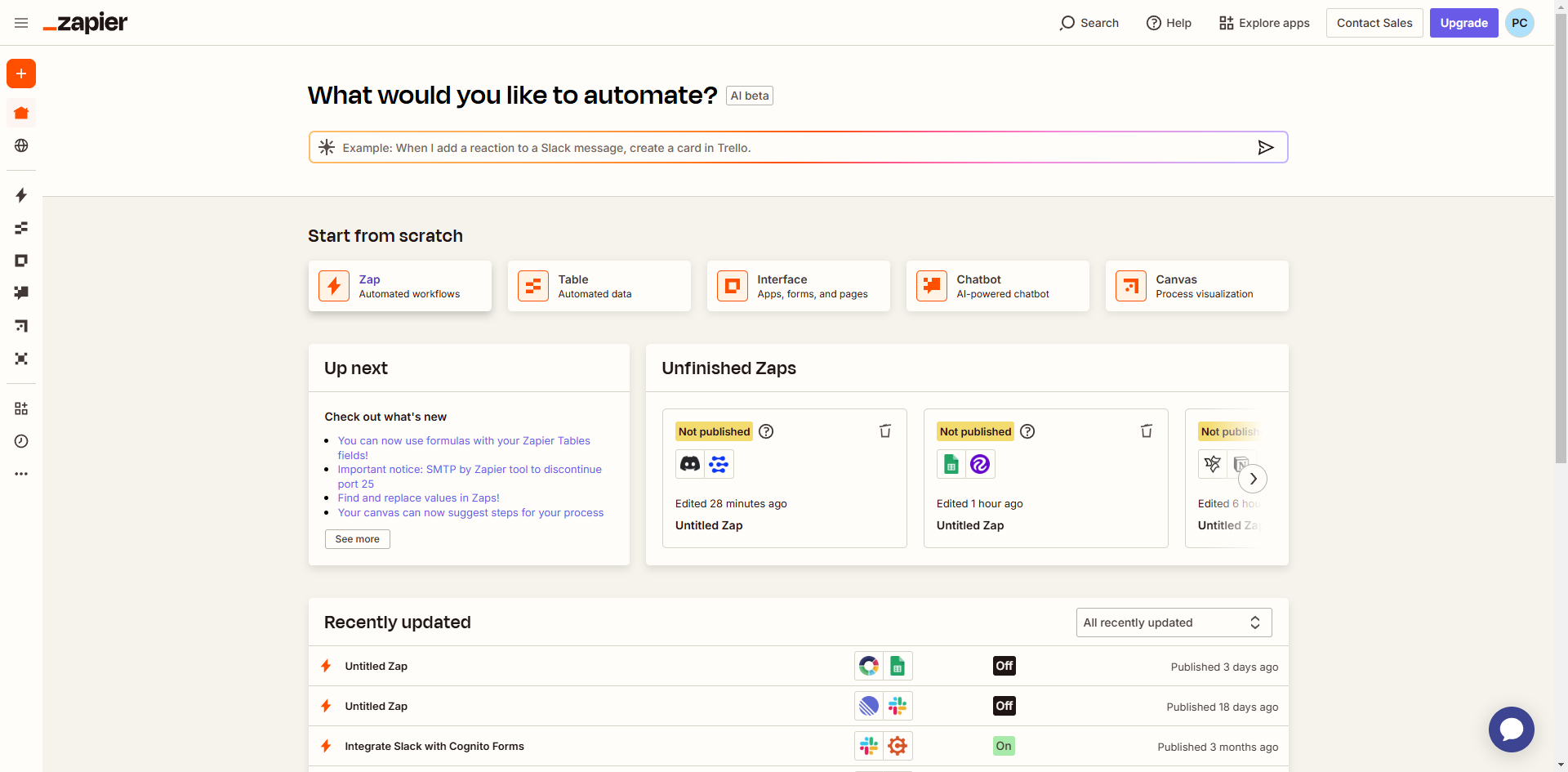
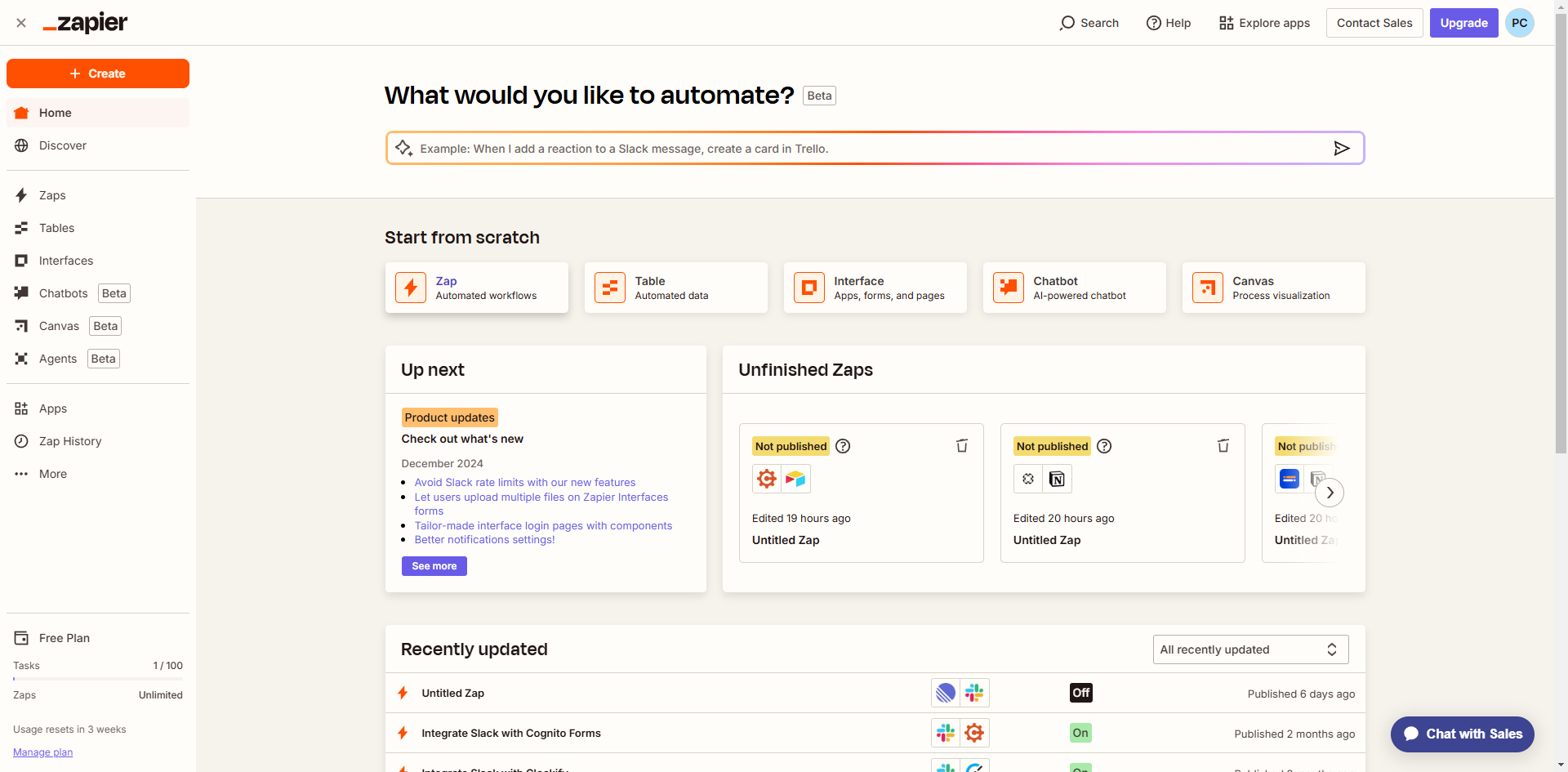
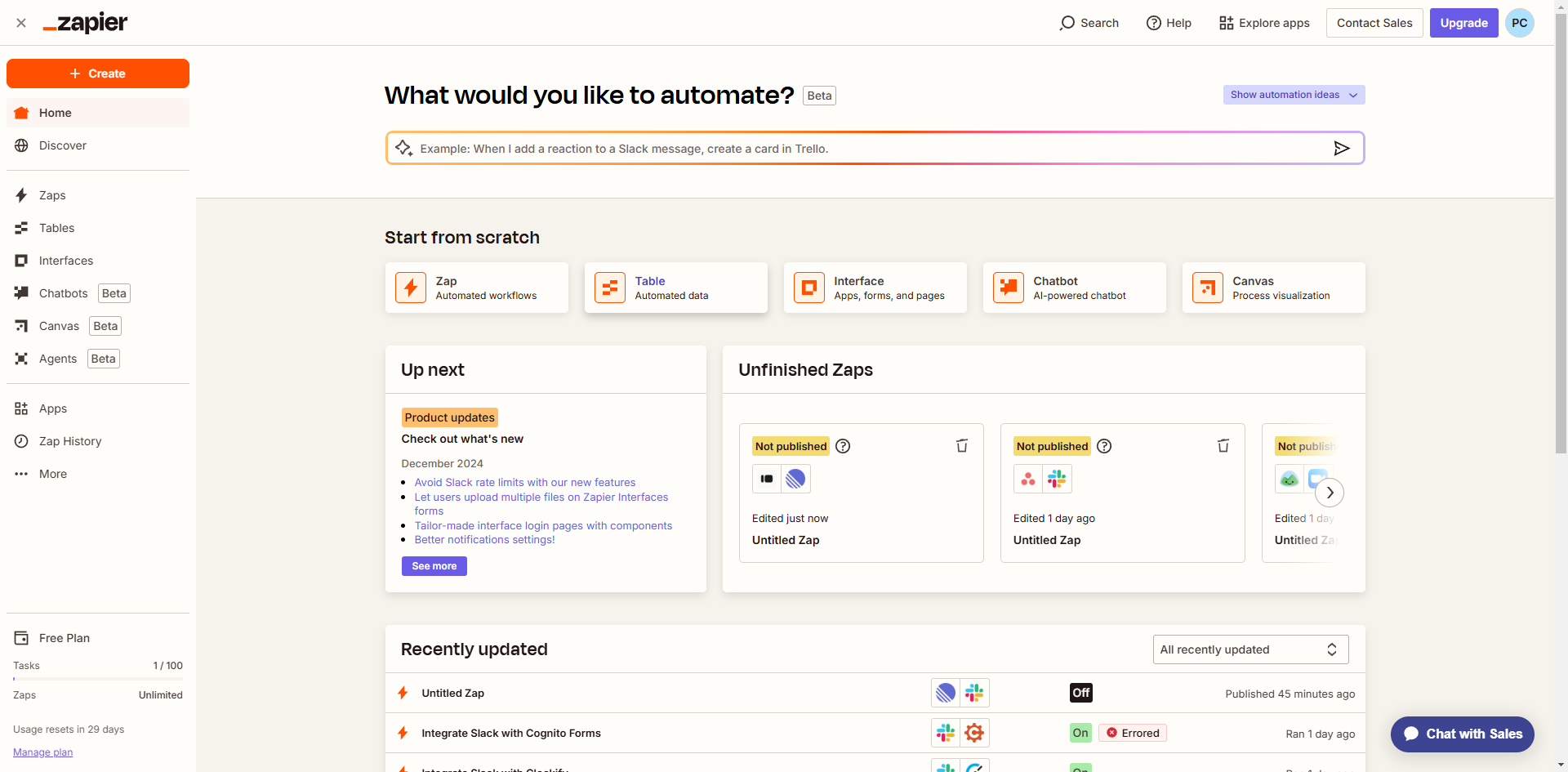
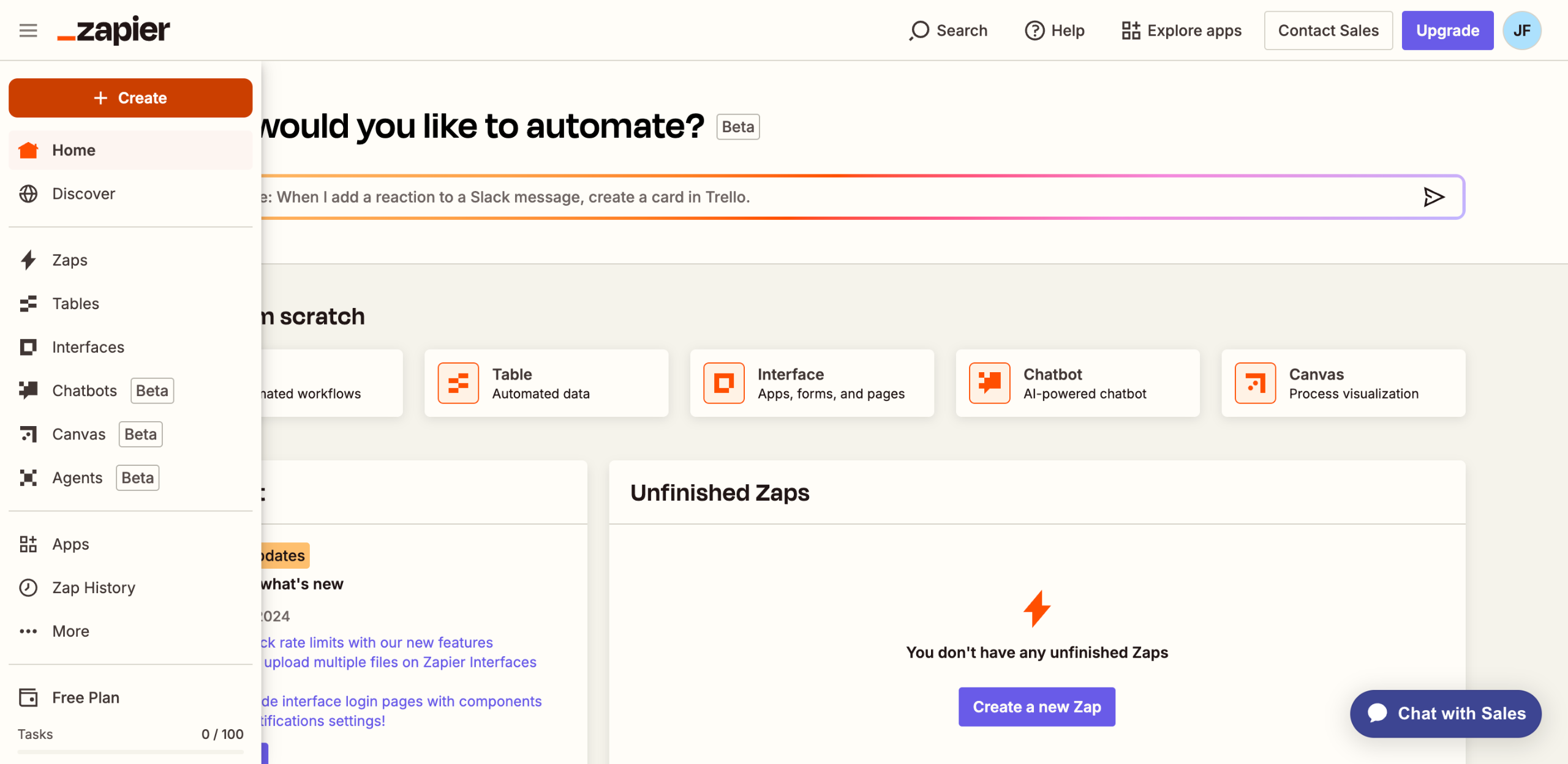
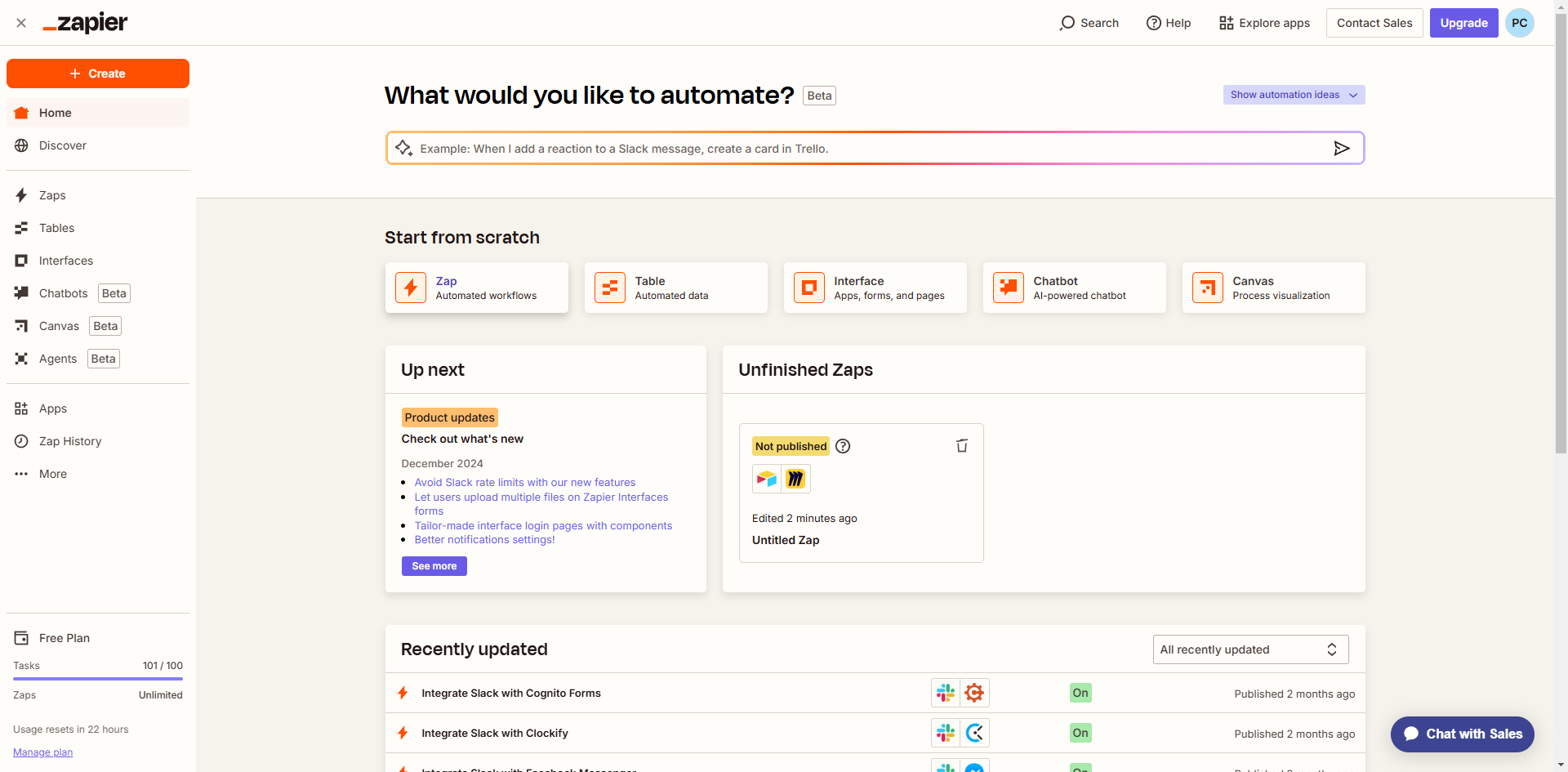
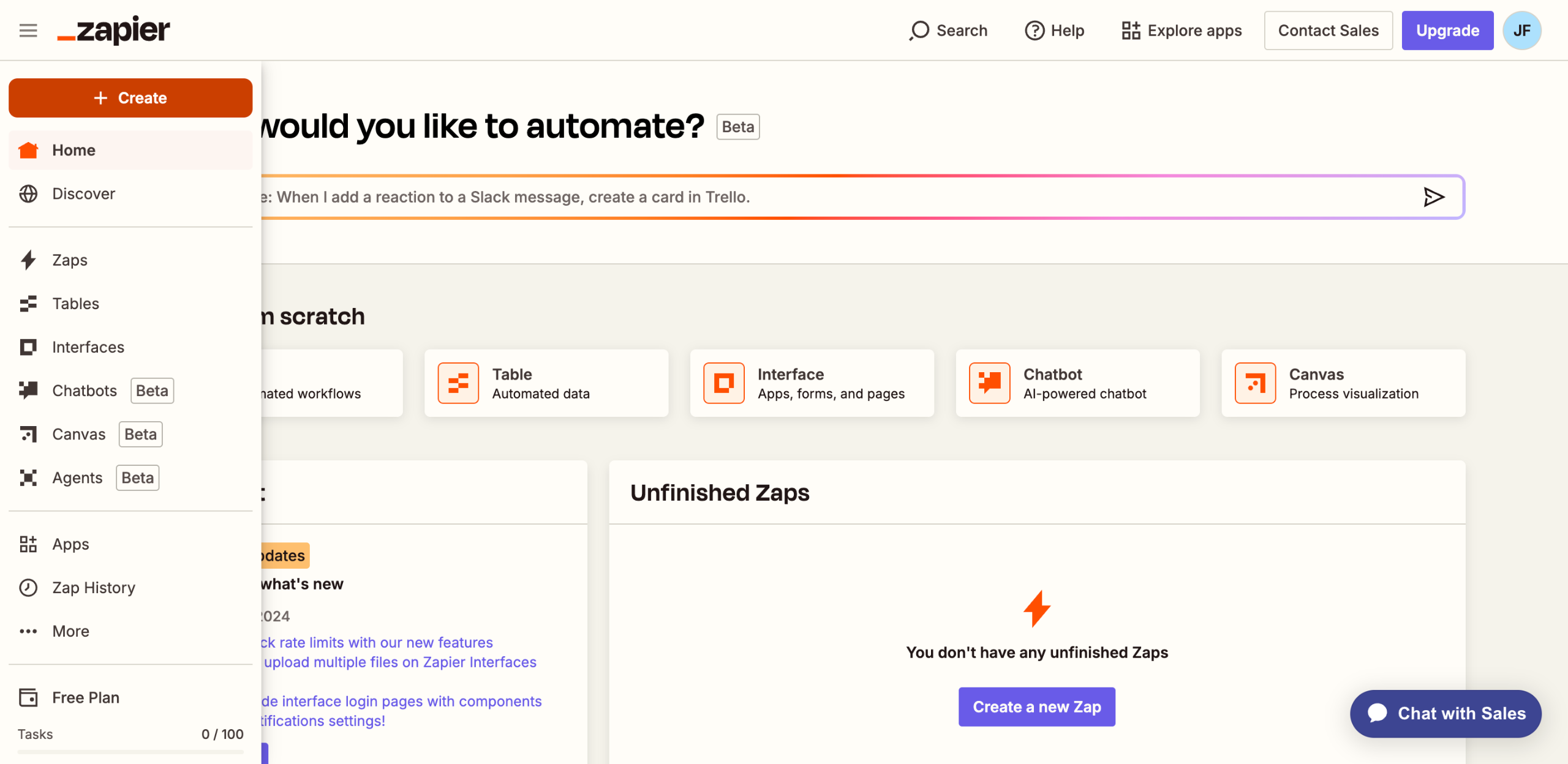
Head over to the left-side panel, then tap 'Create'.
Select 'Zaps' from the list of options.
After that, tap the 'Trigger' tab to start the integration process.
Search for 'Instagram' and then choose 'Instagram For Business' from the suggested results.
Next, click 'Trigger Event'.
Pick 'New Tagged Media' from the given options.
Tap 'Sign In' afterwards, then log into your active Instagram account.
Subsequently, click 'Continue' to accept the terms and grant the necessary permissions.
Provide the additional details needed to set up the Trigger accordingly. In this case, specify the Instagram account you wish to monitor for tags or mentions.
Once done, tap 'Continue' to run your input and test the Trigger.
Click 'Continue' one more time to proceed with the creation of the corresponding Telegram Action.
Search for 'Telegram' and select it as the Action app.
Following that, click the drop-down menu to view the available 'Action Event' options.
Pick 'Send Message' from the given choices.
Next, tap 'Sign In' to continue.
Enter the Bot Token associated with your Telegram account and then click 'Yes, Continue to Telegram'.
Following that, fill out the input fields with the required information. As for the 'Message Text', write a short phrase or sentence that will alert you about the new Instagram mentions or tags.
Once done, tap 'Continue' to publish and enable the integration.
After completing these steps, the data related to your Instagram mentions will be pushed to Telegram based on your input. That means you will receive alerts on Instagram each time you receive new Instagram tags or mentions.
Quick answer: To push Instagram mentions to Telegram, create a new Zap in Zapier. Set the trigger to Instagram For Business with the New Tagged Media event, sign in, and configure the account. Then, add a Telegram action, choose Send Message, provide your Bot Token, enter the message text, and publish.
About this Zapier tutorial
Send Instagram mentions directly to Telegram using Zapier by connecting your business account and setting up automated message alerts. This guide shows how to push Instagram Mentions to Telegram Using Zapier in 19 steps, starting with "Head over to the left-side panel, then tap 'Create'" and finishing with "After completing these steps, the data related to your Instagram mentions will be pushe...". The interactive demo above is a click-through copy of the real Zapier interface, so you can rehearse each step before doing it in your own account.
Frequently asked questions
How many steps does it take to push Instagram Mentions to Telegram Using Zapier?
19 steps. Each one is listed in order above, and the demo highlights exactly where to click.
Can I try it without changing my own account?
Yes. Clicking through the demo doesn't touch your Zapier data or settings. Once you know the flow, repeat it in your own workspace.
This tutorial is filed under Zapier and Instagram. Related guides: How to Push JivoChat Data to Notion Using Zapier, How to Push Kommunicate to Sheets Using Zapier and How to Push LearnDash to Slack Using Zapier. Last reviewed 05 Oct 2026.

Create your first interactive demo in minutes
No credit card required • Start building today