Record Google Meeting with MeetRecord integration
- George Apostolov
Record Google Meeting with MeetRecord integration: step-by-step guide
Let's take you through a quick tour on how you can record your Sales Calls from Google Meet with MeetRecord.
Click on the profile icon
Click on My Settings
Click On Google Calendar Integration to continue
Click on Connect to proceed
Click Allow to grant permission to complete the integration setup
You are now all set and the bot will automatically join and record the call from next scheduled meeting
Upon joining the call, you will see the prompt to allow the Notetaker bot to join . Admit it.
Once recorded, MeetRecord will analyse your call and give you the Highlights of the call.
You will get the full transcript of the call with appropriate speakers tagged.
The Point of Interest section flags areas in the call with positive signals like pricing enquiry, next steps etc.
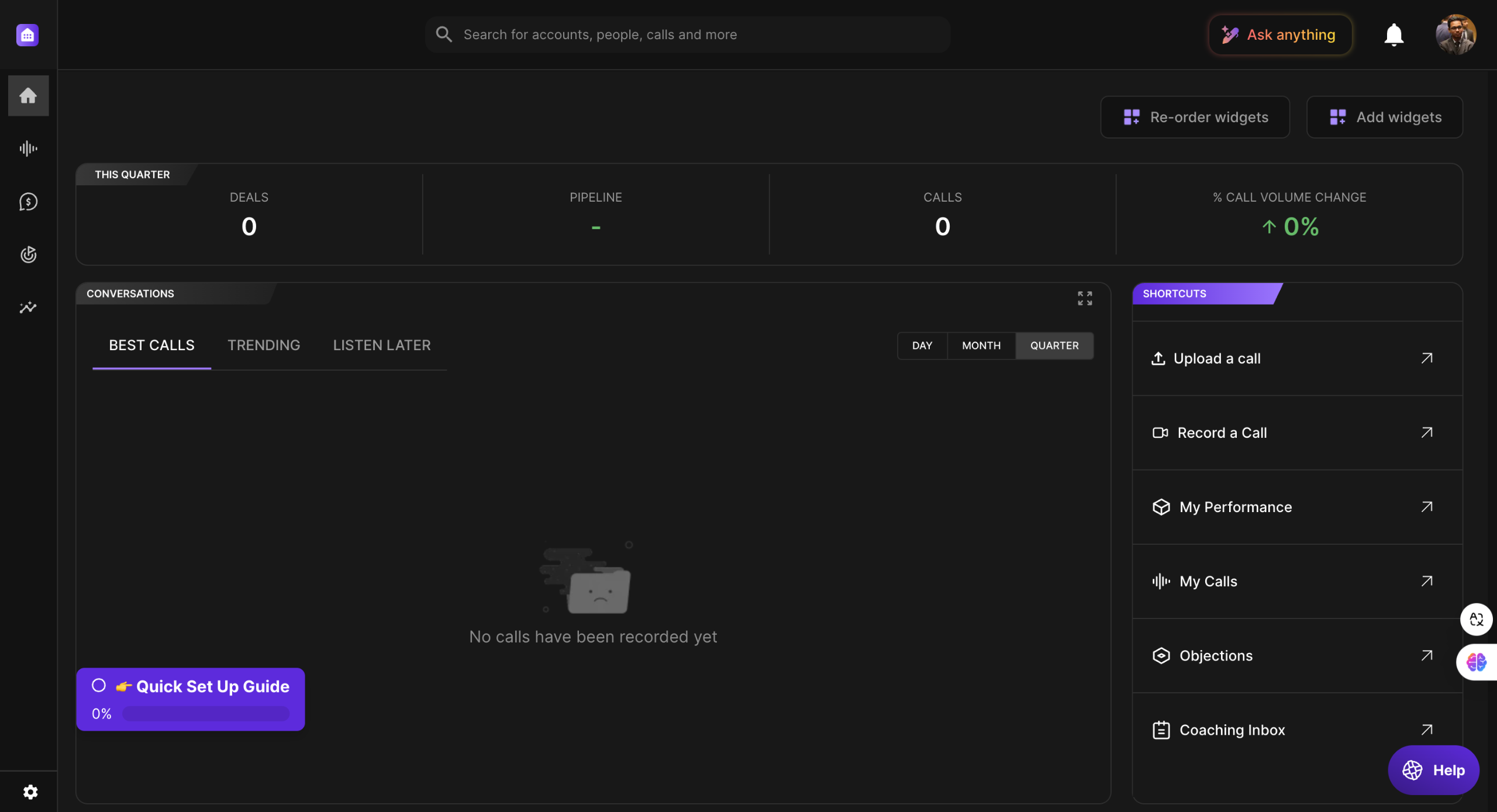
You can also use the Quick shortcuts from the dashboard to help you take quick actions like Record an impromtu call or Upload your recorded meetings.
Accelerate Deal Closure with AI-powered Revenue Intelligence with MeetRecord!
Quick answer: To record sales calls with MeetRecord, open your profile settings, connect Google Calendar, and allow permissions. The bot will automatically join scheduled meetings, record them, and provide transcripts, highlights, and insights on the dashboard.
About this Google tutorial
Record Google meetings automatically with MeetRecord. Connect your calendar, admit the bot, and get AI-powered call transcripts and highlights. This guide covers record Google Meeting with MeetRecord integration in 13 steps, starting with "Let's take you through a quick tour on how you can record your Sales Calls from Google..." and finishing with "Accelerate Deal Closure with AI-powered Revenue Intelligence with MeetRecord!". The interactive demo above is a click-through copy of the real Google interface, so you can rehearse each step before doing it in your own account.
Frequently asked questions
How many steps does record Google Meeting with MeetRecord integration take?
13 steps. Each one is listed in order above, and the demo highlights exactly where to click.
Can I try it without changing my own account?
Yes. Clicking through the demo doesn't touch your Google data or settings. Once you know the flow, repeat it in your own workspace.
This tutorial is filed under Google. Related guides: Google Search Console - Remove Property, Removing Sitemaps and Remove URL from Google Search Console. Last reviewed 05 Oct 2026.

Create your first interactive demo in minutes
No credit card required • Start building today