How to Set File Uploads in Bubble.io
- George Apostolov
How to Set File Uploads in Bubble.io: step-by-step guide
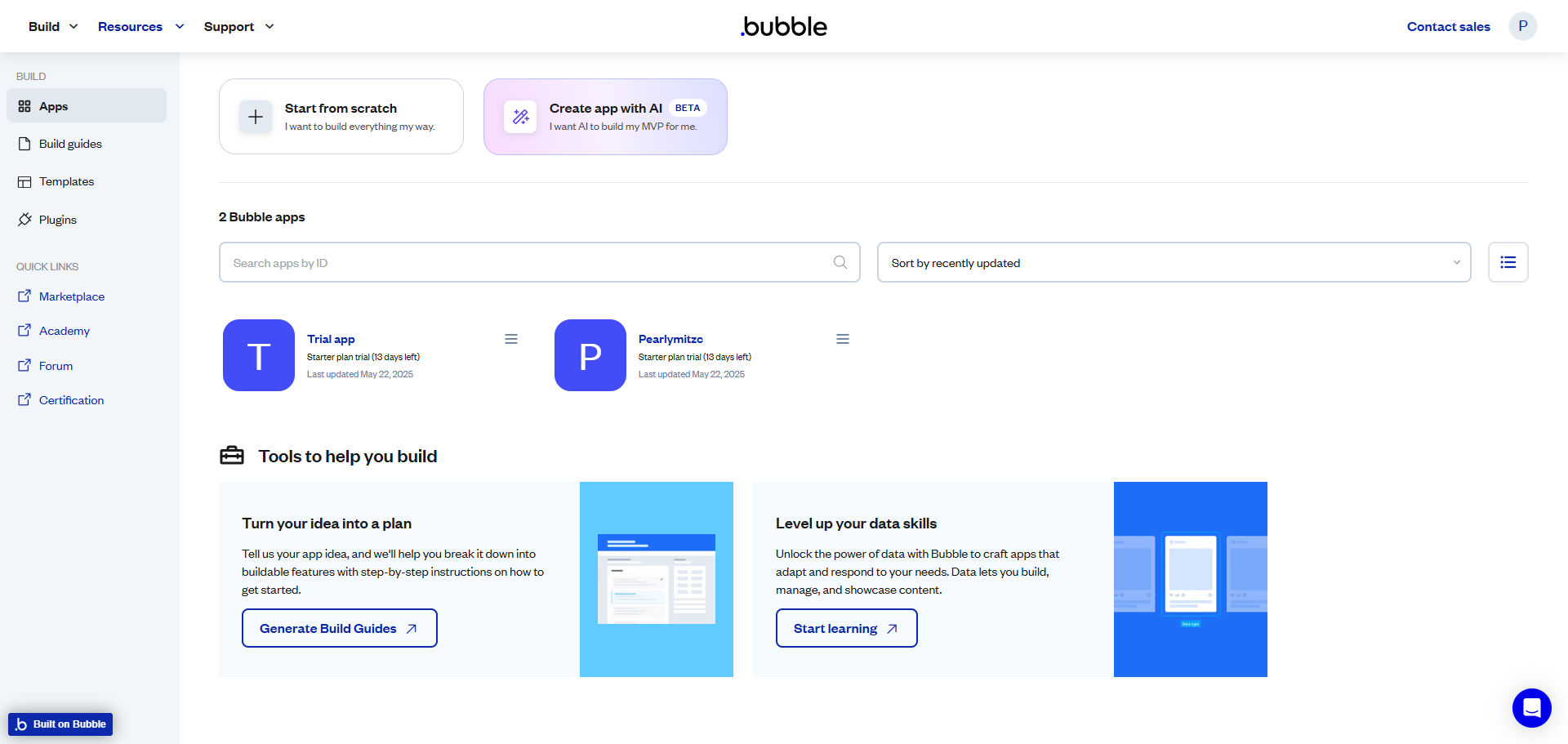
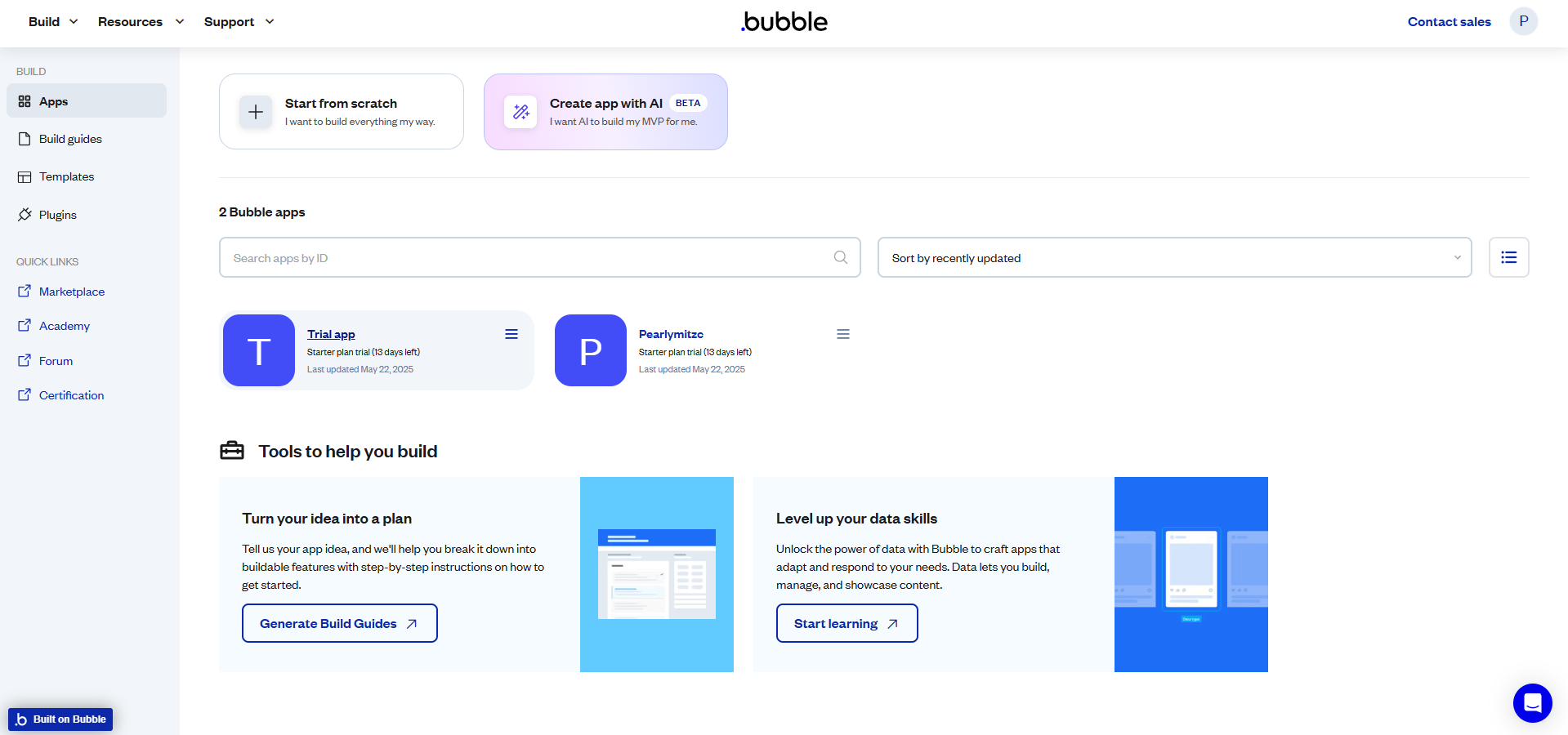
Navigate to your desired app and click on it.
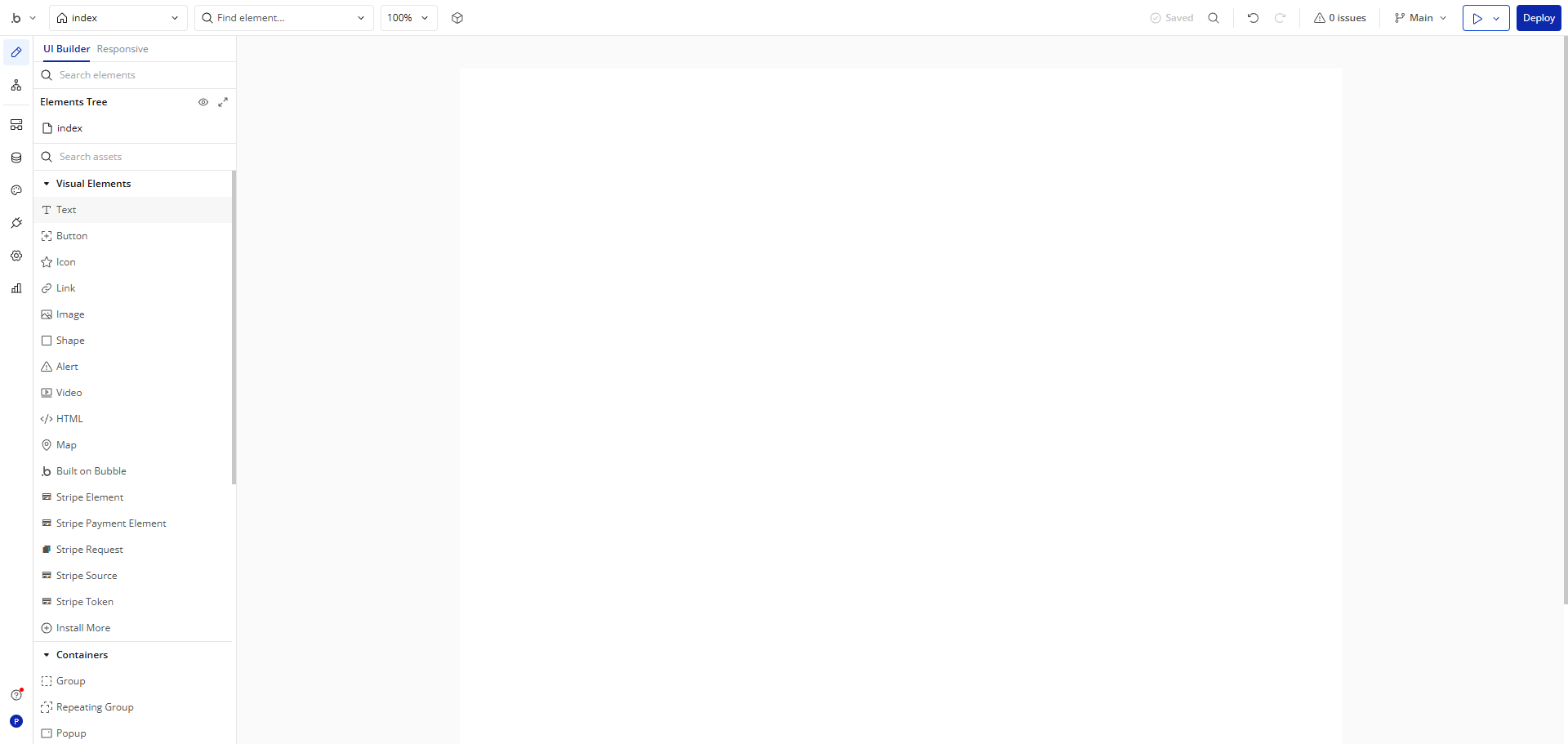
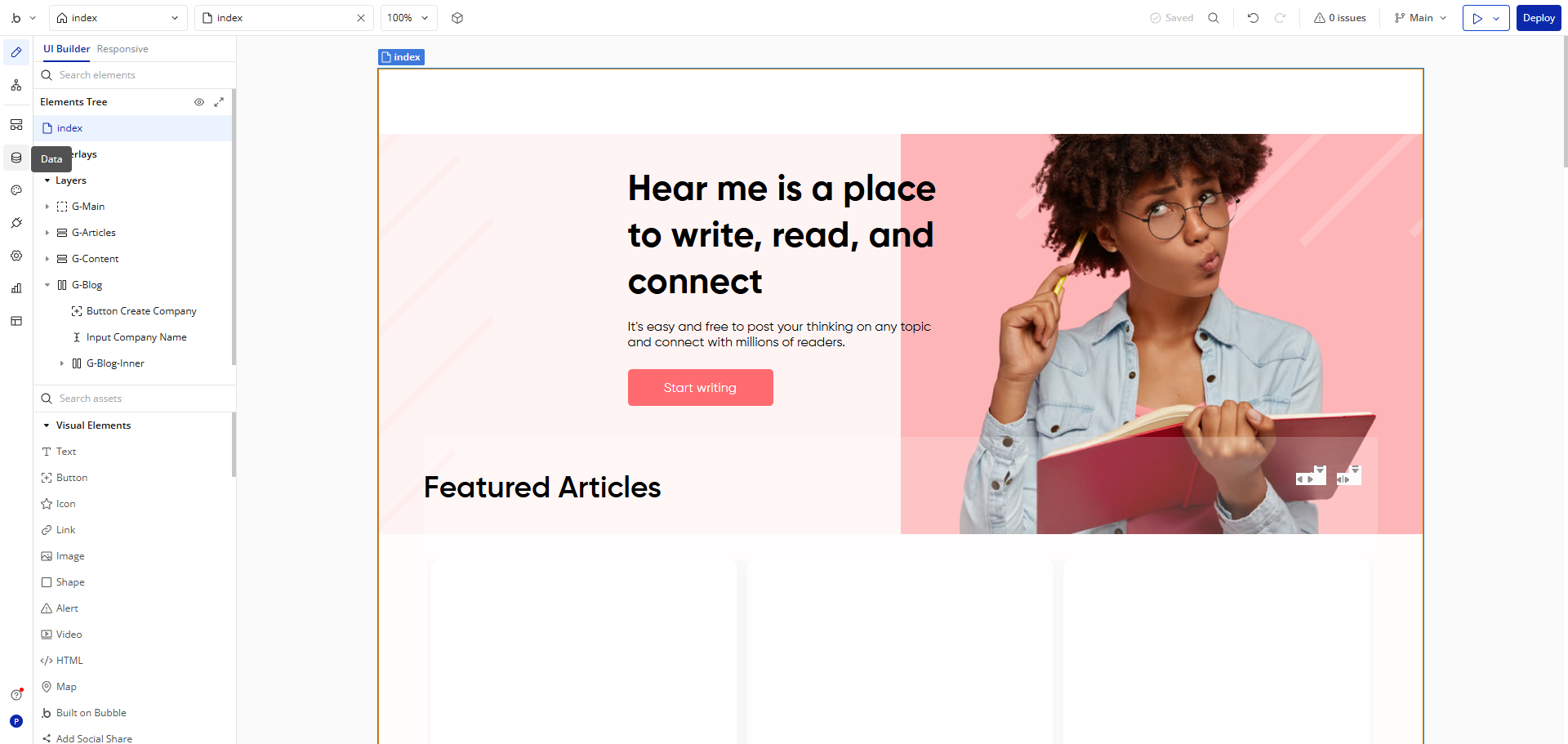
Go to the 'Design' tab. Explore the 'File Uploader' component, essential for handling document uploads in your Bubble app.
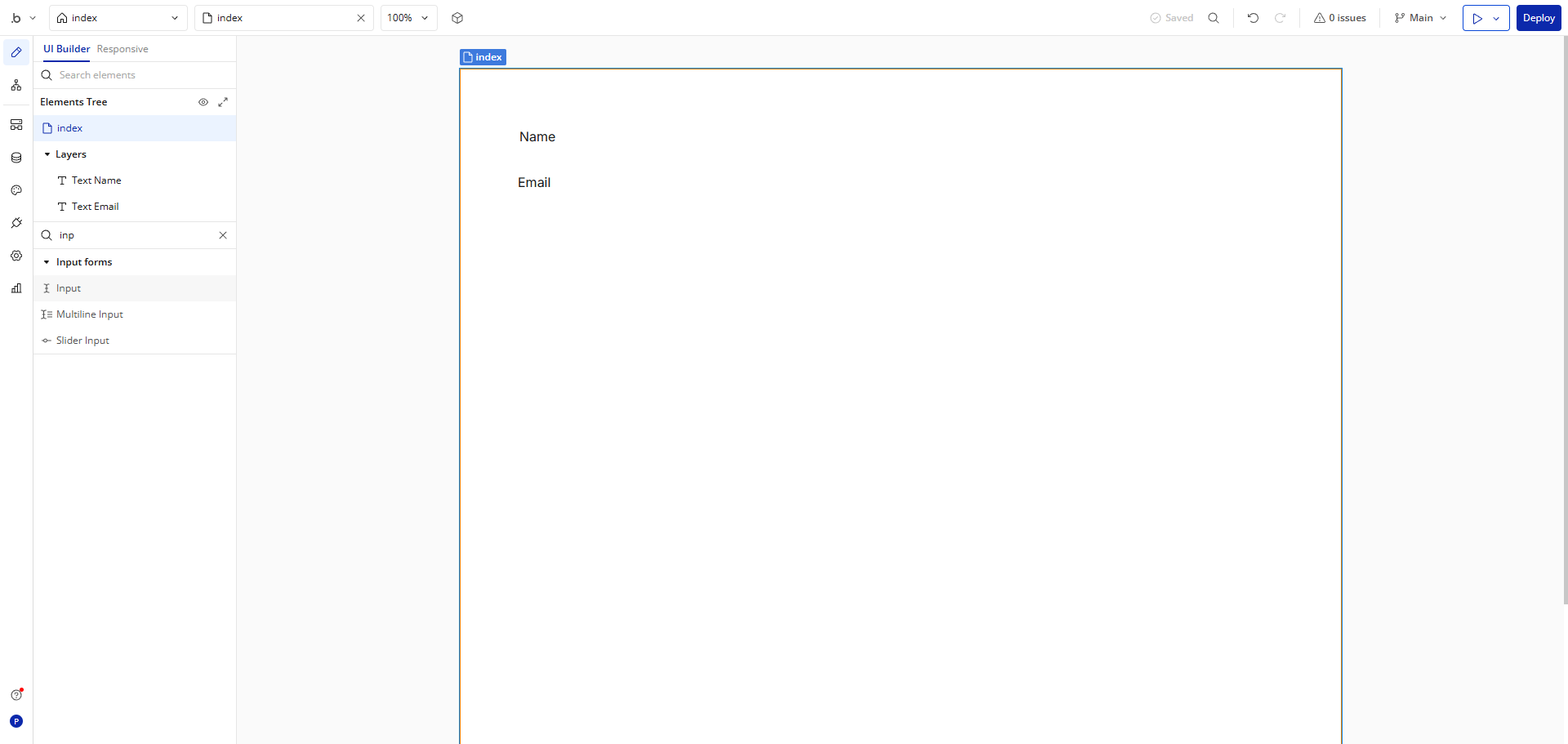
Drag the 'File Uploader' customize how users will interact with file uploads.
Examine the upload interface where users will select and submit their files.
Customize the file upload experience with tailored settings for your application needs.
Set file size limitations to optimize performance and prevent oversized uploads.
Adjust visibility settings to control when and how the upload component appears to users.
Review your File Uploader configuration to ensure it meets your application's needs.
Optimize the uploader's layout for seamless integration with your app's design.
Implement conditional logic to create smart, context-aware file upload experiences.
Click 'Deploy' to finalize your file uploader with conditions that adapt to user actions and app states.
Quick answer: To set file uploads in Bubble, navigate to your app and go to the Design tab. Drag the File Uploader component, customize settings, set file size limits, adjust visibility, review the configuration, optimize the layout, implement conditional logic, and click Deploy.
About this Bubble tutorial
Configure document uploads and set file size limits in Bubble with customizable components, visibility controls, and conditional logic. This guide shows how to set File Uploads in Bubble.io in 11 steps, starting with "Navigate to your desired app and click on it" and finishing with "Click 'Deploy' to finalize your file uploader with conditions that adapt to user action...". The interactive demo above is a click-through copy of the real Bubble interface, so you can rehearse each step before doing it in your own account.
Frequently asked questions
How many steps does it take to set File Uploads in Bubble.io?
11 steps. Each one is listed in order above, and the demo highlights exactly where to click.
Can I try it without changing my own account?
Yes. Clicking through the demo doesn't touch your Bubble data or settings. Once you know the flow, repeat it in your own workspace.
This tutorial is filed under Bubble. Related guides: How to Set up User Authentication in Bubble.io, How to Use API Connector in Bubble.io and How to Use Repeating Groups in Bubble.io. Last reviewed 05 Oct 2026.

Create your first interactive demo in minutes
No credit card required • Start building today