How to Set Up Klaviyo Flows
- George Apostolov
How to Set Up Klaviyo Flows: step-by-step guide
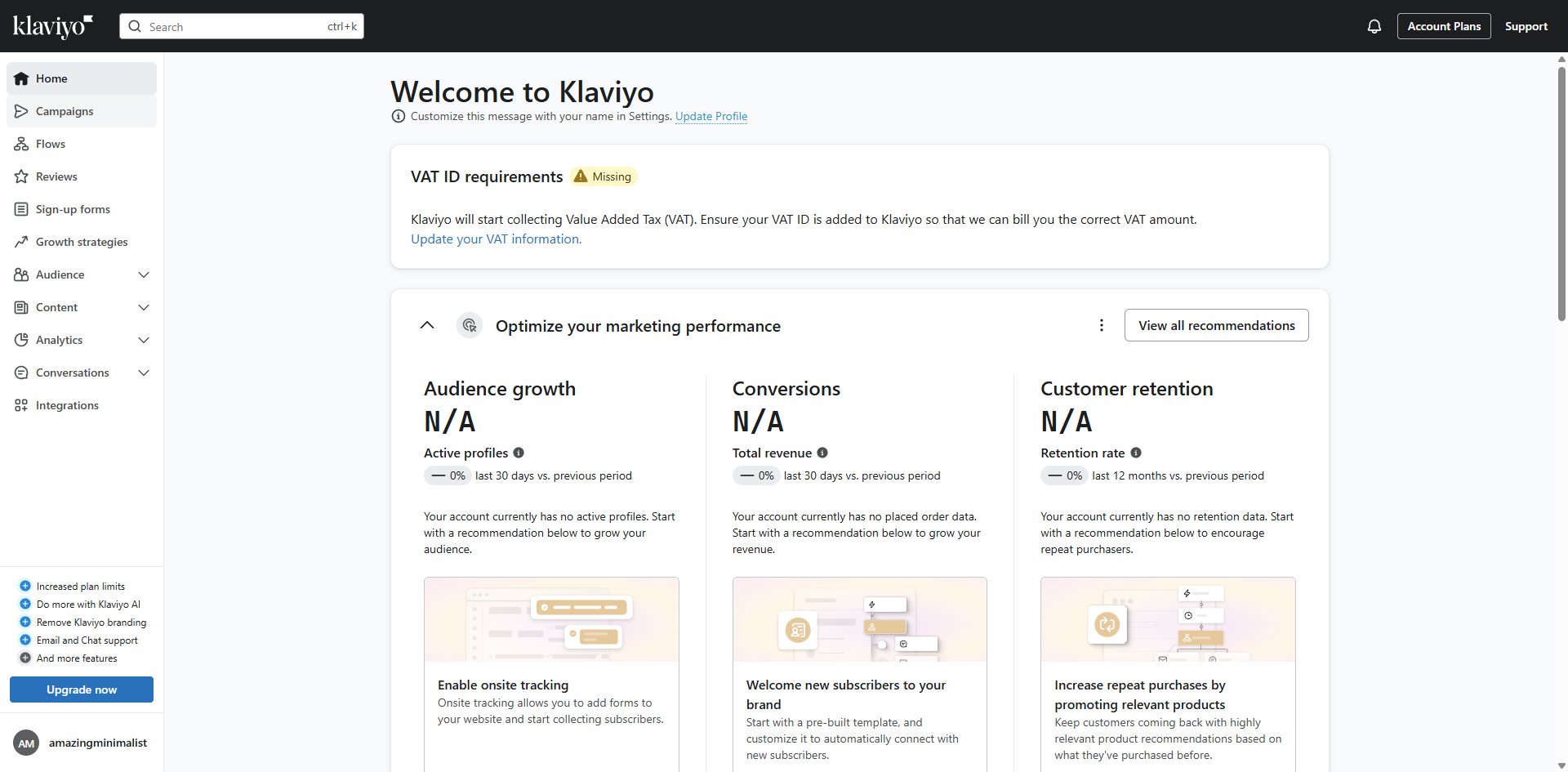
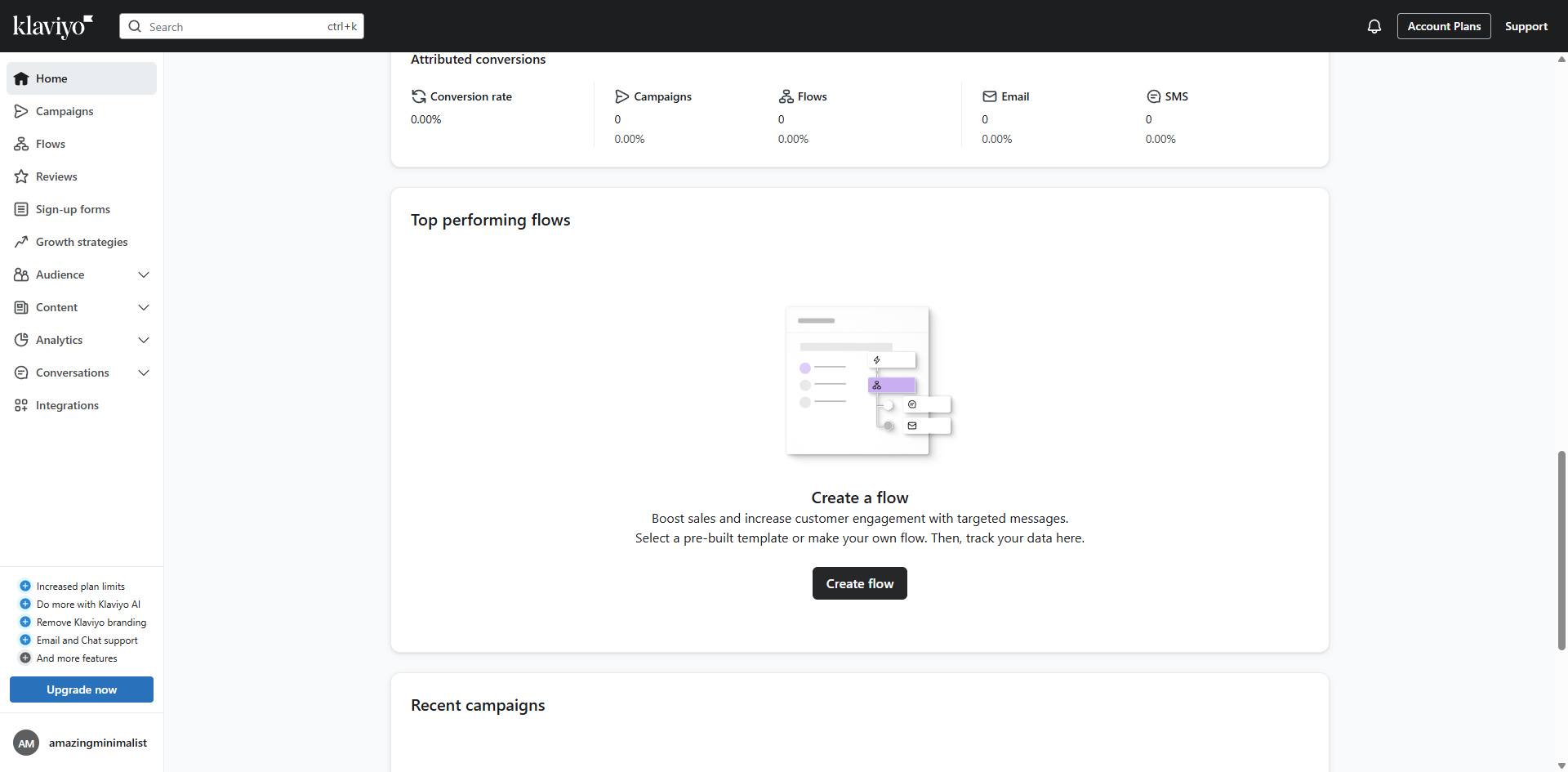
Start building your automated customer journey by clicking 'Create flow'.
Select the template to target different customer segments effectively.
Click 'Use template' to apply the pre-built template to save time while implementing proven marketing strategies.
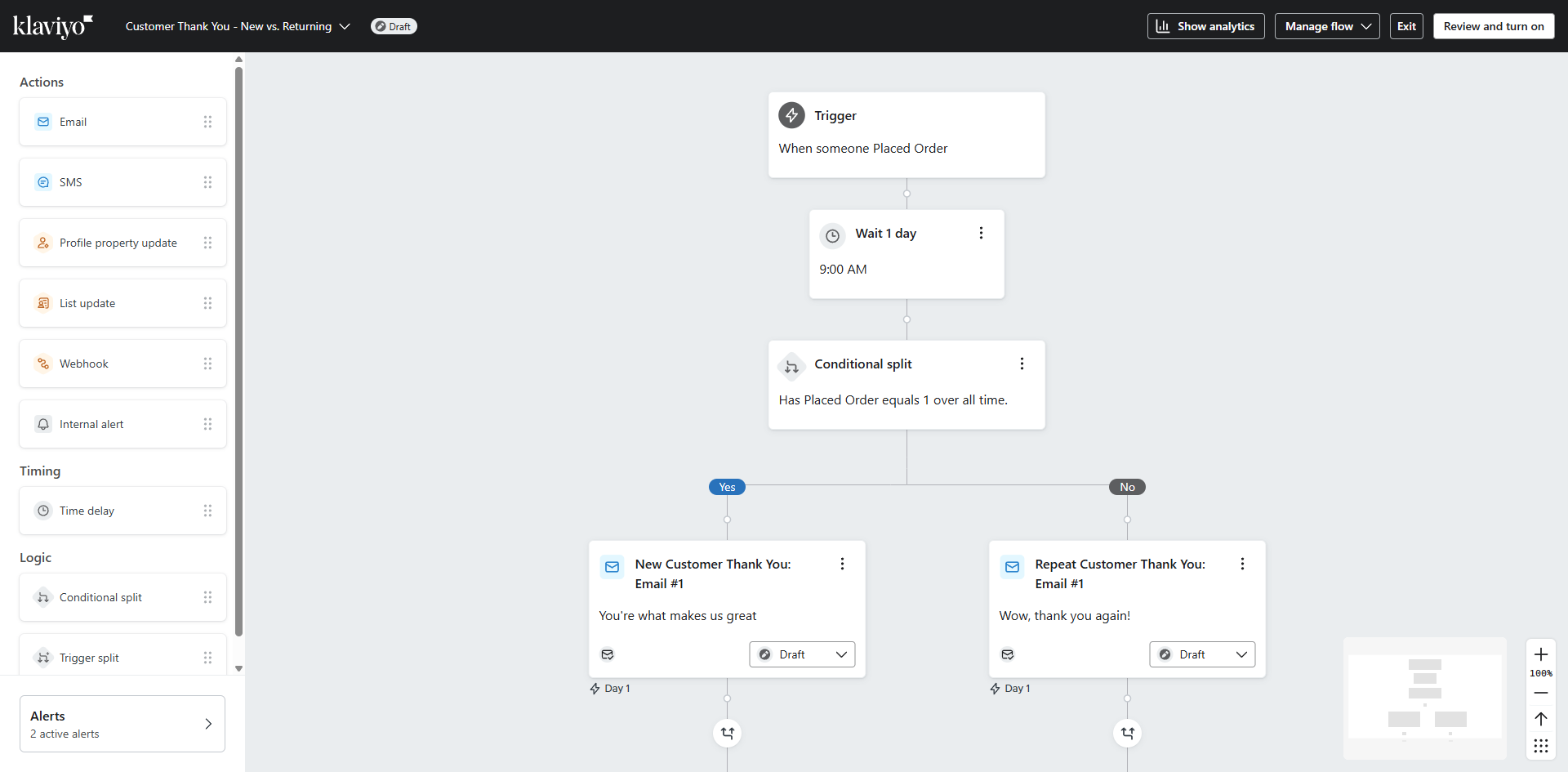
Customize your flow's entry conditions to capture the right audience segments.
Define your audience targeting parameters for maximum engagement impact.
Refine your messaging strategy based on customer behavior patterns.
Click 'Review and turn on' to review your flow configuration before activation to ensure everything is optimized.
Click 'Preview' to see how your emails will appear to subscribers before sending.
Proceed to final review to ensure your customer journey flow is ready for launch.
Once you have finalize your flow configuration and prepare for audience engagement. Click 'Save'.
That's it! You have successfully setup your Klaviyo flow.
Quick answer: To set up flows in Klaviyo, click Create flow, select a template, and click Use template. Customize entry conditions, define audience parameters, and refine messaging. Review and turn on, preview emails, and proceed to final review. Finally, click Save to complete your setup.
About this Klaviyo tutorial
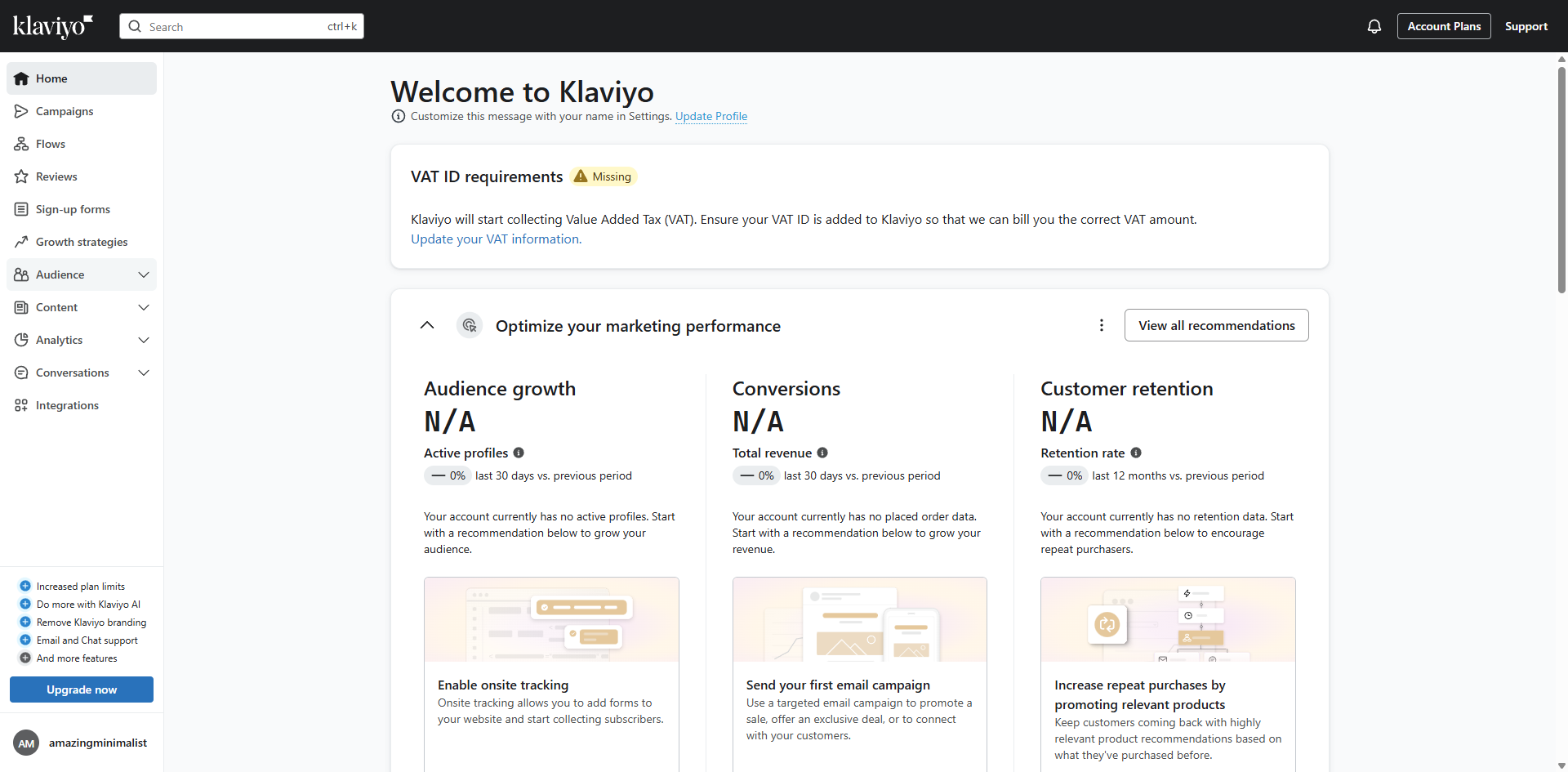
Configure automated customer journeys in Klaviyo by selecting templates, customizing entry conditions, and activating your flows. This guide shows how to set Up Klaviyo Flows in 11 steps, starting with "Start building your automated customer journey by clicking 'Create flow'" and finishing with "That's it! You have successfully setup your Klaviyo flow". The interactive demo above is a click-through copy of the real Klaviyo interface, so you can rehearse each step before doing it in your own account.
Frequently asked questions
How many steps does it take to set Up Klaviyo Flows?
11 steps. Each one is listed in order above, and the demo highlights exactly where to click.
Can I try it without changing my own account?
Yes. Clicking through the demo doesn't touch your Klaviyo data or settings. Once you know the flow, repeat it in your own workspace.
This tutorial is filed under Klaviyo. Related guides: How to Stop Klaviyo Emails Going to Junk, How to Sync Facebook Lead Ads to Klaviyo Through Zapier and How to Test Klaviyo Flows. Last reviewed 05 Oct 2026.

Create your first interactive demo in minutes
No credit card required • Start building today