How to Stop Klaviyo Emails Going to Junk
- George Apostolov
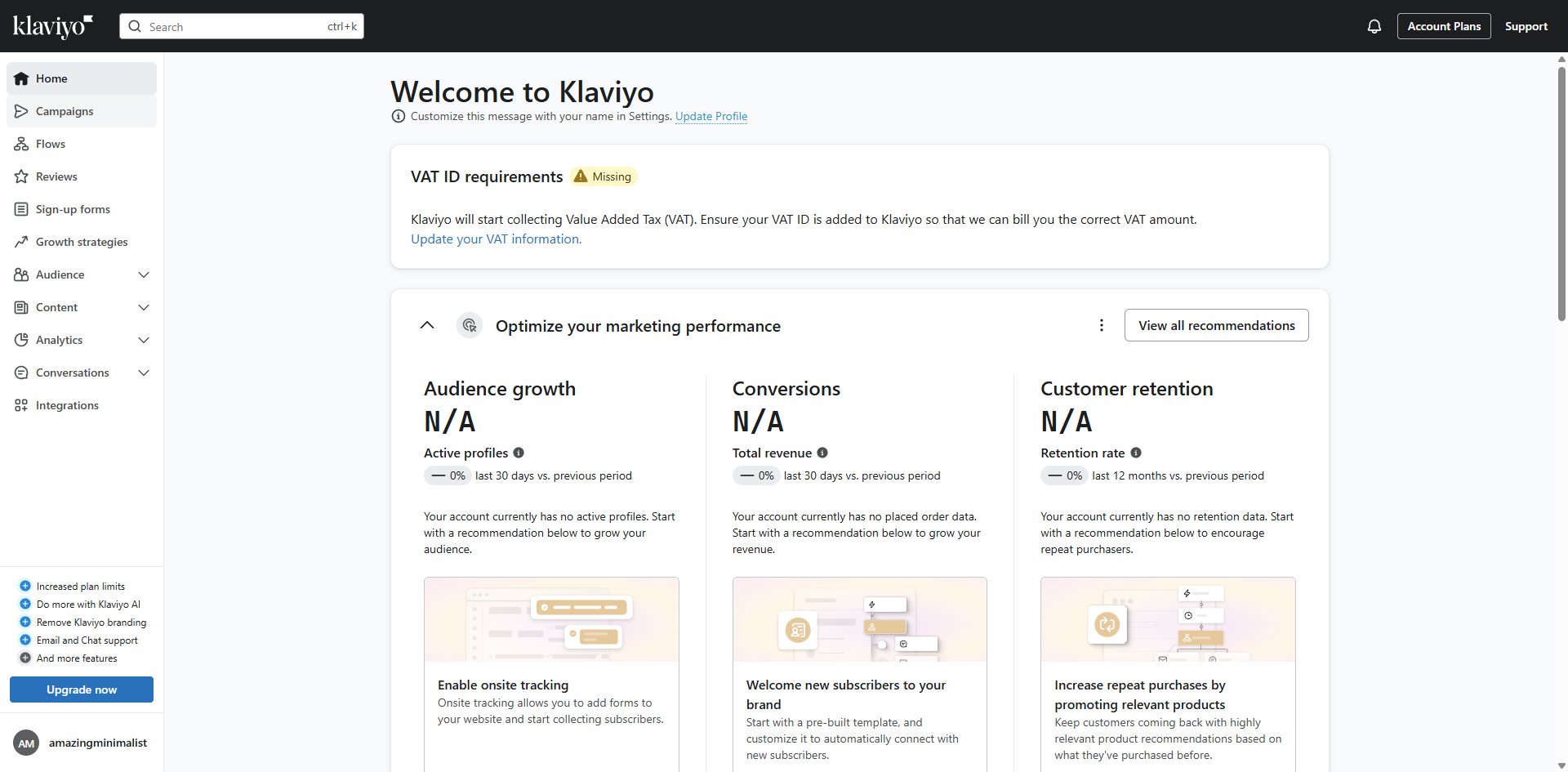
How to Stop Klaviyo Emails Going to Junk: step-by-step guide
Explore 'Analytics' to measure campaign performance and audience engagement.
Review 'Deliverability' metrics to ensure your messages reach customer inboxes.
Examine 'Bounce details' to identify and resolve email delivery issues.
Analyze Total bounces to understand the scope of delivery problems.
Implement recommended fixes to reduce bounces and improve sender reputation.
Access your existing campaign to analyze performance and make improvements.
Go to the 'Recipient activity' to track how subscribers interact with your emails for better segmentation.
Examine individual subscriber engagement to personalize future communications.
Manage subscriber information through specialized 'Profile actions'.
Update contact details to maintain accurate subscriber information by clicking 'Edit contact information'.
Modify email addresses to ensure deliverability to the correct inbox.
Click 'Update' to save your changes to keep subscriber profiles current and accurate.
Quick answer: To stop Klaviyo emails going to junk, explore Analytics and review Deliverability metrics. Examine Bounce details and Total bounces, then implement fixes. Access your campaign, go to Recipient activity, examine engagement, and use Profile actions. Edit contact information, modify email addresses, and click Update.
About this Klaviyo tutorial
Improve email delivery in Klaviyo by reviewing bounce metrics, managing subscriber profiles, and updating contact details. This guide shows how to stop Klaviyo Emails Going to Junk in 12 steps, starting with "Explore 'Analytics' to measure campaign performance and audience engagement" and finishing with "Click 'Update' to save your changes to keep subscriber profiles current and accurate". The interactive demo above is a click-through copy of the real Klaviyo interface, so you can rehearse each step before doing it in your own account.
Frequently asked questions
How many steps does it take to stop Klaviyo Emails Going to Junk?
12 steps. Each one is listed in order above, and the demo highlights exactly where to click.
Can I try it without changing my own account?
Yes. Clicking through the demo doesn't touch your Klaviyo data or settings. Once you know the flow, repeat it in your own workspace.
This tutorial is filed under Klaviyo. Related guides: How to Sync Facebook Lead Ads to Klaviyo Through Zapier, How to Test Klaviyo Flows and How to Turn Off Double Opt-In in Klaviyo. Last reviewed 05 Oct 2026.

Create your first interactive demo in minutes
No credit card required • Start building today