How to Train Perplexity AI
- George Apostolov
How to Train Perplexity AI: step-by-step guide
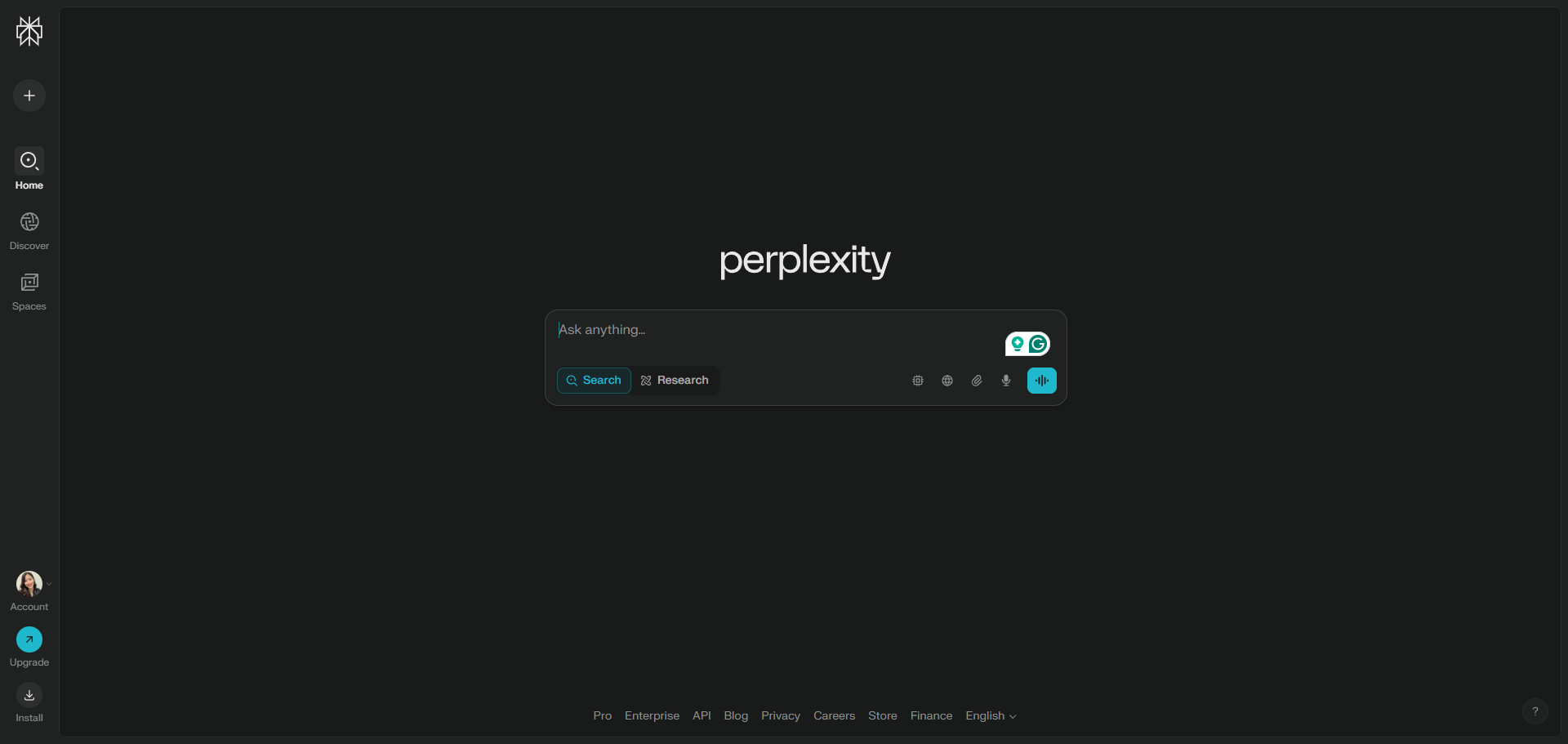
Perplexity AI is a conversational search and question. To train Perplexity AI, be specific with your prompts.
Type your question or prompt into the search bar. Use clear, conversational language for best results.
Explore related weather insights for planning your upcoming activities.
Access the 'Rewrite' feature to rephrase your weather query for different perspectives.
Use the 'Models' to filter results by source type, such as academic papers or social media, to get more relevant answers
Explore how Perplexity handles follow-up questions for deeper understanding.
Click on the arrow icon to use Perplexity AI effectively.
Compare today's forecast with tomorrow's to spot weather pattern changes.
Click 'Add to Space' to organize and collaborate on research or complex tasks.
Quick answer: To train Perplexity AI, enter specific prompts in clear, conversational language using the search bar, explore weather insights, use the Rewrite feature, filter results with Models, explore follow-up questions, click the arrow icon, compare forecasts, and click Add to Space to organize research.
About this tutorial
Master the app by using specific prompts, exploring weather insights, rewriting queries, filtering with models, and organizing research. This guide shows how to train Perplexity AI in 9 steps, starting with "Perplexity AI is a conversational search and question. To train Perplexity AI, be speci..." and finishing with "Click 'Add to Space' to organize and collaborate on research or complex tasks". The interactive demo above is a click-through copy of the real product interface, so you can rehearse each step before doing it in your own account.
Frequently asked questions
How many steps does it take to train Perplexity AI?
9 steps. Each one is listed in order above, and the demo highlights exactly where to click.
Can I try it without changing my own account?
Yes. Clicking through the demo doesn't touch your data or settings. Once you know the flow, repeat it in your own workspace.

Create your first interactive demo in minutes
No credit card required • Start building today