How to Transfer a Subscription in Xero
- George Apostolov
How to Transfer a Subscription in Xero: step-by-step guide
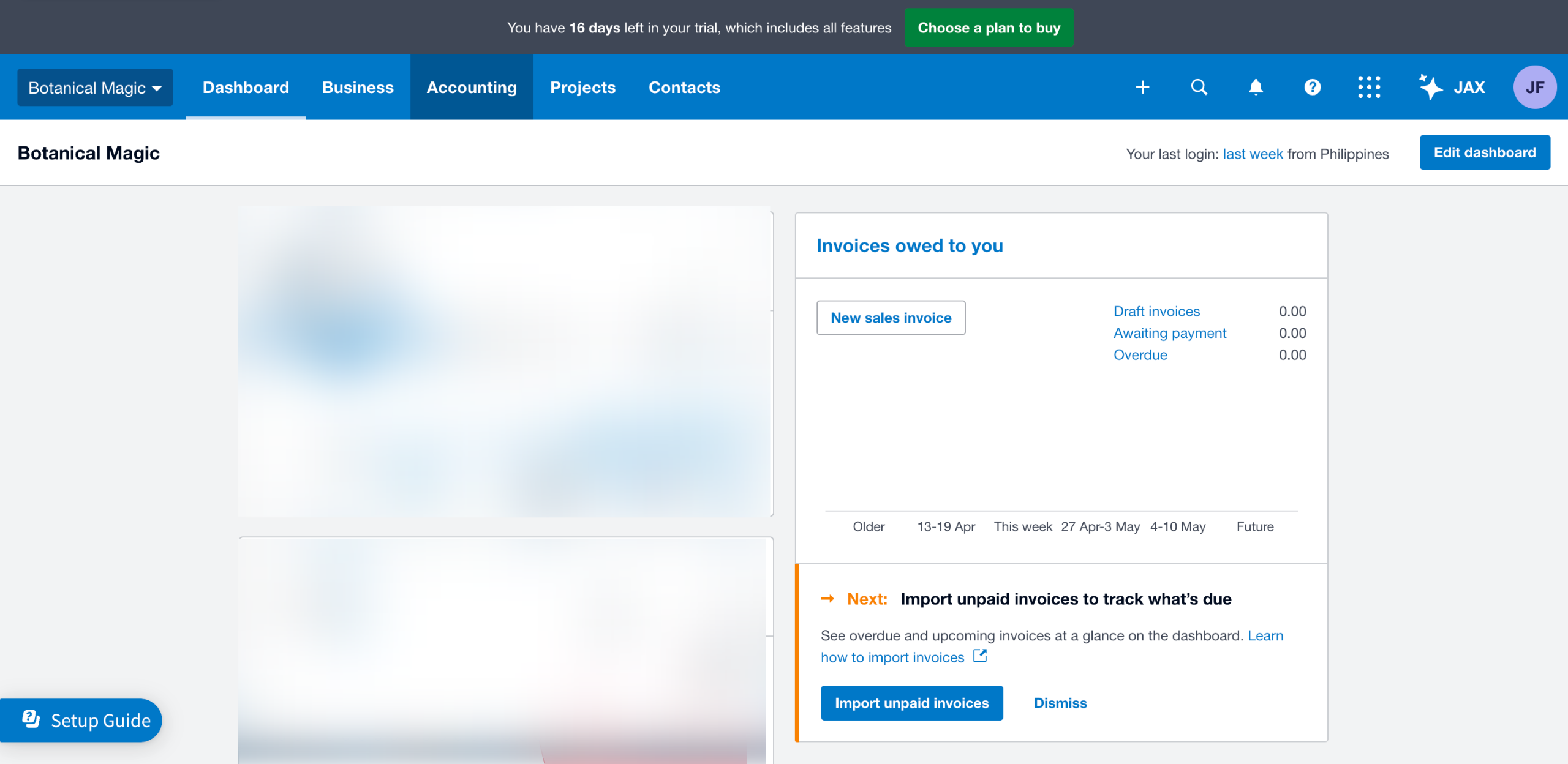
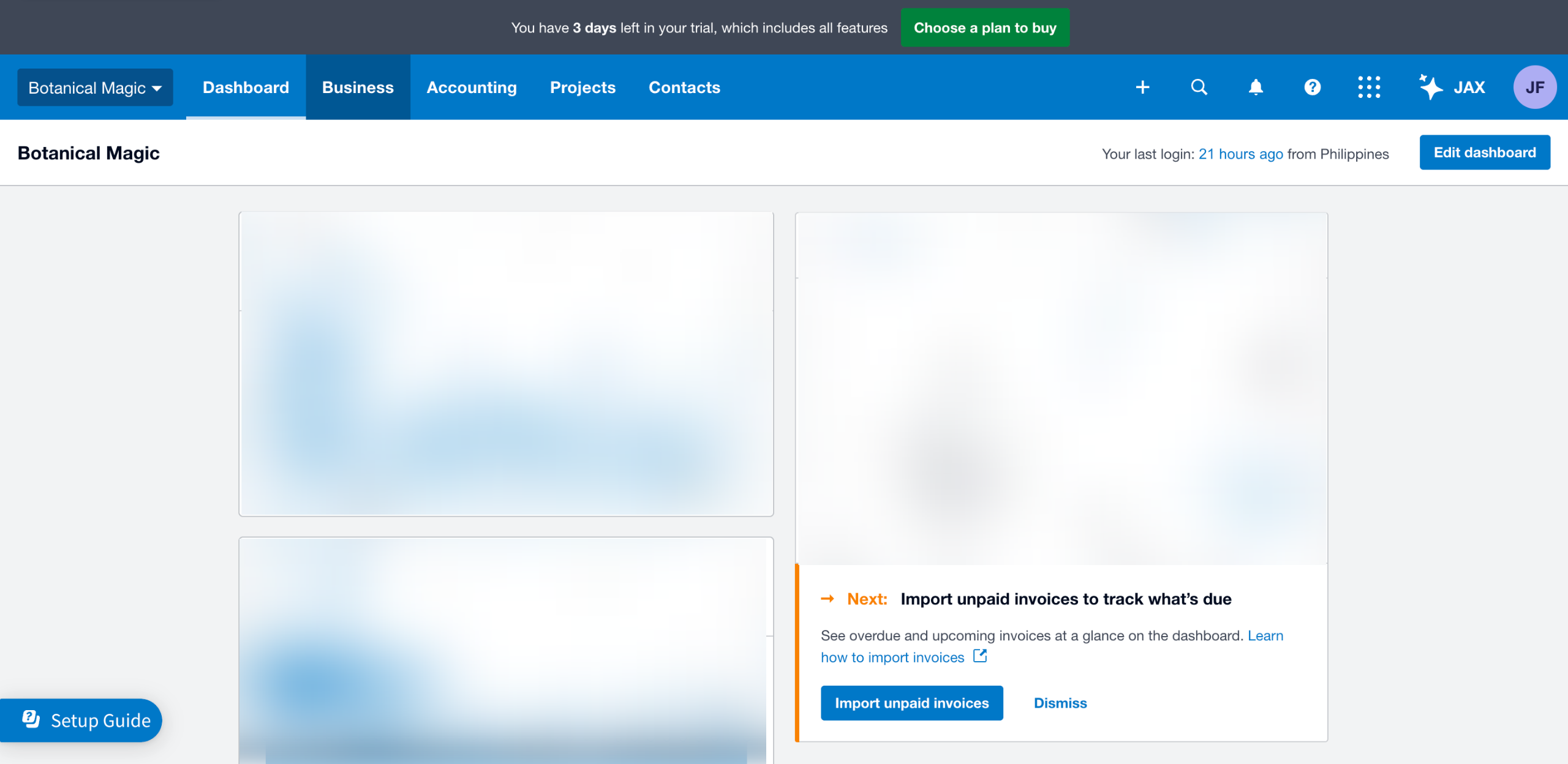
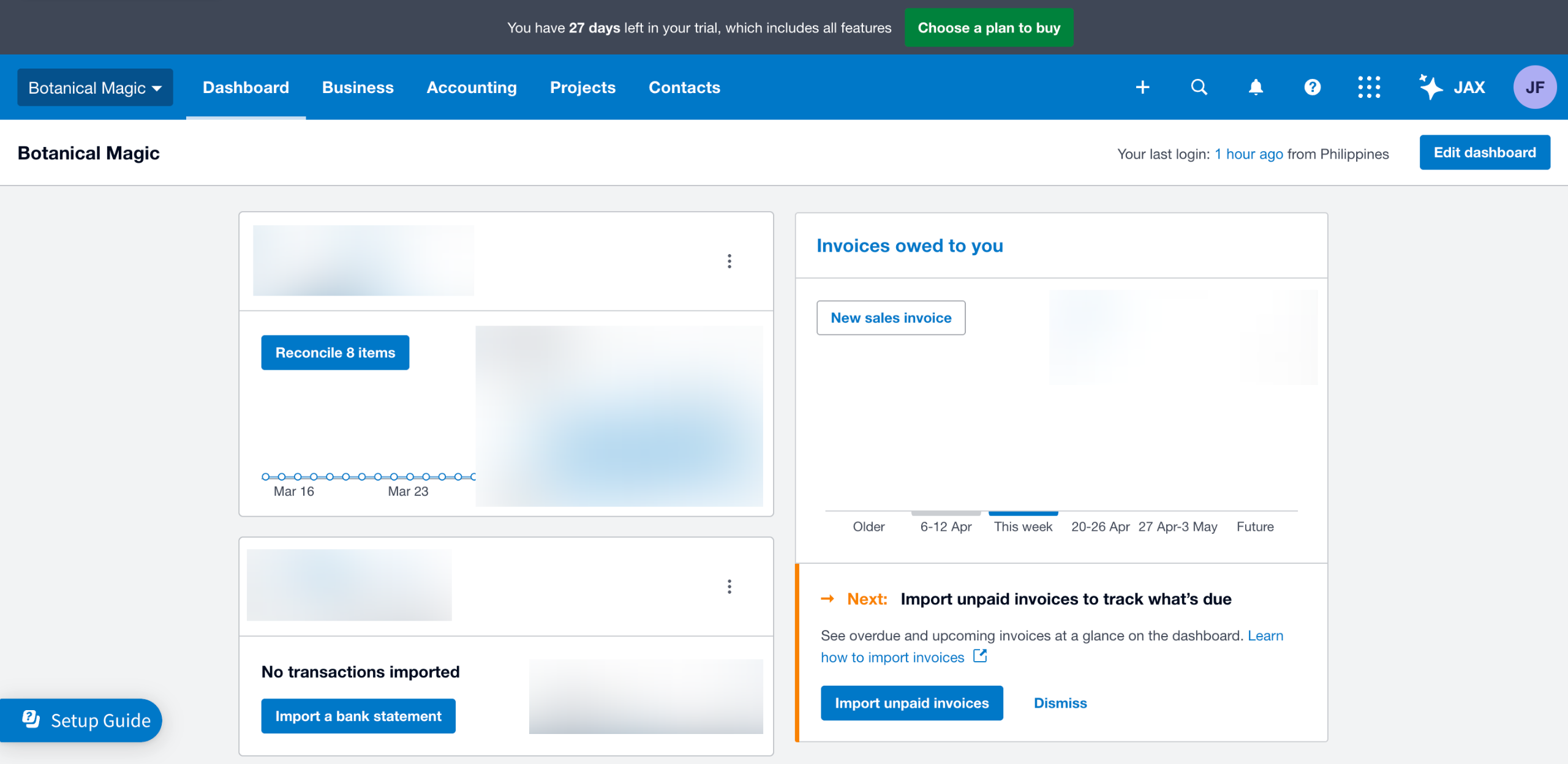
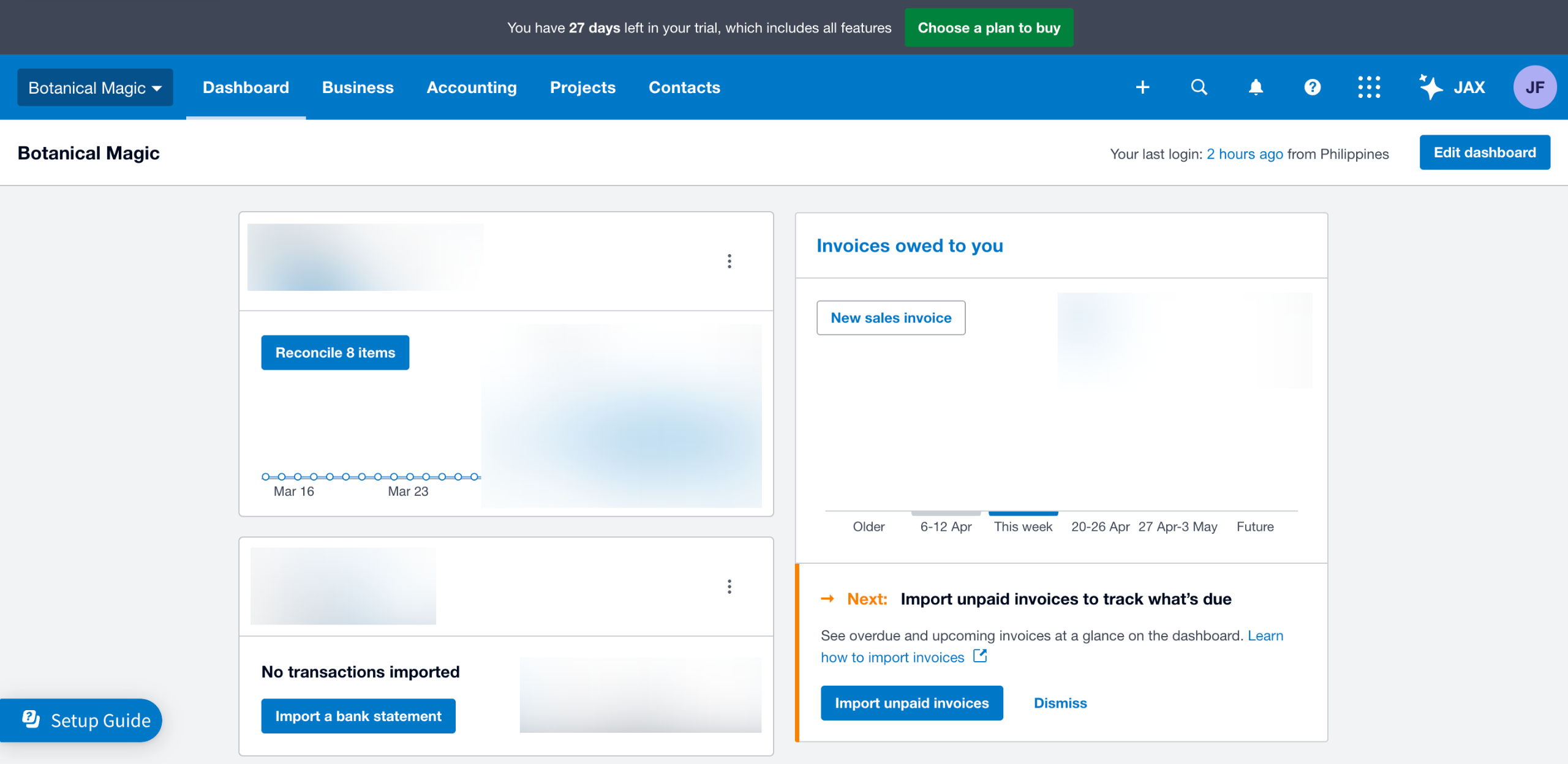
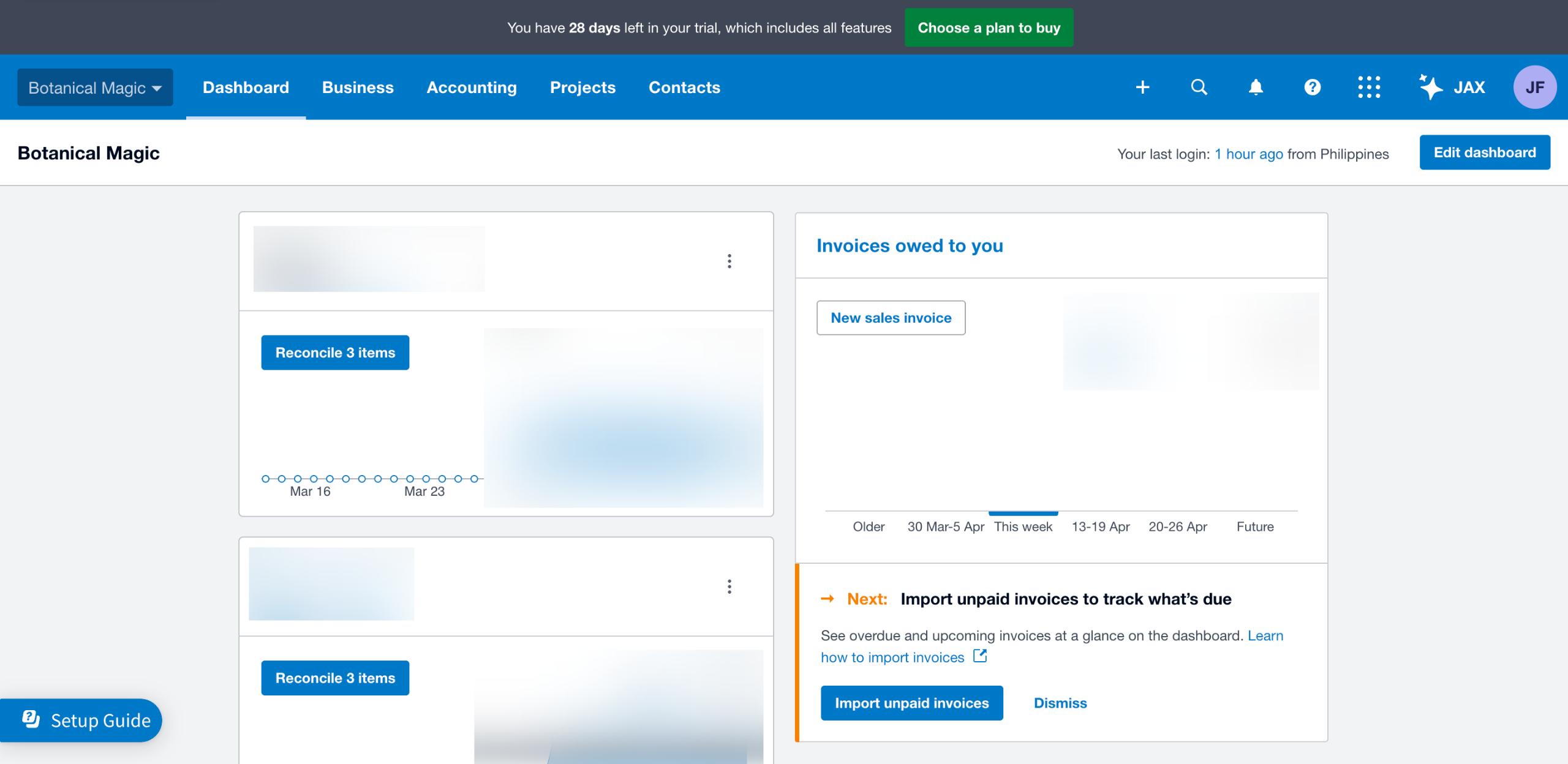
On Xero's main dashboard, go to the top-left corner and click the 'Company' tab.
Select 'Subscription and Billing' from the list of options.
After that, click 'Manage Subscription'.
Find the subscription you wish to transfer, then tap its corresponding 'More Options' button.
Subsequently, click 'Request Transfer' to proceed.
One by one, fill out the input fields with the required information, particularly the name and email address of the user to whom you'd intend to transfer the subscription.
Finally, click 'Request Transfer to proceed. Once the request is accepted, the subscription transfer will be initiated instantly.
Quick answer: To transfer a subscription in Xero, navigate to the Company tab on the main dashboard, select Subscription and Billing, and click Manage Subscription. Locate the subscription, click More Options, and select Request Transfer. Enter the recipient's name and email, then click Request Transfer again to initiate the process.
About this Xero tutorial
Easily transfer your Xero subscription to another user by updating billing details and submitting a transfer request from your account settings. This guide shows how to transfer a Subscription in Xero in 7 steps, starting with "On Xero's main dashboard, go to the top-left corner and click the 'Company' tab" and finishing with "Finally, click 'Request Transfer to proceed. Once the request is accepted, the subscrip...". The interactive demo above is a click-through copy of the real Xero interface, so you can rehearse each step before doing it in your own account.
Frequently asked questions
How many steps does it take to transfer a Subscription in Xero?
7 steps. Each one is listed in order above, and the demo highlights exactly where to click.
Can I try it without changing my own account?
Yes. Clicking through the demo doesn't touch your Xero data or settings. Once you know the flow, repeat it in your own workspace.
This tutorial is filed under Xero. Related guides: How to Turn Off the Invoice Reminders in Xero, How to Unapprove an Invoice in Xero and How to Unlock a Period in Xero. Last reviewed 05 Oct 2026.

Create your first interactive demo in minutes
No credit card required • Start building today