ManyChat HubSpot Integration
- George Apostolov
ManyChat HubSpot Integration: step-by-step guide
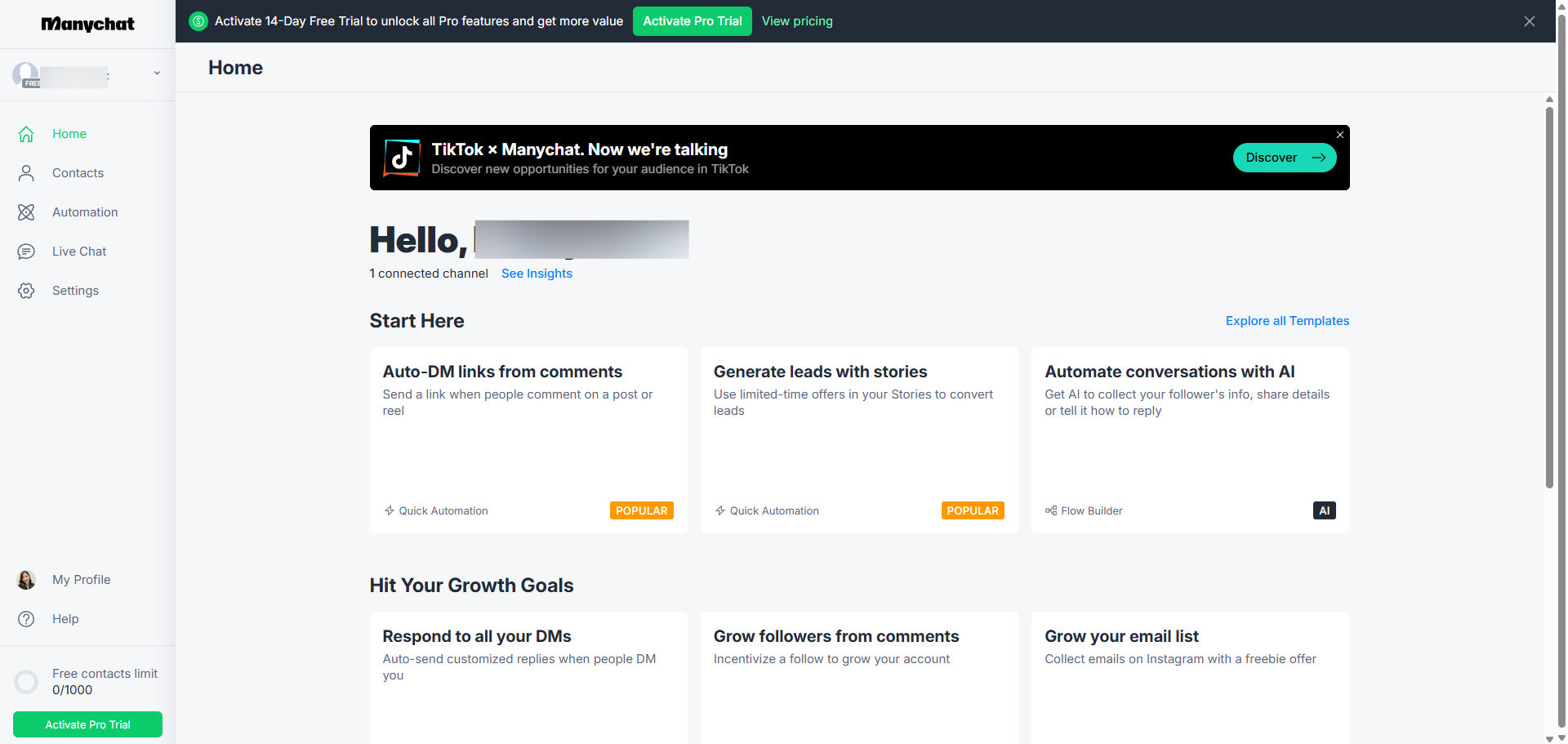
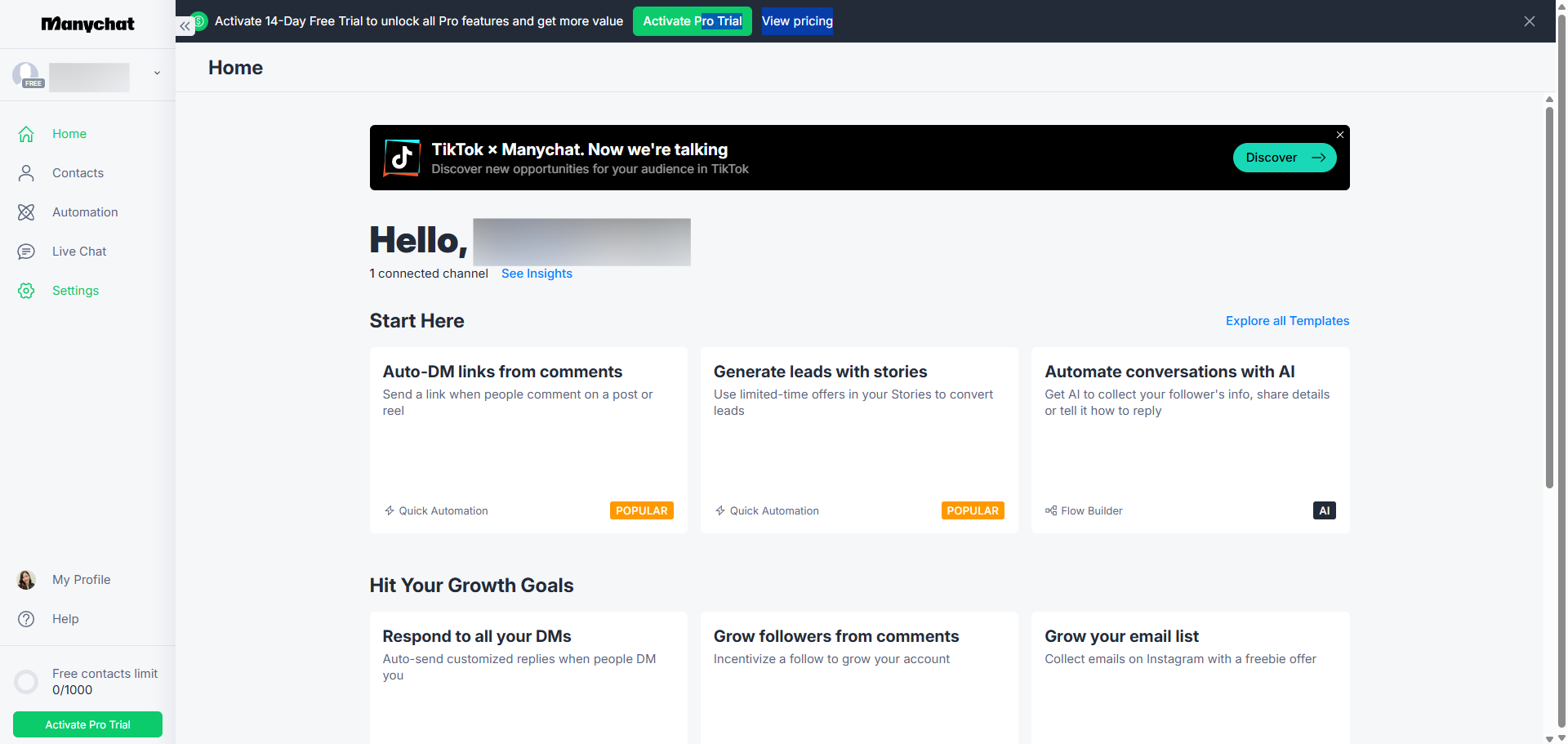
Head to 'Settings' where you can customize how your chat automation works.
Navigate to the 'Integrations' section to discover tools that can supercharge your ManyChat flows.
Click 'Connect HubSpot Account' to start linking your CRM with ManyChat for better lead management.
Click 'Sign in to HubSpot Account' to authenticate and establish the connection between platforms.
Verify your connection to ensure secure data exchange between platforms.
Choose the HubSpot account you want to connect with ManyChat.
Click 'Choose Account' to confirm and proceed to the next step.
Select the appropriate option to continue with your integration setup.
Connect the apps to expand your marketing automation capabilities across platforms.
Finalize your integration settings to activate the connection by clicking 'Allow'.
That's it! Your HubSpot and ManyChat accounts are now working together. Time to put this dynamic duo to work!
Quick answer: To connect HubSpot, head to Settings, navigate to Integrations, click Connect HubSpot Account, and sign in. Next, verify the connection, choose your HubSpot account, click Choose Account, and select the appropriate option. Finally, connect the apps, click Allow to finalize settings, and your accounts are successfully linked.
About this HubSpot tutorial
Link your HubSpot CRM with ManyChat to improve lead management and expand marketing automation. Follow our simple setup guide. This guide covers manyChat HubSpot Integration in 11 steps, starting with "Head to 'Settings' where you can customize how your chat automation works" and finishing with "That's it! Your HubSpot and ManyChat accounts are now working together. Time to put thi...". The interactive demo above is a click-through copy of the real HubSpot interface, so you can rehearse each step before doing it in your own account.
Frequently asked questions
How many steps does manyChat HubSpot Integration take?
11 steps. Each one is listed in order above, and the demo highlights exactly where to click.
Can I try it without changing my own account?
Yes. Clicking through the demo doesn't touch your HubSpot data or settings. Once you know the flow, repeat it in your own workspace.
This tutorial is filed under HubSpot and ManyChat. Related guides: Miro HubSpot Integration, How to Connect PandaDoc and HubSpot from Settings and Push HubSpot deal updates to a Google Sheets pipeline tracker. Last reviewed 05 Oct 2026.

Create your first interactive demo in minutes
No credit card required • Start building today