Almost every interactive demo platform is a closed-source, hosted product. That's fine for most teams. But if you need to keep demo data on your own infrastructure, want to avoid vendor lock-in, or just prefer software you can read and modify, the options are limited.
LiveDemo is an exception: the whole platform is open source under the MIT license. This page explains what that includes, how to self-host it, what it costs, and how it compares with other open-source tools that cover parts of the demo workflow.
What's open source in LiveDemo
Everything you need to capture, edit, host and share interactive demos is published on GitHub under the MIT license:
| Repository | What it does |
|---|---|
| livedemo-deploy | Docker Compose setup that runs the full stack |
| livedemo-backend | Backend API and consumer |
| livedemo-web-app | The demo editor web app |
| livedemo-chrome-app | Chrome extension for capturing demos |
| livedemo-web-proxy | Web proxy |
| livedemo-ai-api | AI API |
| livedemo-rrweb | Fork of rrweb, used to record and replay web pages |
The MIT license is one of the most permissive open-source licenses. You can use LiveDemo commercially, modify it, and run it internally or for customers, as long as you keep the copyright notice.
What the self-hosted version can do
The open-source stack includes LiveDemo's core features:
- Capture HTML, screenshot and video demos from the Chrome extension, Figma plugin, and macOS and Windows apps.
- Edit steps, popups, pan and zoom, autoplay, calls to action and brand design.
- AI voiceover, AI text personalization and Agentic Demos, where an AI agent guides the buyer and answers questions. You bring your own API keys.
- Share demos as a public link, website embed (iframe), email, or GIF and MP4 export.
- Analytics for views, completion rate, drop-off, time spent and captured leads.
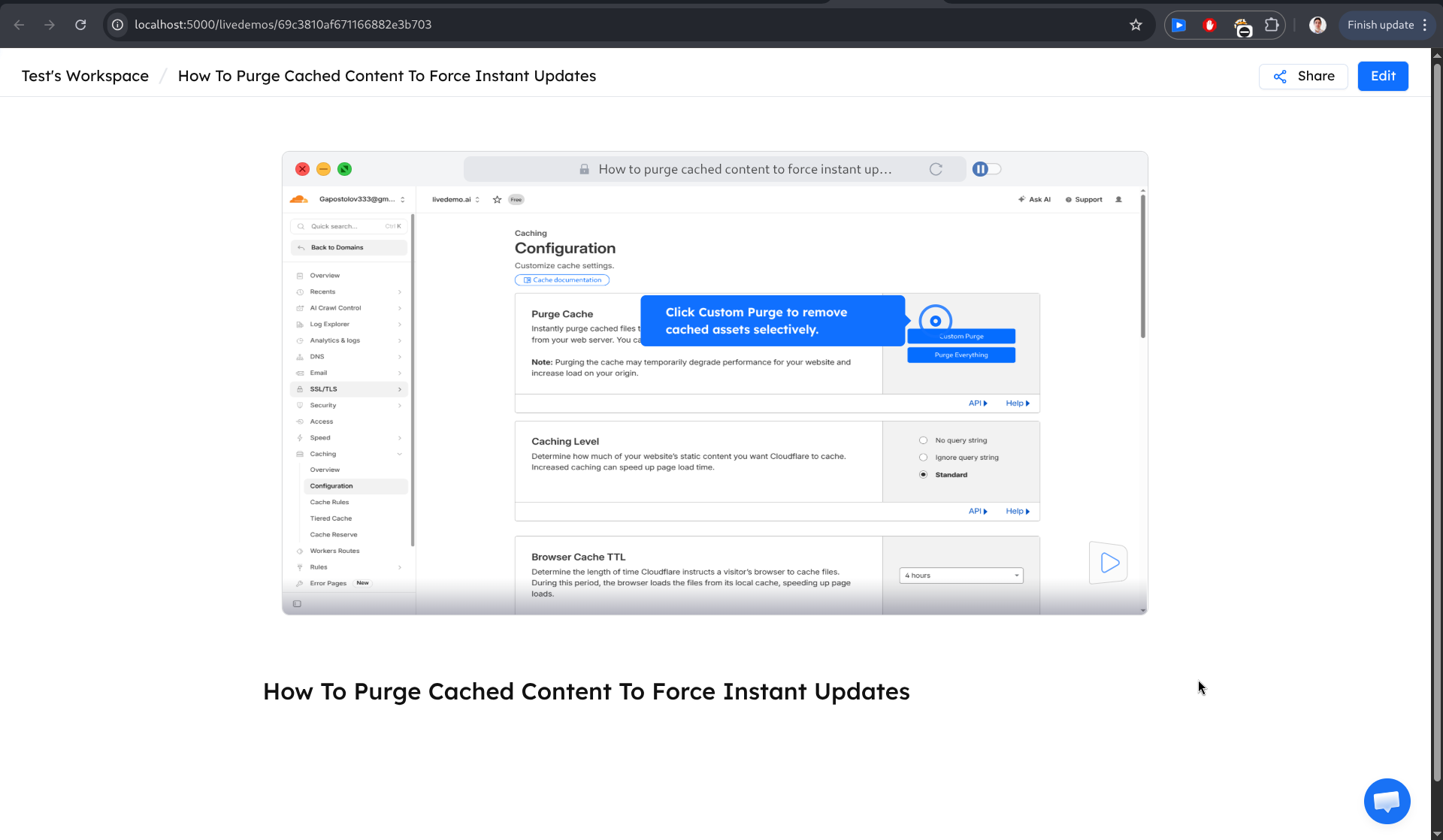
How to self-host LiveDemo with Docker Compose
The livedemo-deploy repository runs three containers:
- mongo: MongoDB 8 on port 27017, with a persistent local volume
- livedemo-backend: the backend API on port 3005
- livedemo-web-app: the editor web app on port 5000
All images are pulled from Docker Hub, so there's nothing to build. You need Docker and Docker Compose v2.
1. Clone the repository and fill in the environment files. Two templates live in local/envs/. The backend needs a private auth token. AI features need an OPENAI_API_KEY, and AI voiceover can use an ELEVENLABS_API_KEY. Video, AWS and Stripe keys are optional for a local setup.
git clone https://github.com/exploitx3/livedemo-deploy.git
cd livedemo-deploy
2. Pull the images and start the stack.
docker compose -f local/docker-compose.yml pull
docker compose -f local/docker-compose.yml up -d
MongoDB starts first and waits for its health check. Then the backend starts, and then the web app.
3. Open the editor at http://localhost:5000, and create an account. The backend API runs at http://localhost:3005.
Logs, restarts and resets use standard Docker Compose commands, documented in the repository README.
What self-hosting actually costs
The software is free. The real costs are infrastructure and time:
- A server. A small cloud VM is enough for a team's internal use. Size it up if you'll serve high-traffic embeds.
- Storage for captured screenshots, HTML and video. Plan for backups of the MongoDB volume.
- Third-party APIs. OpenAI usage for AI features, plus optional ElevenLabs for voiceover and Mux for video, billed by those providers.
- Maintenance. Pulling new images, applying security updates, monitoring and backups. Budget an engineer's time.
If that maintenance isn't worth it for your team, LiveDemo Cloud runs the same software for you: free for one creator, $34/mo per creator on Pro, and $49/mo on Growth with Agentic Demos.
Self-hosted vs cloud vs Business
| Option | Cost | Who runs it | Best for |
|---|---|---|---|
| Self-hosted (open source) | Free (MIT), plus your infrastructure | Your team | Full control of data and infrastructure, internal use, compliance requirements |
| LiveDemo Cloud | Free for 1 creator, paid plans from $34/mo | LiveDemo | Teams that want to start in minutes without running servers |
| Business plan | Custom, from 10 creators | LiveDemo or your team | Whitelabel, custom domain and dedicated support |
Other open-source tools for product demos
No other open-source project we know of covers the whole interactive demo workflow, from capture to editing, hosting, sharing and analytics. But several excellent open-source tools cover part of it, and many teams combine them.
Product tour libraries
Libraries such as Driver.js (MIT), Shepherd.js and Intro.js add step-by-step tooltips and highlights to your live application. They're the right tool for in-app onboarding of logged-in users. They don't capture your product into a standalone demo that a prospect can open from your website or an email without an account. Licensing differs, and some of these libraries require a commercial license for commercial use, so check each project's current terms.
Screen recorders
OBS Studio (GPL) is the standard open-source screen recorder. Browser-based recorders such as Screenity and Loom-style tools such as Cap also publish their source code. They produce videos, not clickable demos. That's useful for long walkthroughs, but viewers can't interact, and there are no hotspots, branching or completion analytics. We compare the two formats in interactive demos vs. recorded videos.
Session recording
rrweb (MIT) records and replays the DOM of a web page. It powers many session-replay products, and LiveDemo uses a fork of it for HTML capture. On its own it's a library, not a demo builder.
| Tool type | Example projects | Captures a shareable demo | Guided steps | Analytics |
|---|---|---|---|---|
| Interactive demo platform | LiveDemo | Yes | Yes | Yes |
| Product tour library | Driver.js, Shepherd.js, Intro.js | No, runs in your live app | Yes | Build your own |
| Screen recorder | OBS Studio, Screenity, Cap | Video only | No | Depends on hosting |
| Session recording library | rrweb | Raw recording | No | Build your own |
Limits of the open-source version
Self-hosting gives you control, and with it responsibility. You're in charge of uptime, backups, security patches and scaling. AI features depend on keys you supply and pay for. Whitelabel, a custom domain and dedicated support with an SLA come with the Business plan, not the open-source repository. And as with any self-hosted software, your instance only gets new features when you pull new images.
Get started
- Self-host: clone livedemo-deploy and start it with Docker Compose.
- Try the cloud first: sign up free, build a demo in about 10 minutes, and self-host later if you want. The product demo builder guide walks through it.
- Compare closed-source options: see our demo platform comparison.