How Do I Use Mixpanel Segmentation To Find Power Users
- George Apostolov
How Do I Use Mixpanel Segmentation To Find Power Users: step-by-step guide
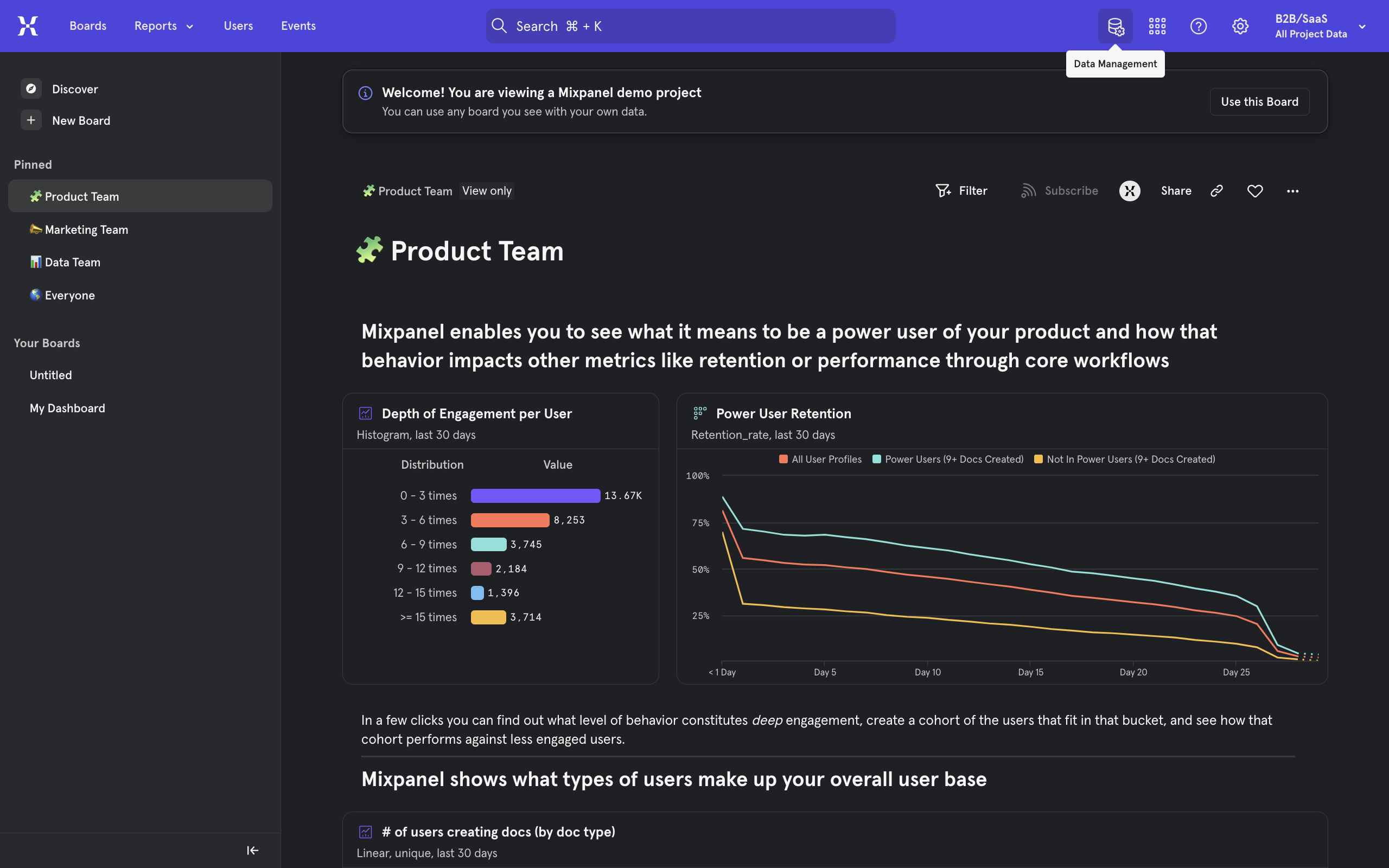
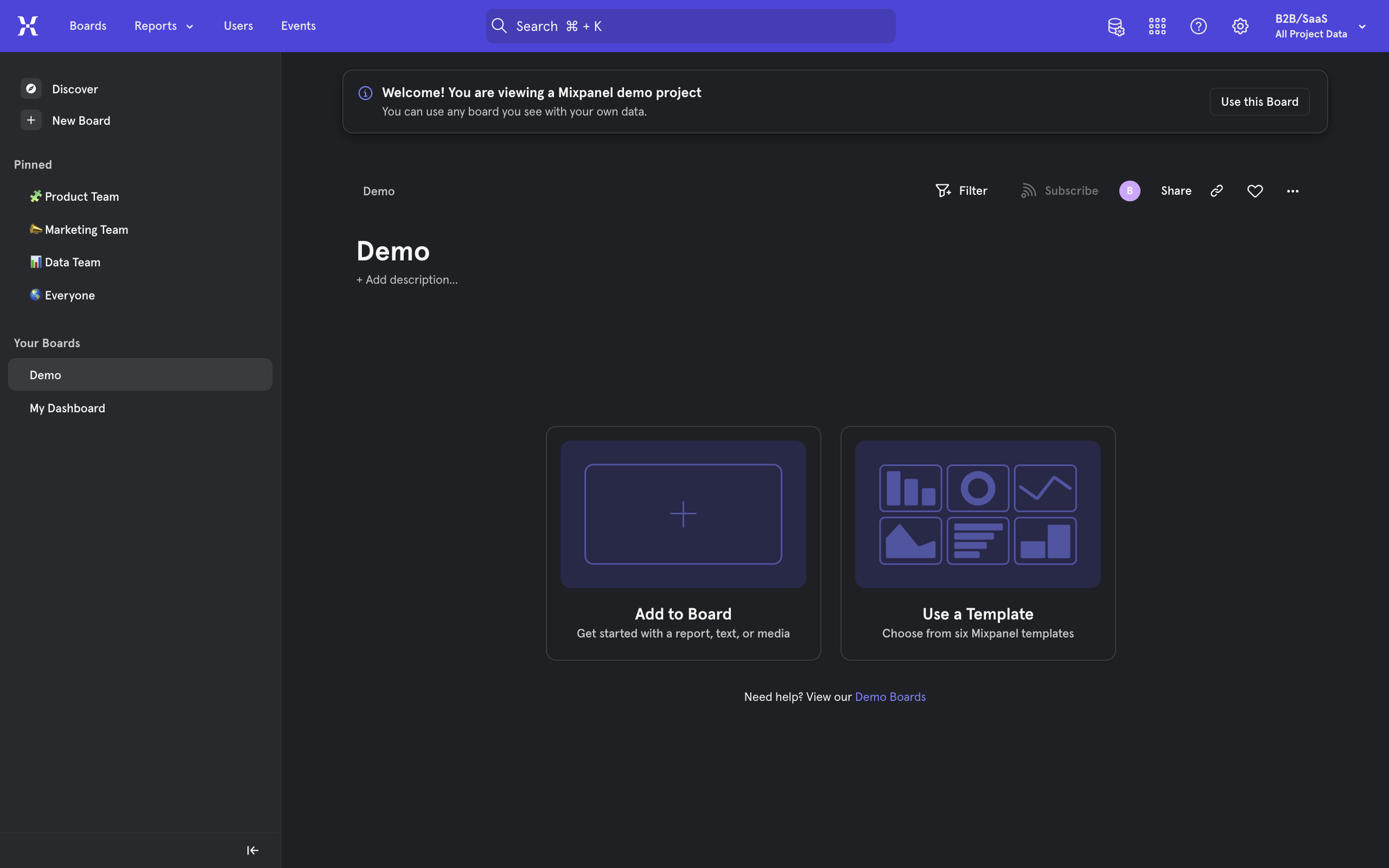
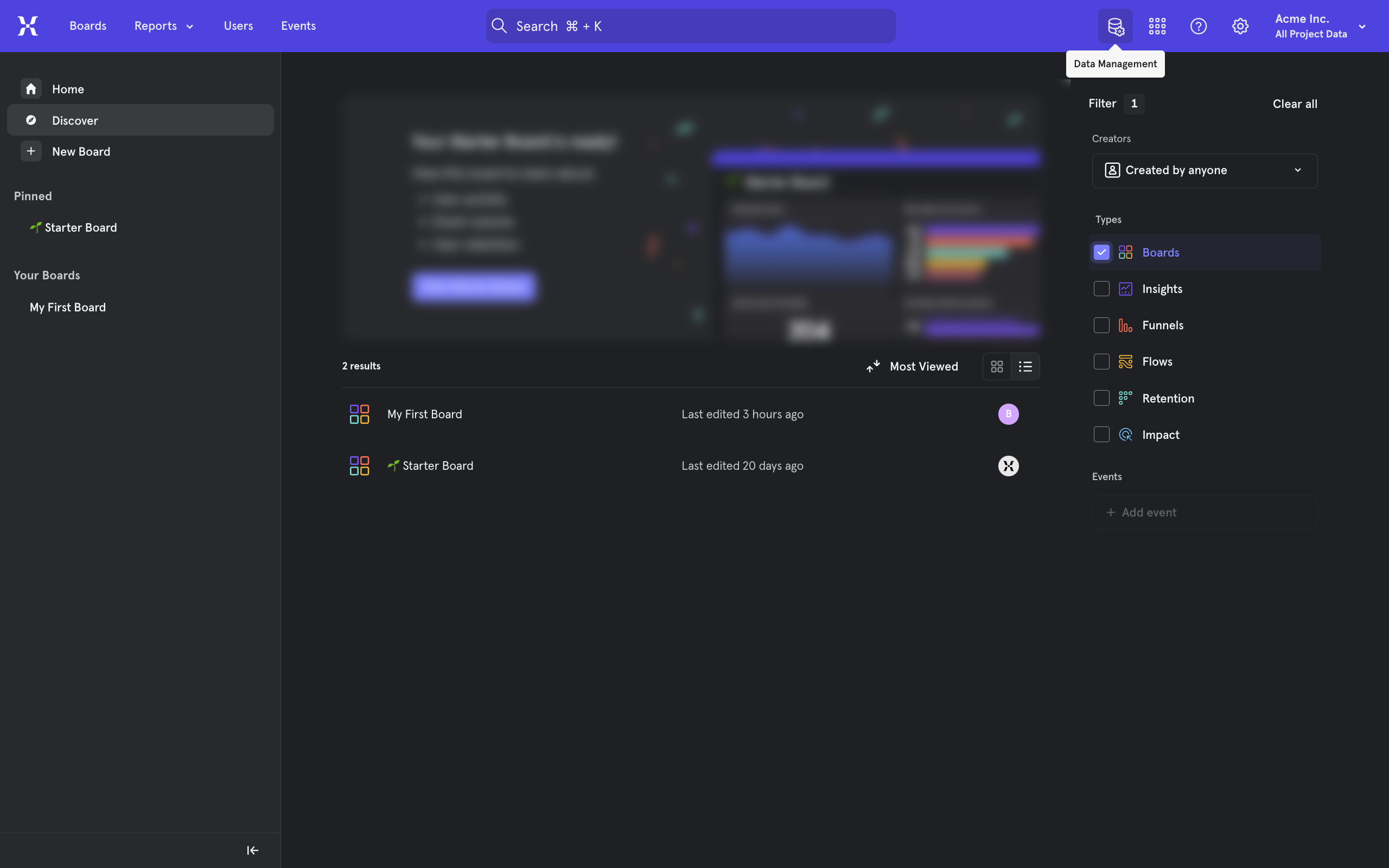
From inside mixpanel, go to the Data Management tab from the top right.
Select Cohorts.
Select + Create Cohort.
Enter a name for this cohort.
Now, we must define this cohort by adding filters. To do so, click on the + Filter button.
You can now define what Power Users mean to you in your project. Select "Users who..." to select users from a condition.
Select an event that will act as a condition.
Enter a value to further narrow down the group.
When done, Create Cohort.
Now, you can go back to any reports or tools and configure it for a specific event.
And then use the Breakdown section to segment and find your power users. Click to open.
Go to Cohorts.
Select the Cohort you wish to segment and compare with.
Select Add Breakdown.
You will now be able to find your power users using the cohort feature and also compare your cohort against non-cohort, all users, etc.
Quick answer: To find power users in Mixpanel, navigate to Data Management and create a new cohort. Define your power users by adding filters and conditions with specific events and values. Finally, apply this cohort in your reports using the Breakdown section to segment and compare users.
About this Mixpanel tutorial
Segment and identify your power users in Mixpanel by creating custom cohorts and applying breakdowns in your project reports. This guide covers how Do I Use Mixpanel Segmentation To Find Power Users in 15 steps, starting with "From inside mixpanel, go to the Data Management tab from the top right" and finishing with "You will now be able to find your power users using the cohort feature and also compare...". The interactive demo above is a click-through copy of the real Mixpanel interface, so you can rehearse each step before doing it in your own account.
Frequently asked questions
How many steps does how Do I Use Mixpanel Segmentation To Find Power Users take?
15 steps. Each one is listed in order above, and the demo highlights exactly where to click.
Can I try it without changing my own account?
Yes. Clicking through the demo doesn't touch your Mixpanel data or settings. Once you know the flow, repeat it in your own workspace.
This tutorial is filed under Mixpanel. Related guides: How To Add A Parameter In Mixpanel, How To Add An Event In Mixpanel and How To Add Annotations In Mixpanel. Last reviewed 05 Oct 2026.

Create your first interactive demo in minutes
No credit card required • Start building today