How To Add Two Contacts To One Deal Pipedrive
- George Apostolov
How To Add Two Contacts To One Deal Pipedrive: step-by-step guide
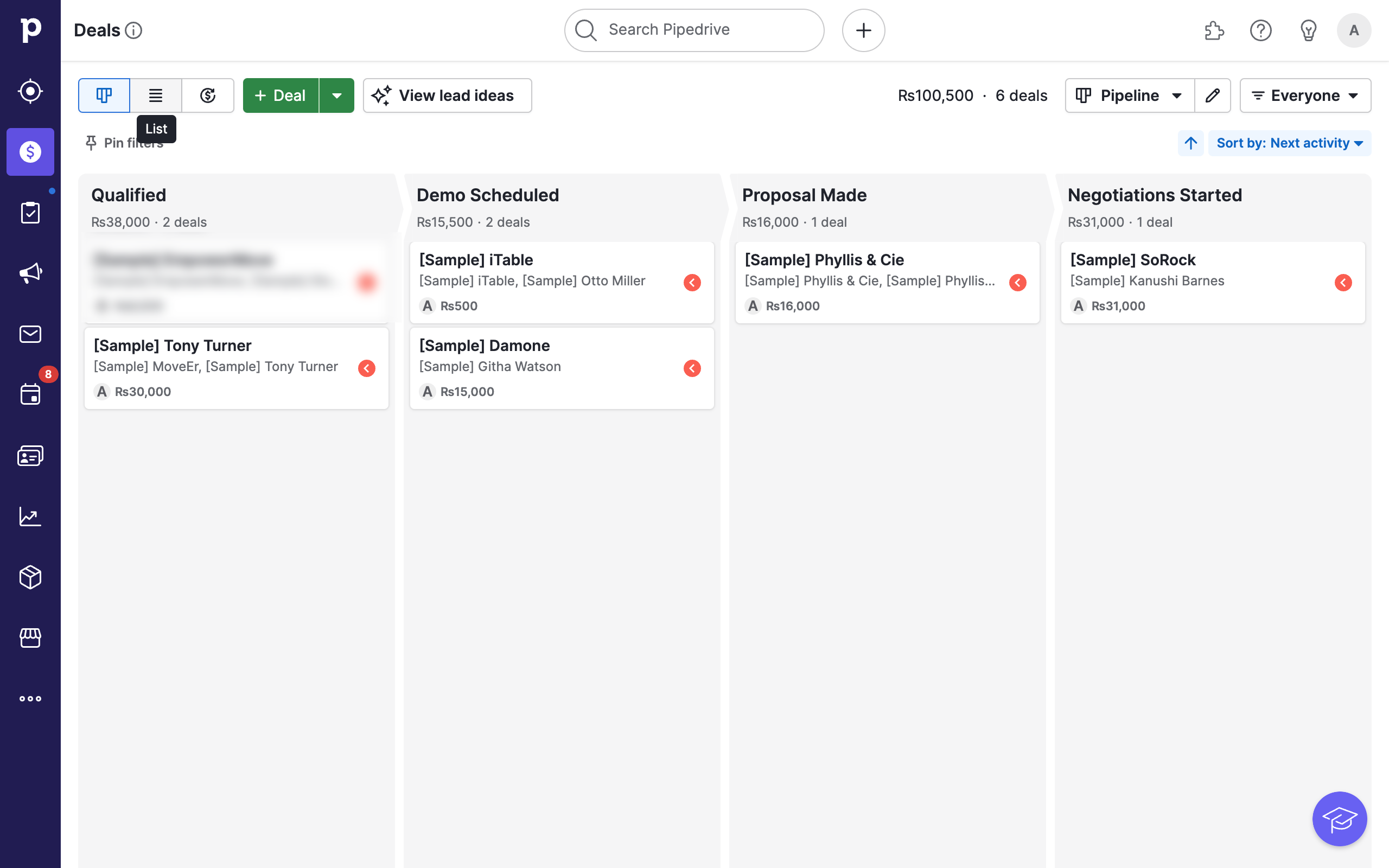
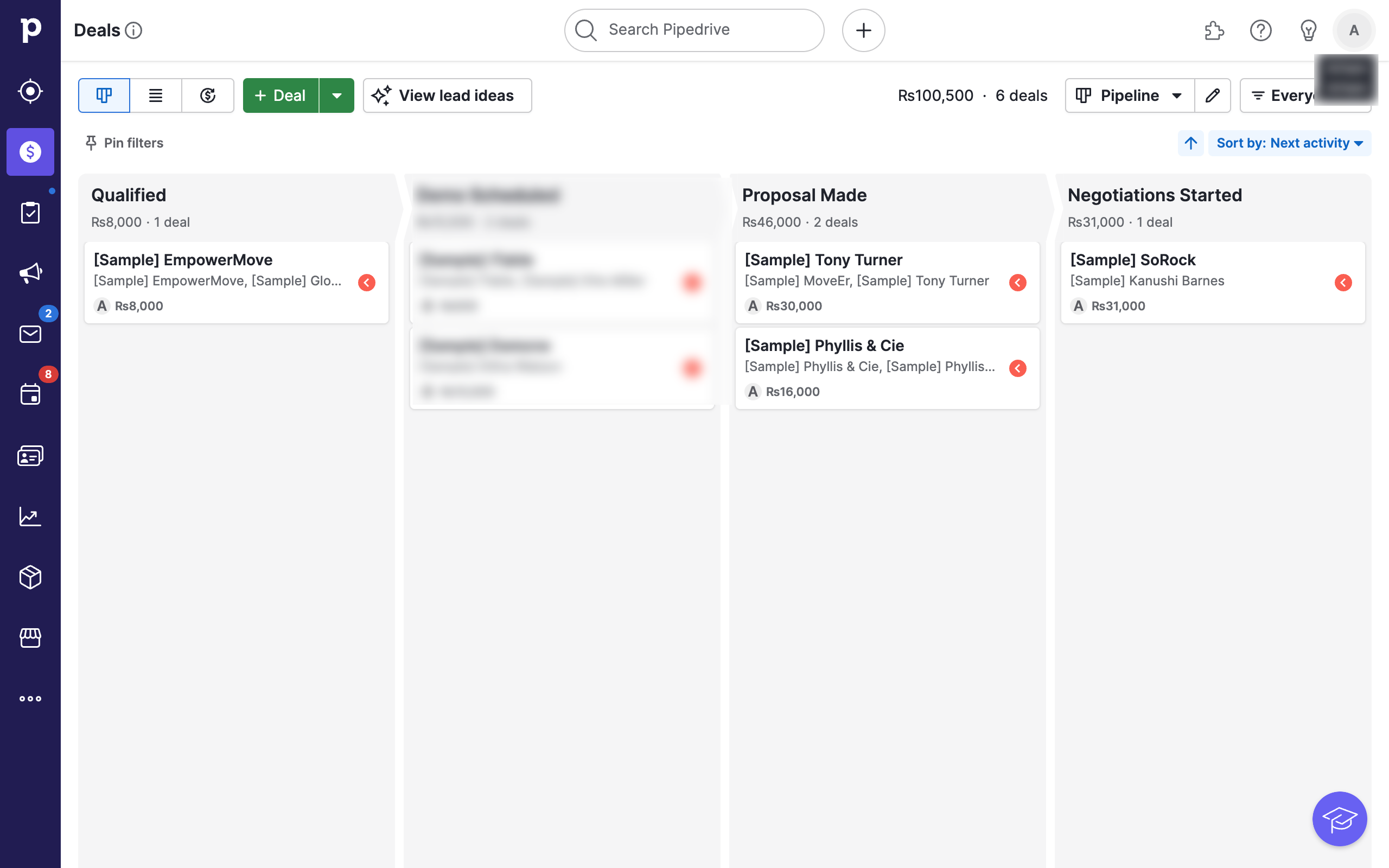
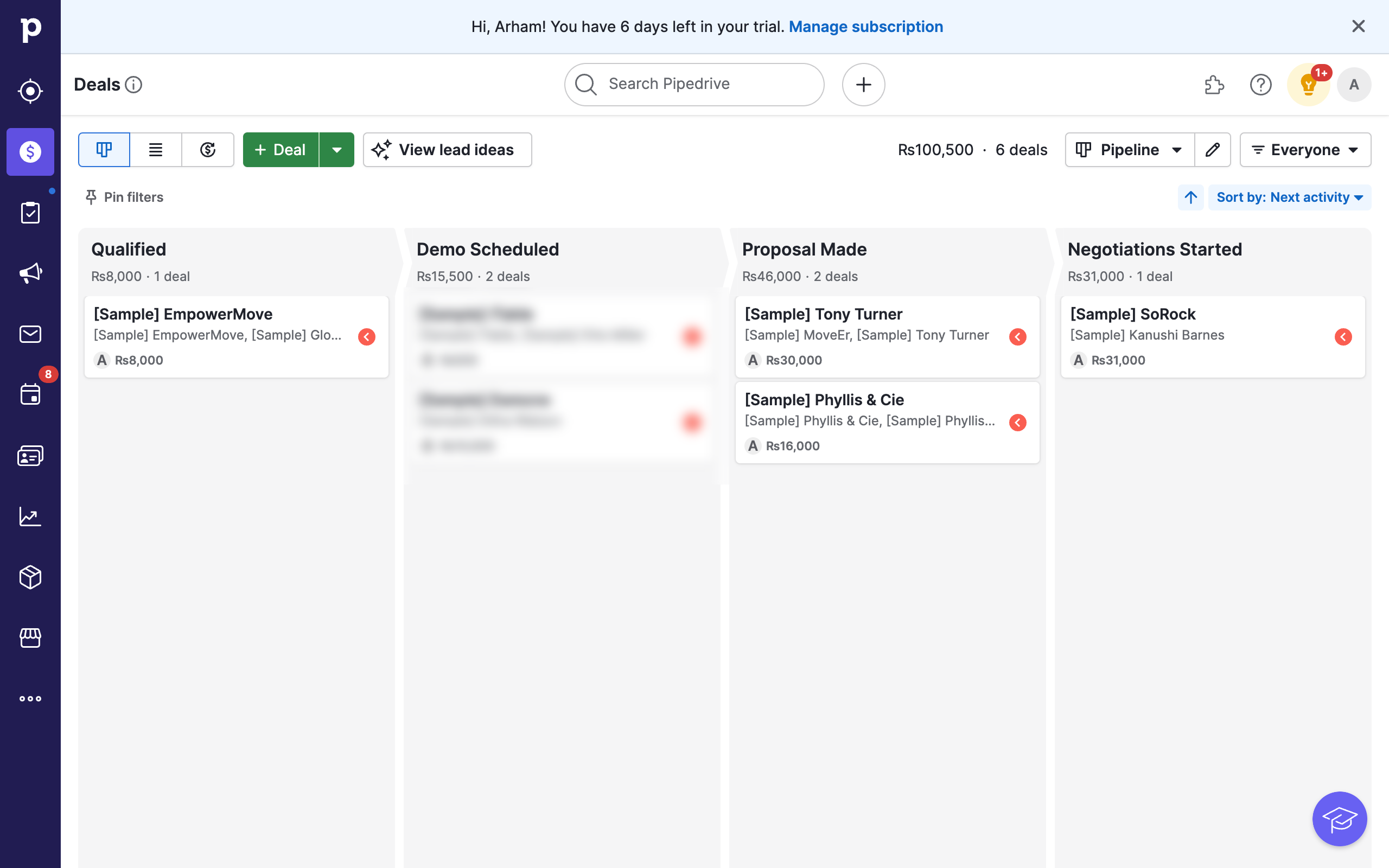
Navigate to the Deals tab in Pipedrive.
Click on the deal you wish to add another contact to.
This will open a detailed view of the deal. Locate the Participants section on the left area on this page.
Click on the + icon to add a new participant to the deal. Note that Pipedrive does not allow you to add more than one primary contact. Instead, you can add multiple participants to any deal.
Enter the name of a new contact or an already existing contact.
If the person does not exist, you will be prompted to add it as a new person. Simply click on the appropriate option.
You can further edit and add more information about your contact as you wish. Once done, simply close the window.
You now have multiple contacts associated with your deal.
Quick answer: To link multiple contacts to a deal in Pipedrive, navigate to the Deals tab, select a specific deal, and open the Participants section on the left. Click the plus icon, enter the contact's name, add a new person if prompted, update their details as needed, and close the window to save the changes.
About this Pipedrive tutorial
Associate multiple people with a single deal in Pipedrive by adding them as participants in the deal detail view. This guide shows how to add Two Contacts To One Deal Pipedrive in 8 steps, starting with "Navigate to the Deals tab in Pipedrive" and finishing with "You now have multiple contacts associated with your deal". The interactive demo above is a click-through copy of the real Pipedrive interface, so you can rehearse each step before doing it in your own account.
Frequently asked questions
How many steps does it take to add Two Contacts To One Deal Pipedrive?
8 steps. Each one is listed in order above, and the demo highlights exactly where to click.
Can I try it without changing my own account?
Yes. Clicking through the demo doesn't touch your Pipedrive data or settings. Once you know the flow, repeat it in your own workspace.
This tutorial is filed under Pipedrive. Related guides: How to Automate Pipedrive Contact Creation from Typeform Leads with Zapier, How to Automate Pipedrive Tasks from New Gmail Emails through Zapier and How To Bulk Add Labels In Pipedrive. Last reviewed 05 Oct 2026.

Create your first interactive demo in minutes
No credit card required • Start building today