How to Convert Numbers into Words in MS Excel
- George Apostolov
This guide is an interactive LiveDemo. Create interactive demos of your own product: Interactive demo software · Interactive customer onboarding guides · Start free
How to Convert Numbers into Words in MS Excel: step-by-step guide
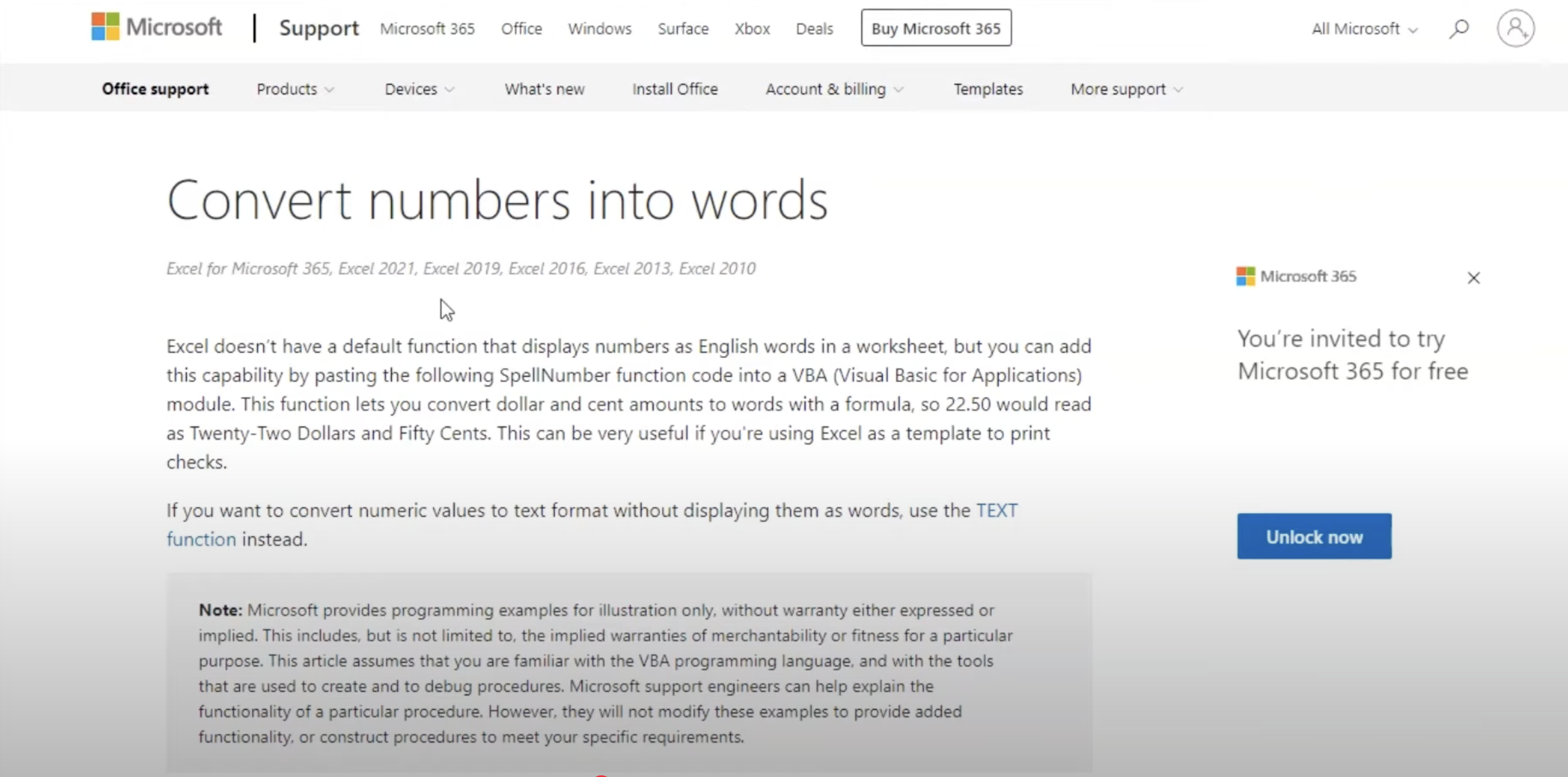
Go to Microsoft 365 and scroll down to find the prebuilt macro function provided by Microsoft.
Copy the code to your clipboard for later use.
Go to your Excel and click File.
Go to the Option tab.
Go to Customize Ribbon, check Developer, and click OK.
In the VBA editor, click Insert > Module to open a blank code window.
Paste the copied code into the VBA editor, press Ctrl + S to save, and close the editor.
In a blank cell, type:
=NumberText(A2)(replace A2 with the cell holding the number), and then Enter.Now, numbers in the selected cells will be converted to their word equivalents.
Drag the formula down or across the cells to apply it, converting numbers to text in each selected cell.
Quick answer: To convert numbers into words in Excel, copy the Microsoft macro code, enable the Developer tab in Excel options, paste the code into a new VBA module, save, and use the =NumberText() formula in your cells.
About this Excel tutorial
Convert numerical digits into text words in Excel using a prebuilt macro and custom formula. Follow these steps to automate text conversion. This guide shows how to convert Numbers into Words in MS Excel in 10 steps, starting with "Go to Microsoft 365 and scroll down to find the prebuilt macro function provided by Mic..." and finishing with "Drag the formula down or across the cells to apply it, converting numbers to text in ea...". The interactive demo above is a click-through copy of the real Excel interface, so you can rehearse each step before doing it in your own account.
Frequently asked questions
How many steps does it take to convert Numbers into Words in MS Excel?
10 steps. Each one is listed in order above, and the demo highlights exactly where to click.
Can I try it without changing my own account?
Yes. Clicking through the demo doesn't touch your Excel data or settings. Once you know the flow, repeat it in your own workspace.
This tutorial is filed under Excel. Related guides: How to Convert the True and False Values to 1 and 0 in MS Excel, How to Copy and Paste Cell Content in Microsoft Excel and How to copy conditional formatting microsoft excel. Last reviewed 05 Oct 2026.

Create your first interactive demo in minutes
No credit card required • Start building today