How to Create a Folder in Wrike
- George Apostolov
How to Create a Folder in Wrike: step-by-step guide
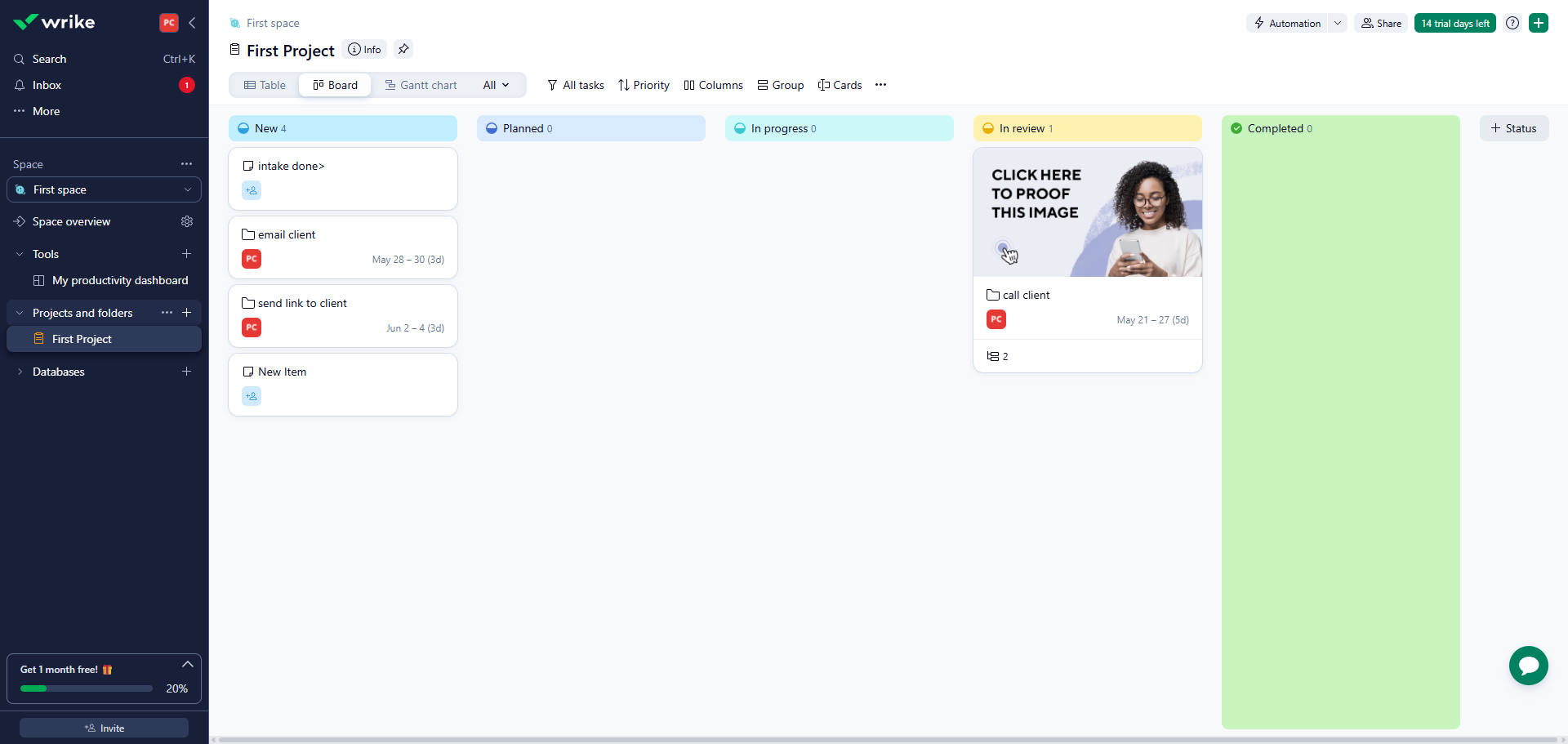
Access your workspace dashboard to view all your ongoing projects and tasks.
In the left sidebar, hover over the space, project, or parent folder where you want to create a new folder and click the add icon.
Select 'Folder' to create containers that organize and categorize work, making information easily findable and shareable.
Choose 'Files' as your default view to efficiently manage all documents attached to your projects and tasks.
Enter a descriptive name for your folder to help team members identify its purpose.
Review your folder details before finalizing or make changes if needed and click 'Create' to confirm your new folder creation to start organizing your team's work.
Access your newly created folder to begin adding tasks and projects.
Quick answer: To create a folder in Wrike, access your workspace dashboard, hover over the desired space, project, or parent folder in the left sidebar, and click the add icon. Select Folder, choose a default view like Files, enter a descriptive name, review the details, and click Create to finalize and start organizing your work.
About this tutorial
Organize your team workflow by creating new folders using the app. Follow simple steps to set up containers and manage your project documents. This guide shows how to create a Folder in Wrike in 7 steps, starting with "Access your workspace dashboard to view all your ongoing projects and tasks" and finishing with "Access your newly created folder to begin adding tasks and projects". The interactive demo above is a click-through copy of the real product interface, so you can rehearse each step before doing it in your own account.
Frequently asked questions
How many steps does it take to create a Folder in Wrike?
7 steps. Each one is listed in order above, and the demo highlights exactly where to click.
Can I try it without changing my own account?
Yes. Clicking through the demo doesn't touch your data or settings. Once you know the flow, repeat it in your own workspace.

Create your first interactive demo in minutes
No credit card required • Start building today