How to Create a Newsletter in Mailchimp
- George Apostolov
How to Create a Newsletter in Mailchimp: step-by-step guide
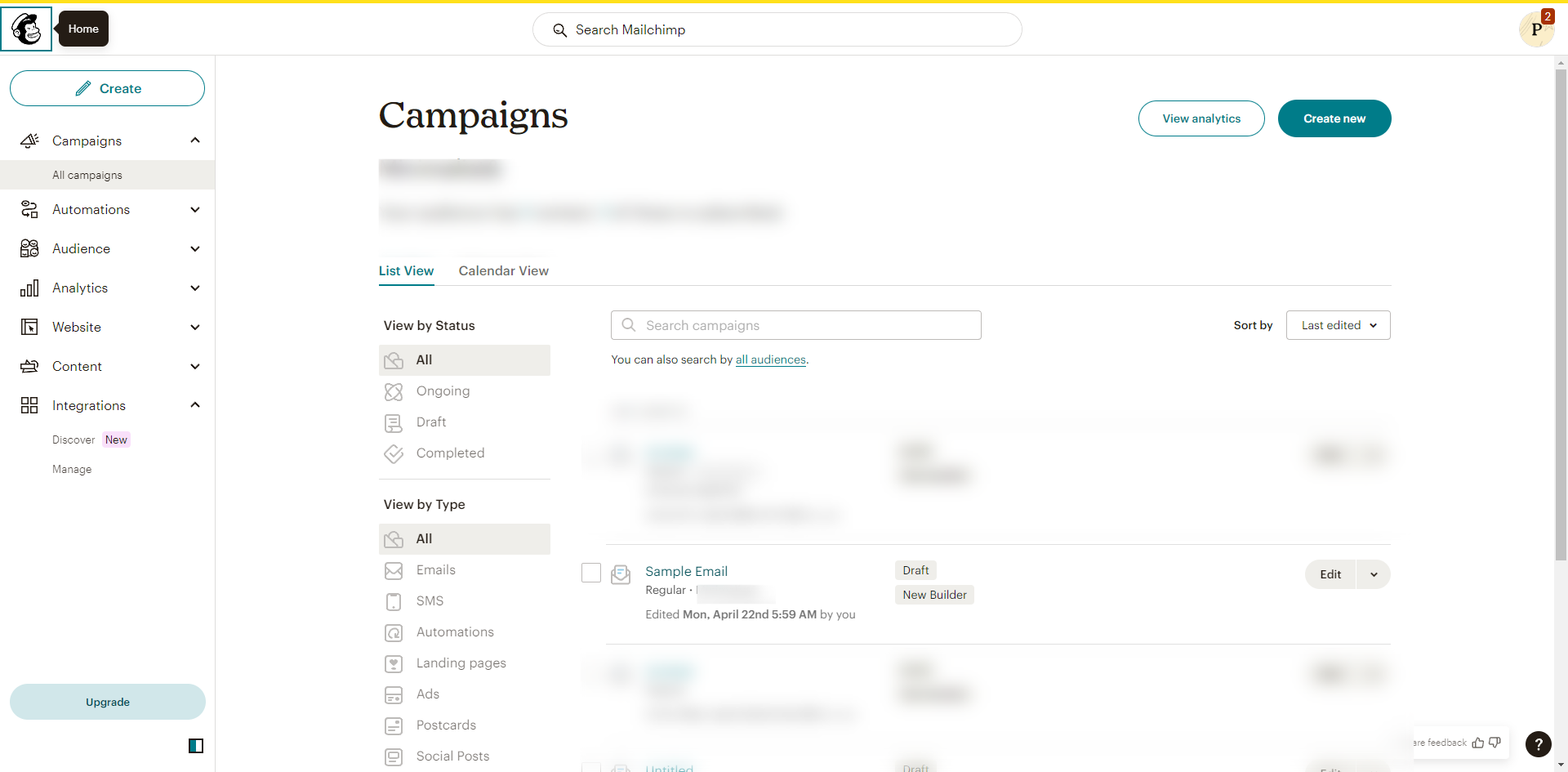
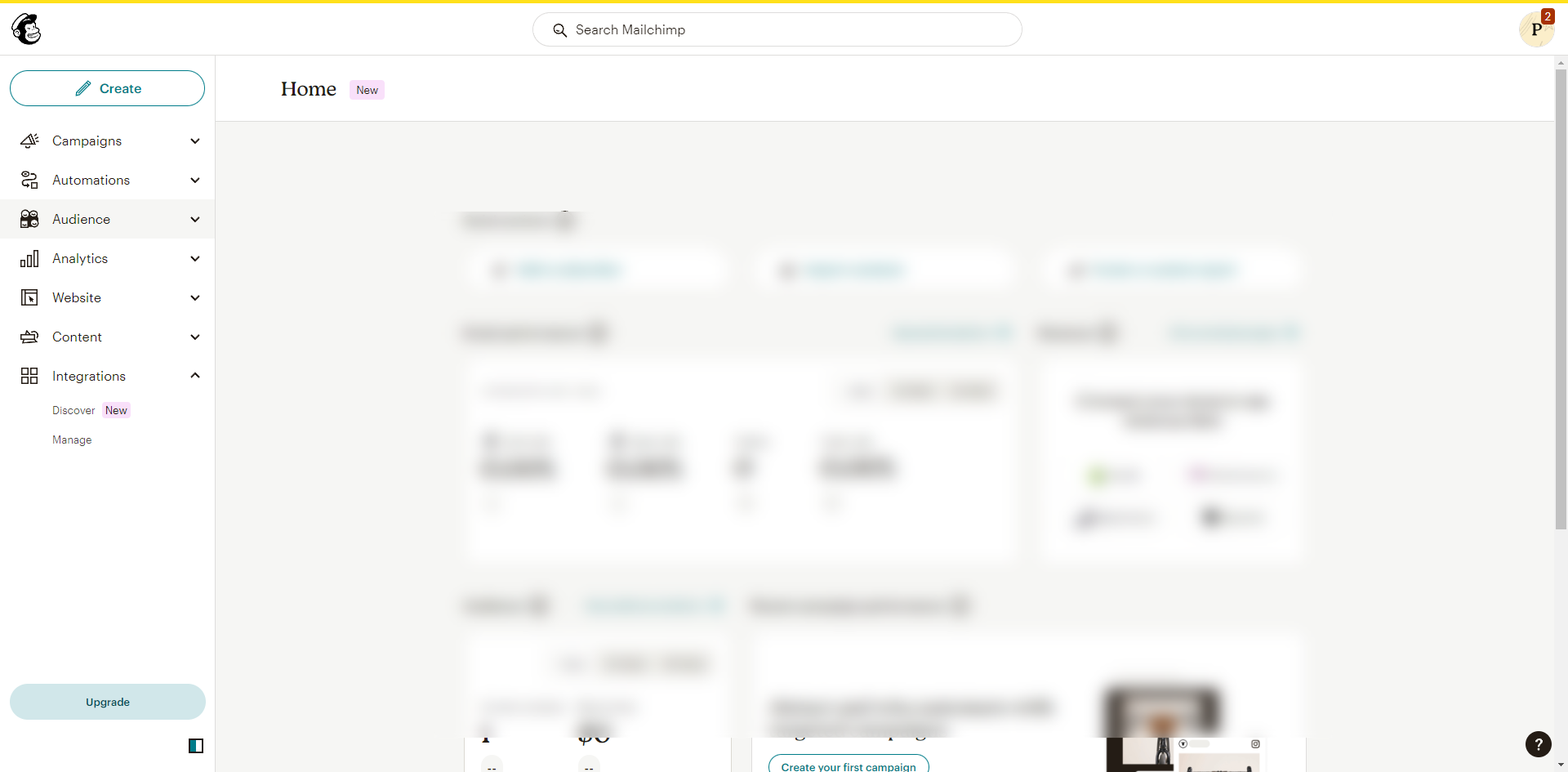
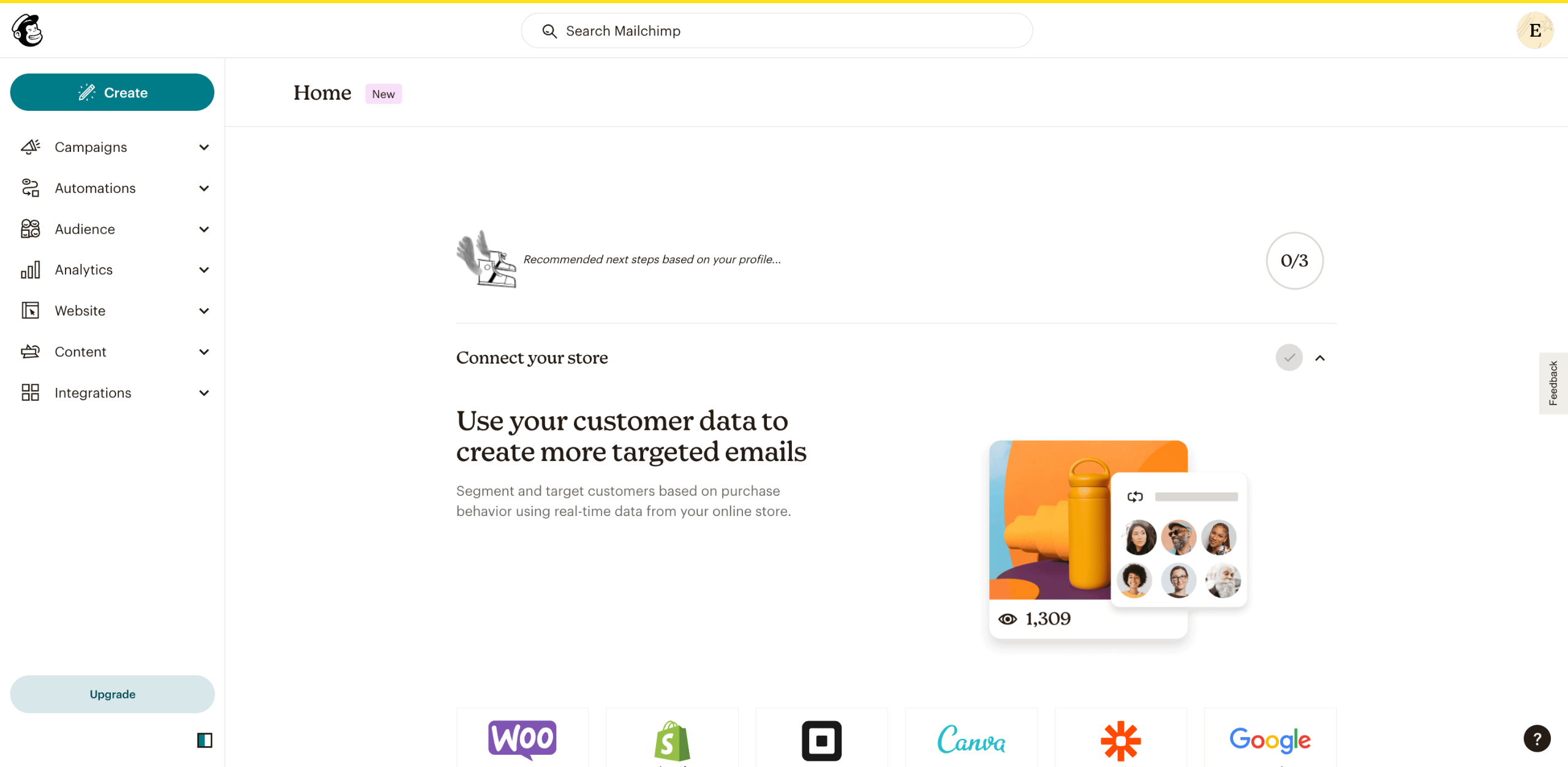
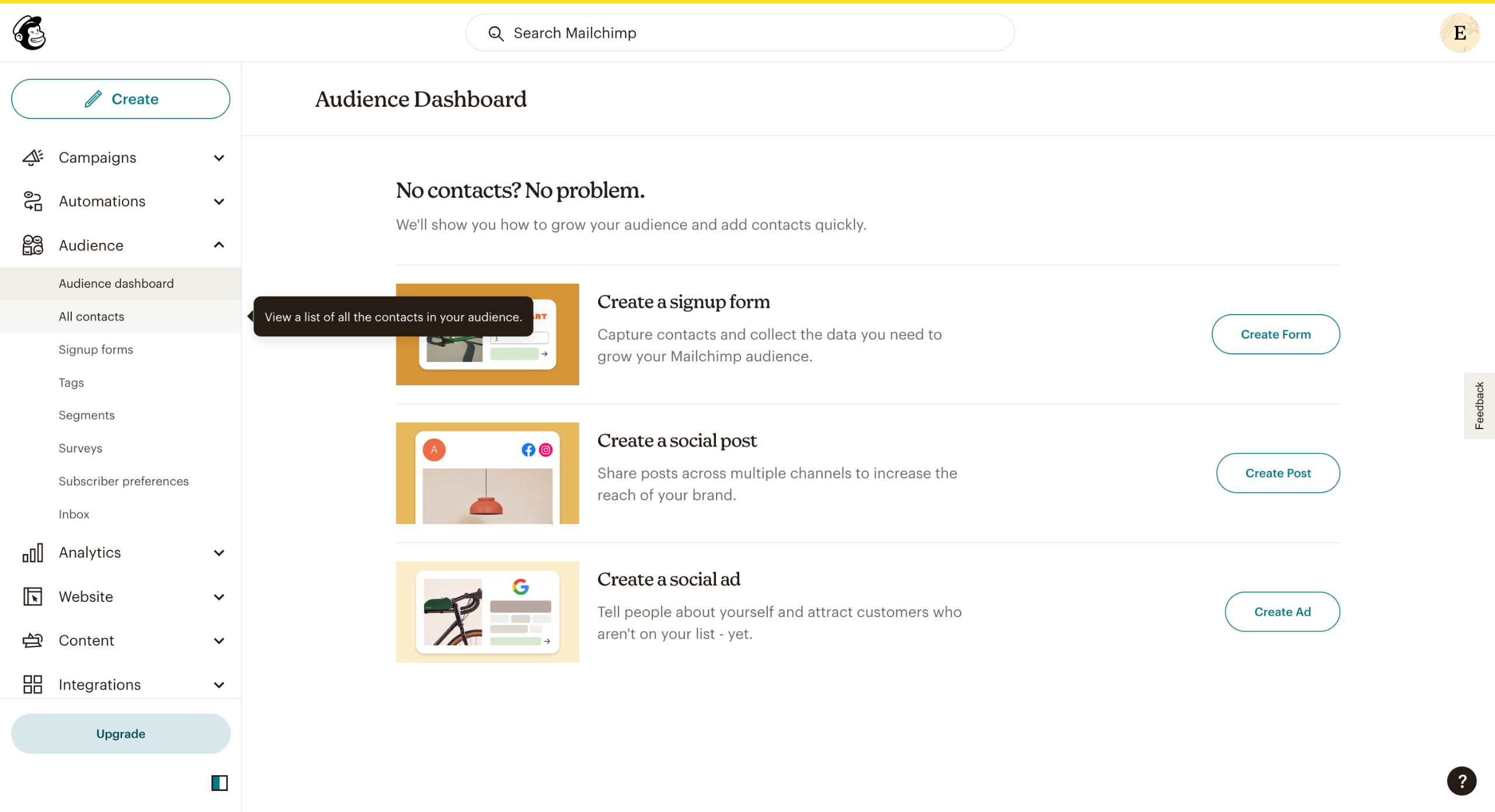
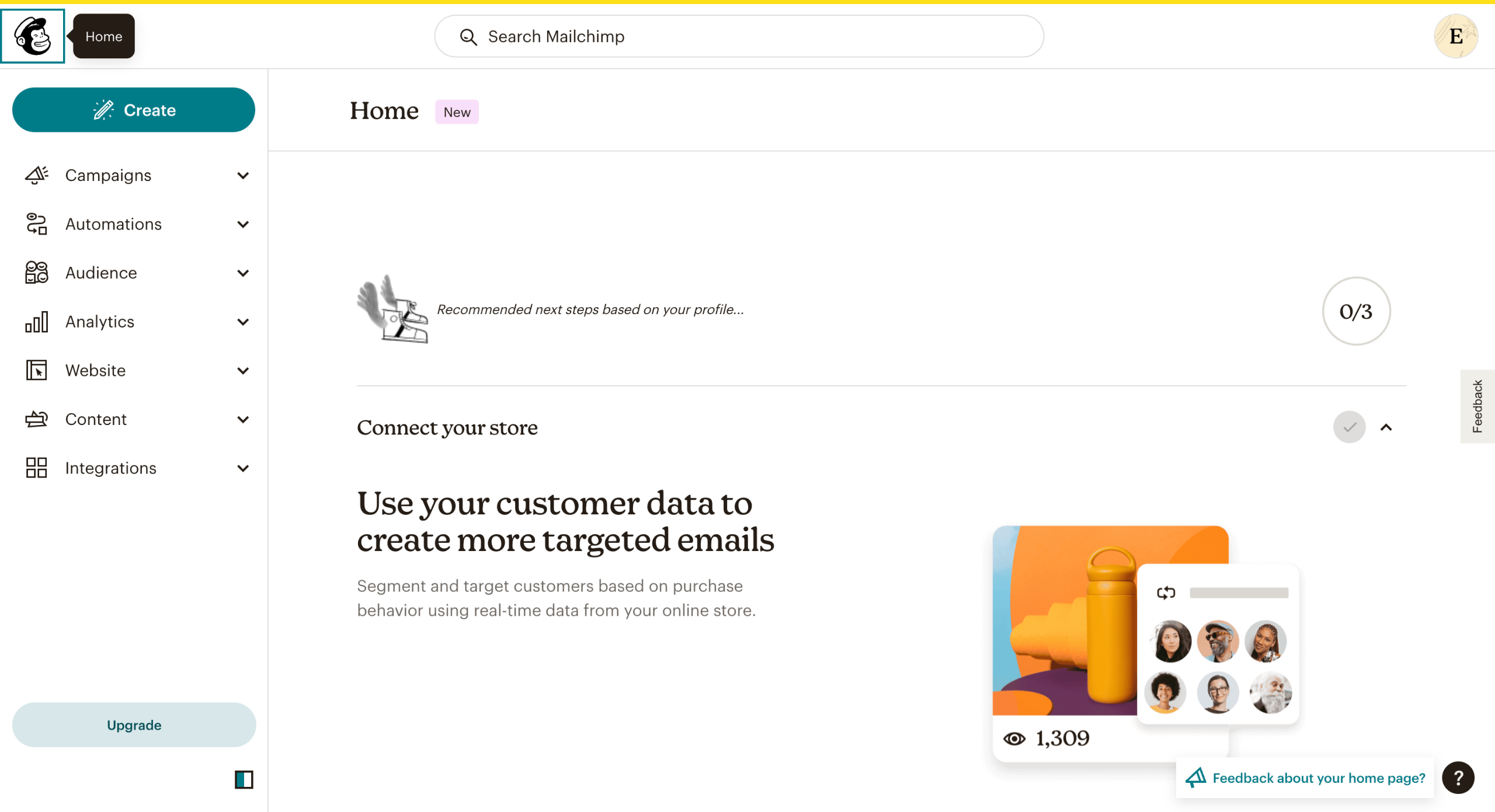
In the left column, click on Create.
Go to Email and pick the kind of newsletter you wish to create. Regular emails will allow you to design and send regular emails. Plain text emails will allow you to create and send plain text emails. Template allows you to pick from MailChimp's pre-designed template gallery and create and send emails.
Enter your Internal email name and hit Begin.
Import your contacts in the To section and specify the recipients of your newsletter.
Add the Name and Email of the sender.
Add the Subject and Preview text of your newsletter.
Pick the time at which you wish to send your newsletter. You can choose between Send now or Schedule.
Under the Content section, click on Design Email to create your newsletter.
You will be redirected to the Build page. Here, you can edit your newsletter content, pick layouts, and do a bunch of other things. After finishing up, click on Save and exit.
You also have the option to pick from various Mailchimp email templates. or code your own.
To amplify reach, you can connect your social media handles (Facebook, X, and Instagram) to Add A Social Post To Your Email.
Edit the Settings & Tracking for your emails such as Track clicks, Track opens, ClickTale link tracking, etc.
Quick answer: To create a newsletter in Mailchimp, click Create, select Email, and enter your internal name. Next, specify recipients, add sender details, and set a subject. Choose a send time, design your email content on the Build page, and configure social sharing, templates, and tracking settings.
About this Mailchimp tutorial
Design and send newsletters easily by configuring content, recipient lists, sender details, templates, and tracking settings in Mailchimp. This guide shows how to create a Newsletter in Mailchimp in 12 steps, starting with "In the left column, click on Create " and finishing with "Edit the Settings & Tracking for your emails such as Track clicks , Track opens , Click...". The interactive demo above is a click-through copy of the real Mailchimp interface, so you can rehearse each step before doing it in your own account.
Frequently asked questions
How many steps does it take to create a Newsletter in Mailchimp?
12 steps. Each one is listed in order above, and the demo highlights exactly where to click.
Can I try it without changing my own account?
Yes. Clicking through the demo doesn't touch your Mailchimp data or settings. Once you know the flow, repeat it in your own workspace.
This tutorial is filed under Mailchimp. Related guides: How to Create a Poll in Mailchimp, How to Create a Subscribe Link on Mailchimp and How to Create a Survey in Mailchimp. Last reviewed 05 Oct 2026.

Create your first interactive demo in minutes
No credit card required • Start building today