How to Create a Sales Proposal Template GPT
- George Apostolov
How to Create a Sales Proposal Template GPT: step-by-step guide
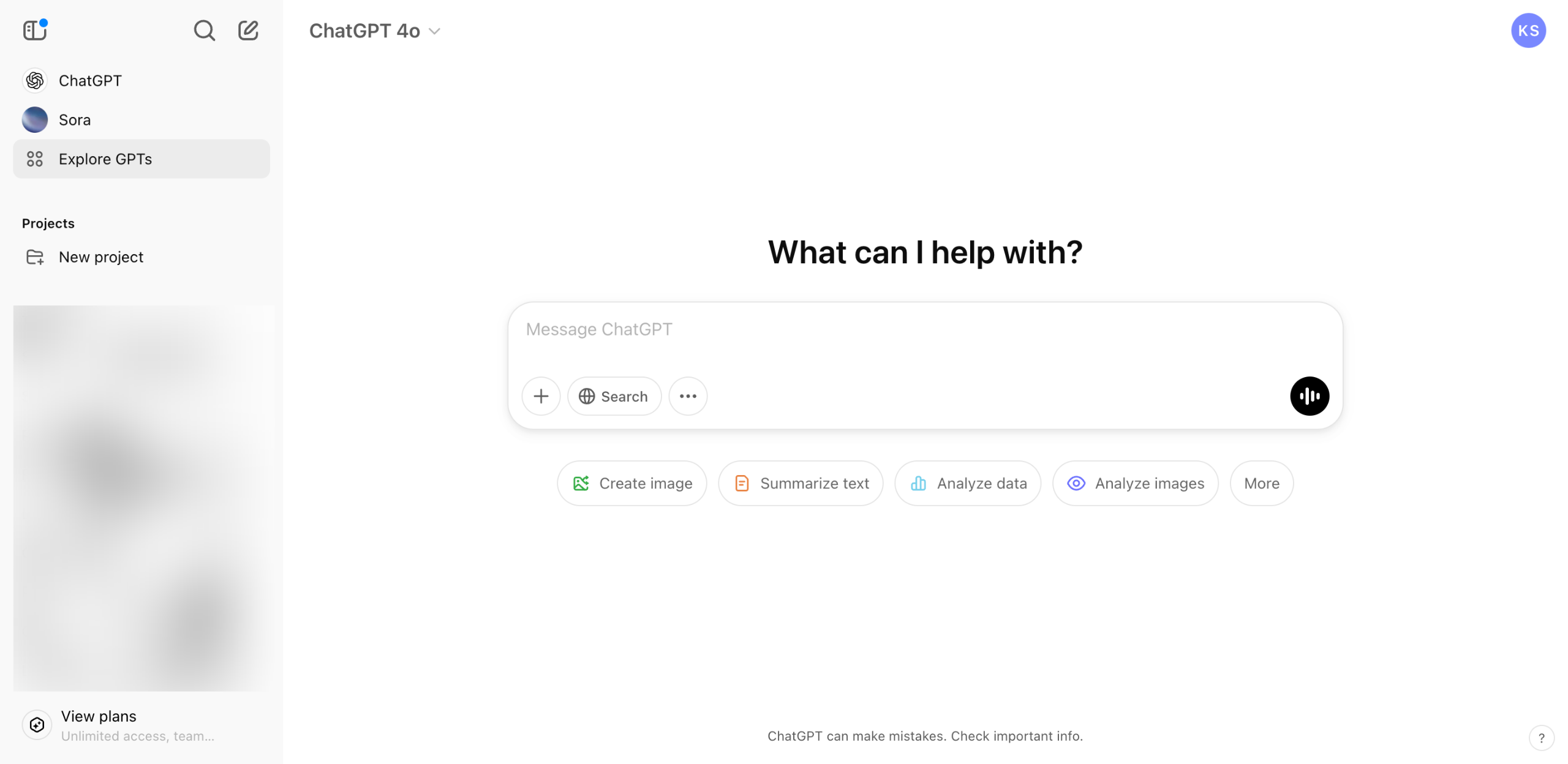
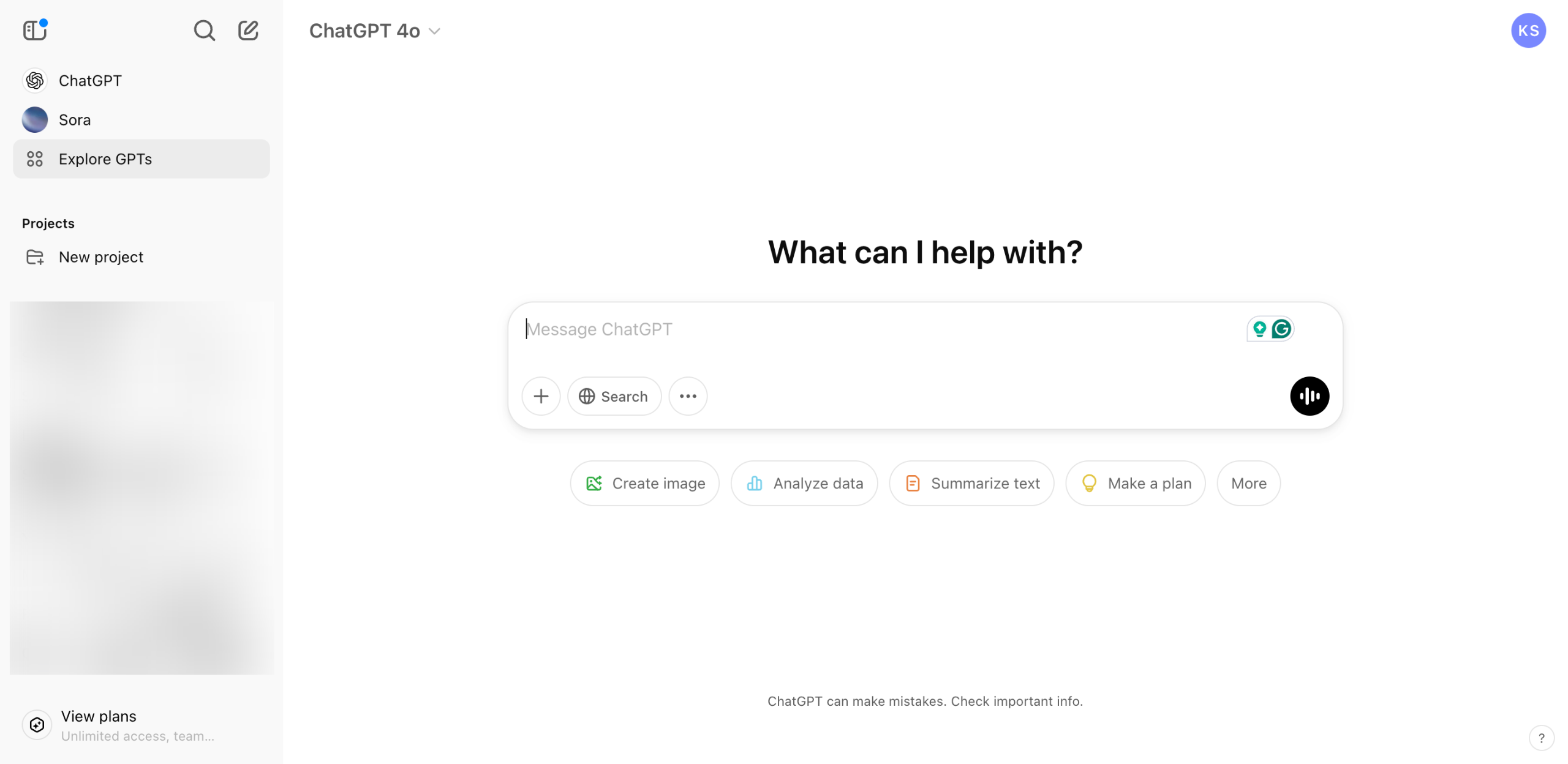
On ChatGPT's main interface, navigate to the left-side panel and click 'Explore GPTs'.
Click 'Create' at the top-right corner to get started.
After that, switch the tab from Create to 'Configure'.
Set a distinctive display photo that represents your sales proposal template GPT. Simply click the 'Add' icon and pick the best one from your library.
Subsequently, assign a unique GPT 'Name' and 'Description'. Enter the details into their respective input fields.
Tap the 'Instructions' input field, then write a comprehensive description that covers the purpose, behavior, function, and capability of the sales proposal template GPT you wish to create.
Include a few text prompt examples related to sales proposal templates. Type them individually into the 'Conversation Starters' input field.
If you want to provide an additional source of information from external references, click the 'Upload Files' button under Knowledge and import the documents that contain the data you prefer to use.
Go over the Capabilities section, then tick the checkbox beside the GPT functions you want to enable. Likewise, you may set up several Actions if you intend to integrate your custom GPT with third-party apps.
Once done, head over to the Preview Area and test out your sales proposal template GPT for the first time. Type a text prompt into the provided input box and then click 'Submit'.
Review the initial performance of your custom GPT. If you're satisfied with the quality of its sales proposal templates, tap 'Create' at the top-right corner.
Specify your preferred access configuration, then click 'Save' to proceed.
After completing these steps, your sales proposal template GPT will be created and published.
Quick answer: To create a sales proposal template GPT on ChatGPT, explore GPTs, click Create, configure settings including display photo, name, description, instructions, conversation starters, knowledge files, capabilities, and actions, then test the preview, save your preferred access configuration, and publish the custom GPT.
About this tutorial
Build a custom sales proposal template GPT in the app by configuring instructions, knowledge, and actions, then test and publish your creation. This guide shows how to create a Sales Proposal Template GPT in 13 steps, starting with "On ChatGPT's main interface, navigate to the left-side panel and click 'Explore GPTs'" and finishing with "After completing these steps, your sales proposal template GPT will be created and publ...". The interactive demo above is a click-through copy of the real product interface, so you can rehearse each step before doing it in your own account.
Frequently asked questions
How many steps does it take to create a Sales Proposal Template GPT?
13 steps. Each one is listed in order above, and the demo highlights exactly where to click.
Can I try it without changing my own account?
Yes. Clicking through the demo doesn't touch your data or settings. Once you know the flow, repeat it in your own workspace.

Create your first interactive demo in minutes
No credit card required • Start building today