How to Monitor Twitter Hashtag Usage in Coda
How to Monitor Twitter Hashtag Usage in Coda: step-by-step guide
Inside your Coda doc, go to the main workspace and click the 'Insert' button.
Choose 'Grid' from the list of options.
After that, tap the 'Add Column' button to add as many columns as you need.
Tap the 'Add Row' button next and insert as many rows as you need.
For the columns, use posting days as labels. Simply click the cell and start typing.
Meanwhile, label the rows with the metrics you want to monitor. Type them one by one into their respective cells.
Following that, highlight the column labels and click 'Text Formatting' or 'Cell Color' to customize their designs based on your preferences.
Do the same thing for the row labels. Highlight them and make your desired changes using the customization options from the floating menu.
Piece by piece, encode the data into the table. Make sure that all the hashtags and other details are properly documented to monitor the parameters efficiently.
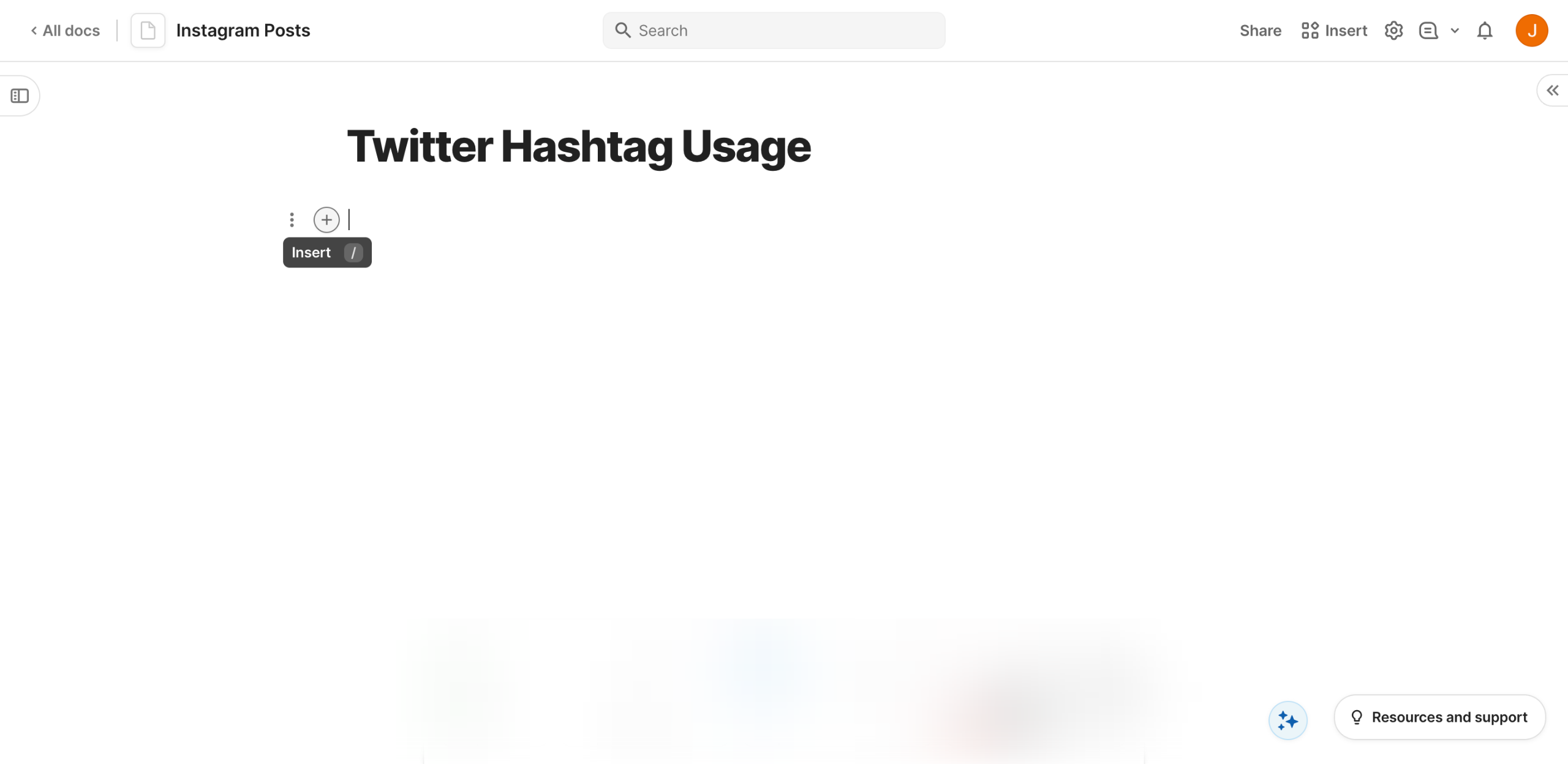
Finally, the table that contains your weekly Twitter hashtag usage will be created and saved to your Coda doc. Update this page from to time in order to monitor your Twitter hashtags in real time.
Quick answer: To monitor Twitter hashtag usage in Coda, insert a grid in your workspace, add and label columns and rows, customize their designs using formatting options, and encode your hashtag data into the table to track metrics over time.
About this Coda tutorial
Create a custom tracking table in Coda to monitor weekly Twitter hashtag usage, organize metrics by day, and keep your social data updated. This guide shows how to monitor Twitter Hashtag Usage in Coda in 10 steps, starting with "Inside your Coda doc, go to the main workspace and click the 'Insert' button" and finishing with "Finally, the table that contains your weekly Twitter hashtag usage will be created and...". The interactive demo above is a click-through copy of the real Coda interface, so you can rehearse each step before doing it in your own account.
Frequently asked questions
How many steps does it take to monitor Twitter Hashtag Usage in Coda?
10 steps. Each one is listed in order above, and the demo highlights exactly where to click.
Can I try it without changing my own account?
Yes. Clicking through the demo doesn't touch your Coda data or settings. Once you know the flow, repeat it in your own workspace.
This tutorial is filed under Coda and Twitter. Related guides: How to Navigate the Coda Interface, How to Optimize Large Tables in Coda and How to Organize Complex Coda Docs. Last reviewed 05 Oct 2026.

Create your first interactive demo in minutes
No credit card required • Start building today