How to Promote Leadpages Sites on Social Media
- George Apostolov
This guide is an interactive LiveDemo. Create interactive demos of your own product: Interactive demo software · Interactive customer onboarding guides · Start free
How to Promote Leadpages Sites on Social Media: step-by-step guide
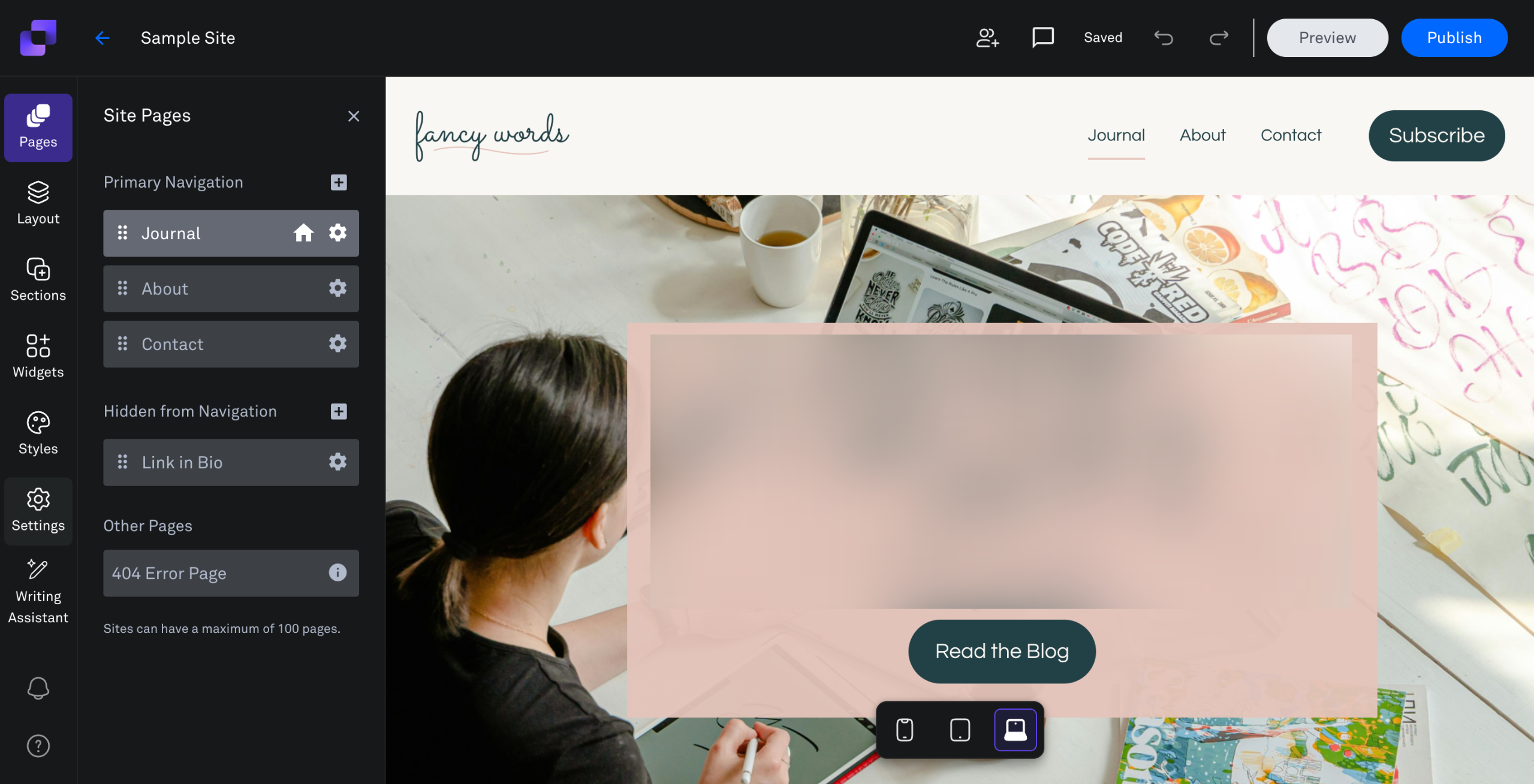
On the site editor, head over to the left-side panel and click 'Settings'.
After that, click the 'Social' tab.
Provide the files and details needed to optimize the social preview of your Leadpages site. From here, you change the featured image, social URL, site name, site title, and site description. Simply enter them into their respective input field.
Once done, review your input and click 'Save' to proceed.
After completing these steps, you can now share and promote your Leadpages site. Simply attach its link to your post. The customized social preview will be shown automatically when you publish it.
Quick answer: To promote Leadpages sites on social media using the site editor, open Settings, select the Social tab, and add your preview details. Next, click Save. Finally, share your site link in a post to automatically display the customized social preview.
About this tutorial
Optimize social previews and share your pages easily by configuring the social settings within the app. This guide shows how to promote Leadpages Sites on Social Media in 5 steps, starting with "On the site editor, head over to the left-side panel and click 'Settings'" and finishing with "After completing these steps, you can now share and promote your Leadpages site. Simply...". The interactive demo above is a click-through copy of the real product interface, so you can rehearse each step before doing it in your own account.
Frequently asked questions
How many steps does it take to promote Leadpages Sites on Social Media?
5 steps. Each one is listed in order above, and the demo highlights exactly where to click.
Can I try it without changing my own account?
Yes. Clicking through the demo doesn't touch your data or settings. Once you know the flow, repeat it in your own workspace.

Create your first interactive demo in minutes
No credit card required • Start building today