How to Set Out of Office in Asana
- George Apostolov
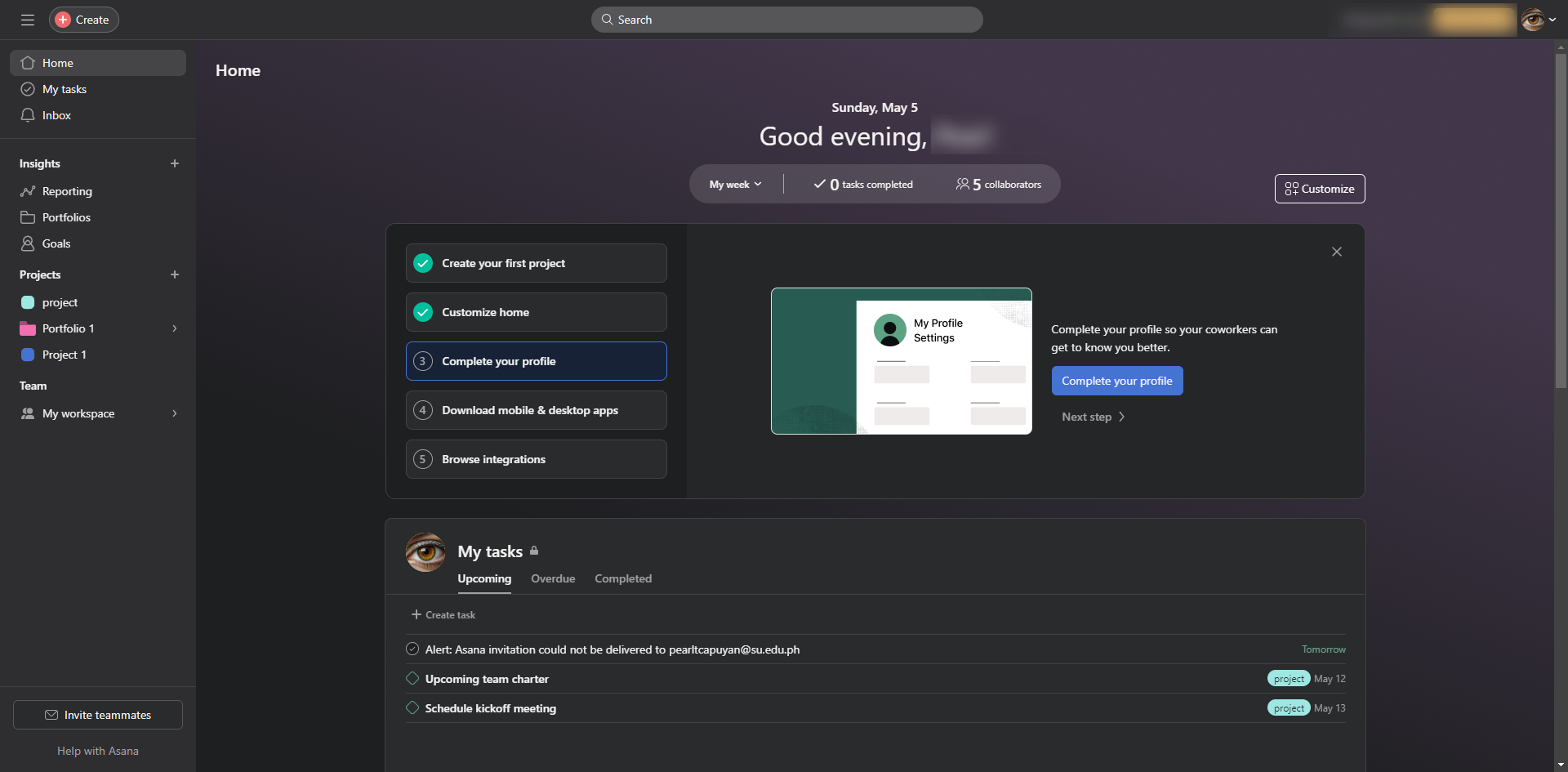
This guide is an interactive LiveDemo. Create interactive demos of your own product: Interactive demo software · Interactive customer onboarding guides · Start free
How to Set Out of Office in Asana: step-by-step guide
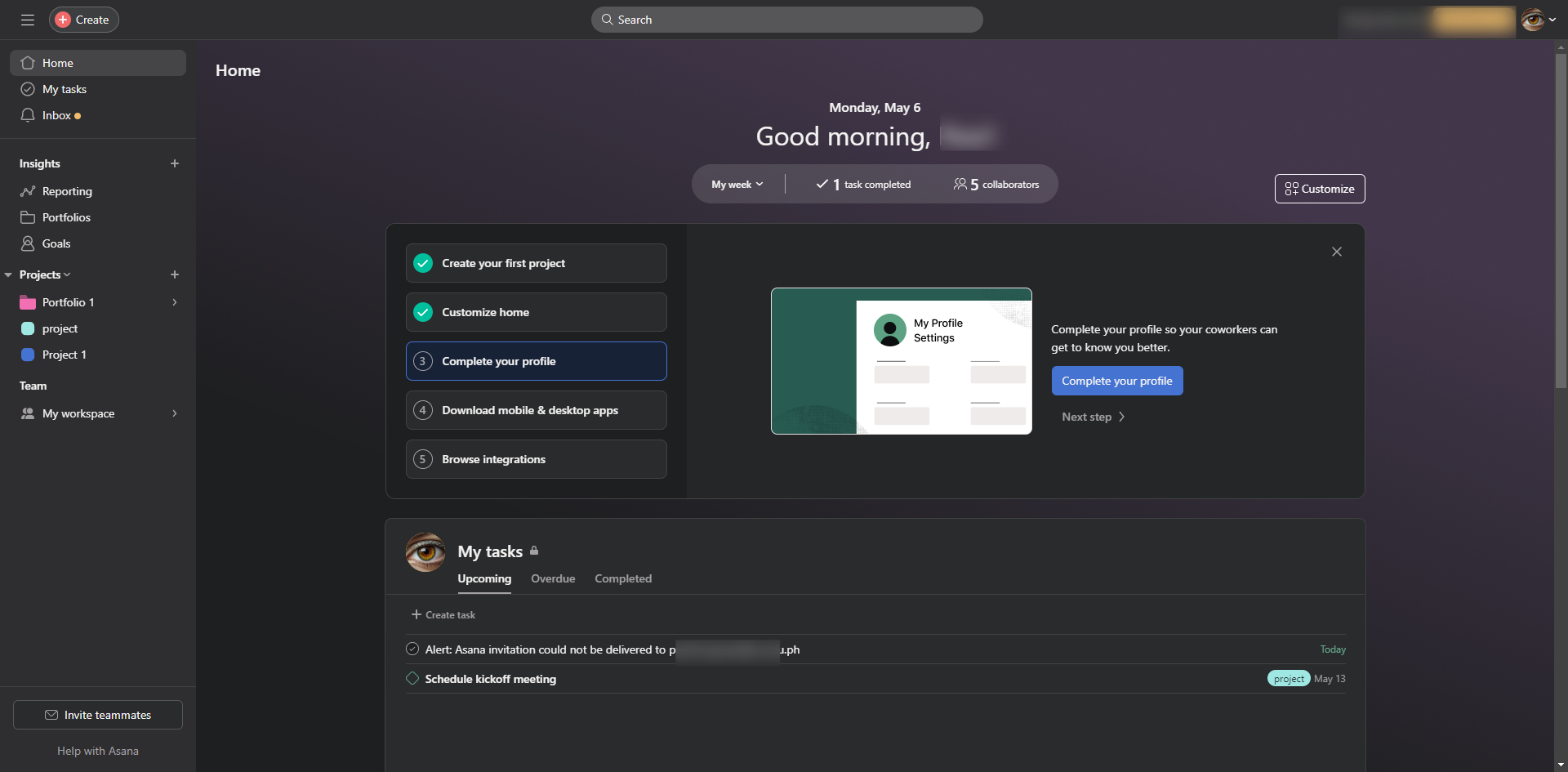
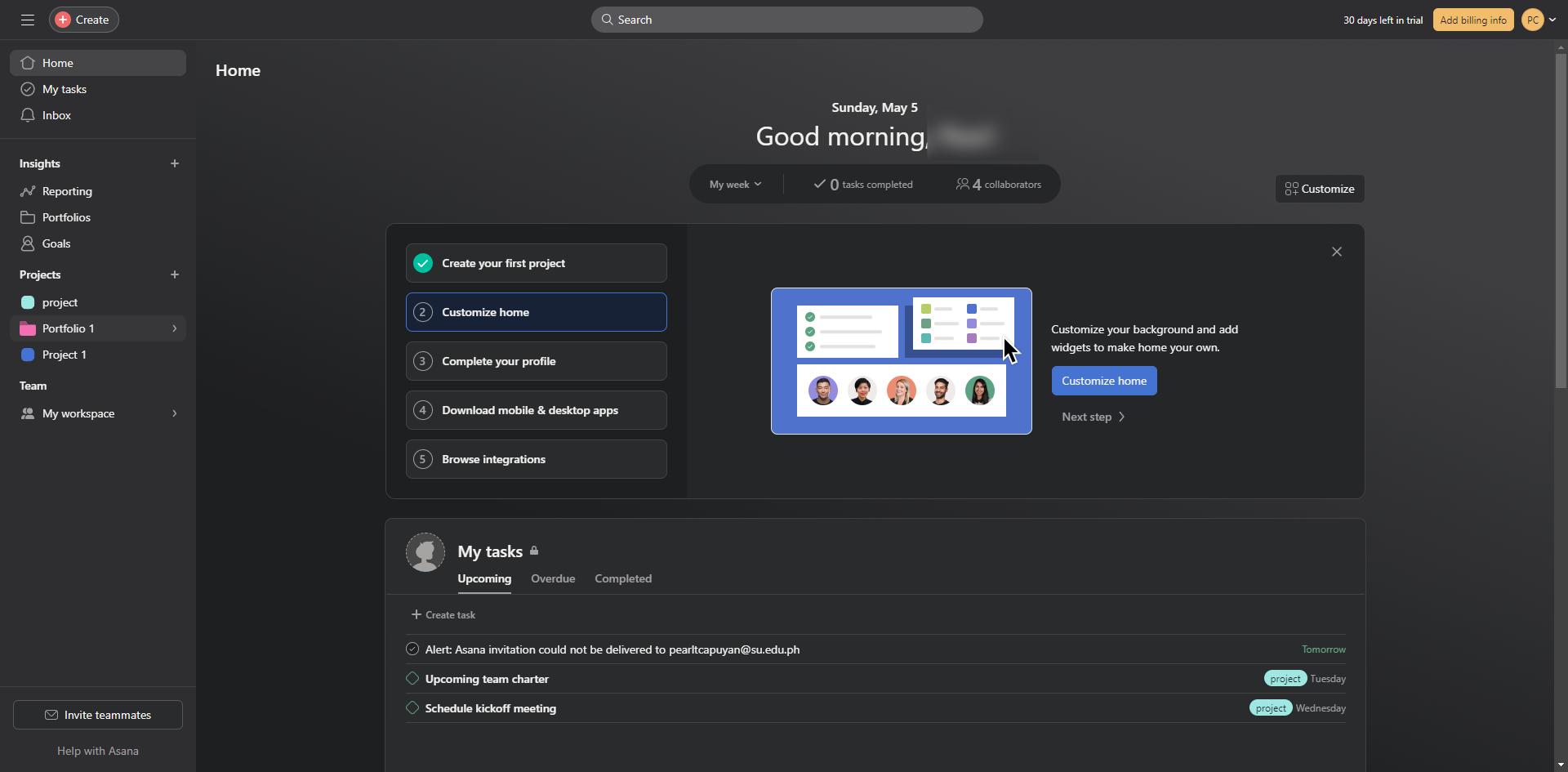
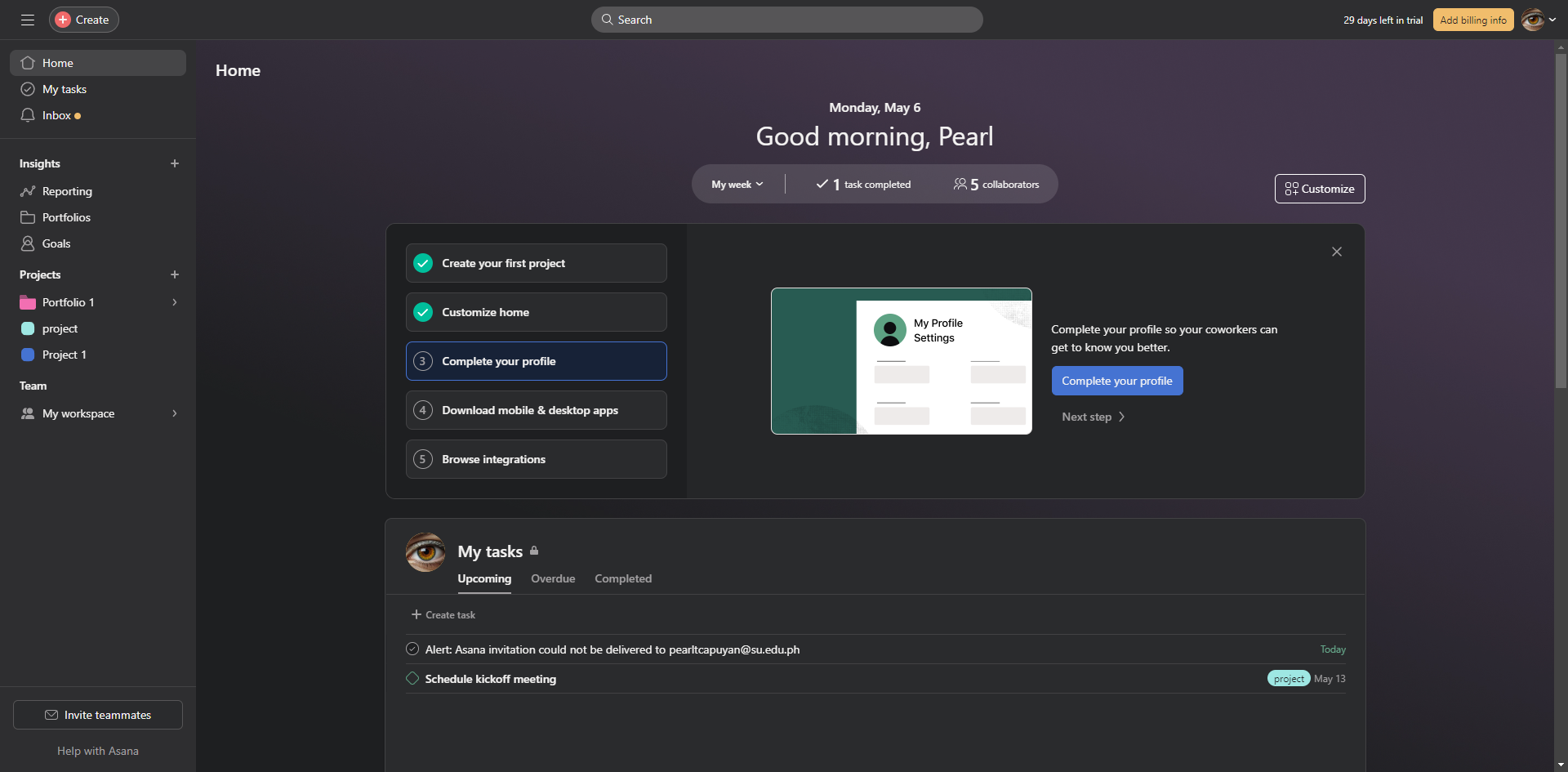
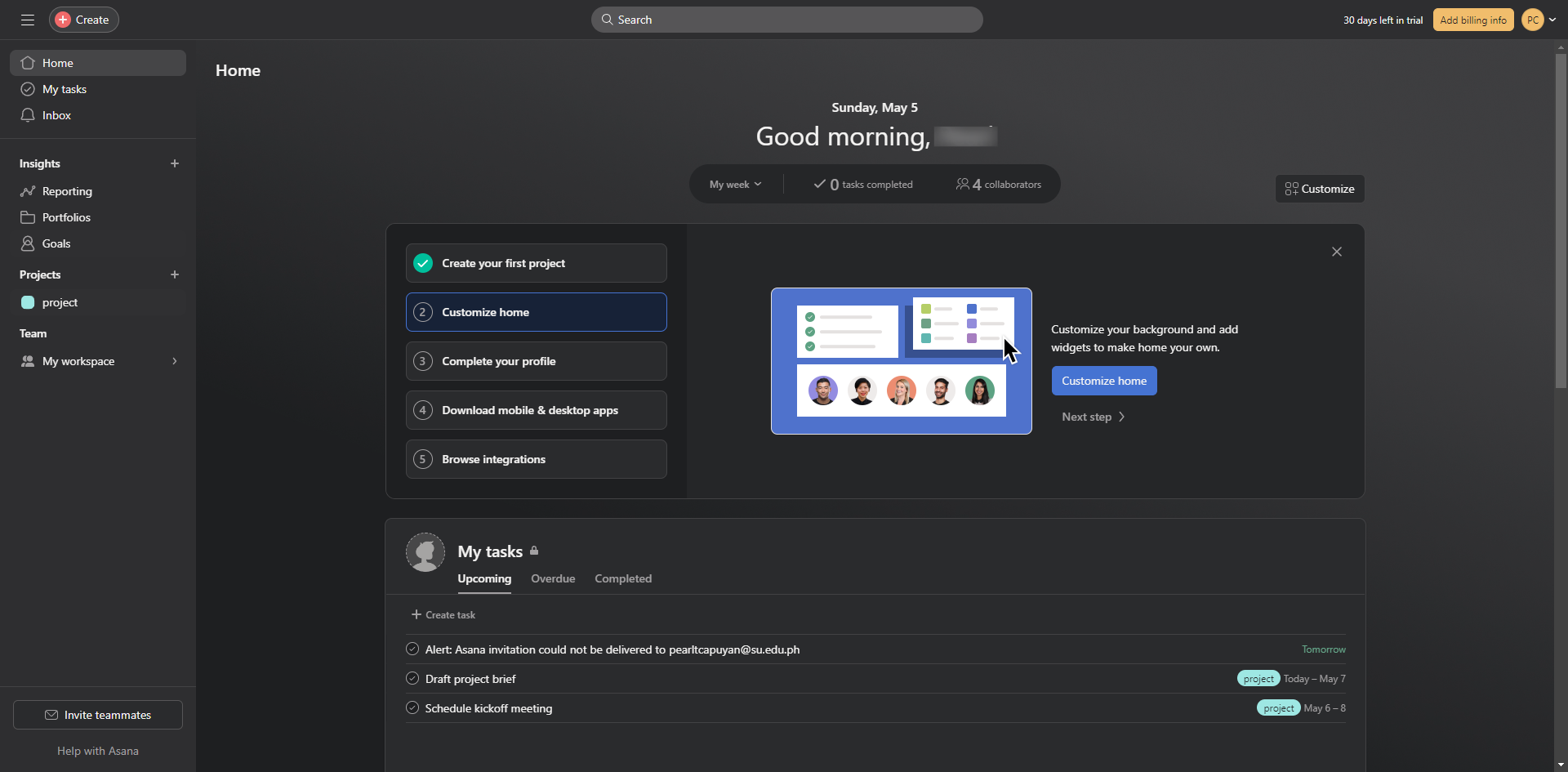
To begin, open Asana and click your profile icon.
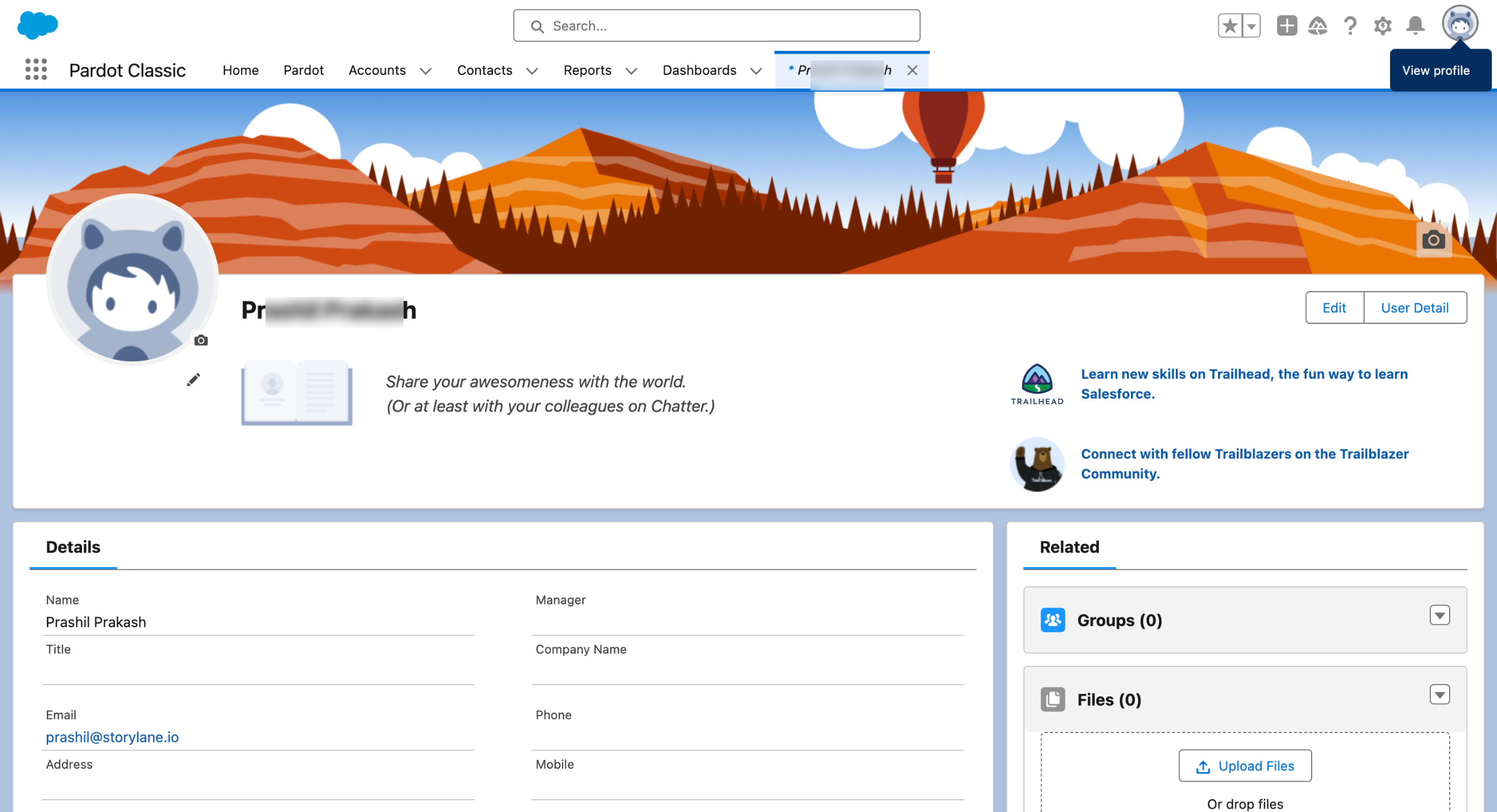
Select 'Profile'.
Click 'Edit Profile'.
Enable the 'Set out of Office' option.
Schedule your start date and end date.
Check the check box to send push notifications while you're away. However, this is optional.
A preview appears when you set yourself out of office.
Click the exit button and the changes will be automatically saved.
Quick answer: To set your out of office status in Asana, click your profile icon, select Profile, and choose Edit Profile. Enable the Set out of Office option, schedule your dates, optionally configure push notifications, and close the preview to automatically save your changes.
About this Asana tutorial
Manage your availability in Asana by setting your out of office dates, schedule, and notification preferences through your profile settings. This guide shows how to set Out of Office in Asana in 8 steps, starting with "To begin, open Asana and click your profile icon" and finishing with "Click the exit button and the changes will be automatically saved". The interactive demo above is a click-through copy of the real Asana interface, so you can rehearse each step before doing it in your own account.
Frequently asked questions
How many steps does it take to set Out of Office in Asana?
8 steps. Each one is listed in order above, and the demo highlights exactly where to click.
Can I try it without changing my own account?
Yes. Clicking through the demo doesn't touch your Asana data or settings. Once you know the flow, repeat it in your own workspace.
This tutorial is filed under Asana. Related guides: How to Set Up Asana For Project Management, How to Share Asana Project with Client and How to Stop Asana Email Notifications. Last reviewed 05 Oct 2026.

Create your first interactive demo in minutes
No credit card required • Start building today