How to Use ManyChat on Facebook Messenger
- George Apostolov
How to Use ManyChat on Facebook Messenger: step-by-step guide
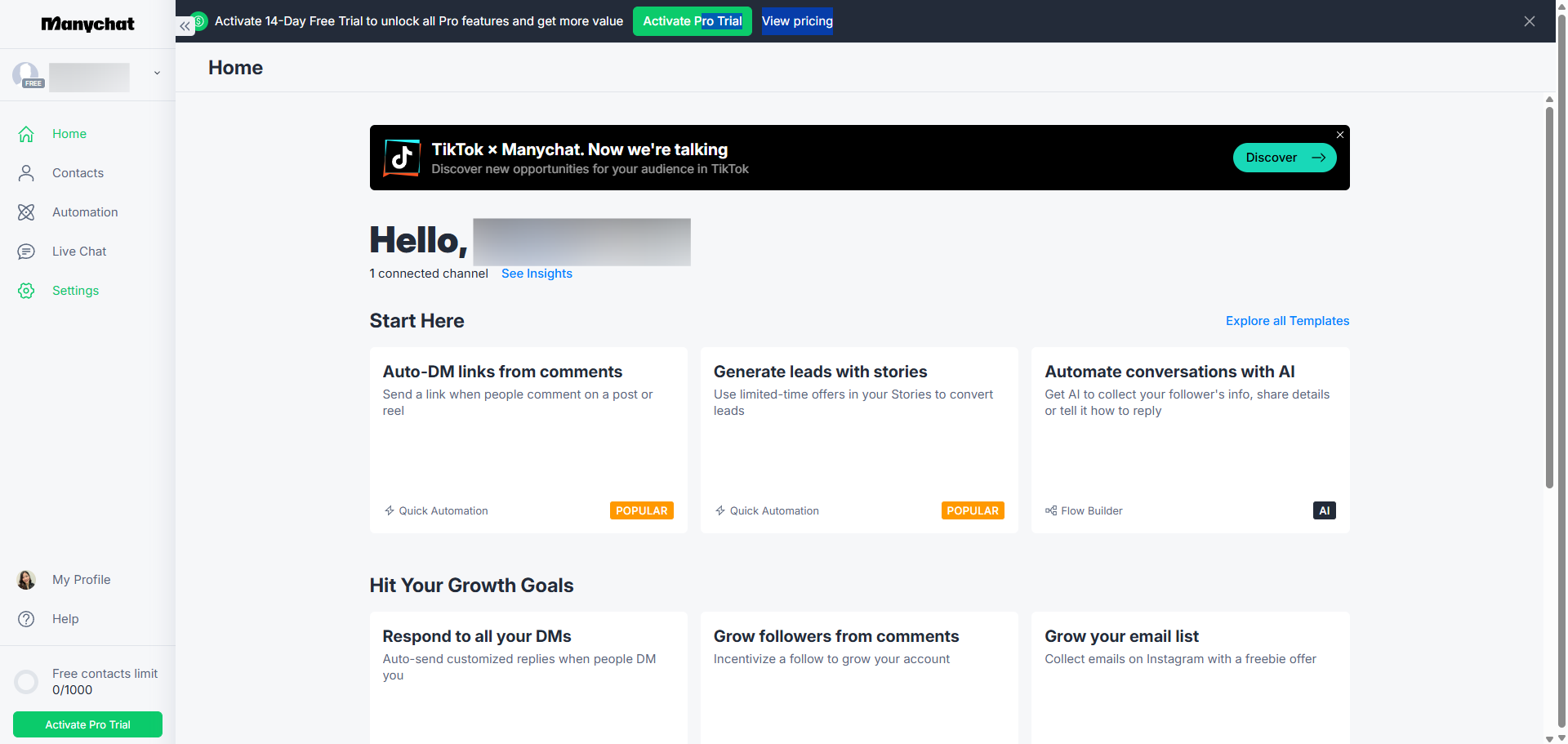
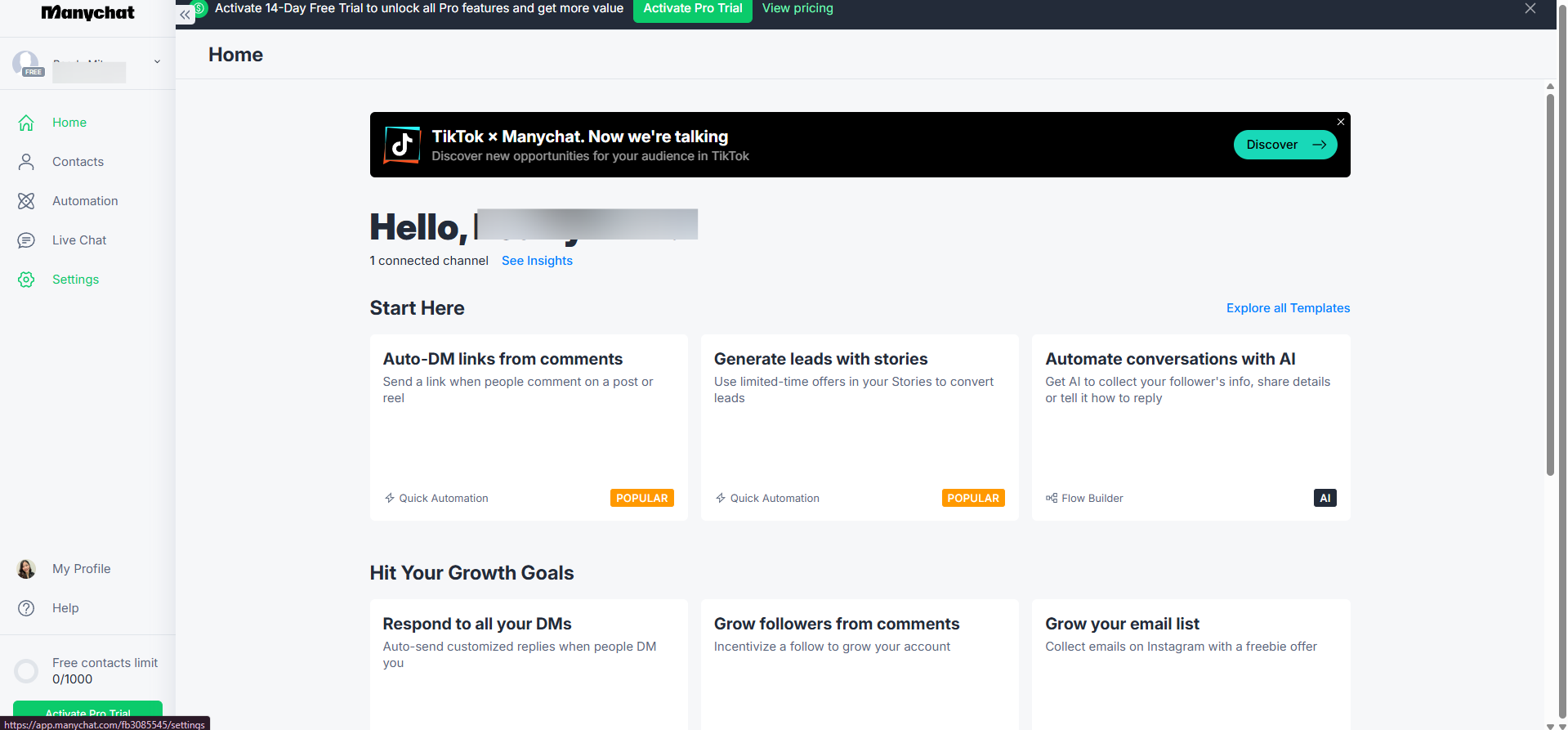
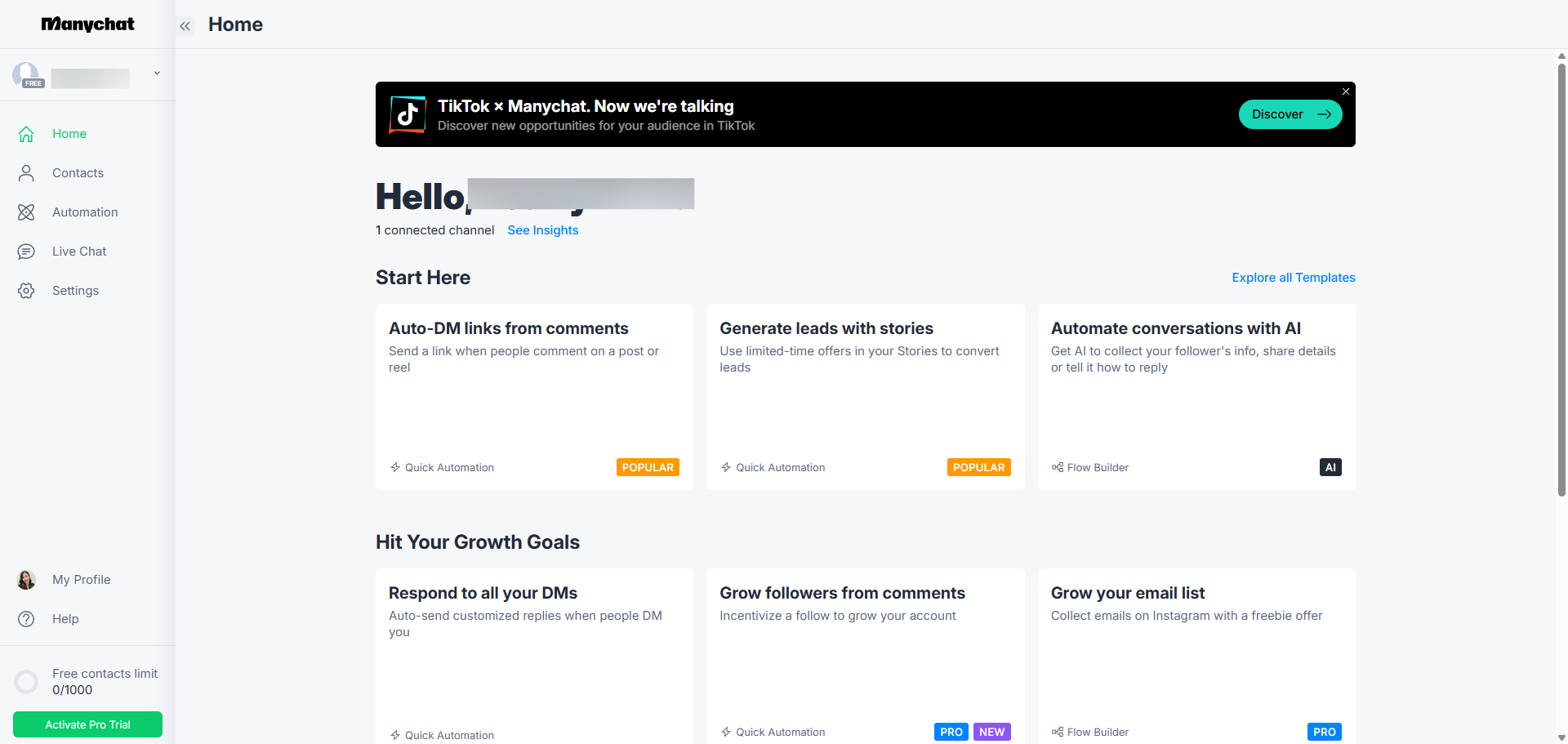
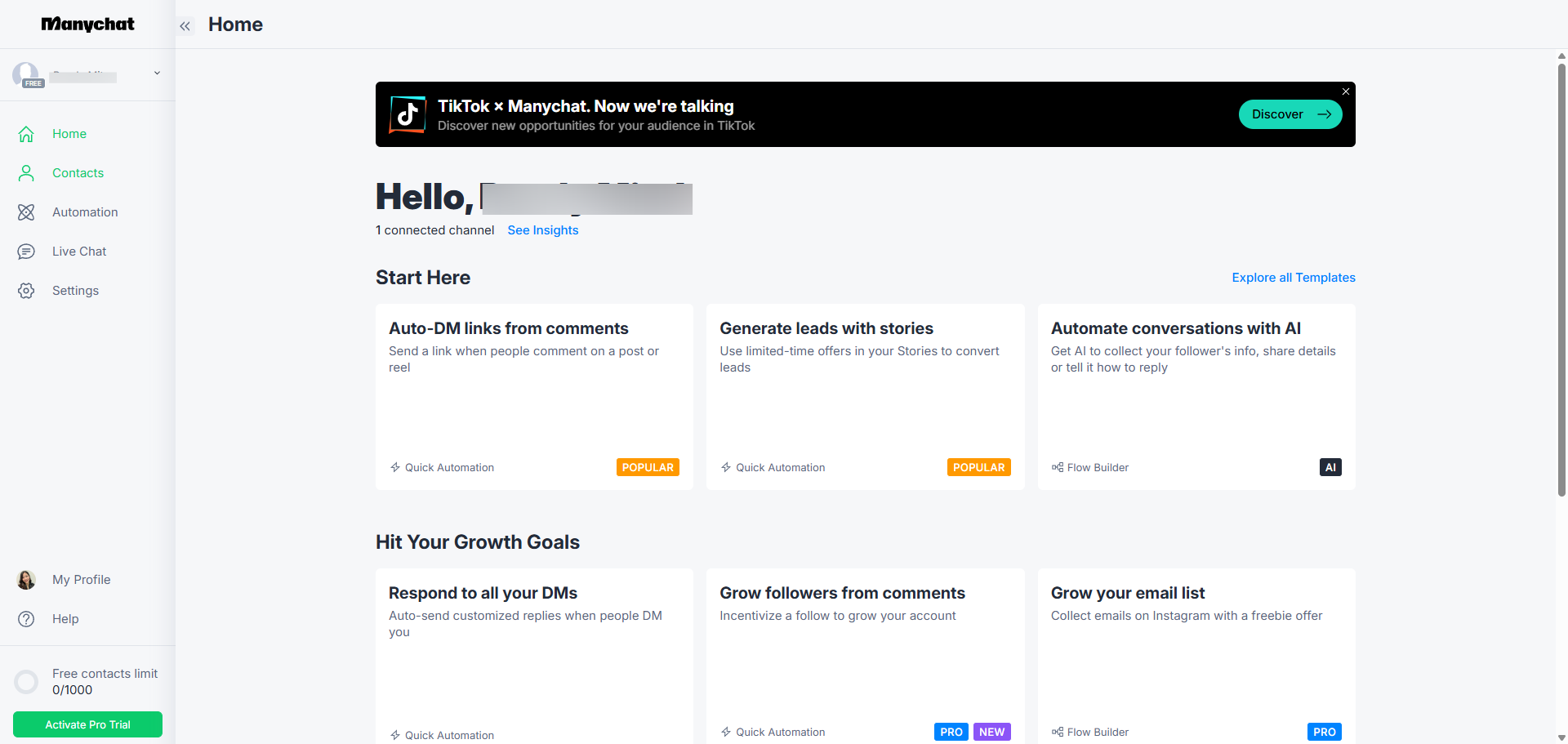
Access 'Settings' to customize your chatbot's behavior and capabilities.
Go to 'Channels' and select 'Messenger' to set up your messenger channel to reach customers where they're most responsive.
Click 'Connect' to establish connection to enable automated messaging for your business.
Click 'Sign In With Facebook' to connect with Facebook to leverage your business page for customer engagement.
Authorize your account to begin building your chatbot.
Select specific Pages for ManyChat to manage, giving you precise control over your messaging channels
Click 'Save' to grant ManyChat permissions to all Instagram accounts for seamless future expansion.
Celebrate a successful account connection.
Select your business page to begin building custom automations.
Navigate to 'Settings' to customize your automation preferences.
Access 'Messenger' settings to customize your chatbot experience.
Explore Messenger integration to engage with your audience in real-time conversations.
Quick answer: To set up ManyChat on Facebook Messenger, access Settings, go to Channels, select Messenger, and click Connect. Sign In With Facebook, authorize your account, select specific Pages, and click Save. Celebrate the connection, select your business page, navigate to Settings, access Messenger settings, and explore Messenger integration.
About this ManyChat tutorial
Connect ManyChat to Facebook Messenger by configuring channel settings, authorizing your business page, and enabling automated messaging. This guide shows how to use ManyChat on Facebook Messenger in 12 steps, starting with "Access 'Settings' to customize your chatbot's behavior and capabilities" and finishing with "Explore Messenger integration to engage with your audience in real-time conversations". The interactive demo above is a click-through copy of the real ManyChat interface, so you can rehearse each step before doing it in your own account.
Frequently asked questions
How many steps does it take to use ManyChat on Facebook Messenger?
12 steps. Each one is listed in order above, and the demo highlights exactly where to click.
Can I try it without changing my own account?
Yes. Clicking through the demo doesn't touch your ManyChat data or settings. Once you know the flow, repeat it in your own workspace.
This tutorial is filed under ManyChat and Facebook. Related guides: HubSpot ManyChat Integration, MailerLite ManyChat Integration and ManyChat ChatGPT Integration. Last reviewed 05 Oct 2026.

Create your first interactive demo in minutes
No credit card required • Start building today