How to Use Perplexity for Shopping Research
- George Apostolov
This guide is an interactive LiveDemo. Create interactive demos of your own product: Interactive demo software · Interactive customer onboarding guides · Start free
How to Use Perplexity for Shopping Research: step-by-step guide
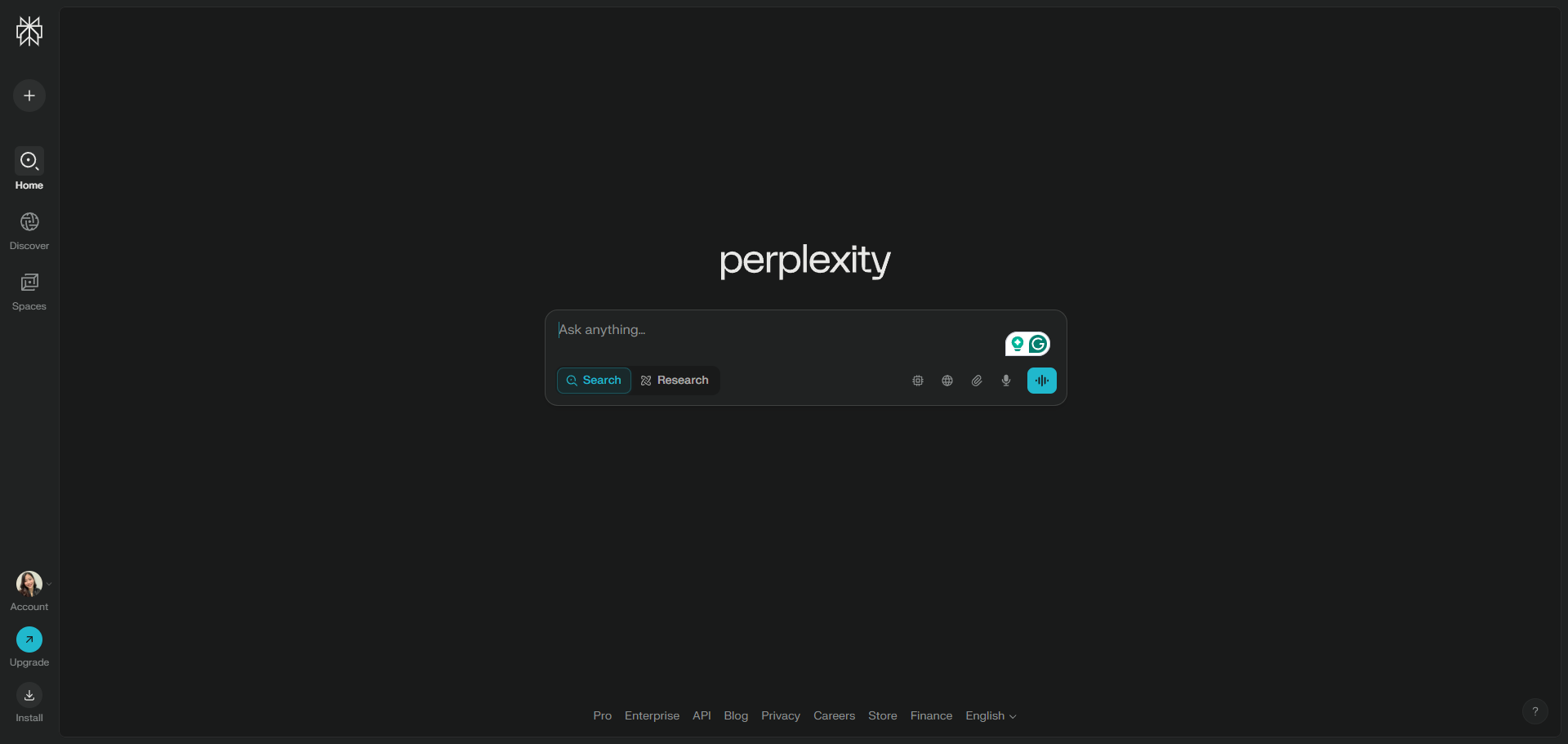
Log in to your Perplexity account and ask direct shopping questions.
Try asking about "promo codes for temu" to see how the AI handles consumer queries.
Click on the 'Arrow Icon' to proceed.
That's it! When you ask Perplexity a shopping-related question, it provides precise, objective answers along with easy-to-read product cards that summarize key product details, helping you compare options quickly and efficiently.
Quick answer: To conduct shopping research using Perplexity, log in to your account, ask direct shopping questions such as promo codes for temu, and click the arrow icon to proceed for precise, objective answers and easy-to-read product cards.
About this tutorial
Compare products quickly and efficiently using the app by asking direct shopping questions and reviewing summarized key details. This guide shows how to use Perplexity for Shopping Research in 4 steps, starting with "Log in to your Perplexity account and ask direct shopping questions" and finishing with "That's it! When you ask Perplexity a shopping-related question, it provides precise, ob...". The interactive demo above is a click-through copy of the real product interface, so you can rehearse each step before doing it in your own account.
Frequently asked questions
How many steps does it take to use Perplexity for Shopping Research?
4 steps. Each one is listed in order above, and the demo highlights exactly where to click.
Can I try it without changing my own account?
Yes. Clicking through the demo doesn't touch your data or settings. Once you know the flow, repeat it in your own workspace.

Create your first interactive demo in minutes
No credit card required • Start building today