How to use semrush for website
- George Apostolov
How to use semrush for website: step-by-step guide
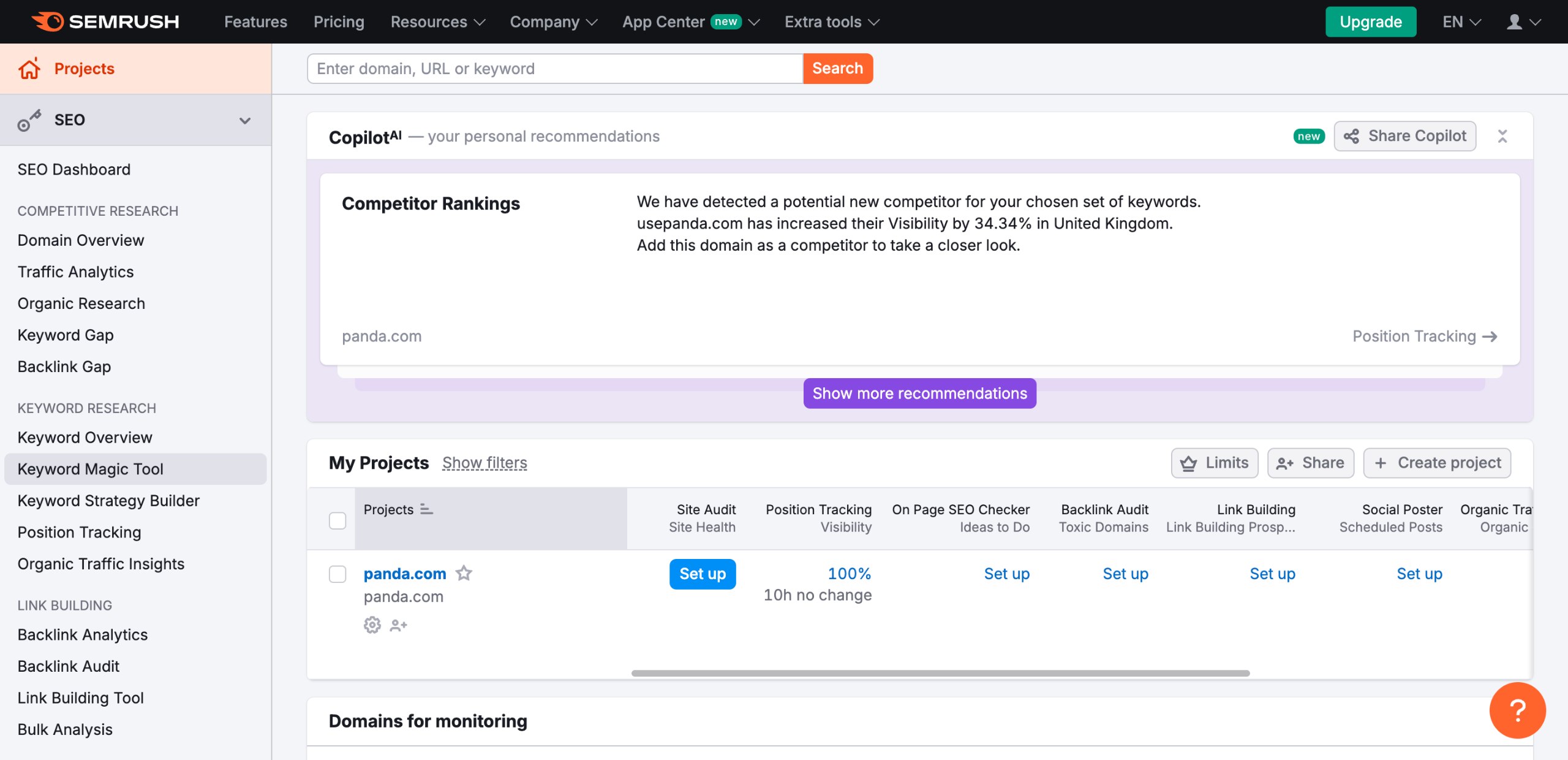
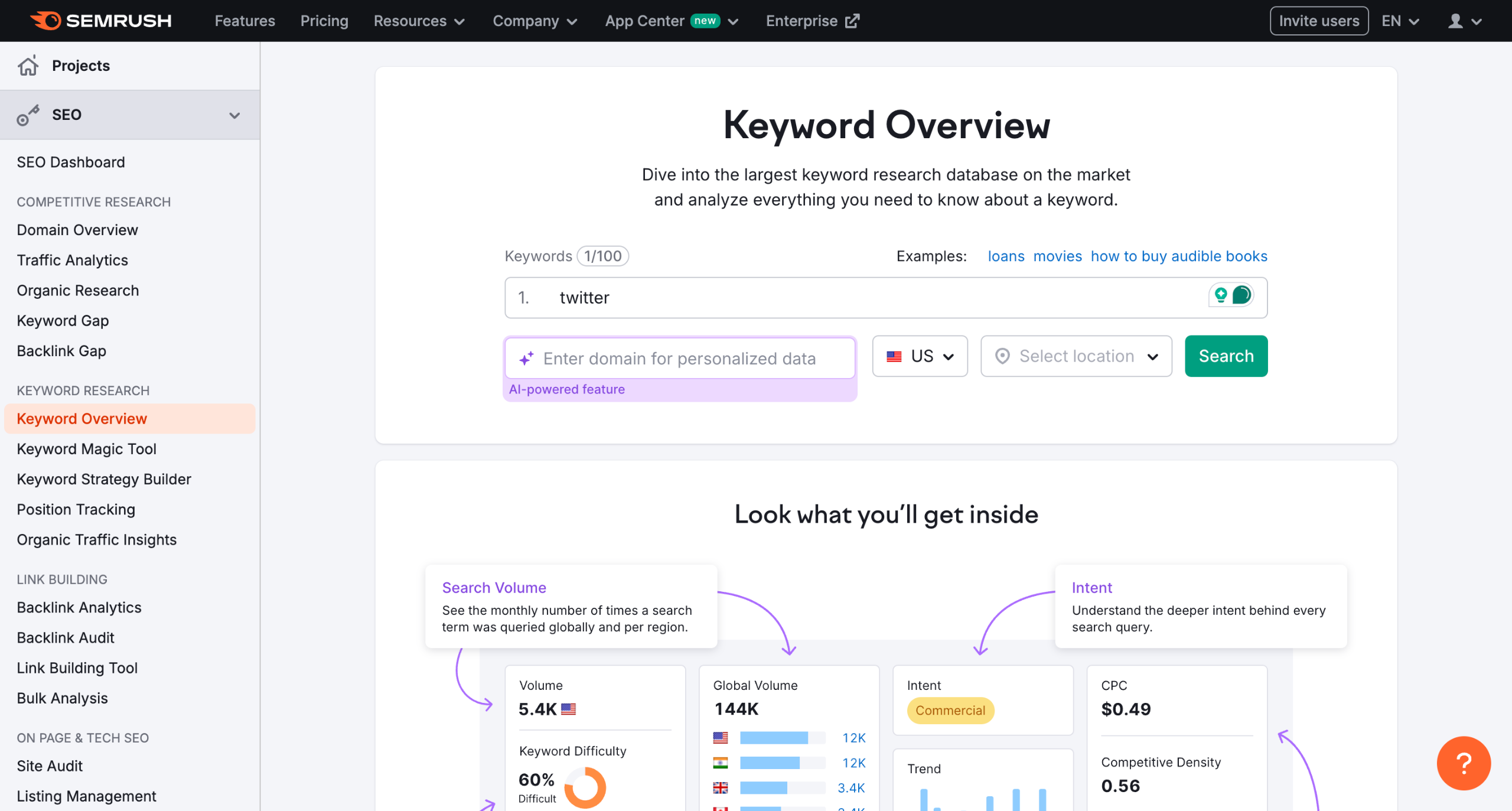
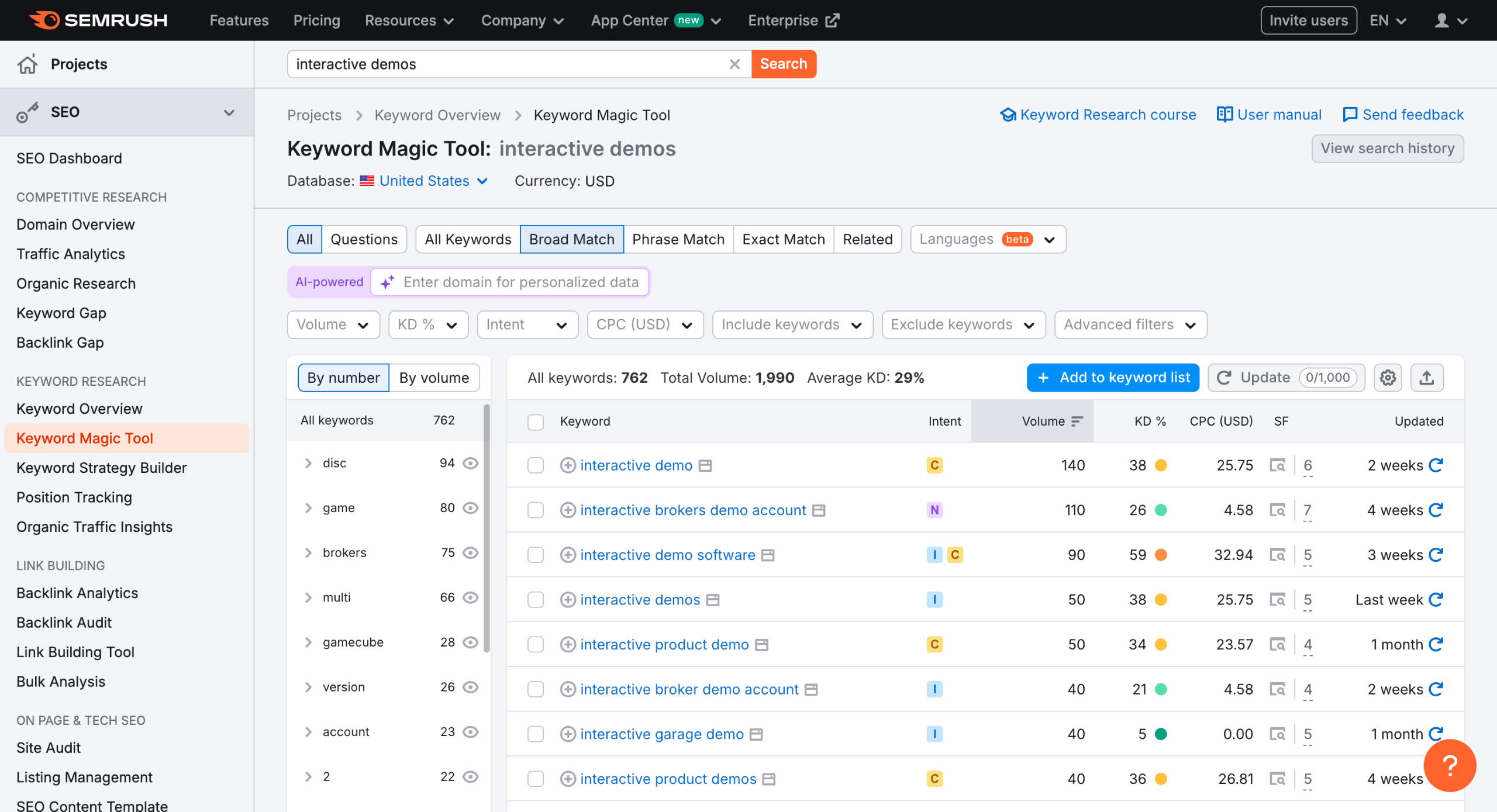
Find relevant keywords for your website using Semrush's Keyword Magic Tool.
Analyze your competitors' websites with Organic Research to see what keywords they are ranking
Use Semrush's Site Audit tool to identify technical SEO issues on your website.
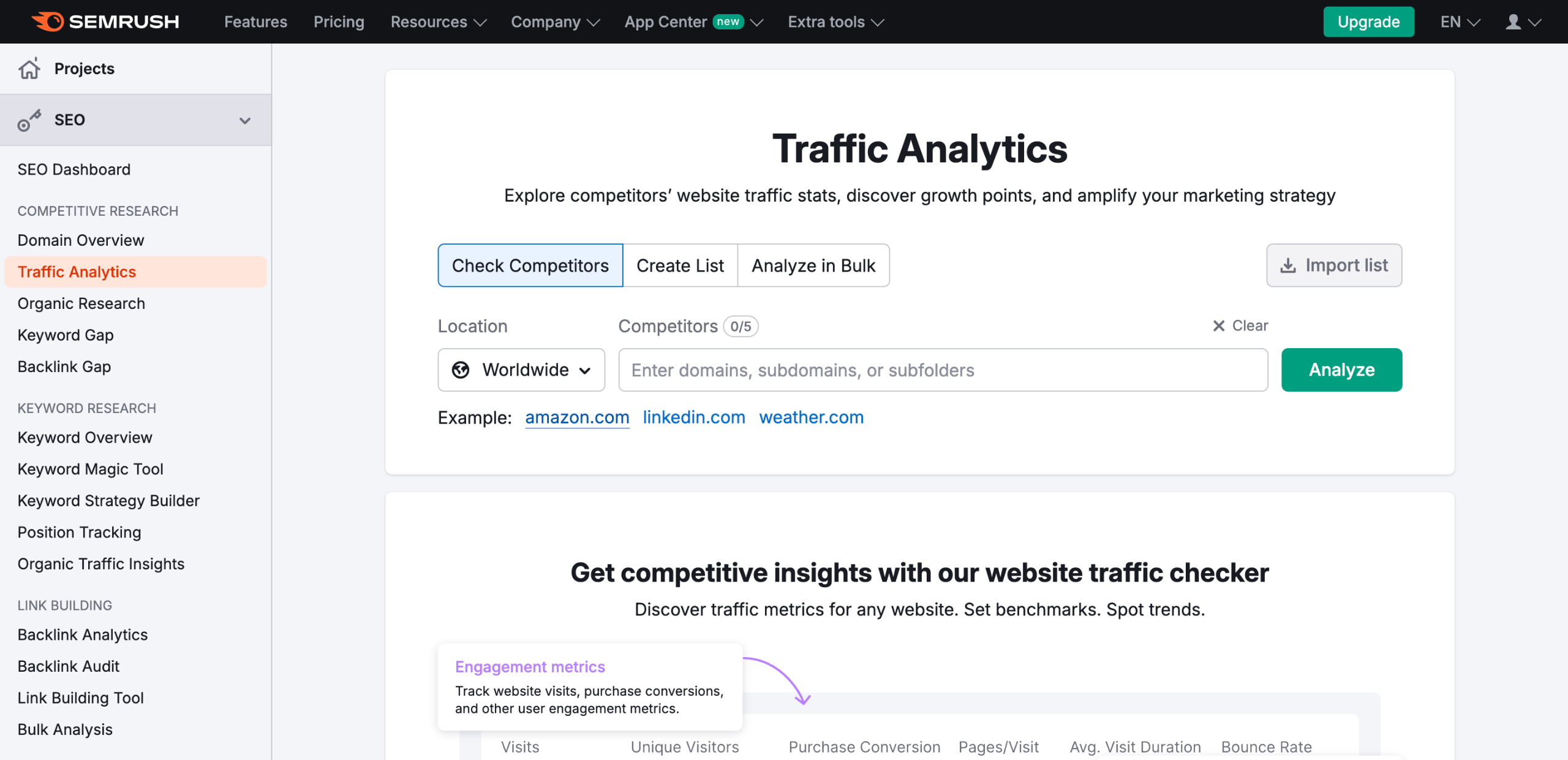
Analyze competitor traffic and audience data with Traffic Analytics.
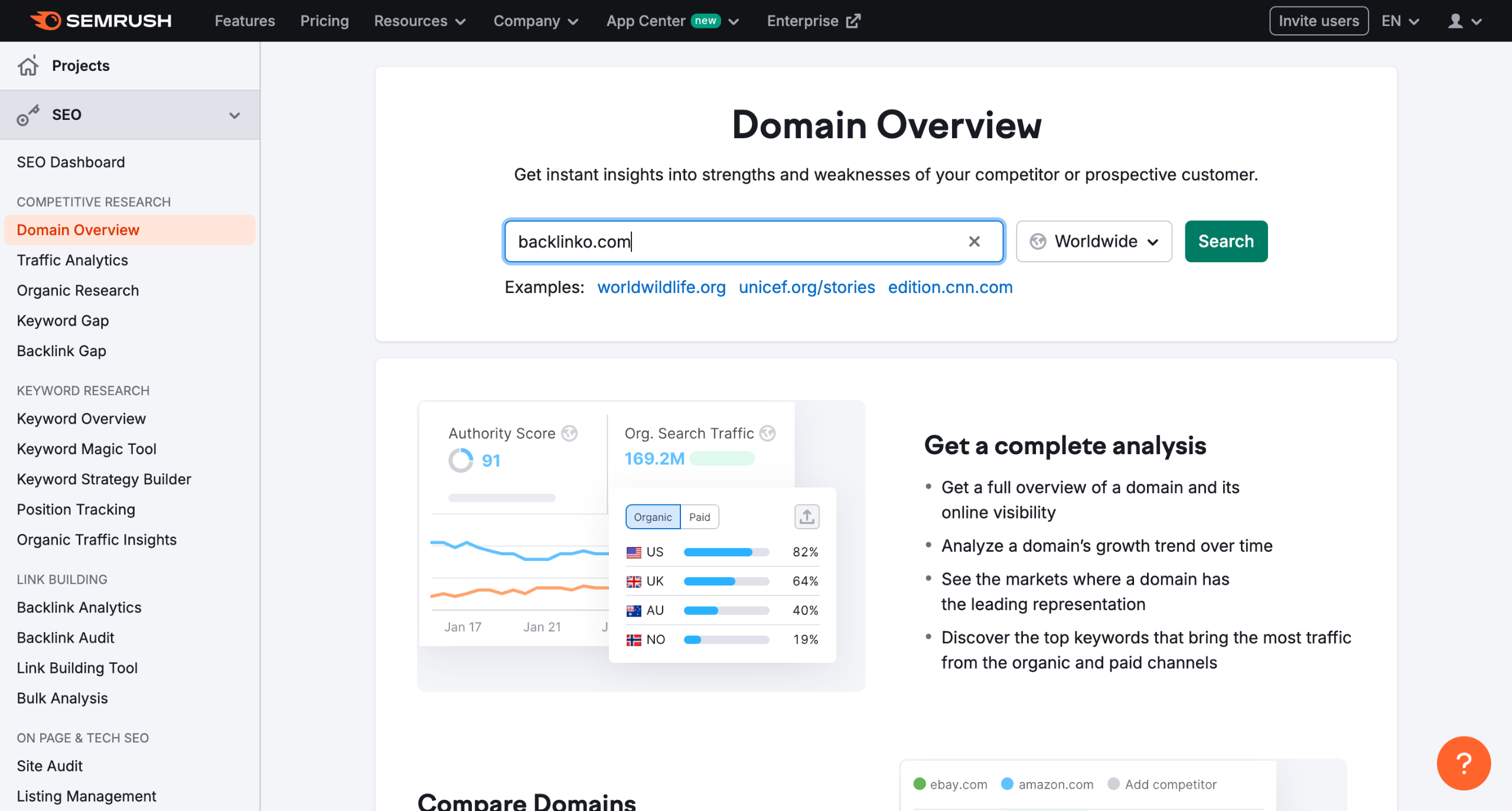
Identify content gaps and opportunities using the Keyword Gap tool.
You will find the top opportunities over here.
And also the comparitive keyword details.
See where your backlinks are coming from and how many you have.
Use Semrush's Advertising Research to find profitable keywords for your paid advertising campaigns.
Find profitable keywords for your paid advertising campaigns using Advertising Research.
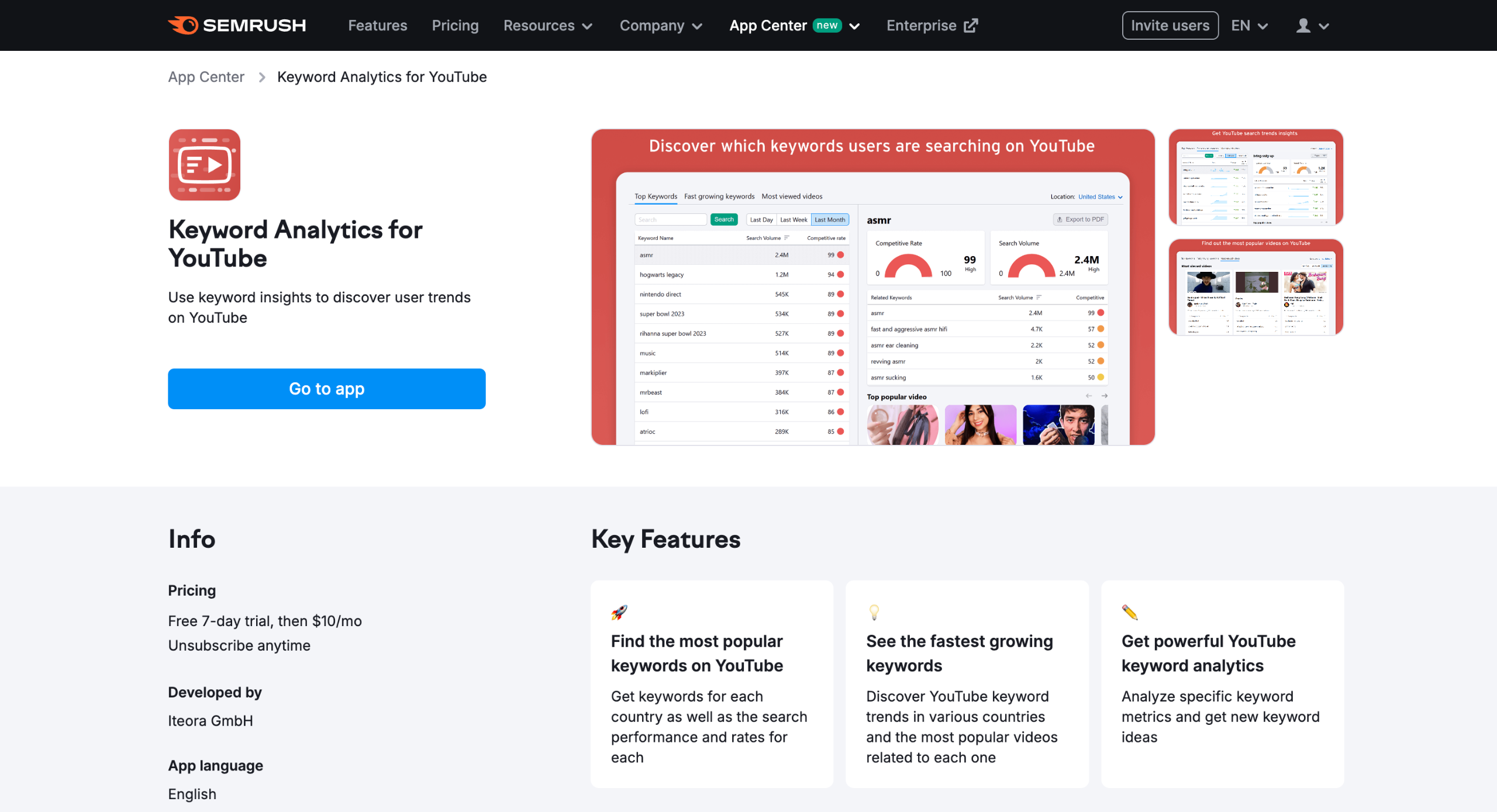
Lastly, head over to Semrush AppCenter and find Brand Monitoring to track competitors' brand mentions and PR activities.
Quick answer: To optimize your website using Semrush, find relevant keywords with the Keyword Magic Tool, analyze competitors using Organic Research, identify technical SEO issues with Site Audit, review competitor traffic via Traffic Analytics, find content gaps, check backlinks, research paid advertising keywords, and track competitor brand mentions in the AppCenter.
About this Semrush tutorial
Improve your SEO, track competitor traffic, find profitable keywords, and audit technical issues using Semrush tools. This guide shows how to use semrush for website in 11 steps, starting with "Find relevant keywords for your website using Semrush's Keyword Magic Tool " and finishing with "Lastly, head over to Semrush AppCenter and find Brand Monitoring to track competitors'...". The interactive demo above is a click-through copy of the real Semrush interface, so you can rehearse each step before doing it in your own account.
Frequently asked questions
How many steps does it take to use semrush for website?
11 steps. Each one is listed in order above, and the demo highlights exactly where to click.
Can I try it without changing my own account?
Yes. Clicking through the demo doesn't touch your Semrush data or settings. Once you know the flow, repeat it in your own workspace.
This tutorial is filed under Semrush. Related guides: How to use semrush for youtube, How to use semrush keyword magic tool and How Do I Export Traffic Trend Data from Semrush. Last reviewed 05 Oct 2026.

Create your first interactive demo in minutes
No credit card required • Start building today