How to use semrush keyword magic tool
- George Apostolov
This guide is an interactive LiveDemo. Create interactive demos of your own product: Interactive demo software · Interactive customer onboarding guides · Start free
How to use semrush keyword magic tool: step-by-step guide
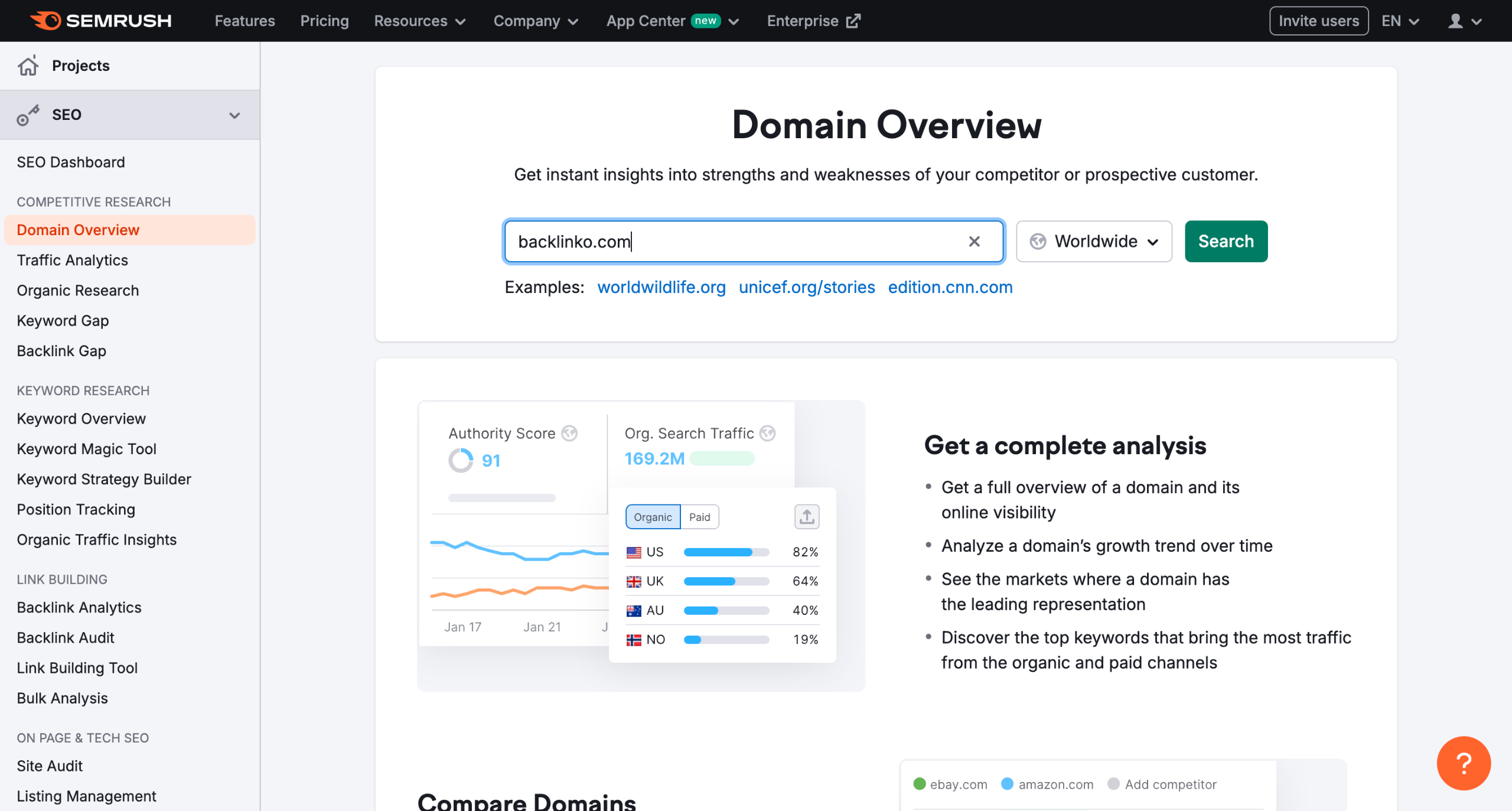
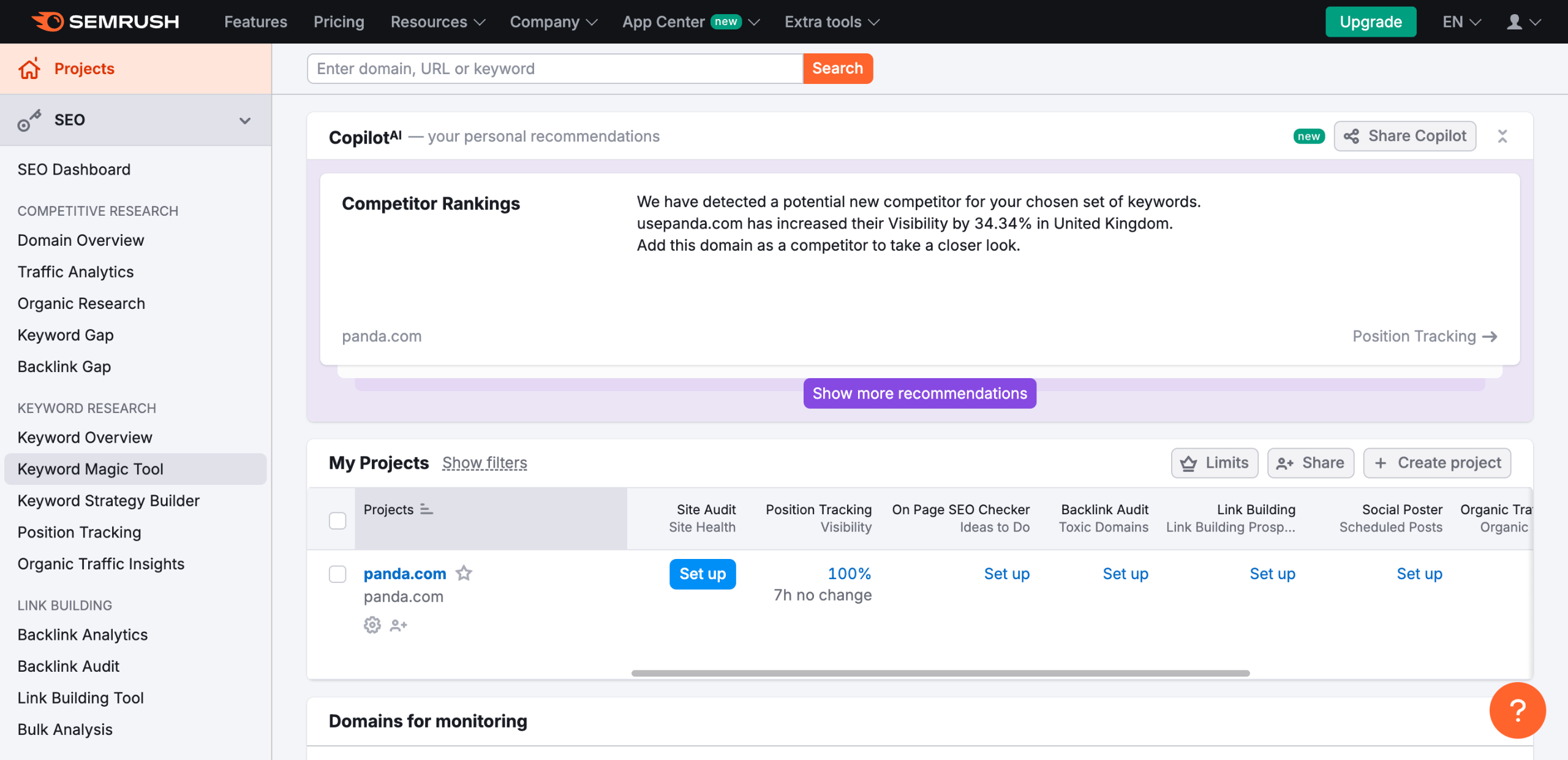
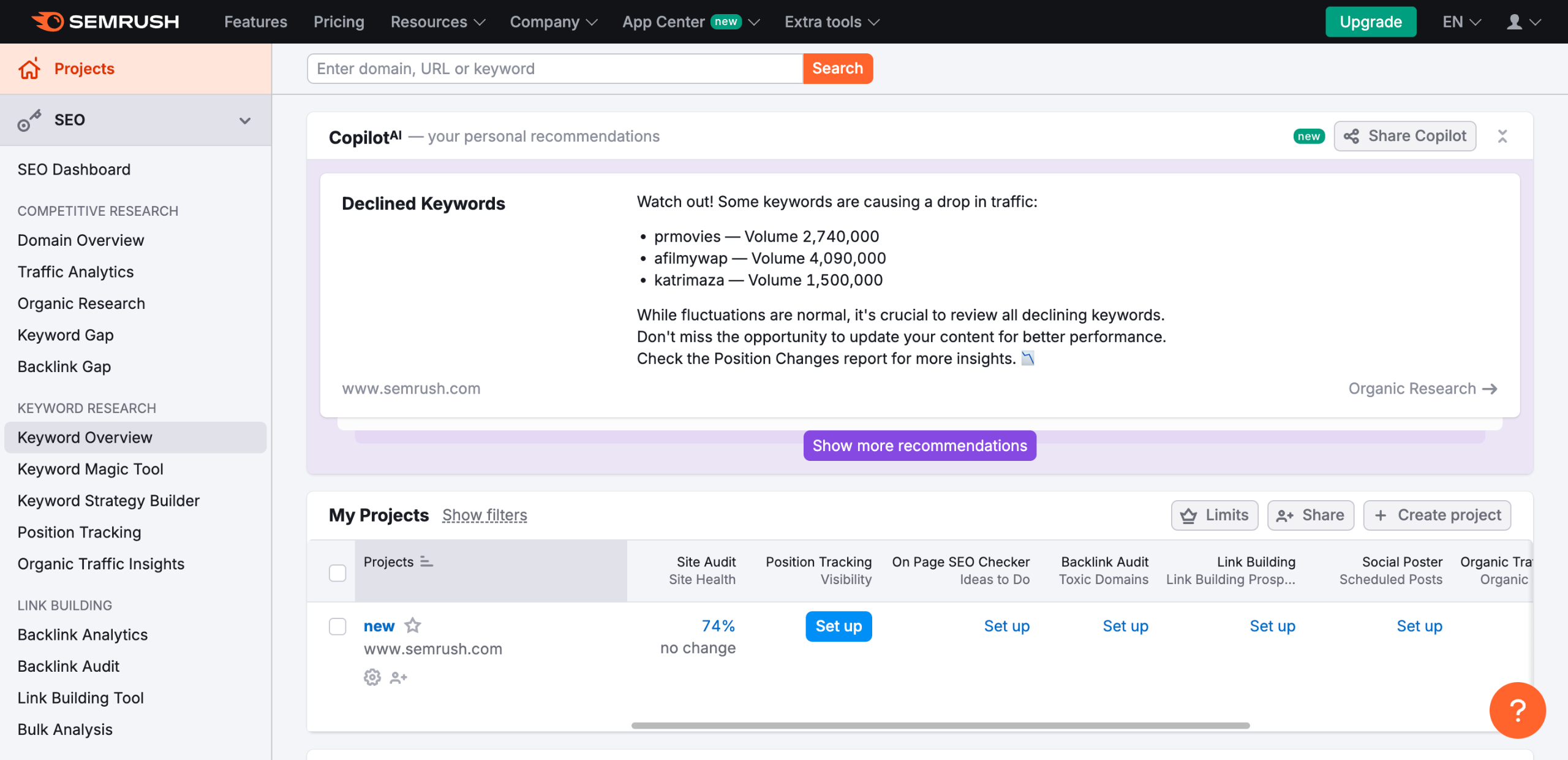
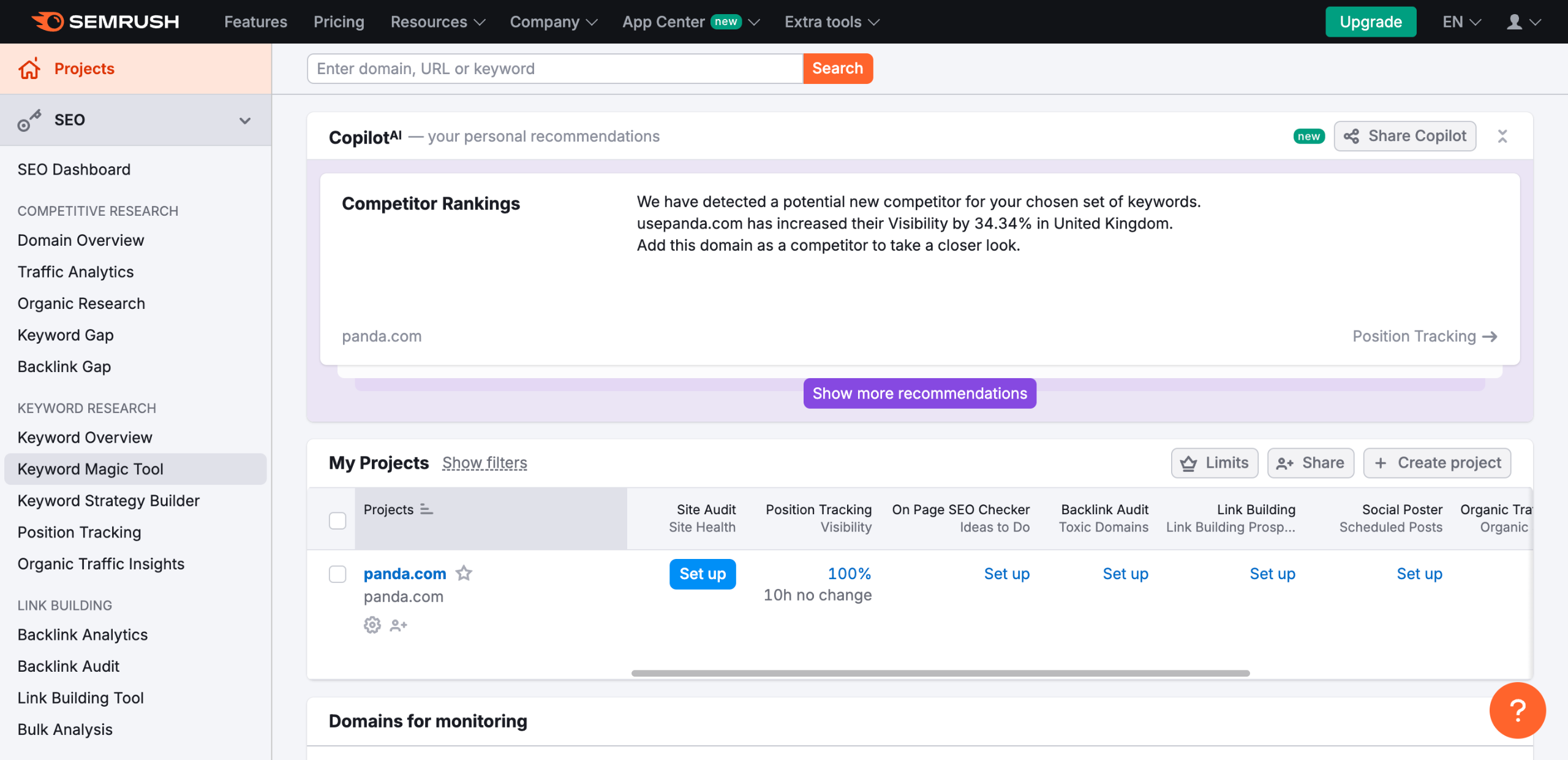
From the main dashboard, find the ‘Keyword Magic Tool’ section in the left-hand menu.
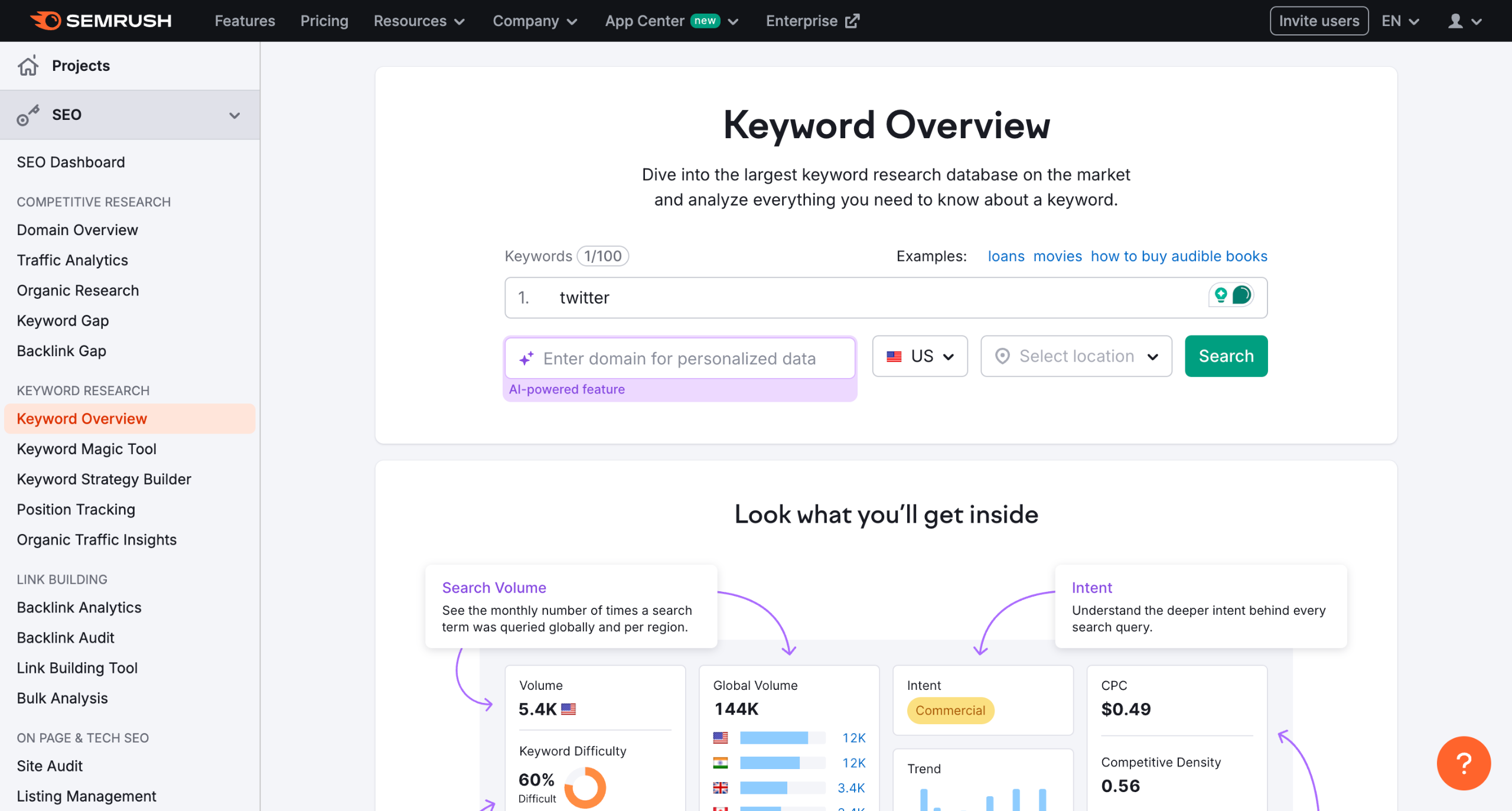
In the search bar, enter a seed keyword that is relevant to your niche, product, or service.
The tool will generate a list of related keywords based on your seed keyword.
Search Volume: Filter keywords based on search volume to find high or low-volume keywords.
Keyword Difficulty: Filter keywords by difficulty to target easier or more competitive keywords.
CPC and Competition: Use these filters to find keywords with specific cost or competition levels.
Keyword Grouping: You can explore these groups to find additional relevant keywords.
Advanced filters: You can use this filter using "Word Count, Competitive Density, SERP Features, Results in SERP"
Questions: a collection of keywords phrased as questions that include the seed keyword.
Keyword Lists: Save selected keywords to a keyword list within SEMrush for easy access and management.
Download Options: Use the ‘Export’ button to download the keyword data in formats such as CSV, XLSX, or PDF.
By following these steps, you can effectively use the SEMrush Keyword Magic Tool to discover valuable keywords, enhance your SEO and PPC strategies, and drive targeted traffic to your site.
Quick answer: To use the Keyword Magic Tool in Semrush, find the tool in the left-hand menu, enter a seed keyword, and review the generated list. Filter by search volume, keyword difficulty, CPC, competition, word count, density, SERP features, results, or questions. Group keywords, save to lists, and export data.
About this Semrush tutorial
Discover valuable keywords, enhance SEO and PPC strategies, and drive traffic using the Semrush Keyword Magic Tool. This guide shows how to use semrush keyword magic tool in 12 steps, starting with "From the main dashboard, find the ‘Keyword Magic Tool’ section in the left-hand menu" and finishing with "By following these steps, you can effectively use the SEMrush Keyword Magic Tool to dis...". The interactive demo above is a click-through copy of the real Semrush interface, so you can rehearse each step before doing it in your own account.
Frequently asked questions
How many steps does it take to use semrush keyword magic tool?
12 steps. Each one is listed in order above, and the demo highlights exactly where to click.
Can I try it without changing my own account?
Yes. Clicking through the demo doesn't touch your Semrush data or settings. Once you know the flow, repeat it in your own workspace.
This tutorial is filed under Semrush. Related guides: How Do I Export Traffic Trend Data from Semrush, How does semrush calculate search volume and How does semrush calculate traffic. Last reviewed 05 Oct 2026.

Create your first interactive demo in minutes
No credit card required • Start building today