How to Create a Sales Presentation GPT
- George Apostolov
How to Create a Sales Presentation GPT: step-by-step guide
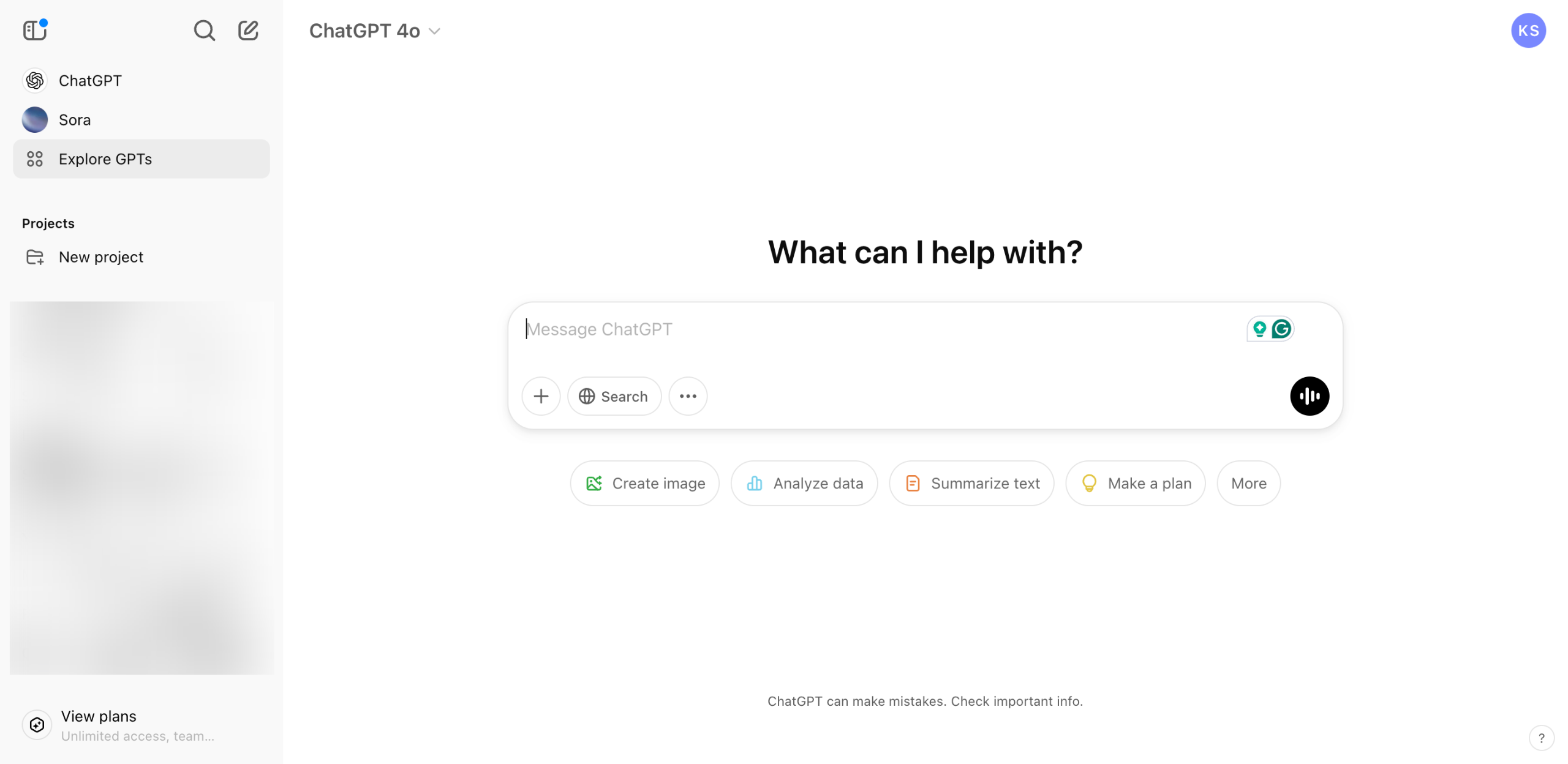
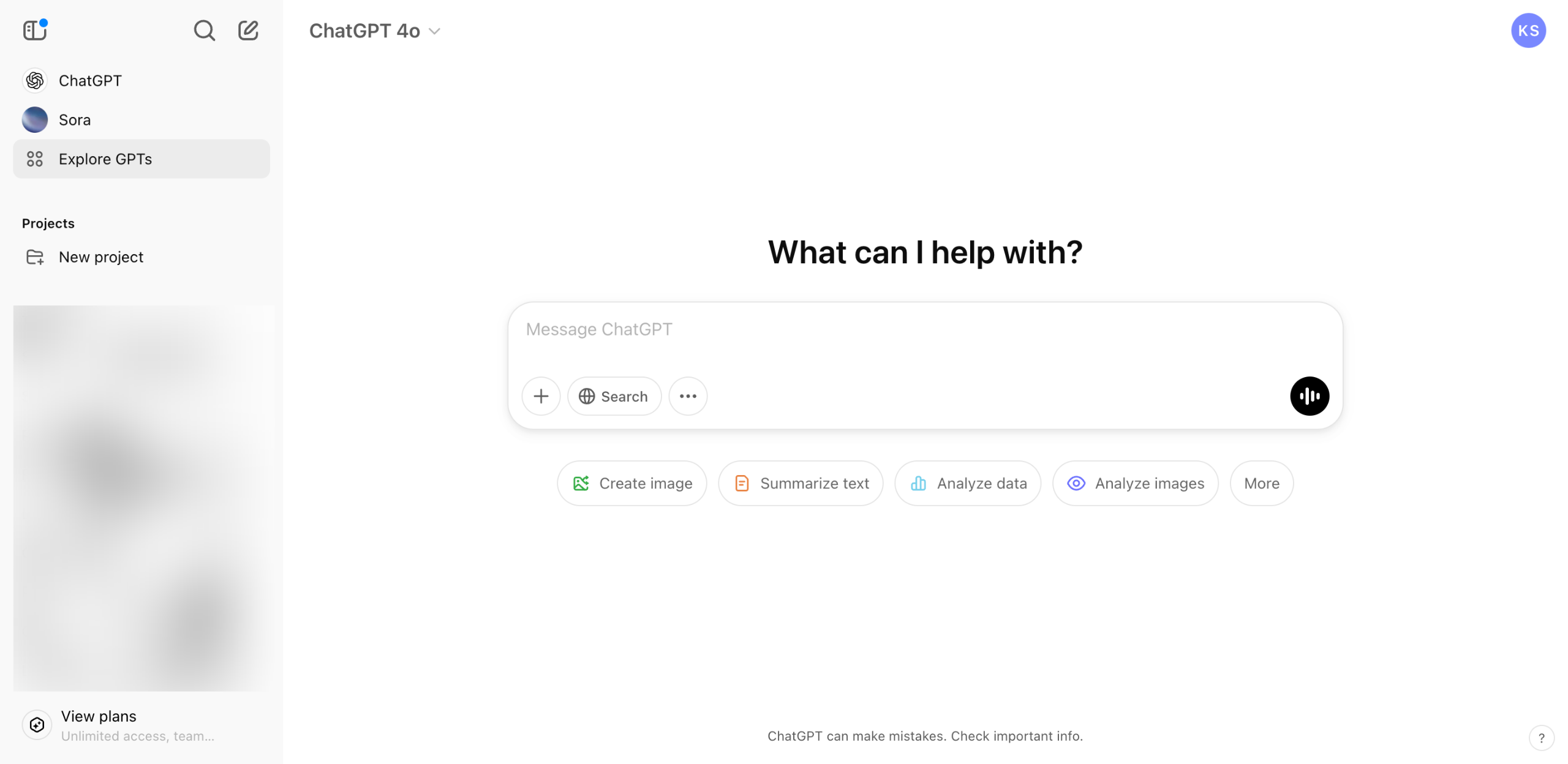
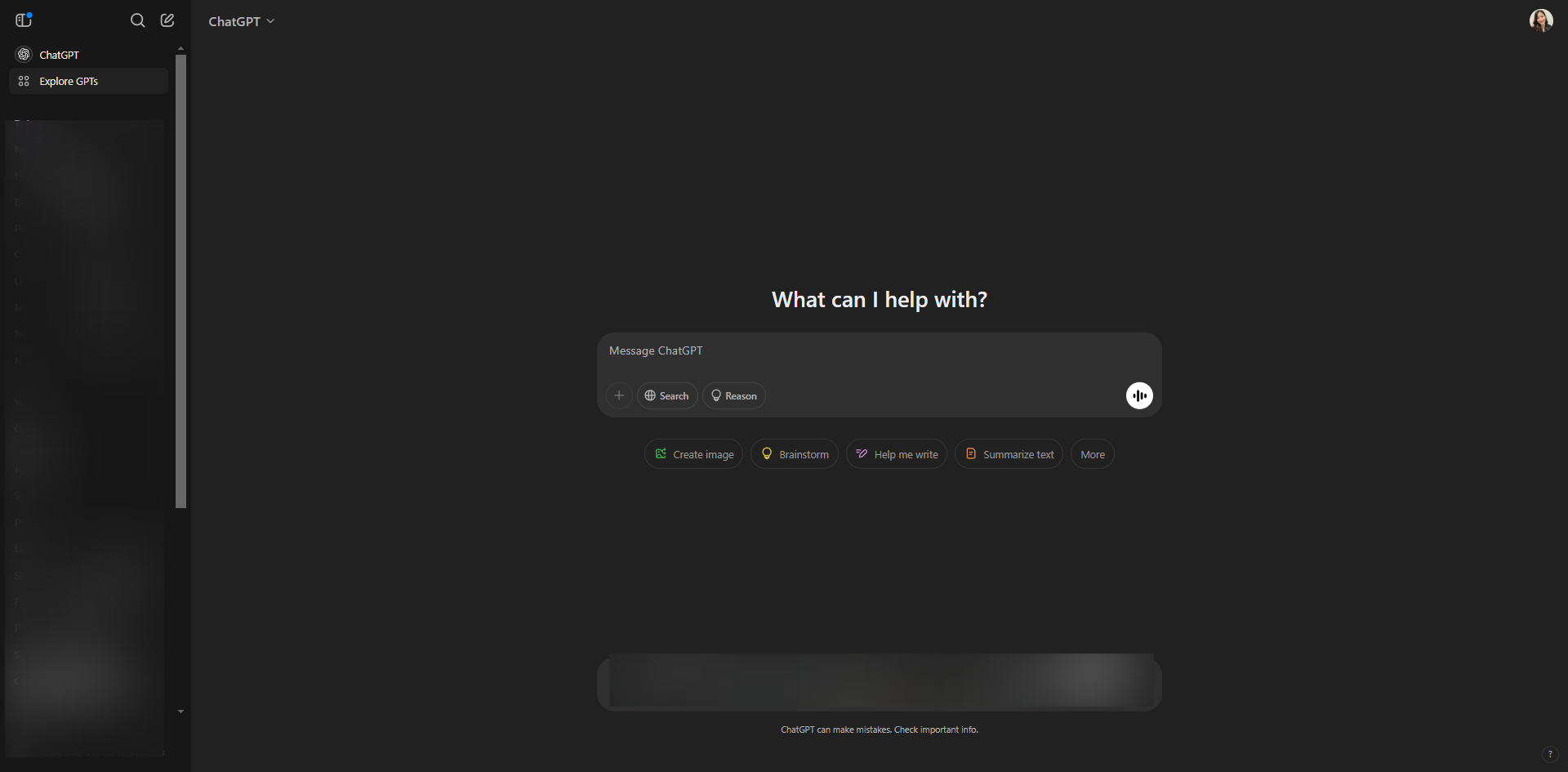
Open ChatGPT and click on 'Explore GPTs'.
In the search bar, type 'MagicSlides.app' to find the specific GPT tailored for creating PowerPoint presentations.
Click on 'Start Chat' to initiate the process.
Provide your powerpoint prompt in the empty field and it will automatically generate results.
Quick answer: To create a sales presentation GPT in ChatGPT, open the application and click on Explore GPTs. Next, search for MagicSlides.app, click Start Chat to initiate the process, and provide your PowerPoint prompt in the empty field to automatically generate results.
About this tutorial
Generate PowerPoint presentations in the app by searching for MagicSlides.app, starting a chat, and entering your prompt. This guide shows how to create a Sales Presentation GPT in 4 steps, starting with "Open ChatGPT and click on 'Explore GPTs'" and finishing with "Provide your powerpoint prompt in the empty field and it will automatically generate re...". The interactive demo above is a click-through copy of the real product interface, so you can rehearse each step before doing it in your own account.
Frequently asked questions
How many steps does it take to create a Sales Presentation GPT?
4 steps. Each one is listed in order above, and the demo highlights exactly where to click.
Can I try it without changing my own account?
Yes. Clicking through the demo doesn't touch your data or settings. Once you know the flow, repeat it in your own workspace.

Create your first interactive demo in minutes
No credit card required • Start building today