Google Analytics - Set Up a GA Account
- George Apostolov

Google Analytics - Set Up a GA Account: step-by-step guide
Click Get started today.
Fill in the required information like Account name, Website Name, Website URL
Select the appropriate data sharing checkboxes and hit Next
Fill in Property name, Industry category and Reporting time zone and hit Next
Select Business size and hit Next
Select your objectives and hit Next
Accept the Data Processing Terms
Accept the Controller Data Protection Terms and hit I Accept
Click on Get tagging instructions
Click here
Select Install manually tab and copy the code snippet.
Paste it into the header section of your website Add the snippet just before the closing </head> tag and you're done!
Quick answer: To set up a Google Analytics account, click Get started today, fill in your account and website details, and select data sharing options. Next, enter your property information, business size, and objectives, then accept the data processing and controller terms. Finally, access the tagging instructions, select the install manually tab, copy the code snippet, and paste it into your website header.
About this Google tutorial
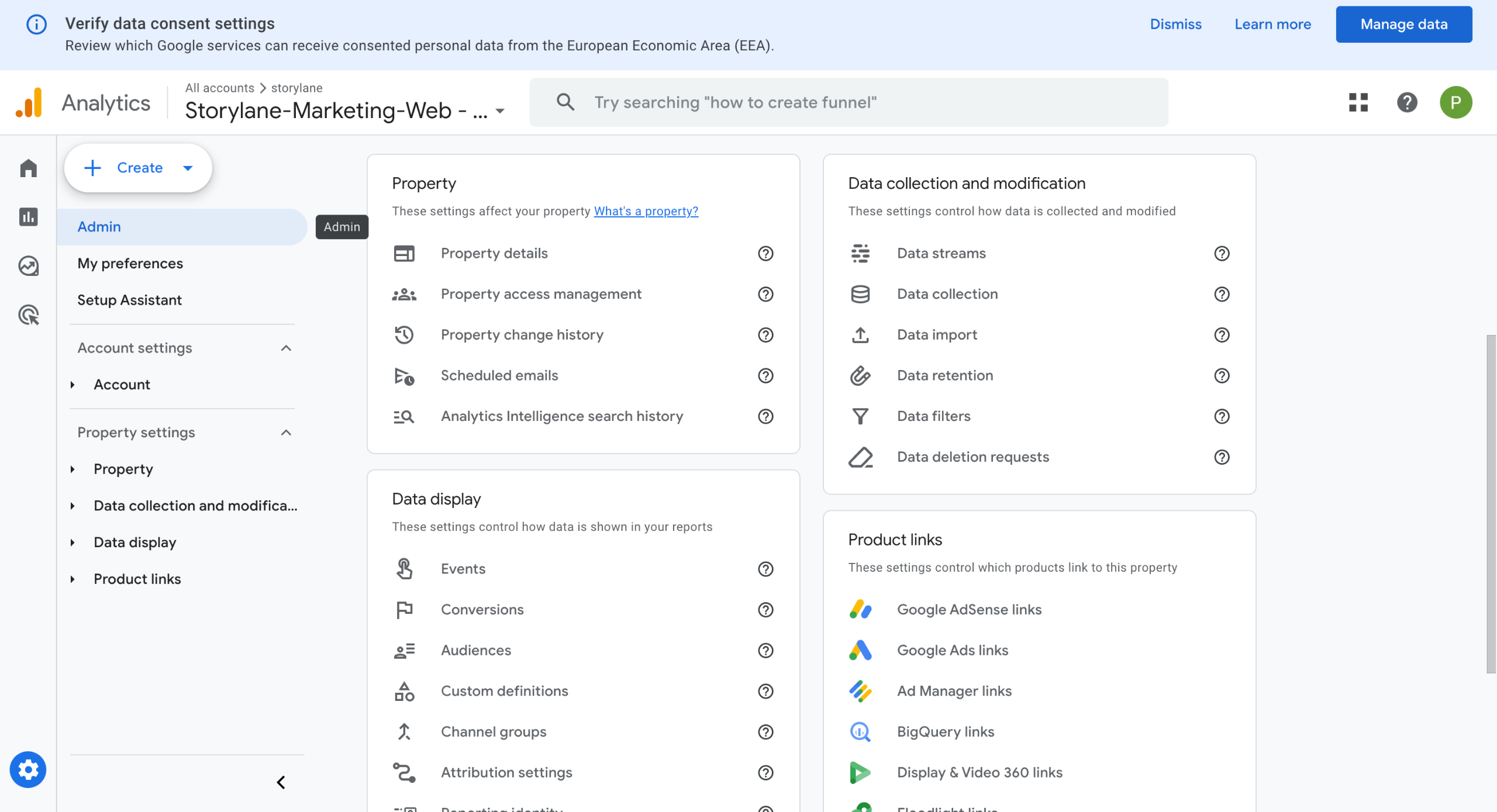
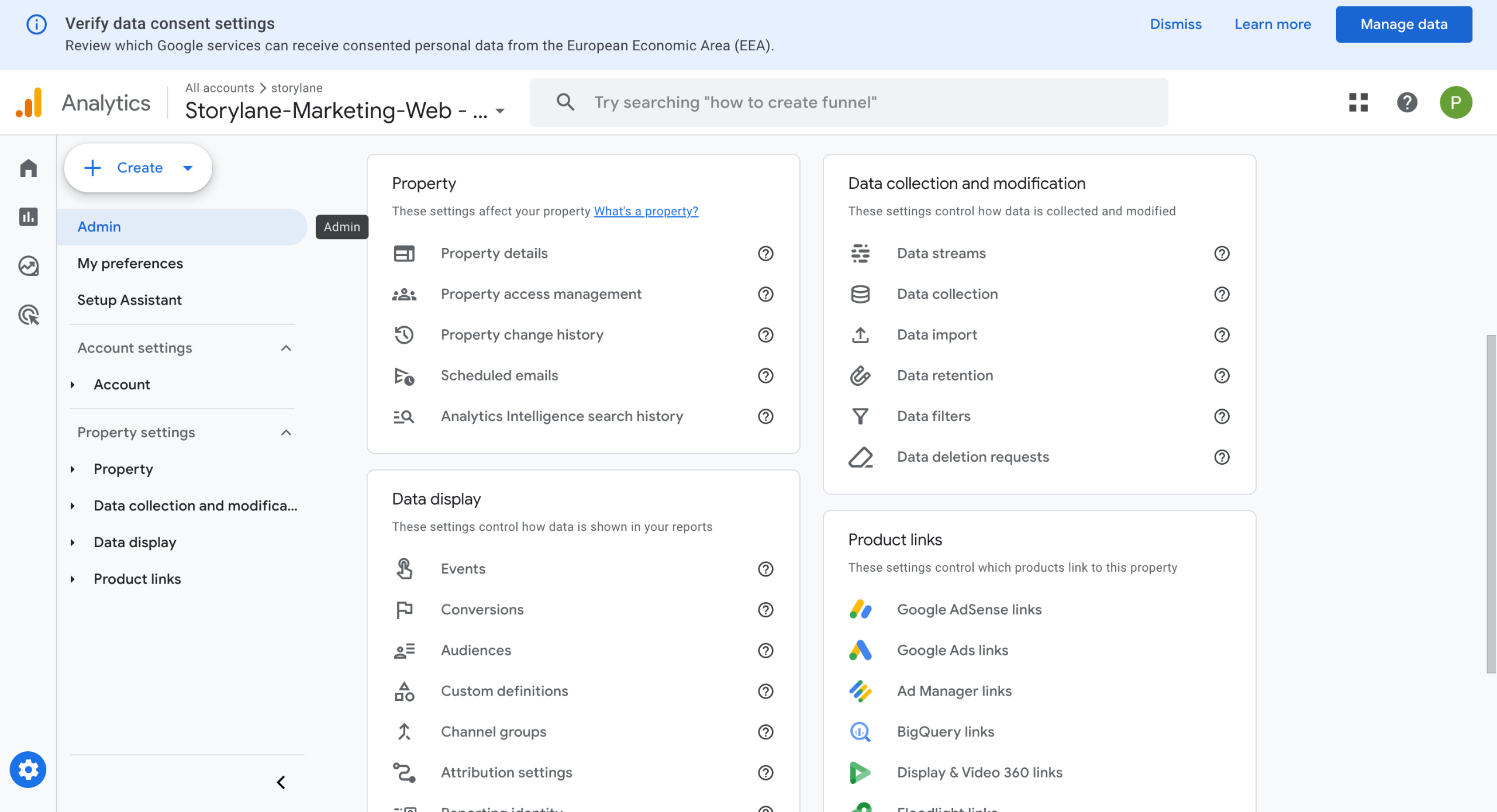
Configure your Google Analytics account quickly by entering site details, setting up properties, and installing the tracking code in your website header. This guide covers google Analytics - Set Up a GA Account in 12 steps, starting with "Click Get started today" and finishing with "Paste it into the header section of your website Add the snippet just before the closin...". The interactive demo above is a click-through copy of the real Google interface, so you can rehearse each step before doing it in your own account.
Frequently asked questions
How many steps does google Analytics - Set Up a GA Account take?
12 steps. Each one is listed in order above, and the demo highlights exactly where to click.
Can I try it without changing my own account?
Yes. Clicking through the demo doesn't touch your Google data or settings. Once you know the flow, repeat it in your own workspace.
This tutorial is filed under Google. Related guides: Google Analytics - Creating Events, How to Set Up Form Tracking in Unbounce with Google AdWords and Google Analytics - Setting Goals. Last reviewed 05 Oct 2026.

Create your first interactive demo in minutes
No credit card required • Start building today