Demos page
Click Demos in the sidebar. Everything in the current workspace is here.
Tabs

| Tab | What's in it |
|---|---|
| LiveDemos | Your interactive demos |
| AI Recordings | Demos made with AI Recording |
| AI Agents | Your AI Demo Agents (Growth plan) |
Find a demo

Type in Search demos to filter by name. More demos load as you scroll. To narrow the list by tag, use Filters. See Tags & filters.
Card actions
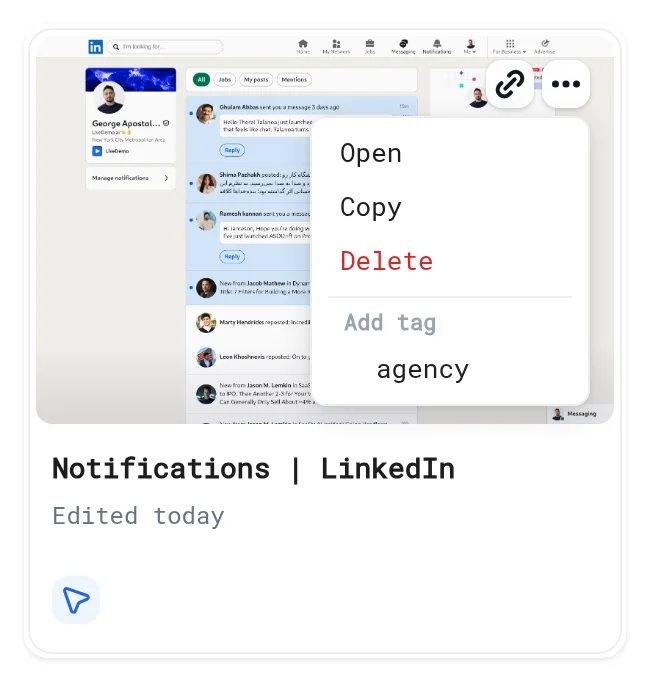
Hover a card and click More options:
| Action | What it does |
|---|---|
| Open | Opens the editor |
| Copy | Makes a copy in the same workspace. See Copy & delete demos |
| Delete | Deletes the demo after you confirm |
| Add tag | Adds one of your tags |
The link icon on the card (Copy share link) copies the editor link for teammates. To share with viewers, use Share in the editor. See Public & private access.
Locked demos
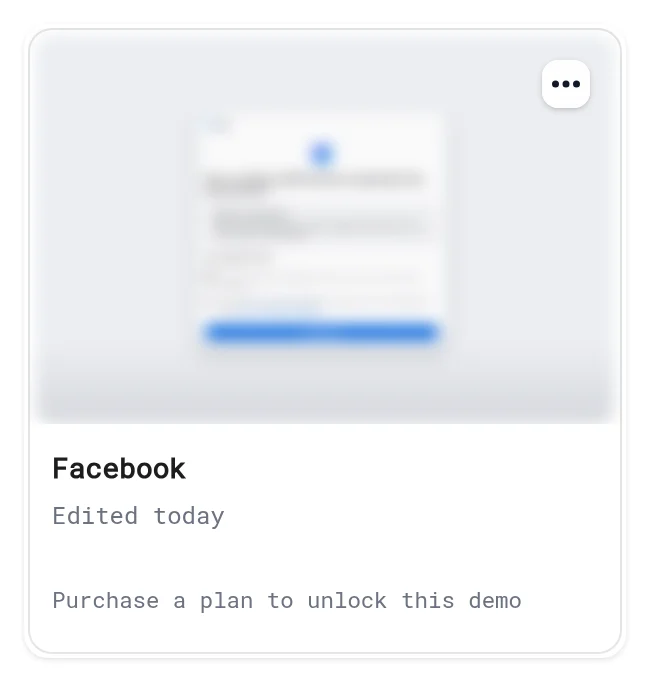
Demos over your plan's limit show Purchase a plan to unlock this demo. You can still delete or tag them. Upgrade in Billing.
Next: Tags & filters
More in Manage Demos
- Tags & Filters: Create tags, tag one or many LiveDemos at once and filter the Demos page by tag.
- Copy & Delete Demos: Duplicate a LiveDemo to make variants per prospect, language or audience, and delete demos you no longer need.